
GO:LIVECAST
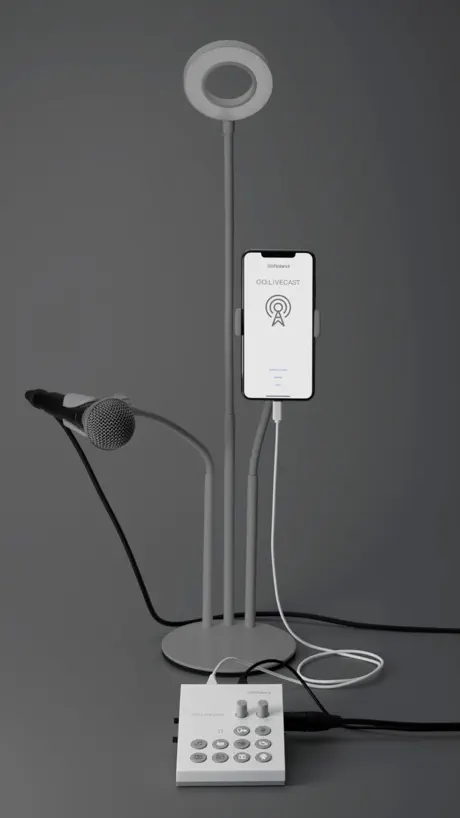
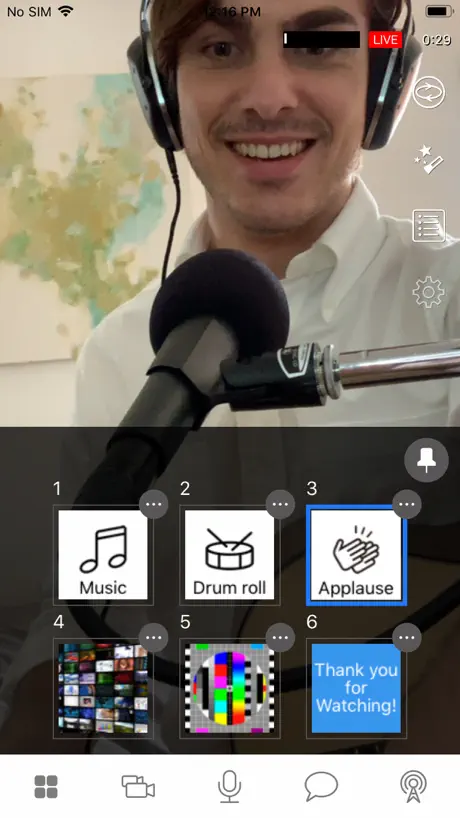
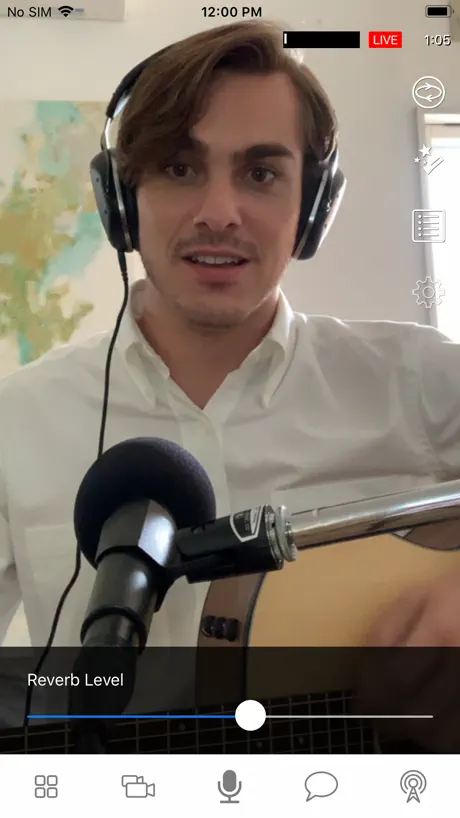
How much does GO:LIVECAST cost?
Prices are current as of 10 Sept 2026.
GO:LIVECAST has no in-app products on record in the United States.
10+ alternatives to GO:LIVECAST
| GO:LIVECAST | 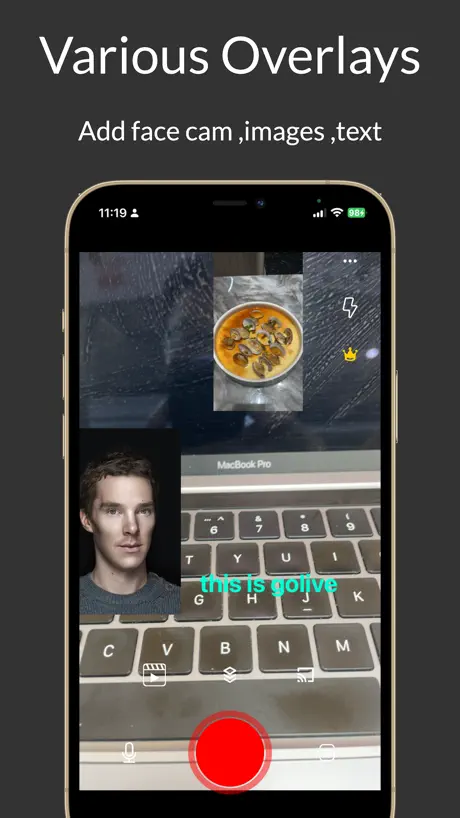  Go Live: RTMP Streams OBS 4K Go Live: RTMP Streams OBS 4K | 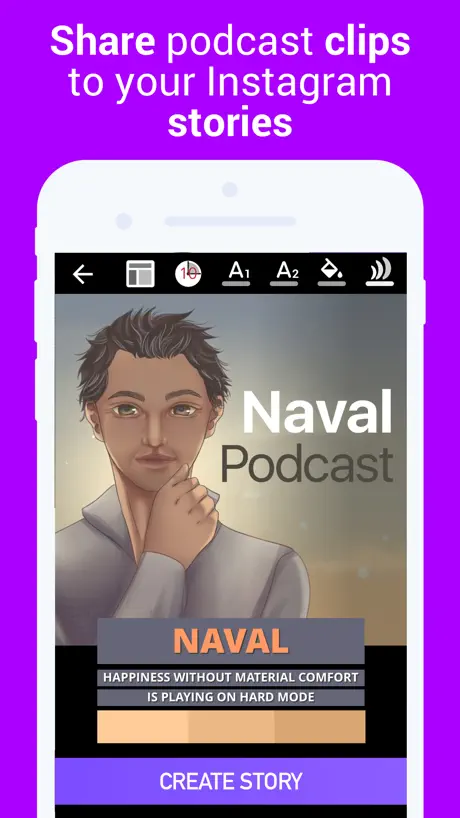  Podcast Video Maker 4Instagram Podcast Video Maker 4Instagram | 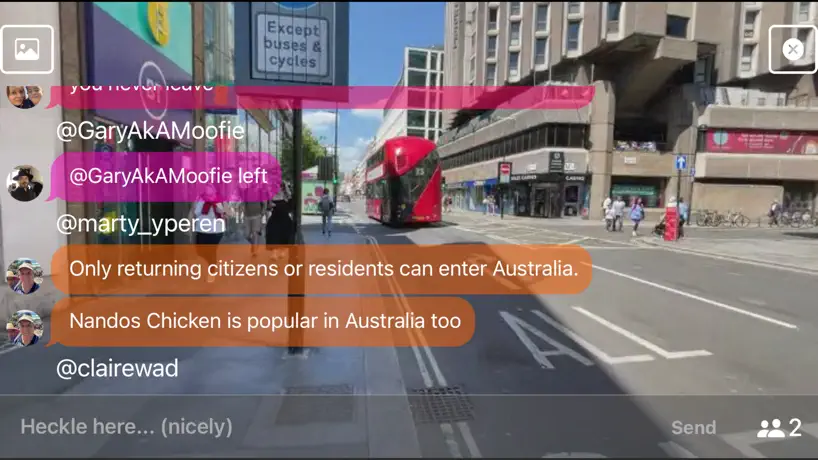  Heckle Live Streaming Heckle Live Streaming |   ViuLive: Multicam Live Stream ViuLive: Multicam Live Stream |   Pitalk - Live Stream Dating Pitalk - Live Stream Dating |   StarPterano StarPterano |   サウンドナビ サウンドナビ |   TootDesk TootDesk |   StreamAgain StreamAgain |   UKnowMe: Privacy & Spam Guard UKnowMe: Privacy & Spam Guard | |
|---|---|---|---|---|---|---|---|---|---|---|---|
| Rating / 5 | 2.6 | 4.4 | 4.8 | 4.3 | 4.8 | 4.8 | 4.4 | 2.0 | 3.8 | 1.0 | 5.0 |
| Reviews | 113 | 1.7K | 547 | 151 | 20 | 17 | 14 | 9 | 8 | 1 | 1 |
| Released | 2020 | 2020 | 2019 | 2021 | 2020 | 2022 | 2018 | 2022 | 2023 | 2023 | 2024 |
| Monthly price | — | $3.99 | — | $1.19 | — | — | — | — | — | — | — |
The going rate for each plan in United States, in its own currency, shaded from the cheapest price on the row to the dearest. Plans fewer than four in ten of the priced apps sell are left out.
GO:LIVECAST reviews
2.6 out of 5, based on 113 reviews.
What people like
- Hardware interface is very easy to use
- Handles multiple cameras and overlays well
- Great value for the price paid
What they complain about
- App crashes constantly on new phones
- Audio mixes stereo to mono only
- Support ignores your actual problems
- Streaming hangs and never goes live
Hỗ trợ kết nối fb,youtube
Mong nhà sản xuất hỗ trợ kết nối livetream trên facebook và youtube tiktok . Hiện tại phần mềm này ở việt nam không kết nối được
App not working anymore pls fix
Please fix it! the app is not working anymore
A decent little device
I purchased mine live cast after Roland updated the device several times. I’ve only had one instance of crashing and the audio input is good. However, I can’t seem to get the screen broadcasting to work and comments from twitch do not come through. I also think adding Instagram live would be a great addition to the live streaming platforms.
Не записать…
Не могу записать видео на телефон. Отзовитесь, есть те, кто смог?
商品自体は良いのだが…
ツイキャス用に商品を購入しました 商品自体はとても良いです ただこちらのアプリを通してツイキャスをすると配信中に何度か切れてしまいます アプリが落ちたりというより、視聴者側で切れている感じです ツイキャス中は普段そういうことはありません アプリを強化して欲しいのですが、レビューを見ると2年前からあまりアップデートされてない感じでしょうか?(汗)
Apple Ipad os15 & ios15 ?
Hello, I have an iPad Air 4 (Os 15.3.1) and an iPhone 13 Pro Max (Os 15.3.1). I have a problem with the quality of the image, it is not fluid. There will be an update to the application so that it works properly with the Os15 ?
Rubish aps… doesn’t work on ios 17
I expect more from Roland… so i bought the gadget this aps is a let down and poor support from the tech dept.. they just keep sending me link thats already on their website tht doesn't help at all… installation guide was very poor…. And they didn’t seems to know that IOs was still not supported…
手軽に配信できるのは吉
ポン出しやテロップ、被せ画など、小難しい機材が必要なのを一台で賄えるのはとてもよい。 ある意味、スマホ用のオーディオインターフェースでもあるので、高品質マイクを持っている人には活用できるのではないか。 キッチンに常設して、調理動画を配信するのに使っています。 1つ難点あるとすれば、スマホを2台カメラを使うのに持っていかれると、レシピが読めないということですw いろいろ不安定な部分はアップデートに期待します。
Facebookライブ不具合2024/10/14
「アクティブでないアプリです:現在このアプリにアクセスできません。アプリの開発者は問題を認識しています。アプリが再びアクティブになった時点でログインできるようになります。」 とのメッセージで配信できません。 早々のご対応を期待します。
突然使えなくなりました
ライブラリが全体対応にして欲しい
Trash
Worked one time and then wouldn’t record again.
録画でテスト中ですが・・良いです
厳しい評価があるので心配しましたが、今のところ、なかなかの高評価を感じています。^_^ 2カメにiPod touch の接続を希望します。 iPhone を2台持っているひとは少ないでしょうから。今は、Bluetooth接続して色々と試みています。マニュアルもしっかりとしていると思います。もう一歩の頑張りを希望しています。 3万円でここまでできるのは、スゴイ。
Active the app please.
App is not working again. Every time a new IPhone comes out the app crashes. It’s been 3 weeks since the app crashed. I love using the app and the interface but it always crashes when a new IPhone comes out.
インアウトカメラはとても便利だけど…
カメラも、動画も、テキストも大きさと場所の設定をもっと詳細にできるといいですね! 普段ツイキャスを一本でやるより画質も綺麗だけどそのかわり重いので電波環境がよくないと止まりやすいです…! 今でも使えますが、すごくおしいので、もう少し進化してもらえると大変嬉しいです。
Keeps glitching and crashing mid-recording
Trying to record on this is a waste of time. Keeps glitching and crashing EVERY time. Utter piece of junk.
Bug
У Вас по-прежнему баг при запуске трансляции на Фейсбук. Когда ставишь EVERYONE, то есть для всех, показывается далеко не всем. Видимо друзьям только. Неужели за столько времени нельзя исправить такой простой баг?
No support for Zoom
It’s quite a shame that they worked so hard on the hardware side of things but this product’s functionality is torpedoed by lack of updates and functionality of its app. Zoom is a natural habitat for musicians (although you have to enable original sound). This would have been the perfect device to share multiple screens for broadcasts, but the app won’t support zoom.
新しいiPhone SEに対応してない
今までマイクから声を拾えたのですが、iPhone 7からSEに変えたところ、声が拾えないし拍手ボタンで音が出せなくなってしまいました。アップデートをお願い致します。
RMTP broken on IOS 14.1
RMTP broken on IOS 14.1
Impressive concept! But a few comments...
During the COVID-19 shutdowns and needing to resort to live streaming and video conferencing for most of my work, this unit and app are VERY impressive!!! The interface box is very well thought out and easy to use. The app has a couple features I would like to see and one function in the interface itself: 1) Interface: Be able to utilize the stereo audio in as stereo and NOT mix it to mono - maybe the switch function of Stereo/Mono available inside the App Settings. (BIGGEST disappointment of all!). No idea why Mono mixing was done - FaceBook, YouTube, and some other streaming services allow stereo. I use this unit with a digital organ, and it muddies the sound by not allowing it to have the spacial definition the stereo outputs give. (Not knowing if the audio mixing is done in the interface or the app, I can’t say if this is able to be implemented.). And while you’re at it, an EQ function for the Audio Input in the App would be useful as well. 2) App: Allow the text/photo functions to allow Fade In/Out as well as Dwell Time (allow it to display for x-seconds) 3) App: Allow “BlackBox” sides when displaying a video to fill up the entire screen. Currently (April 2020) it allows you to display the video in the center of the screen, but the camera feed is still visible on the sides of the screen. 4) App: Allow Opacity functions of photos and videos over top the camera video 5) App: The ability to log-out of streaming services. Right now (April 2020), I was unable to logout of my services once logged in. (Second biggest disappointment of all.) 6) App: Allow repositioning and resizing of Picture In Picture Satellite Camera function. Also maybe allow a faded edge function to soften the edge of the PiP. Comments regarding operations that are not covered in the Manual: 1) Using a Picture or Video to assign to a Pad from your Photos Library MUST be downloaded to the device before importing it into the menu and buttons - otherwise the app crashes. 2) You CAN use the audio interface portion with other apps. But you have to set it up with the App on first, then you can change apps. You can still use the Mute Mic button on the Go Livecast box. But no video/photo/text capabilities are available without the Go Livecast App. I do hope Roland updates the app to include the functions I mention above - ESPECIALLY the Stereo function. Right now it is about 90% useful without those functions I mention, but still very useful as it is. Bravo, Roland!
App not dependable
I dislike the fact the app and device will only work with Wi-Fi. Also, the app keeps crashing.
Hard to love
Inconsistent with features. Some days they work and some days they don’t. The satellite camera option just keeps saying waiting on connection. Do we need an update???
Garbage, Garbage Garbage
This app is terrible. It constantly crashes..yes I have the latest version, with tons of storage on my new Ipad.....you cannot rely on this app or device to work properly.....terrible job Roland 👎👎👎
Nice hardware Poor App
C’mon Roland you have a great interface but the app crashes when I attempt to load a pic or a movie clip from my Library. Please allow to post livestream on business pages. Other than that, it had potential.
Mais plataformas
Seria bom se tivesse instagram Tbm
Text overlay issue
Wanted to use this for some guitar tutorials but it doesn’t allow text overlay in landscape mode , which makes it useless for my needs
Câmera travando
A câmera satélite está travando muito. Somente a câmera principal não trava, mas nela não é possível dar zoom.
アプリがひらけません
iPhone8です アプリタップしても開かないです。 どうすれば?
Doesn’t work at all
Downloaded this app on iPhone 7 running version 12.1.2 and app will not even open! What gives?!
Just hangs
After the new update it just hangs trying to go live on Facebook. Other apps don’t connect gives an error when trying to connect. Please fix!
Please keep developing this software!
Ver 1.0.4 So, the premise is great and this product has every potential of being fab! However, the software is a bit patchy. I’ve been working with this product for a few weeks and I have been able to get it to produce some great live content, but with a number of work around. Here are a few things I’ve had to do. 1. RTMP It’s advertised as being able to integrate with FB and YouTube, at the time of review the functionality didn’t really work, you only had the option of broadcasting directly to your main FB page, not groups or pages, as far as I could work out, and could not connect with YouTube although I am happy to confess that might be user error, or that I don’t have over 1000 followers so may have had issues because of that. All of that aside I managed to use the RTMP process pretty seamlessly, (however one little niggle is that you have to ‘go live’ twice every time, ie connect then cancel then connect again, before you actually connect) 2. Second Camera This was very patchy when using the WiFi method, however I am going to trial the hotspot method which are both detailed on Rolands good instructional videos online. People have complained about the comping of the stereo signal to mono, but it doesn’t effect the work I’m doing too much. I’ve made the app fall over when trying to allocate video files above a certain size to one of the allotted video buttons. I’m running this on an IPhone 11 Pro, in summery it’s patchy, but when it works it’s good. Keep an eye out on the version number, hopefully Roland will keep developing the software for it and stop it becoming obsolete in 6 months.
Be Careful
I’ve used this for 4 of DJ live streams now, the concept is great but it is let down massively by the app software. The app crashes constantly on my iPhone SE (there’s goes my second camera).. it works on my iPhone 8. I haven’t been able to enjoy the other features on the unit due to fear of it crashing. Its a very light plastic box and the mic port is faulty already and will need replaced. When you go live, it doesn’t auto rotate to landscape which is frustrating. Also it would be handy if the unit could charge your phone while connected, I get 2 hours on a full battery and that’s it. I have a pile of Roland stuff and this unit is not the typical standard you would come to expect from them... i note the new update gives you more options for streaming to pages etc now which is good.... I want to like it, but as it is I’m looking to move to something else as soon as possible and then try to return or sell the unit. It hasn’t crashed while I’ve been live which is a blessing. I get the feeling if I was to push the unit then it would tho and as I’ve stated once I’ve replaced the equipment I will try to return it for a refund. Expensive for what it is.
Needs a BIG Update
The interface works well enough for me but there is no way to navigate through the app to Facebook pages you manage to livestream there. (In other words, you can only use it on your personal account page) This pretty much rendered a costly piece of equipment ineffective to meet the need for which I purchased it. Also having some issues with dynamic mics on the unit. Some work, some don’t when recording / casting. No problem with phantom powered mics. Please update the app to allow navigation to a desired FB page!
I WANT to love this app
But....there have been a lot of bugs. User interface for creating /editing text overlays is horrible. Really wish they would make it more user friendly and more intuitive. But my biggest issue is the connectivity / bugs when streaming. Everything works fine and then when I click broadcast is just hangs on “live” but countdown never starts and/or buttons stick and become unusable. Please. Please. Please. Update this app / provide a firmware update because this is (potentially) a great piece of hardware.
Great idea but so buggy
So many crashes and I don’t see comments at all on the livestream. KINDA IMPORTANT ! Very disappointed
Missing music and FX
I’ve had the LIVECAST for about a week, last evening I eventually started using it, I made an intro with a piece of music from the selection in the app [Dramatic] and also one of the featured sound FX [Game Over] however, today when I set out to carry on with my project, the two afore mentioned music and fx pieces have now gone from the app? also the music pad [1] and FX pad [2] now make a whining noise when pressed. What gives Roland?
進化してほしい😭
まず画像や動画の表示を、好きなところに移動、拡大、縮小出来るようにして欲しい。 (サブカメラも同じく) 動画の好きなところを戻せたり止めたりできるようにして欲しい。 YouTubeやネット検索した動画の表示、また音源のみを使用出来るようにして欲しい。(キャプチャー) ラグが凄いので直して欲しい。(動画再生したときの声とのラグも。) アプデ、改善待ってます😭
GO:LIVECAST FAQ
- Is GO:LIVECAST free?
- Yes. The app is free, in all 175 countries it sells in, and it sells nothing inside it.
- Does GO:LIVECAST have a free trial?
- No. None of its offers (US) come with a free trial.
- What are the best alternatives to GO:LIVECAST?
- Go Live: RTMP Streams OBS 4K (4.4 from 1,744 reviews, premium from $3.99), Podcast Video Maker 4Instagram (4.8 from 547 reviews, premium from $6.99) and Heckle Live Streaming (4.3 from 151 reviews, premium from $1.19).
GO:LIVECAST download
Last updated 2 years ago.
GO:LIVECAST sells in 175 countries. It was released 6 years and 9 months ago, on 6 Jan 2020. It holds a 2.6 rating from 113 reviews.
Supports 3 languages: English, Japanese, Chinese.
How much does GO:LIVECAST make?
Third-party estimates for the last 30 days, worldwide — not the store's own figures, which Apple publishes for nobody.