
vSphere Mobile Client
Monitoring and Troubleshooting
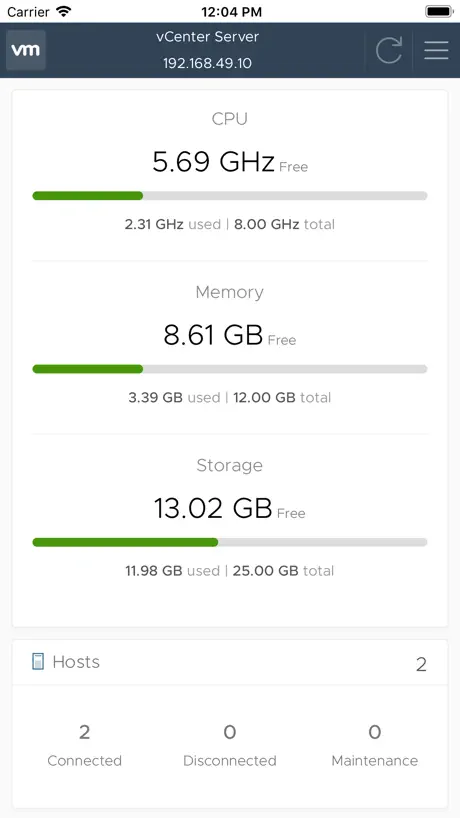
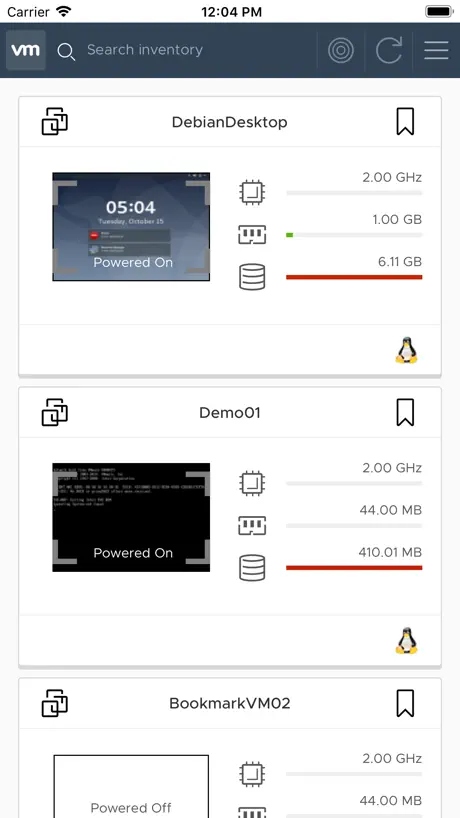
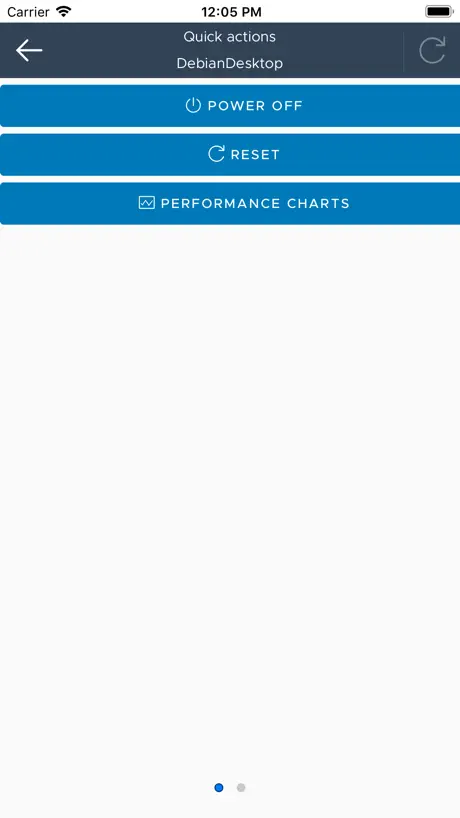
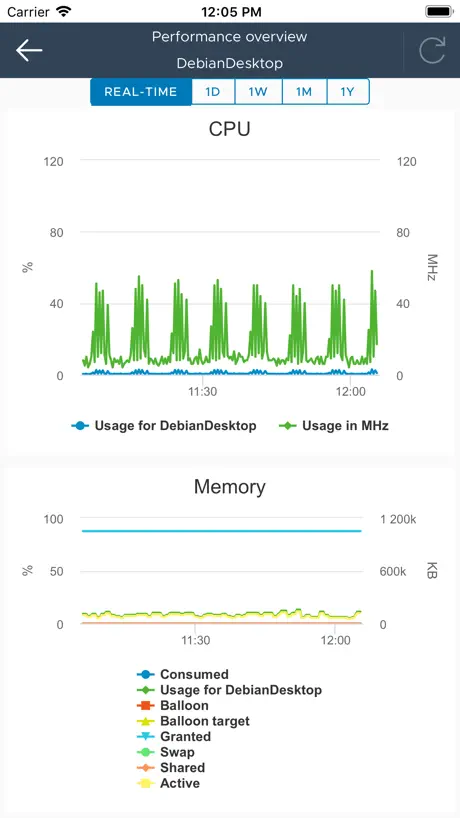
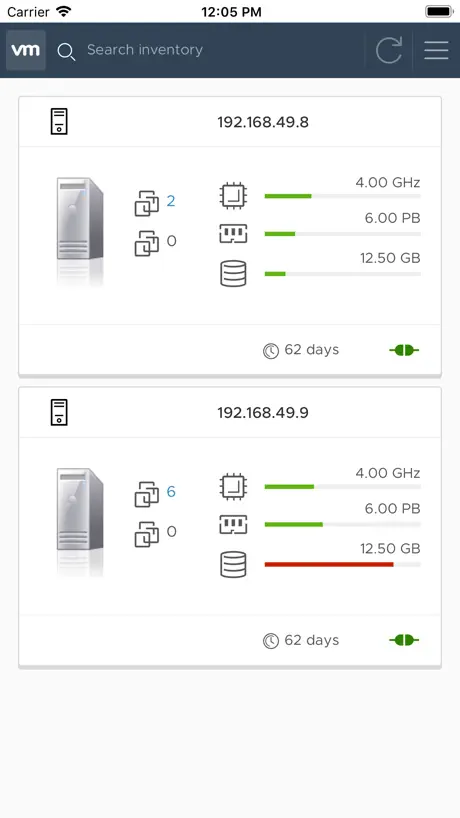
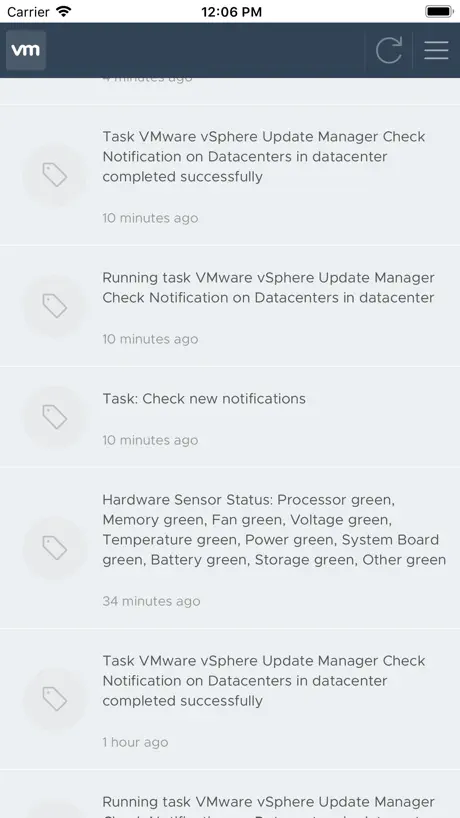
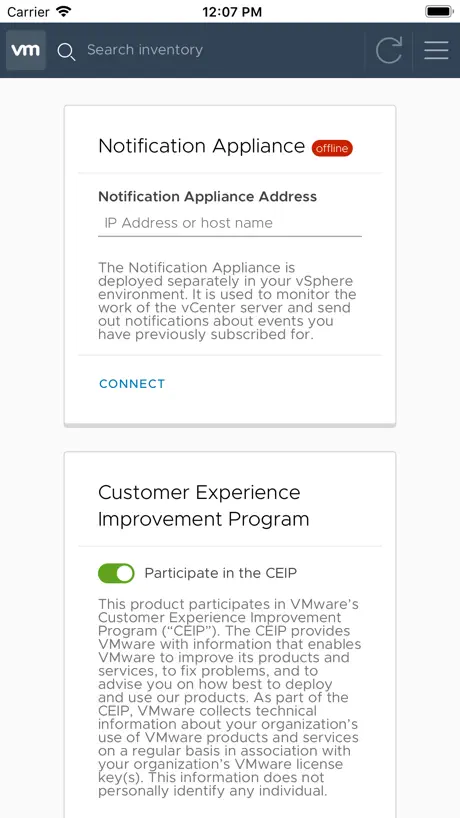
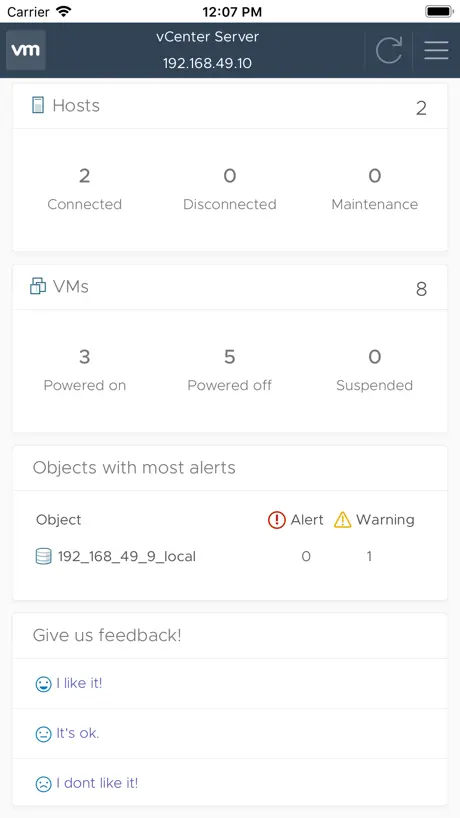
How much does vSphere Mobile Client cost?
Prices are current as of 2 Nov 2026.
vSphere Mobile Client has no in-app products on record in the United States.
10+ alternatives to vSphere Mobile Client
| vSphere Mobile Client | 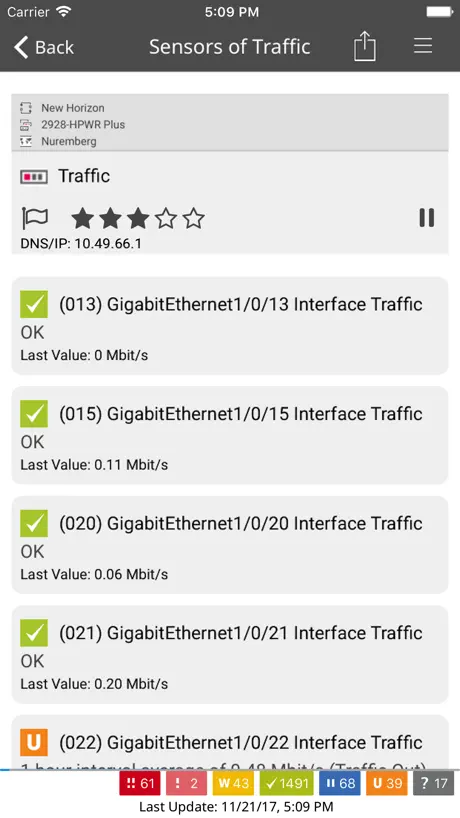  PRTG - Monitoring | 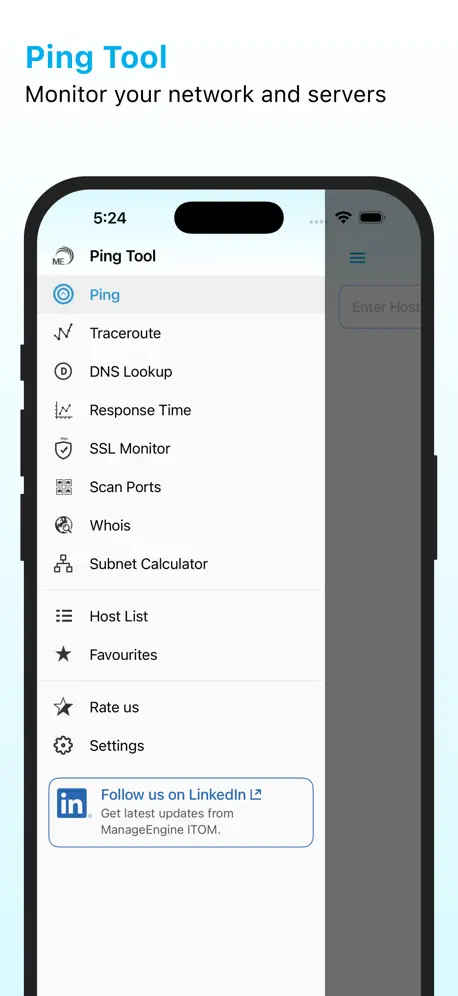  ManageEngine Ping Tool | 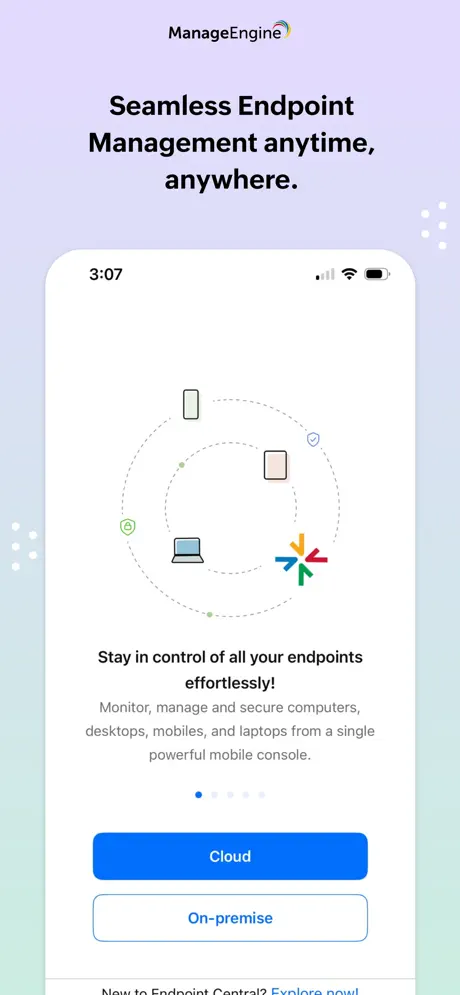  Endpoint Central | 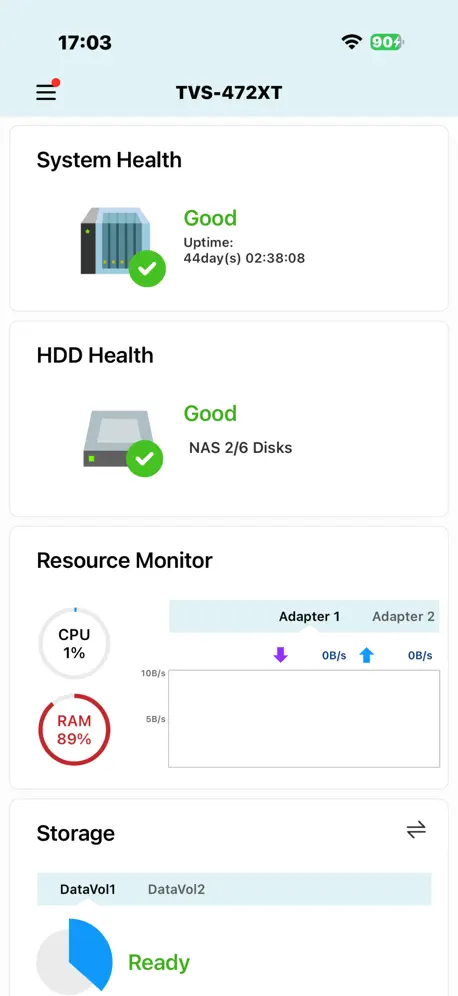  Qmanager | 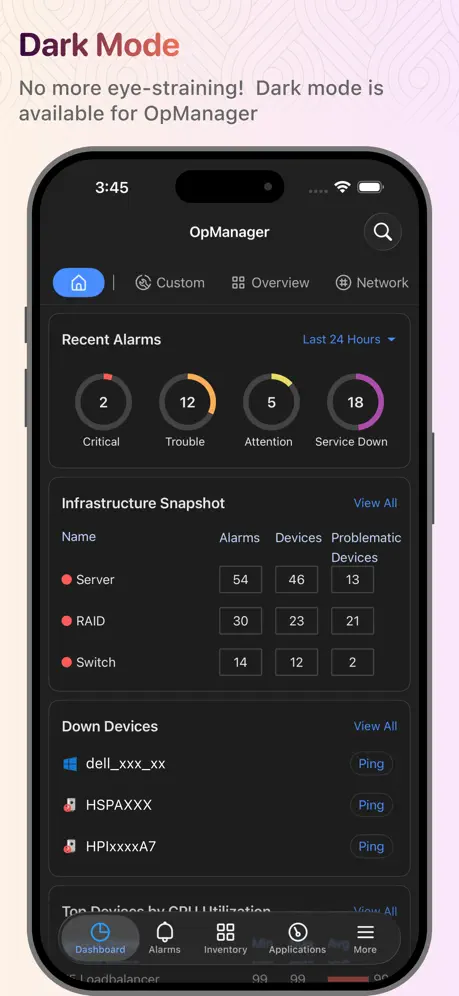  OpManager | 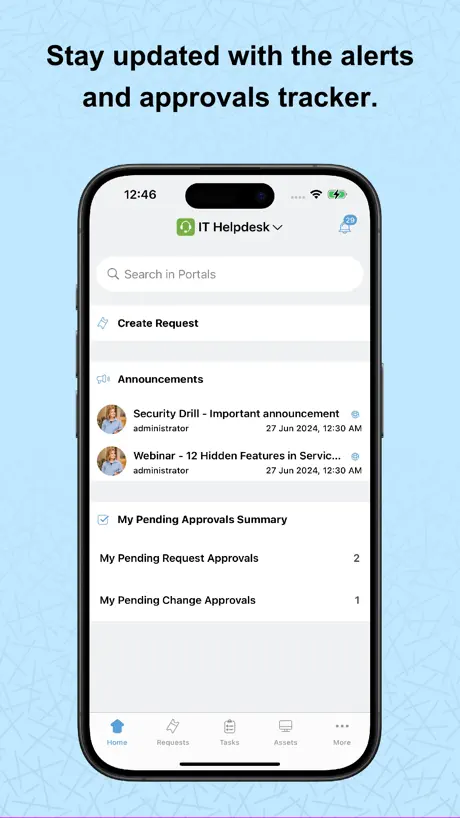  ServiceDesk Plus | On-premises |   OpenManage Mobile |   Pure 1 |   ManageEngine ADManager Plus |   Delinea Secret Server Mobile | |
|---|---|---|---|---|---|---|---|---|---|---|---|
| Rating / 5 | 3.3 | 4.7 | 4.8 | 4.8 | 3.0 | 4.7 | 4.6 | 3.0 | 4.5 | 3.3 | 3.0 |
| Reviews | 238 | 11K | 2.9K | 1.2K | 585 | 516 | 187 | 87 | 46 | 35 | 28 |
| Released | 2019 | 2009 | 2011 | 2016 | 2012 | 2012 | 2011 | 2015 | 2016 | 2013 | 2020 |
vSphere Mobile Client reviews
3.3 out of 5, based on 238 reviews.
What people like
- Clean interface and easy to use
- Good for quick monitoring and stats
- Better than the old watchlist app
What they complain about
- Console connection fails or hangs
- Cannot send Ctrl-Alt-Del to VMs
- Power on and off often fail
- No dark mode or FaceID support
更新啊
不更新了吗?
Missing Essiential Ctrl-Alt-Del pass through.
Much needed app but lack of basic features like being able to send Ctrl-Alt-Del to login to a Windows VM make this unusable. Better off with the browser.
Cool Idea. Please iron out the bugs!
I recently downloaded the app to test it and really like that it provides basic everyday functionality to manage my vmware installation from my phone. If I just quickly want to check on or restart a vm I don‘t have to start my PC anymore. I have a weird issue with it though. If I try to connect to my host directly from the LAN I get an SSL connection error. If I connect from outside my LAN via VPN it works just fine. Please iron out the bugs and keep on developing the app. It‘s great!
Not very useful on iPhone.
Can't use the mobile screen like a touch pad, to zoom in on a VM desktop like windows , which is basic mobile phone functionality. Have your devs tried using the app on their mobile phones??
Fairly basic, but it works
Please, keep working on the app. It's fairly basic and it lacks a lot of important features. Thanks!
we need chinese!
we need chinese!
Bug-ridden legacy app
Here we are in 2023 and the app is still full of bugs and where basic stuff such as deleting hosts doesn’t work. The last update was more than a year ago so it’s clear VMware doesn’t really care and has all but abandoned the app. Which is a shame as it could have been great. Save youself the hassle and use vCenter in a browser instead. It’s not great on a phone/tablet but at least it works.
Great app (mostly)
For emergencies, it’s a great app. The only major area of improvement would be the console. It is very small and unable to be viewed in full screen / landscape mode on a mobile device (which makes it pretty useless). For monitoring resources, viewing tasks/events, using snapshots, and rebooting VMs, it works great.
Severely lacking
I’d give this app 3-4 stars if it were made by some unknown developer on a low budget but it’s insane that VMWare still hasn’t produced a better mobile client. The biggest feature I’ve been longing for in this client is a solid remote client but it took them forever to implement it and now that you can at least get into servers the controls are poorly though out at best and down right buggy at worst. Come on VMWare, it’s not like you don’t have a million other examples out there of how to implement a mobile client for touch based mobile platforms. This is the kind of product you get when your R&D process doesn’t involve testers who actually have to do work on the go.
键盘无法在mac虚机里输入.点 鼠标无法使用滚轮
键盘无法在mac虚机里输入.点 鼠标无法使用滚轮 windows 虚拟机下无法使用滚轮.
Brilliant
To those reviewers of earlier versions, you should check this out again. It’s incredible. One review said you couldn’t even suspend a VM. Well, you can now. All day to day VM operations are available.
Poor user experience
1. Cannot full screen VM VNC. 2. Bad support of Apple Pencil and finger touch on VNC.
Not just for vSphere!
I don't use vSphere, and luckily this can connect to and manage the fully free and stand-alone ESXi server. The app can't do a lot to manage your VMs, but it does let you view them and their stats.
Poor certificate handling
The app doesn’t handle internal certificates at all.
Working.
Hh
Very nice lightweight app
All the complaints in all the reviews I saw have been addressed. You can control VMs. You can access a console, including typing in it Very nice usage graphs. Perfect for checking on a process or vm. Not designed to be a full scale replacement for vcenter.
Crashes if you select VMware cloud
On both iPhone and iPad the app just closes if you select VMware cloud at login.
Nice
Very cool and better than the old Watchlist app. Cool would be managing stapshots and delete some of them. Dstastore browser would also cool
Guter Ansatz
leider wird die Tastatur falsch behandelt, egal was ich einstelle.
Remote console needs a keyboard.
I really like the overview and dashboard, but if you want to mess with a client directly, you have to pull up the on-screen keyboard to do the CAD key press or enter credentials without a bluetooth keyboard. It’s not ideal. Please include a way to launch the device keyboard with special keys.
This is a great start!
Great app with Basic functionality up and running. Monitoring for monitoring status. I would love to see the terminal working.
Doesn’t work with iOS 16 at all
App loads shows icon briefly and then go to white screen.
希望添加多国语言支持
希望添加多国语言支持
ipad pro横屏键盘⌨️不显示
先竖屏再横屏才会显示
Needs console capability
Works good, but really miss consoles. Lost ssh to a virtual and needed console to see why, but not with this app.
Thank you Vmware!
Thank you Vmware as this app would really simplify our work and with every update there is a new feature! Neat work, thanks!
Crashes
Just completely crashes at the point of login with vCenter 7
Feature to consider
Not bad. Simple and clean. However, a simple bookmark or drop down list of your previous vCenter sessions would be helpful
6.0版
连接一直在connecting中
Moving In the right direction
The app is extremely clean with a lot of options. There is a lot of work that still needs to be done. My biggest gripe with the app is that I can not power off or power on VM’s. Every time I try I get a failure notification, but unable to view why it’s failing.
Love the design and usability
Thank you VMware team for really nailing the usability. A very modern app, easy to use and very functional. Love it, love it, love it!!!
Nice idea - but misses the point!
Great idea! Connect to your VMs from a lightweight device like an iPad!!! But wait...you don’t actually get to log into your VM and control it like you do from a computer. There is no way to send the CTRL+ALT+DEL command to the VM so you can log in and control the machine. You can see stats. You can power on/off. Or reboot the Guest OS. But so what? You can do those things from Safari on the iPad. This app is essentially USELESS.
控制台无法连接
无法连接控制台,一直显示连接中。 5.14号更新后虚拟服务器系统识别错乱了,Linux与Windows互换了。
Untapped potential
I've been following this app for about 3 months and it has a huge untapped potential, but even after many updates : - VM console still won't connect - I can't still power on/off VMs - Sometimes I can't login to the host (deleting/reinstalling the app fixes it)
Unable to start and stop vm’s
On iPad Pro 12” the fonts are fine, all display is fine. Unable to start and stop existing vm’s though. Always fails.
It’s a good start
Finally, an Official vSphere Mobile Client from VMware(Fling), even though the functionality and options are very limited with the current version, It’s a good start.
Cant power on VMs
I have a very simple setup with a number of VMs; Linux, Windows etc but can’t power on a single one out of 30. Not much good seeing as that’s the whole point of the app. Also, there is nothing in the logs to help troubleshoot the problem. Just a message saying connection failed.
Console Fail
Would like to know if I need to enable something so I can use Console.
Broken
Well, the latest version works, but if you want to use multiple vCenters you better have the same password for every one. Add two with different passwords and it only remember the most recent password (you can display the password after login fails and see it is wrong)
不支持ipad pro的键盘鼠标么
对ipad pro 的键盘鼠标支持的不太友好啊
Finally, an Official Client
I know it’s a work in progress but finally we have the workings of an official client that is already more useful than the Mobile Watchlist. Thank you for taking this on. If the future is as mobile as VMware claims it to be (Workspace ONE), so should the admins be.
SSL error forever
Even cert is trusted in profile. Not able to use at all.
Needs more work
This app would be great, but, needs a lot more work doing .... No console connection at all! Can’t change password for certificate and now on latest up date just white screen and no login or hangs logging in if I get past the white screen. iPhone 10s with latest iOS
Error loading VMs
Well this latest version has rendered itself mostly useless. I’m getting an error loading my VMs now. “Undefined is not an object” evaluating some config. Hope it comes back. And happy to see they’re still developing.
Great start
This app is the best I have seen but definitely still a work in progress. Seems to be missing the ability to suspend a VM.
Awesome for what it does.
This app is smooth and easy to use. Only thing that would make it better is a remote access client built into it for accessing virtual machines directly .
No console
When can we get a working console on mobile device? I tried VMware watch List previously and that offered console but it never worked. Console not even an option in this App.
Great App
The app connects and works great. I’m also using the notification server and notifications for tasks I choose show up on my iPhone and watch. I wish there was a dark mode and FaceID.
虚拟机连不上
虚拟机连不上,一直显示连接中
Its ok
I wish it had Host shutdown, and wake on lan option.
vSphere Mobile Client FAQ
- Is vSphere Mobile Client free?
- Yes. The app is free, in all 175 countries it sells in, and it sells nothing inside it.
- Does vSphere Mobile Client have a free trial?
- No. None of its offers (US) come with a free trial.
- What are the best alternatives to vSphere Mobile Client?
- PRTG - Monitoring (4.7 from 10,551 reviews), ManageEngine Ping Tool (4.8 from 2,851 reviews) and Endpoint Central (4.8 from 1,166 reviews).
vSphere Mobile Client download
Last updated 4 years ago.
vSphere Mobile Client sells in 175 countries. It was released 7 years and 1 month ago, on 17 Oct 2019. It holds a 3.3 rating from 238 reviews.
Supports 1 language: English.
How much does vSphere Mobile Client make?
Third-party estimates for the last 30 days, worldwide — not the store's own figures, which Apple publishes for nobody.