ProWarm
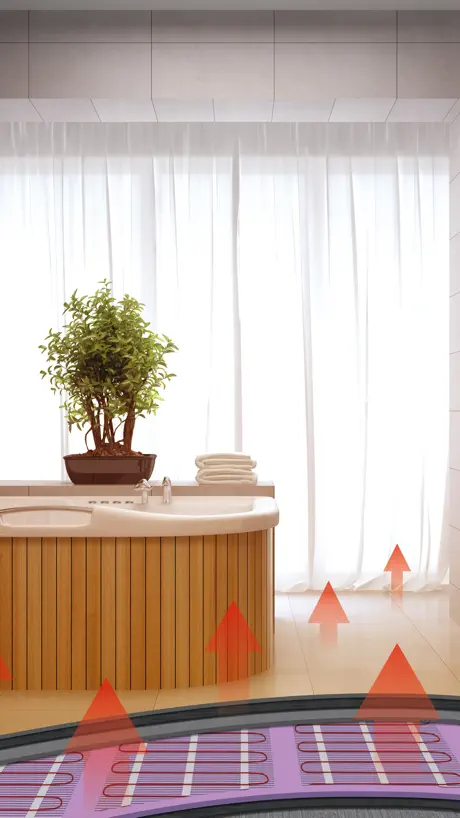
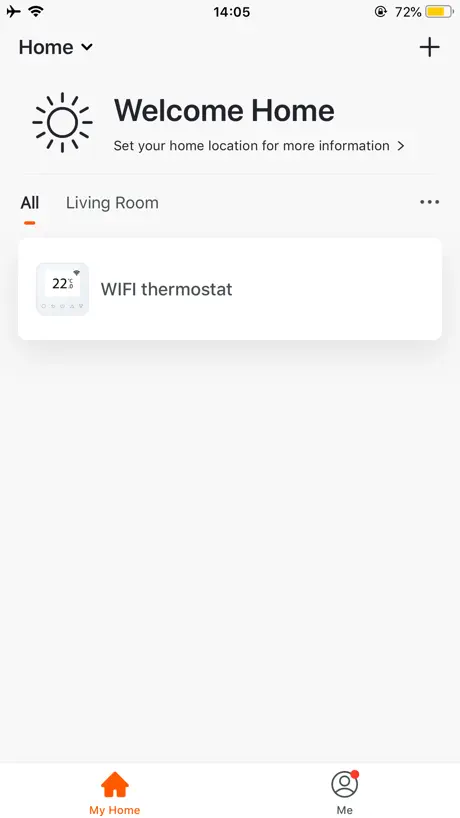
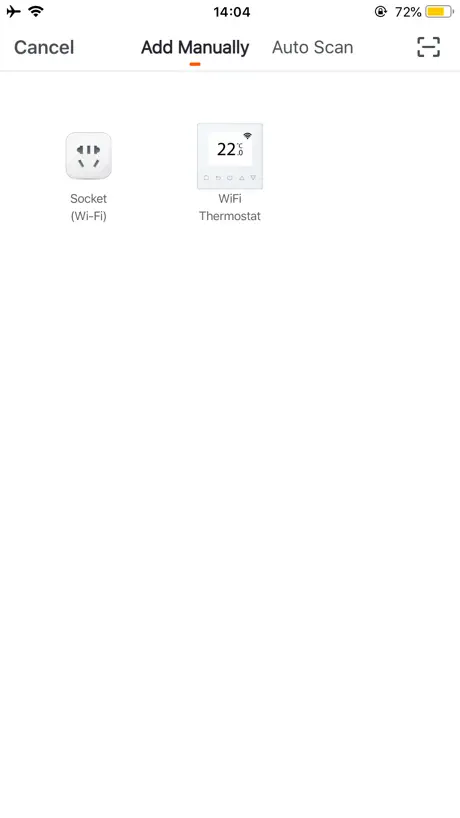
How much does ProWarm cost?
Prices are current as of 24 Oct 2026.
ProWarm has no in-app products on record in the United States.
10+ alternatives to ProWarm
| ProWarm |   BG Home |   GivEnergy |   myHarvey | 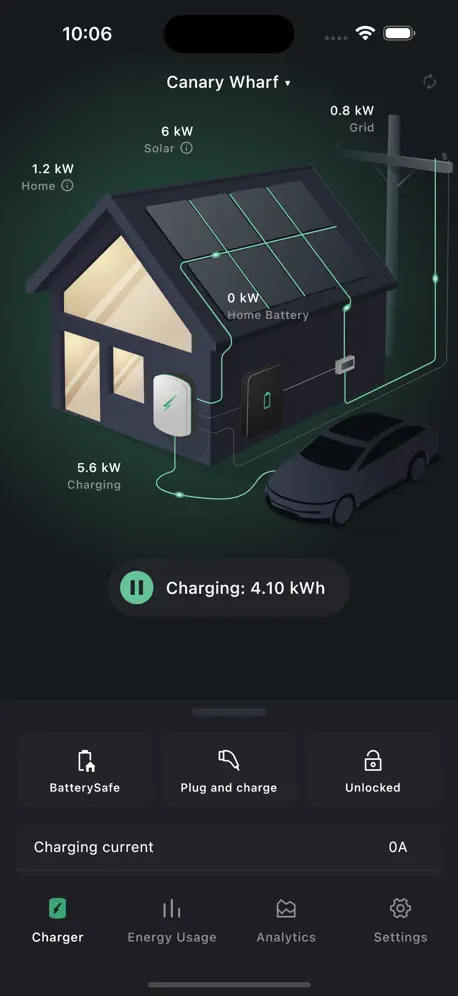  Hypervolt | 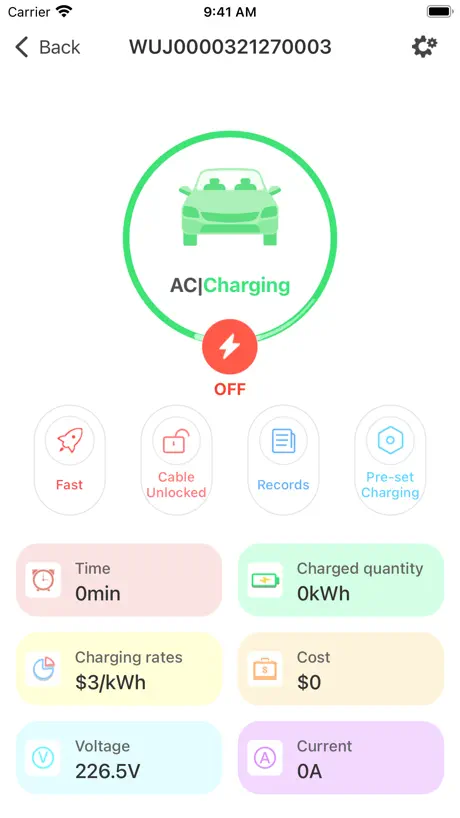  Project EV |   ICS2.0Lite |   HomeControl2.0 |   BG SyncEV Installer | |
|---|---|---|---|---|---|---|---|---|---|
| Rating / 5 | 4.4 | 3.9 | 2.1 | 2.7 | 4.1 | 1.6 | 1.8 | 1.6 | 2.6 |
| Reviews | 1.7K | 1.6K | 760 | 241 | 226 | 204 | 67 | 28 | 19 |
| Released | 2018 | 2019 | 2018 | 2021 | 2021 | 2018 | 2021 | 2021 | 2022 |
ProWarm reviews
4.4 out of 5, based on 1,703 reviews.
What people like
- You can control heating from anywhere.
- Works well once you get it set up.
- Technical support staff are very helpful when available.
What they complain about
- Setup is confusing and instructions are missing.
- App crashes or shows a blank white screen.
- Scheduling options are too rigid and limited.
- Customer support is unresponsive or nonexistent.
Does what it says on the tin
Not sure about the other reviews here but for me, it’s been pretty straightforward to setup the device onto the app and functioning as needed. I connected it to the WiFi thermostat, updated it and it’s been working fine since then so got nothing but praise for it thus far.
Horrible design app
Unnecessarily difficult to use. Why couldnt it be more Hive app or similar.
Nice features
Good, but not enough space at the bottom of the UI for on off switch an full screen model iPhones
Attention to detail
Needs more granular scaling of the history temp graph, only every hour which is not very usefull. Should be able to export data as well
Could be much better
Simple and not difficult and limited scheduling. Also, loud beep sound each time you touch the screen options is very annoying. Why such a loud beep? Only option is to close put phone on silent. Feels like app is incomplete but it still functions on a basic level.
Easy Control
Great app, very easy and zone control is fab !
Too complicated
Totally cluttered - hard to follow - could it be worse?
Ok, but a few tweaks and would be better
For example, there’s relatively limited choice in configuration options during the day, but it’s still quite fiddly to set up. Also, it would be good if you could copy the settings from one day or device to another
Not very flexible schedule
This works as a remote control for your thermostat and makes it ‘smart’, yes - but why does the heating schedule for Mon-Fri all have to be the same? I want my room heated differently on different days, as I don’t have a regular working pattern but it’s impossible to program this. Very disappointing and inflexible.
Is the display temperature floor or room?
Not sure if I’m setting the room temperature or the floor temperature .
Apple home
This app is impressive you can turn you heating on from anywhere as long as you have wifi however I would love to be able to connect Siri as it’s only able to connect to Alexa and google assistant
Hang
Had this system for 3 years never been able to set WiFi up.
Good app that’s easy to use
Could do with a 1 hour boost setting to prevent those moments of forgetfulness when you set the temperature high for a short while but forget to reset it later.
1960s tech given a 2020s face
This is unbelievably fiddly to set (for eg, to change time / temp you have to open a rotating display, which automatically closes again moments later - you need very fast fingers. And if you’re making a big change to the time, you have to remember to change the on and off in the right order because it won’t let you set the on time after the off or vv, even for the brief period while you’re setting it). My work flips pretty randomly between two very different schedules, so I have to programme my heating on a daily basis. No two weeks are the same. But I have to do every day from scratch, for both my controllers, because there’s no copy function between days let alone between controllers. The whole thing takes forever. This is no different in functional design from the one I grew up with, more time ago than I care to mention - why? This type of control is capable of so much more.
Connecting to WIFI
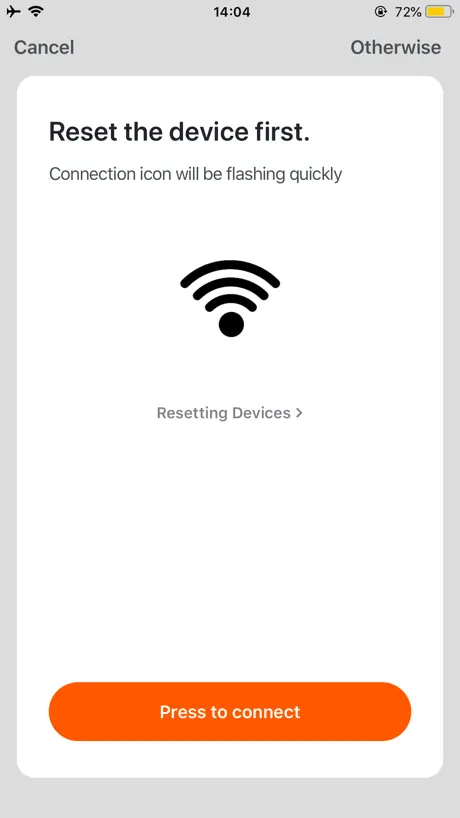
Can’t believe the instruction booklet I was left with didn’t show how to get the thermostat to connect to your local WiFi network. After much googling 1) Turn ON 2) Hold down the UP and DOWN arrows simultaneously. 3) F1 (or F2 will appear) 4) Initiate the ADD DEVICE in the APP on your mobile device 5) The APP will ask for your Network Password You should now have a connection between your mobile device and WiFi thermostats
It works
Yep, I can confirm, it’s works and it works well.
Unless app
One of my thermostat disconnected and after deleting, can’t find it on the app again to reconnect! Every thing is listening but thermostat!
Good
I don’t understand other reviewers. I had it up and running in less than 5 minutes. As for adding to google home search for tuya smart. I could only request for it to work with Siri...
Average system
Limited functionality
Just a white screen
This app was working just fine, but as of today it just gives me a white screen and no way of interacting with the floor heater. Please fix asap
Technical Support
Great service from Sales desk at 8am Basildon where I purchased the ProTouch WiFi Thermostats last Wednesday. Replacing underfloor heating controls that were 16 years old with new technology was going to be tough challenge. The Technical support from David Johnson Head of Technical was outstanding, he listened to the technical issues and was able to quickly advise how to rewire and install the new controllers — first class personal service! Mike Bryant, Buckhurst Hill Essex
The hardest app to use
After having to spend many hours setting up and then spending more time with the most helpful member of staff we managed to set all 4 WiFi thermostats up. But now 12 mths later after not using the app though the summer I return to all thermostats have come off the app and here we go again. Very disappointing.
Only one problem
Every time I go into the iOS app it silences any music playing on that device.
Blank white screen
All I get now Is a blank white page when I load the app. Unable to use the app to operate the floor
Confusing
Slightly confusing alternating between floor and room temp. Numbers don’t always seem consistent. The telephone support has been excellent
Fantastic
We are going to get the whole house done, it works a treat under 10mm tiles
Why is app software getting so bad
It’s ok and does what I want, however I can’t for the life of me connect it to google home. I would also love to see the floor temperature and room temperature on the main screen. How hard could that be?? Logged me out. Go away.
Help!
Unable to connect to my home wi-fi via the app - getting a error message claiming the app only works on 2.4 ghz wi-fi!! At a complete list with this one, can anybody help, it would be greatly appreciated. Thanks in advance.
5* Great App
Very easy to use and I can now control my heating from anywhere in the world!
Who am I?
App keeps logging me out, forgetting device, resetting itself. Keeps defaulting to 21 degrees 100% of the time and is costing me a fortune in gas bills.
Pretty poor so far
So after spending 2 hours (in a super fast 350mb/s mesh network) getting the app to even connect on my iPhone... 1) erratic control of device (if at all) 2) no ability to connect to Alexa via Smart Home as advertised 3) no easy reset of app/thermostat without returning to default 4) awful instructions and couldn’t find anything online/YouTube. 5) no back button in app so I have to keep manually closing/shutting it down just to go back a page 6) timer programming hidden in an advanced controls submenu? Really? PS I’m used to installing/programming these kind of devices. This seems cheap and nasty and both the app and controller UI are poor
Poor all round
The app is fiddly to use, the heated flooring not great and the customer service non-existent. I recently contacted customer support and have received no response. I set the heated flooring to be sat 23 degrees. 20 mins later I return to the room and it’s still cold. Enter the app and the heating has mysteriously dropped down to 19.5 degrees. It does this almost every time. Why? No response.
Useless
Instructions with thermostat box say “scan the QR code to set up” except there is no QR code on instructions or the box. Manually download the app, click “Add Device”. App asks to check the device is in pairing mode. Scroll through setup menu on device. Nothing. Read the instruction booklet, no mention on pairing. Search the internet, nothing on the prowarm site. Find a YouTube video saying to hold up and down arrows at same time. Do that and the Wi-Fi logo starts flashing. The app detects the EV charger in the garage but not the bathroom thermostat I’m standing next to, or the en-suite thermostat. Repeat several times. Factory reset the thermostats. Delete the app and reinstall. Nothing. Waste of time.
Disappointing
App was paired to underfloor heating but stopped working. Spent ages trying to re-connect and looking at troubleshooting info/videos but still not sorted. Contacted also Pro Warm.Com who have not helped. V disappointed and disillusioned with this app.
ProWarm FAQ
- Is ProWarm free?
- Yes. The app is free, in all 175 countries it sells in, and it sells nothing inside it.
- Does ProWarm have a free trial?
- No. None of its offers (US) come with a free trial.
- What are the best alternatives to ProWarm?
- BG Home (3.9 from 1,627 reviews), GivEnergy (2.1 from 760 reviews) and myHarvey (2.7 from 241 reviews).
ProWarm download
Last updated 8 months ago.
ProWarm sells in 175 countries. It was released 7 years and 11 months ago, on 5 Dec 2018. It holds a 4.4 rating from 1,703 reviews.
Supports 64 languages: English, Arabic, Azerbaijani, Basque, Belarusian, Bangla, Bosnian, Bulgarian, Burmese, Catalan, Croatian, Czech, Danish, Dutch, Estonian, Finnish, French, Georgian, German, Greek, Hausa, Hebrew, Hindi, Hungarian, Indonesian, Italian, Japanese, Javanese, ks, Kazakh, Kinyarwanda, Korean, Kyrgyz, Lao, Latvian, Lithuanian, Macedonian, Malay, Marathi, Mongolian, Nepali, Norwegian Bokmål, Persian, Polish, Portuguese, Romanian, Russian, Serbian, Chinese, Slovak, Slovenian, Spanish, Swahili, Swedish, Tajik, Tamil, Telugu, Thai, Turkish, Uyghur, Ukrainian, Urdu, Uzbek, Vietnamese.
How much does ProWarm make?
Third-party estimates for the last 30 days, worldwide — not the store's own figures, which Apple publishes for nobody.