Brilliance Smart
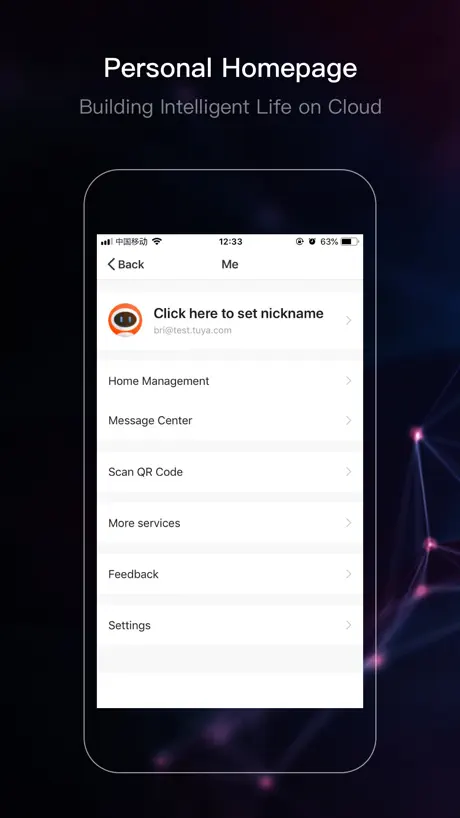
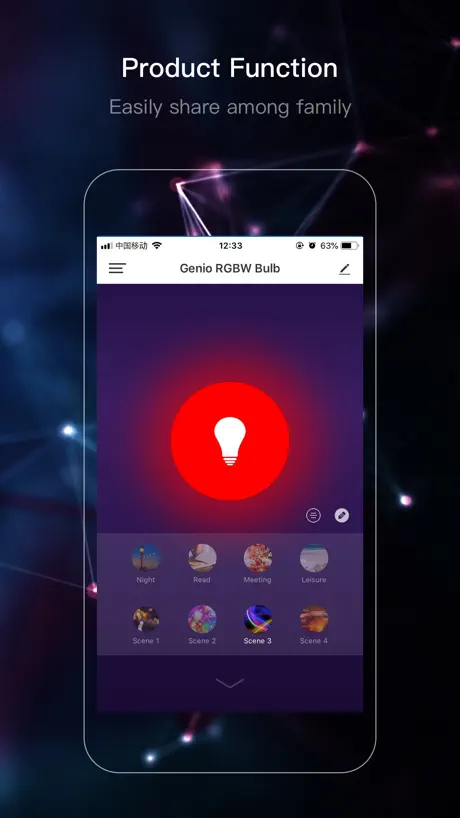
How much does Brilliance Smart cost?
Prices are current as of 20 Nov 2026.
Brilliance Smart has no in-app products on record in the United States.
10+ alternatives to Brilliance Smart
| Brilliance Smart |   Rain Bird |   Hydrawise |   Rain Bird 2.0 |   Hunter BTT |   Hunter NODE-BT |   ALLIANCE bt |   ALLIANCE IT Pro |   Bromic Smart-Heat |   OvrC Connect |   FLEX Gold™ Vivid | |
|---|---|---|---|---|---|---|---|---|---|---|---|
| Rating / 5 | 4.7 | 4.7 | 4.7 | 4.6 | 2.4 | 3.2 | 2.2 | 2.5 | 3.0 | 3.2 | 3.2 |
| Reviews | 3.5K | 100K | 98K | 11K | 514 | 168 | 85 | 52 | 31 | 27 | 26 |
| Released | 2018 | 2016 | 2023 | 2024 | 2018 | 2019 | 2017 | 2022 | 2023 | 2016 | 2018 |
Brilliance Smart reviews
4.7 out of 5, based on 3,507 reviews.
What people like
- Customer service team is helpful and fast
- Works reliably with many different smart devices
- Lighting effects look beautiful and vibrant
What they complain about
- App is confusing and hard to use
- Automations often fail to save or run
- WiFi connection drops even near the router
Disappointed
Can’t review something that won’t even download disappointing
App no longer works
I set location to always and the app still doesn’t allow for automation due to ‘No location information or no astronomical timing has been set up.’ It worked from December 2025 until September 14, 2026 and NOTHING has changed in our home. That’s besides my temper for this app not working. I have to manually tune the lights on and off. What a joke It sold this to us for automatic on off which DOES NOT WORK. SUCKS!!!
Love the app- but it isn’t reliable
Maybe I’m doing something wrong. But it runs fine for 2 weeks then stopped working for no apparent reason. Automation was still valid. Is there a bug?
Not user friendly
Not user friendly.
Feature request: enter RGB values
Would be great if the user could directly enter RGB values to control the color of Chameleon lights (instead of only having the color wheel option).
Brilliance smart socket is a game changer!
Easy to set up, easy to program, works flawlessly. Customer service is EXCEPTIONAL. Brilliance is quickly becoming a market leader in its category. I c add my wait to see what they come up with next!
Brilliant lights, not so brilliant app
The app is unorganized and not at all intuitive. No guidance or proper labels/titles for pages or tasks. Navigation is purely by chance.
Light outside
I enjoy having my landscape lit at night. It makes the house look good. I did find the app somewhat confusing, and didn’t much instruction or help on the internet. I wish the app itself were more intuitive and user friendly. Overall I am pleased with the system.
Seconds timer does not work
I configured Sunset plus Seconds and it never worked.
Great lights, terrible app
The lights are truly gorgeous and the light glow is just perfect. We have some Zion path lights, glacier lights on the pergola (with dimmer), a few glacier perforated in a tree, many Carlsbad and Ozark lights throughout the yard. We also have a strip light around our fire table controlled by another dimmer. All of this also controlled by 2 smart sockets. We even got panoramic WiFi installed with 2 pods to ensure our entire yard was reached by a strong WIFI signal. Then there is the app to manage all of this. A nightmare! Worst app ever. Not user friendly at all. Surely written by engineers with no thought about UX. Sometimes after a power failure, I need to reset the sockets or dimmers and it takes forever. The dimmers are the worst to manage. The app contains 0 instructions or explanations on why certain things need to be connected a certain way. The steps are generic and do not provide an option to customize with my own set up. If you are not comfortable with technology, get the lights without WiFi and smart sockets (if that is possible).
GREAT
This is very easy to pair despite all the negative reviews. Works like a charm and is very reliable. I’m looking for more and Amazon is out .
Awful WiFi connectivity
I’ve had problems connecting these lights to Wi-Fi since the day I bought them. I’ve taken my router outside within 15 feet of them and still can’t connect. I’ve had these for about two years. I’ve had problems with connection since I bought it and now. Even worse.
Good but could be more flexible.
1. Sunrise/Sunset programming defaults to everyday. Would be good if you could select which days of the week. 2. Would like the flexibility to select the device turning on x minutes after sunset (rather than at sunset) and turn off x hours after sunset (rather than a specific time) 3. While it is compatible with Google and Alexa, it is not compatible with “Home” or “Siri” (iPhone). On the plus side it works and Customer Support is responsive.
Can’t save automations
I keep trying to create a smart automation and every time I hit save it defaults to the main screen and won’t save the automation. Very frustrating.
“Network connection” issue
Pairing/network registration went okay. But then when “checking device network”, it shows “poor connection” even when the smart socket is literally right next to my router. Have reinstalled app per one of the FAQ answers to no avail. However it does appear to be working so far.
Squirrel
Pudding
Nothing works!
We had lights installed by a landscaper, connected through this app. I downloaded the app, set up a home, and connected via our WiFi. The timer simply does not work correctly; it will turn lights on at the proper time but never turns them off. I can turn them off manually with the app. My husband downloaded the app, then deleted it. When he tries to re-download the app it keeps saying there is a problem with the owner’s billing information. We never purchased anything directly from Brilliance; it was provided by the landscapers. I can find nowhere in the app or the website to get support for this particular issue.
The best
This is a terrific application. Bravo
Adding Users is Painful
This app makes it incredibly challenging to add users that not part of the initial set group. There is no adding guest users capabilities. The login screen for a new user does not allow you to add guest user account information. Why doesn’t this exist? This makes me want to change systems
Amazing!
Easy to use! Get it!
Terrible
I was logged out of the app. When I try to log back in, the app doesn’t open the keyboard. I need to scan text to input my email address and verification code. Why no keyboard?!?
Review on Kam
Kam is wonderful to help with everything. I have recommended him to several folks in our neighborhood. Our lights are beautiful.
Outdoor lights
I’m new to this lighting had my contractor put them in just wish the app and settings where easier to use without doing 10-15 sets like should be able just to go in to app and be able to switch the lights on and off and change the time the turn on and off if you wanted them on later or earlier in the day
Finally settled on a single app for most applications
With many smart devices in my home I have struggled to find a single app that will address most of their needs. Then I ran across brilliance, now happy to say that most, if not all, of my smart devices work with this app. And in addition Brilliance offers many options for color, scenery, smart automation for those devices as well. Happy camper!
Allow users to input location
Current app depends on phone location to define sunrise/sunset when the user should be allowed to select a zip code or county.
Smart socket 2
Have been using three separate smart sockets for over a year, no problems at all. Very reliable.
App Needs Improvement
The associated Chameleon lights look great, but I’m really struggling with the App. 1. I can’t figure out how to make a scene our automation that is a preset for my own scenes. I.e. red white and blue for the 4th of July, and red and green for Christmas. 2. There isn’t a way to just reset one bulb without removing it from the fixture. 3. I can set the color temperature on a bulb itself, but in automations and groups it only gives me a range from 0-1000 which doesn’t seem to correlate to temperature as I would expect. 4. In automations I can set the bulb to color mode, but I can’t set the color only the temperature in the same 0-1000 range. 5. Integrations are limited, I would love to tie this into HomeAssistant but there doesn’t seem to be a published API.
Easy does it!
Pretty cool stuff!
OMG
Too difficult & confusing to learn the app. Buttons are too difficult to see & too small. One zone keeps on timing out. The app does not learn my WiFi and therefor I have to type in the WiFi name & password EVERY SINGLE TIME I need to go back in to it. I’m going back to either a photocell or astrological timers for my outdoor lighting.
Brilliance Smart FAQ
- Is Brilliance Smart free?
- Yes. The app is free, in all 175 countries it sells in, and it sells nothing inside it.
- Does Brilliance Smart have a free trial?
- No. None of its offers (US) come with a free trial.
- What are the best alternatives to Brilliance Smart?
- Rain Bird (4.7 from 99,996 reviews), Hydrawise (4.7 from 97,923 reviews) and Rain Bird 2.0 (4.6 from 11,478 reviews).
Brilliance Smart download
Last updated 1 year ago.
Brilliance Smart sells in 175 countries. It was released 8 years ago, on 7 Nov 2018. It holds a 4.7 rating from 3,507 reviews.
Supports 21 languages: English, Arabic, Czech, Dutch, French, German, Hungarian, Indonesian, Italian, Japanese, Korean, Polish, Portuguese, Romanian, Russian, Chinese, Slovak, Spanish, Swedish, Thai, Vietnamese.
How much does Brilliance Smart make?
Third-party estimates for the last 30 days, worldwide — not the store's own figures, which Apple publishes for nobody.