Draw.AI - How to draw
Learn to Draw&Coloring
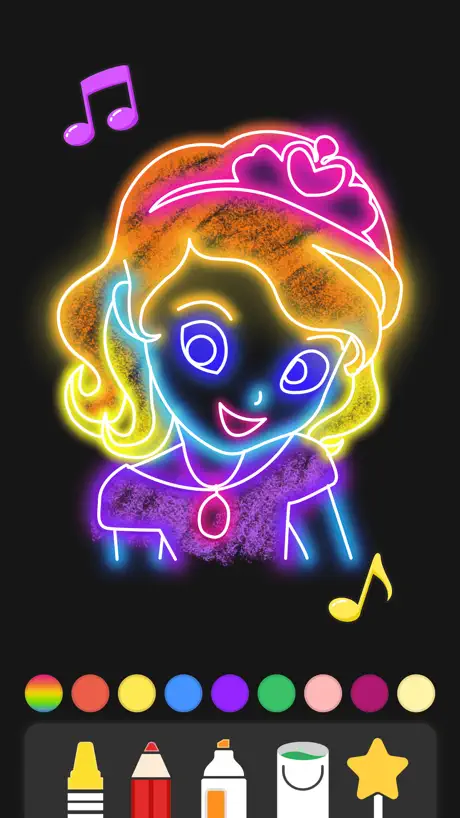
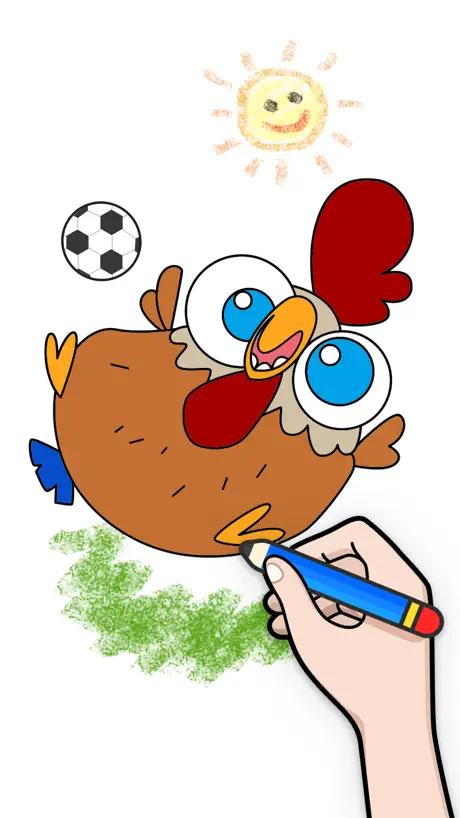
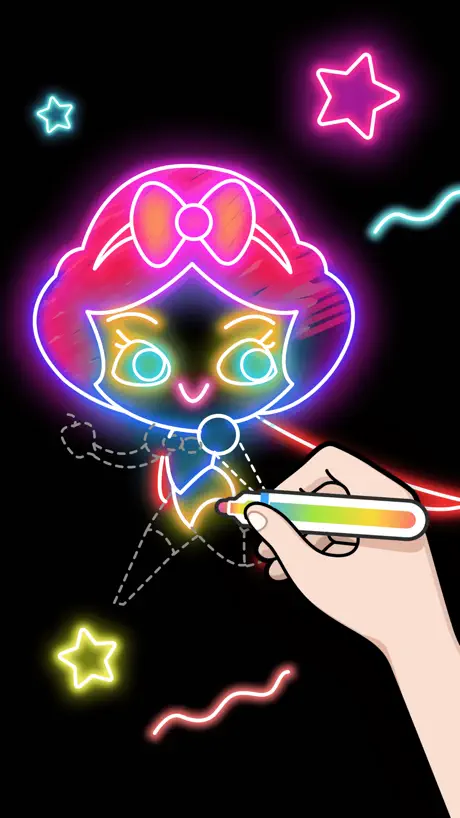
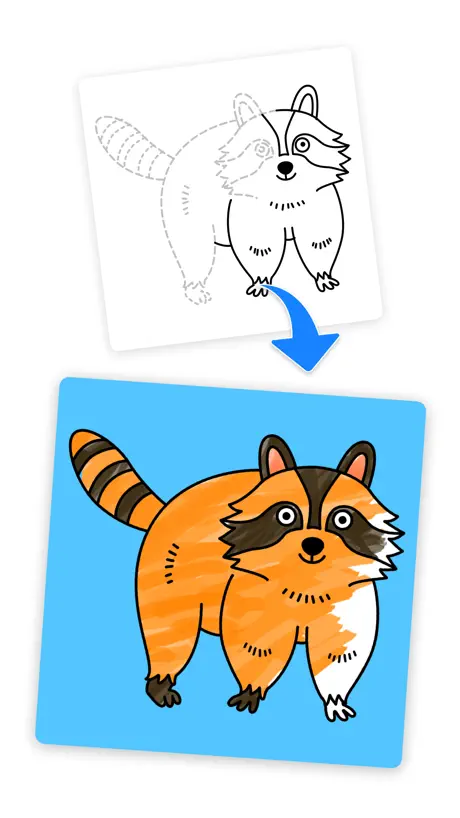
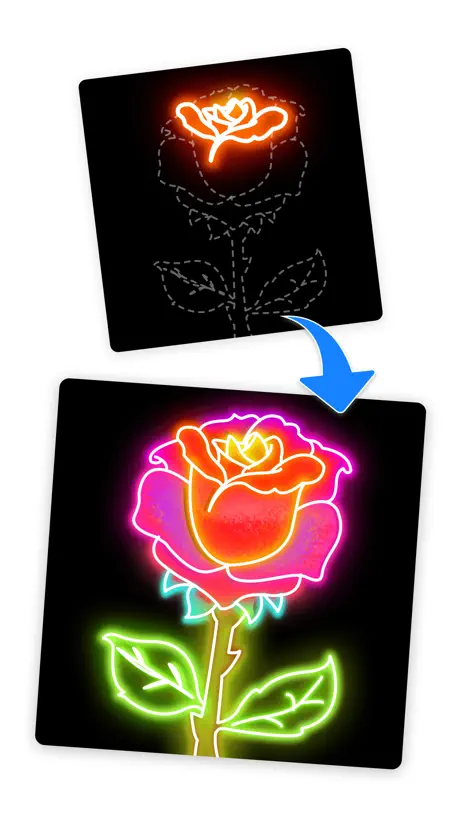
How much does Draw.AI - How to draw cost?
Prices are current as of 2 Oct 2026.
3 subscriptions from $4.99
In the United States, Draw.AI - How to draw has 3 subscriptions priced $4.99 – 49.99. It comes with a 7 days free trial.
| Subscription | Period | Price |
|---|---|---|
| weekly subscription | WeeklyTrial: 7 days | $4.99 |
| monthly subscription | Monthly | $7.99 |
| yearly subscription | Annual | $49.99 |
10+ alternatives to Draw.AI - How to draw
| Draw.AI - How to draw |   How to Draw Anime Easy How to Draw Anime Easy |   DrawUp: Learn To Draw Artwork DrawUp: Learn To Draw Artwork |   How to Draw, Step by step How to Draw, Step by step |   Sand Draw: Beach Wave Art Game Sand Draw: Beach Wave Art Game |   Learn Drawing - Art Tutorial Learn Drawing - Art Tutorial |   How to Draw People Easy How to Draw People Easy |   Draw Anime Step By Step Easy Draw Anime Step By Step Easy |   Drawland - Learn how to draw Drawland - Learn how to draw |   Learn how to Draw 3D Learn how to Draw 3D | 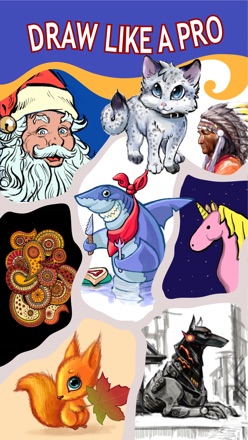  How to Draw Everything Easy How to Draw Everything Easy | |
|---|---|---|---|---|---|---|---|---|---|---|---|
| Rating / 5 | 4.2 | 4.5 | 4.7 | 4.4 | 4.6 | 4.5 | 4.4 | 4.1 | 4.1 | 4.2 | 4.5 |
| Reviews | 1.8K | 17K | 8.1K | 7.3K | 7K | 2.6K | 1.4K | 849 | 341 | 145 | 99 |
| Released | 2018 | 2019 | 2024 | 2024 | 2013 | 2021 | 2021 | 2022 | 2019 | 2017 | 2016 |
| Weekly price | $4.99 | $0.99 | $9.00 | $6.99 | $8.99 | $6.99 | — | — | — | — | — |
| Monthly price | $7.99 | $0.99 | $9.99 | $19.99 | $0.99 | $9.99 | — | — | — | — | — |
| 6-month price | — | $2.99 | $39.99 | — | — | $24.99 | — | — | — | — | — |
| Annual price | $49.99 | $3.99 | $29.99 | $34.99 | — | $29.99 | — | — | — | — | — |
| One-time price | — | $4.99 | — | — | $0.99 | — | — | — | — | — | — |
The going rate for each plan in United States, in its own currency, shaded from the cheapest price on the row to the dearest. Plans fewer than four in ten of the priced apps sell are left out.
Draw.AI - How to draw reviews
4.2 out of 5, based on 1,831 reviews.
What people like
- Great for beginners learning to draw.
- Step-by-step instructions are easy to follow.
- Cute pictures kids really enjoy.
What they complain about
- Ads interrupt you constantly.
- Subscription is way too expensive.
- Free drawings are boring and few.
- Pen size won't change or zoom well.
Awesome
Enjoying it so far. Step by step. Easy.
Avoid this app if you want to avoid MoMo
This app has continuous ads bombarding your kids which is one thing. But this app has the MoMo advertising linked with persuading children to consider suicide running on it at the bottom of the draw screen on a regular basis. Developers - you have a duty to protect children and be responsible. Disgraceful company.
沟沟壑壑黄金季节
干枯顾客个酷酷不顾考古考古看看股u干枯不顾u个机会
《不一样》
我在这里画画的时候,我看了一下我玩的很开心🥳,但是我觉得一点也不真实!因为我觉的这个游戏的广告也太不一样了!因为彩色的笔是真的,但是能发光就不太一样了。
This is a great game
It has way less adds then I thought it would it’s an awesome game and it actually looks just like the game but it needs WAY more pictures to color but the colors they already have are just a little 🥱 boring they need like outdoors and better looking people
Art app
Great app helps me draw and color overall good ap
Subscription is $$$ and free version ads are insane
The app itself would be great if it wasn’t insanely expensive (*monthly* subscription of $10.50!!) and the free version didn’t bombard you with a series of ads that are intentionally difficult to skip. This happens so frequently it’s almost impossible to play the game.
Анжелина
Игра хорошая иногда может взбесить😘
Okay
I am not a big fan and there is to much adds
素材还行,需要付费,自动一笔笔教,但是怎么取消自动
想自己手画,不用一步一步跟着来
Wow
I love this game I definitely recommend it. There’s not much adds and teaches beginners. Cute pictures and animals to draw.
有广告植入
‘ I最讨厌植入广告有广告植有广告植入
6
6………
体验感不好👎
画完保存有广告,而且有在右下角水印,还找不到关水印的地方。卸了
……………………
可以增加自己的照片更加
You must get this because it’s perfect for beginners
OK hear me out it’s a tutorial That you can draw
订阅之后为什么还是有广告?
???
贵
贵是我的问题,你没有错
It’s ok. Few upgrades needed
Seems borderline ok for free. Not amazing in correlation to some other, much better, free apps out there. Tons of adds. The auto-zoom feature drove me nuts on first drawing! Need to upgrade it to only manual zoom. For each step it zooms in so like one tiny leaf takes up your whole screen! You have no sense of direction, or aspect ratio to the other elements of the drawing until that step is over, click next, then zoom back out.. it would be much better if this feature was removed entirely! Other than that it’s not terrible. Those 2cons take up too much free time for it to be worth it in my opinion.. time to step it up a notch.
Some issues
If you are going to buy this please read this!! Issue number one is that when I’m trying to color inside something it’s only making dots it’s not letting me color the whole entire thing!
🤩
Esta es de las mejores aplicaciones para dibujar
No I hate it
I wish this app would never be a thing if I could give it zero stars I would
What I think about the game
It’s a pretty good game but, it’s more for kids. I couldn’t find any anything that was good for drawing people. But if your in to drawing other things it’s pretty good.
Draw.ai
Nice Bug
Idk
Idk I just don't really like it. I mean it's good for beginners, but when drawing, the pen is too sensitive and it's impossible to get either a straight line or a perfect curve. Idk my opinion I just don't like it very much
One point
Love app but here’s one thing actually two first is that you guys tell me to rate your app and I hate those apps second every time I re-download the game it freezes when I get on the first time and also I love making reviews
自动扣费
有免费三天的试用,领取用完了之后没有任何提示就自动扣费35元一周???需要自动扣费的东西不需要签订任何条约???无语了,第一次用到这种软件
V_i_k_a_🌹
Прикольно
Clicking ads erases drawings
I accidentally clicked an ad, safari popped up with a broken page. Returning to the app, my drawing was gone and the app restarted.
Not amazing
Not sure if it was all free it would be nice to have don’t like it so much.
Sorry for the short review
I love this! Awesome job! What about training other users? And definitely get I won’t lie
Bad
I was playing this game when I kept on kicking me out I know it’s not on my end it’s on your plz fix it.
frustrated
please update and allow the stencil/outlines to be turned on and off. i have to restart pictures a lot because i exit save and exit the app and come back not being able to finish the stencil part i was working on.
CRAPIEST GAMES EVER!!
Hello, It’s ok, it would have been good, but lots of improvements need to be fixed, if you can fix them, then please do, if not, then it’s ok but you’ll be losing a player, me!, and by that, losing a player, that means ima delete it with lots of other CRAPY games, yes, this is the most crapiest game EVER!!!!, like I mean in the hole entire UNIVERSE!! I’ll tell you all the improvements that need to be made, watch.... 1. Hard. You can’t even follow the lines. 2. Crappy pics. The most crapiest pics ever to draw. 3. Not enough. There are not enough drawings, you’ve got about 10 drawings to pick from. 4. Finished already. I just got this game today and I’ve finished all of the CRAP pics, which are about 10 and I got the game today like a few minutes ago and already done all of them. 5. Rip off. This is a huge rip off, you need to either magic millions of pounds out of thin air, or watch about ten adds. 6. Adds. There are a decent amount of adds but if you’ve already finished the game, drawing about 10 drawings, then you have to watch about 500 adds to get one, ONE picture to draw!!! 7. Gems. After they think you’ve watched enough adds, about 600,000, they want you to use gems. The people in this game think that you can just magic gems out of thin air!, the gems are the money in the game. 8. REAL money. After they think you’ve watched enough adds and ran out of gems, they want you to pay with REAL money! Like actual pounds! 9. Too simple. The game is too simple, all you’ve got to do is draw over lines! 10. Not hard enough. Sometimes when you draw over tHe lines, it’s really easy, like TWO LINES that you have to draw! Like, what are you thinking??!! 11. Hate it. As you can see, there are TEN reasons that I hate it, and you know what?, THERE’S NOTHING YOU CAN DO ABOUT IT OK? OK! DEAL? DEAL! I do have some support because at least you tried! Thank you bye
not my type
i used this app but the ads kept interrupting me, and it is easy to click the "next" button by mistake, also you can exit easily too. i accidentally exited and couldn't redo my mistakes, etc. nice app though.
Great
This app is great! My whole family likes it and uses it. My daughter loves to draw and this girls her more experience for when she draws on her own. I would recommend this app to anyone cause you do t have to be a talented artist to use this app. Try it you might be amazed at what you can do!☺️
It’s not working
I tried to load it but when it said accept policy I pressed accept but then it woundlt let me press it
Amazing
This app is great and it totally helps I would get it because it is going to help your art get better
Good but needs improvement
When drawing you can’t zoom in very much and you can’t change the size of the pen. When you start coloring I used the paint bucket and I wouldn’t let me color the small details and if you use one of the pens/markers, if you zoom in the pen size gets smaller and again you can’t change the size of your pen so if you do get frustrated with those things I suggest that you don’t get this app.
Hasn’t been updated
This app is great and i love it but it hasn’t been updated in over a year and the part in the app where there are themes for each month it hasn’t changed and it’s still from September 2020 if the app updates then it would be much better
BEST
It is the best
Why not for me
It doesn’t say glow pen but where is it tell me please
挺好玩。
挺推荐这个游戏的。
模仿的时候放大 我就不知道我画的是啥了
收费偏贵
Needs better pictures to draw and color
It needs better pictures because the other ones are either premium or really not that interesting. And needs more stuff on the app like maybe a game or like a story that goes behind what you draw or like a freestyle where you draw what you want. Those are just suggestions, it is otherwise a good app.😊😊
Love it
Love it so very much
W h a t
Wouldn’t it make a ton more sense for the coloring tools to make bigger lines than than the drawing tools Like what ?? ???? You don’t do this
Amazed
If you are not so good at drawing with your finger, l don’t think you will be so good at your first drawing, but Practice makes perfect With this app I am pretty sure that your friends,teachers,cousins and parents will be amazed For me I think me and this app will get along quite nicely If you are not such a good drawer this app will teach you,like how your teacher teaches (or taught )you in school If you go to school and you have this app, You will be #1 in art class In conclusion I think you will have a great time with this app
Ish
The free ones are crapy and the ones that come with the membership are fun not that worth it
Draw.ai
Draw.ai is the best I am so glad that Draw.ai was created
Draw.AI - How to draw price by country
A weekly subscription costs $0.79 in Turkey and $6.45 in the Czech Republic — 8× more for the same thing. Below is the going rate for each plan in every country that sells it — the middle price of what the app charges there, in the country's own currency with the dollar equivalent beneath it.
| Country | Weekly | Monthly | Annual |
|---|---|---|---|
| Afghanistan | $4.99 | $7.99 | $49.99 |
| Albania | $5.99 | $9.59 | $59.99 |
| Algeria | $4.99 | $7.99 | $49.99 |
| Angola | $4.99 | $7.99 | $49.99 |
| Anguilla | $4.99 | $7.99 | $49.99 |
| Antigua And Barbuda | $4.99 | $7.99 | $49.99 |
| Argentina | $4.99 | $7.99 | $49.99 |
| Armenia | $4.99 | $7.99 | $49.99 |
| Australia | A$7.49$5.20 | A$11.99$8.33 | A$75.99$52.77 |
| Austria | €4.99$5.66 | €8.49$9.63 | €51.99$58.95 |
| Azerbaijan | $4.99 | $7.99 | $49.99 |
| Bahamas | $4.99 | $7.99 | $49.99 |
| Bahrain | $4.99 | $7.99 | $49.99 |
| Barbados | $4.99 | $7.99 | $49.99 |
| Belarus | $4.99 | $7.99 | $49.99 |
| Belgium | €4.99$5.66 | €8.49$9.63 | €51.99$58.95 |
| Belize | $4.99 | $7.99 | $49.99 |
| Benin | $4.99 | $7.99 | $49.99 |
| Bermuda | $4.99 | $7.99 | $49.99 |
| Bhutan | $4.99 | $7.99 | $49.99 |
| Bolivia | $4.99 | $7.99 | $49.99 |
| Bosnia & Herzegovina | €4.99$5.66 | €8.49$9.63 | €51.99$58.95 |
| Botswana | $4.99 | $7.99 | $49.99 |
| Brazil | R$19.90$3.83 | R$32.90$6.33 | R$204.90$39.40 |
| British Virgin Islands | $4.99 | $7.99 | $49.99 |
| Brunei Darussalam | $4.99 | $7.99 | $49.99 |
| Bulgaria | €4.99$5.66 | €7.99$9.06 | €49.99$56.68 |
| Burkina Faso | $4.99 | $7.99 | $49.99 |
| Cambodia | $4.99 | $7.99 | $49.99 |
| Cameroon | $4.99 | $7.99 | $49.99 |
| Canada | CA$6.49$4.57 | CA$10.49$7.39 | CA$64.99$45.77 |
| Cape Verde | $4.99 | $7.99 | $49.99 |
| Cayman Islands | $4.99 | $7.99 | $49.99 |
| Chad | $4.99 | $7.99 | $49.99 |
| Chile | CLP 3,500$3.60 | CLP 5,500$5.65 | CLP 33,900$34.82 |
| China | CN¥35.00$5.21 | CN¥58.00$8.63 | CN¥348.00$51.79 |
| Colombia | COP 14,900$4.47 | COP 23,900$7.17 | COP 152,900$45.86 |
| Congo | $4.99 | $7.99 | $49.99 |
| Congo, Democratic Republic | $4.99 | $7.99 | $49.99 |
| Costa Rica | $4.99 | $7.99 | $49.99 |
| Cote Divoire | $4.99 | $7.99 | $49.99 |
| Croatia | €5.31$6.02 | €8.63$9.78 | €53.09$60.19 |
| Cyprus | €4.99$5.66 | €8.49$9.63 | €51.99$58.95 |
| Czech Republic | CZK 139.00$6.45 | CZK 219.00$10.16 | CZK 1,350.00$62.65 |
| Denmark | DKK 39.00$5.92 | DKK 65.00$9.86 | DKK 399.00$60.55 |
| Dominica | $4.99 | $7.99 | $49.99 |
| Dominican Republic | $4.99 | $7.99 | $49.99 |
| Ecuador | $4.99 | $7.99 | $49.99 |
| Egypt | EGP 99.99$1.92 | EGP 159.99$3.08 | EGP 999.99$19.24 |
| El Salvador | $4.99 | $7.99 | $49.99 |
| Estonia | €4.99$5.66 | €8.49$9.63 | €51.99$58.95 |
| Fiji | $4.99 | $7.99 | $49.99 |
| Finland | €4.99$5.66 | €8.49$9.63 | €51.99$58.95 |
| France | €4.99$5.66 | €8.49$9.63 | €51.99$58.95 |
| Gabon | $4.99 | $7.99 | $49.99 |
| Gambia | $4.99 | $7.99 | $49.99 |
| Georgia | $4.99 | $7.99 | $49.99 |
| Germany | €4.99$5.66 | €8.49$9.63 | €51.99$58.95 |
| Ghana | $4.99 | $7.99 | $49.99 |
| Greece | €4.99$5.66 | €8.49$9.63 | €51.99$58.95 |
| Grenada | $4.99 | $7.99 | $49.99 |
| Guatemala | $4.99 | $7.99 | $49.99 |
| Guinea-bissau | $4.99 | $7.99 | $49.99 |
| Guyana | $4.99 | $7.99 | $49.99 |
| Honduras | $4.99 | $7.99 | $49.99 |
| Hong Kong | HK$38.00$4.84 | HK$63.00$8.03 | HK$393.00$50.06 |
| Hungary | HUF 1,790$5.54 | HUF 2,890$8.95 | HUF 17,790$55.07 |
| Iceland | $6.19 | $9.91 | $61.99 |
| India | ₹419.00$4.36 | ₹669.00$6.97 | ₹4,199.00$43.74 |
| Indonesia | IDR 75,000$4.19 | IDR 119,000$6.65 | IDR 739,000$41.28 |
| Iraq | $4.99 | $7.99 | $49.99 |
| Ireland | €4.99$5.66 | €8.49$9.63 | €51.99$58.95 |
| Israel | ₪17.90$5.83 | ₪27.90$9.09 | ₪179.90$58.60 |
| Italy | €4.99$5.66 | €8.49$9.63 | €51.99$58.95 |
| Jamaica | $4.99 | $7.99 | $49.99 |
| Japan | ¥550$3.50 | ¥880$5.59 | ¥5,600$35.60 |
| Jordan | $4.99 | $7.99 | $49.99 |
| Kazakhstan | KZT 1,790.00$4.07 | KZT 2,890.00$6.57 | KZT 18,290.00$41.57 |
| Kenya | $4.99 | $7.99 | $49.99 |
| Kosovo | €4.99$5.66 | €8.49$9.63 | €51.99$58.95 |
| Kuwait | $4.99 | $7.99 | $49.99 |
| Kyrgyzstan | $4.99 | $7.99 | $49.99 |
| Lao Peoples Democratic Republic | $4.99 | $7.99 | $49.99 |
| Latvia | €4.99$5.66 | €8.49$9.63 | €51.99$58.95 |
| Lebanon | $4.99 | $7.99 | $49.99 |
| Liberia | $4.99 | $7.99 | $49.99 |
| Libya | $4.99 | $7.99 | $49.99 |
| Lithuania | €4.99$5.66 | €8.49$9.63 | €51.99$58.95 |
| Luxembourg | €4.99$5.66 | €8.49$9.63 | €51.99$58.95 |
| Macao | $4.99 | $7.99 | $49.99 |
| Macedonia | $4.99 | $7.99 | $49.99 |
| Madagascar | $4.99 | $7.99 | $49.99 |
| Malawi | $4.99 | $7.99 | $49.99 |
| Malaysia | MYR 20.90$5.12 | MYR 32.90$8.06 | MYR 204.90$50.22 |
| Maldives | $4.99 | $7.99 | $49.99 |
| Mali | $4.99 | $7.99 | $49.99 |
| Malta | €4.99$5.66 | €8.49$9.63 | €51.99$58.95 |
| Mauritania | $4.99 | $7.99 | $49.99 |
| Mauritius | $4.99 | $7.99 | $49.99 |
| Mexico | MX$95.00$5.25 | MX$155.00$8.57 | MX$959.00$53.04 |
| Micronesia | $4.99 | $7.99 | $49.99 |
| Moldova | $4.99 | $7.99 | $49.99 |
| Mongolia | $4.99 | $7.99 | $49.99 |
| Montenegro | €4.99$5.66 | €8.49$9.63 | €51.99$58.95 |
| Montserrat | $4.99 | $7.99 | $49.99 |
| Morocco | $4.99 | $7.99 | $49.99 |
| Mozambique | $4.99 | $7.99 | $49.99 |
| Myanmar | $4.99 | $7.99 | $49.99 |
| Namibia | $4.99 | $7.99 | $49.99 |
| Nauru | $4.99 | $7.99 | $49.99 |
| Nepal | $4.99 | $7.99 | $49.99 |
| Netherlands | €4.99$5.66 | €8.49$9.63 | €51.99$58.95 |
| New Zealand | NZ$8.49$4.80 | NZ$13.99$7.90 | NZ$86.99$49.15 |
| Nicaragua | $4.99 | $7.99 | $49.99 |
| Niger | $4.99 | $7.99 | $49.99 |
| Nigeria | NGN 1,800.00$1.35 | NGN 2,900.00$2.18 | NGN 18,200.00$13.70 |
| Norway | NOK 55.00$5.72 | NOK 85.00$8.84 | NOK 519.00$54.01 |
| Oman | $4.99 | $7.99 | $49.99 |
| Pakistan | PKR 620$2.24 | PKR 990$3.57 | PKR 6,200$22.38 |
| Palau | $4.99 | $7.99 | $49.99 |
| Panama | $4.99 | $7.99 | $49.99 |
| Papua New Guinea | $4.99 | $7.99 | $49.99 |
| Paraguay | $4.99 | $7.99 | $49.99 |
| Peru | PEN 16.90$4.91 | PEN 25.90$7.53 | PEN 164.90$47.94 |
| Philippines | ₱269.00$4.29 | ₱429.00$6.84 | ₱2,690.00$42.87 |
| Poland | PLN 22.99$5.97 | PLN 34.99$9.09 | PLN 229.99$59.74 |
| Portugal | €4.99$5.66 | €8.49$9.63 | €51.99$58.95 |
| Qatar | QAR 17.99$4.94 | QAR 29.99$8.24 | QAR 182.99$50.27 |
| Romania | RON 23.99$5.16 | RON 37.99$8.17 | RON 239.99$51.61 |
| Russia | RUB 399.00$4.77 | RUB 649.00$7.75 | RUB 3,990.00$47.68 |
| Rwanda | $4.99 | $7.99 | $49.99 |
| Sao Tome & Principe | $4.99 | $7.99 | $49.99 |
| Saudi Arabia | SAR 19.99$5.33 | SAR 32.99$8.80 | SAR 197.99$52.80 |
| Senegal | $4.99 | $7.99 | $49.99 |
| Serbia | €4.99$5.66 | €8.49$9.63 | €51.99$58.95 |
| Seychelles | $4.99 | $7.99 | $49.99 |
| Sierra Leone | $4.99 | $7.99 | $49.99 |
| Singapore | SGD 6.98$5.45 | SGD 10.98$8.58 | SGD 68.98$53.89 |
| Slovakia | €4.99$5.66 | €8.49$9.63 | €51.99$58.95 |
| Slovenia | €4.99$5.66 | €8.49$9.63 | €51.99$58.95 |
| Solomon Islands | $4.99 | $7.99 | $49.99 |
| South Africa | ZAR 84.99$5.18 | ZAR 134.99$8.22 | ZAR 839.99$51.16 |
| South Korea | ₩6,000$4.43 | ₩9,900$7.30 | ₩61,000$44.99 |
| Spain | €4.99$5.66 | €8.49$9.63 | €51.99$58.95 |
| Sri Lanka | $4.99 | $7.99 | $49.99 |
| St. Kitts and Nevis | $4.99 | $7.99 | $49.99 |
| St. Lucia | $4.99 | $7.99 | $49.99 |
| St. Vincent & The Grenadines | $4.99 | $7.99 | $49.99 |
| Suriname | $4.99 | $7.99 | $49.99 |
| Swaziland | $4.99 | $7.99 | $49.99 |
| Sweden | SEK 59.00$5.90 | SEK 89.00$8.90 | SEK 569.00$56.90 |
| Switzerland | CHF 5.00$5.99 | CHF 8.50$10.18 | CHF 52.00$62.28 |
| Taiwan | NT$160.00$5.01 | NT$260.00$8.15 | NT$1,630.00$51.08 |
| Tajikistan | $4.99 | $7.99 | $49.99 |
| Tanzania | TZS 11,500.00$4.34 | TZS 18,500.00$6.98 | TZS 114,900.00$43.35 |
| Thailand | THB 159.00$4.73 | THB 259.00$7.71 | THB 1,650.00$49.14 |
| Tonga | $4.99 | $7.99 | $49.99 |
| Trinidad and Tobago | $4.99 | $7.99 | $49.99 |
| Tunisia | $4.99 | $7.99 | $49.99 |
| Turkey | TRY 38.99$0.79 | TRY 61.99$1.26 | TRY 389.99$7.95 |
| Turkmenistan | $4.99 | $7.99 | $49.99 |
| Turks and Caicos | $4.99 | $7.99 | $49.99 |
| Uganda | $4.99 | $7.99 | $49.99 |
| Ukraine | $4.99 | $7.99 | $49.99 |
| United Arab Emirates | AED 18.99$5.17 | AED 29.99$8.17 | AED 192.99$52.59 |
| United Kingdom | £4.49$5.95 | £7.49$9.93 | £45.99$60.99 |
| United States | $4.99 | $7.99 | $49.99 |
| Uruguay | $4.99 | $7.99 | $49.99 |
| Uzbekistan | $4.99 | $7.99 | $49.99 |
| Vanuatu | $4.99 | $7.99 | $49.99 |
| Venezuela | $4.99 | $7.99 | $49.99 |
| Vietnam | ₫119,000$4.59 | ₫189,000$7.29 | ₫1,169,000$45.07 |
| Yemen | $4.99 | $7.99 | $49.99 |
| Zambia | $4.99 | $7.99 | $49.99 |
| Zimbabwe | $4.99 | $7.99 | $49.99 |
Draw.AI - How to draw FAQ
- Is Draw.AI - How to draw free?
- Yes. The app and its basic features are free, in all 175 countries it sells in. Premium features are paid: they start from $4.99 (US), across 3 subscriptions.
- How much does Draw.AI - How to draw cost per month?
- monthly subscription is $7.99 (US). The annual plan works out cheaper per month: $49.99 a year.
- Does Draw.AI - How to draw have a free trial?
- Yes — a 7 days free trial (US).
- Where is Draw.AI - How to draw cheapest?
- A weekly subscription costs TRY 38.99 (≈$0.79) in Turkey and CZK 139.00 (≈$6.45) in the Czech Republic, its cheapest and dearest countries.
- What are the best alternatives to Draw.AI - How to draw?
- How to Draw Anime Easy (4.5 from 16,788 reviews, premium from $0.99), DrawUp: Learn To Draw Artwork (4.7 from 8,057 reviews, premium from $3.99) and How to Draw, Step by step (4.4 from 7,321 reviews, premium from $3.99).
Draw.AI - How to draw download
Last updated 1 month ago.
Draw.AI - How to draw sells in 175 countries. It was released 8 years ago, on 7 Oct 2018. It holds a 4.2 rating from 1,831 reviews.
Supports 12 languages: English, French, German, Indonesian, Italian, Japanese, Korean, Portuguese, Russian, Chinese, Spanish, Turkish.
How much does Draw.AI - How to draw make?
Third-party estimates for the last 30 days, worldwide — not the store's own figures, which Apple publishes for nobody.
Revenue by plan
- Weekly 69%
- Monthly 24%
- Annual 7%
Revenue by country
- United States 31%
- Russia 17%
- China 14%
- United Kingdom 5%