
STL Master
STL File Viewer + AR & Sharing
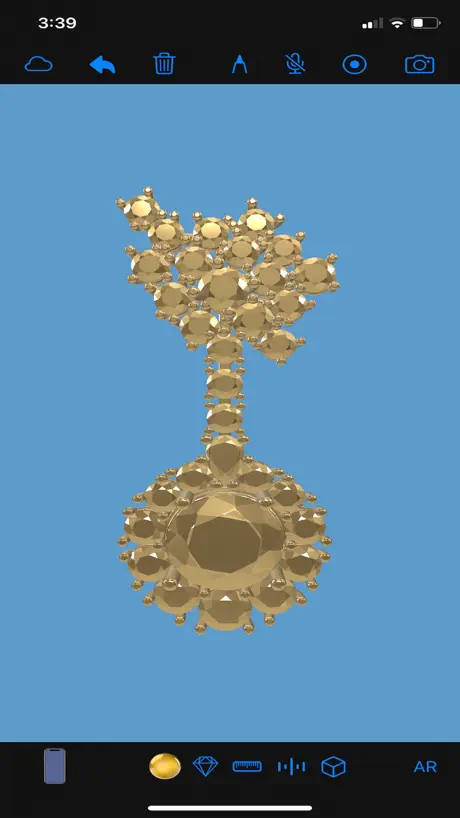
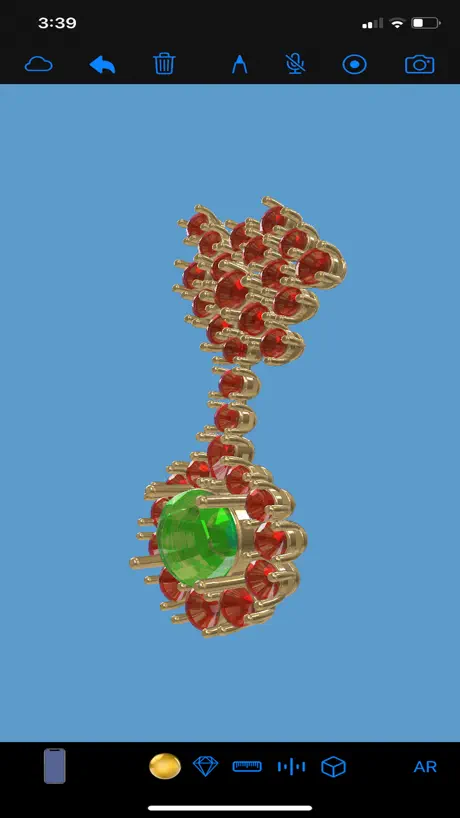
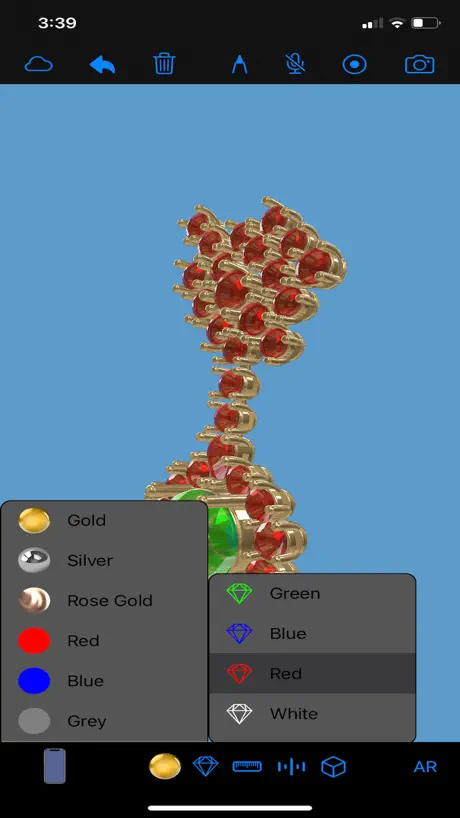
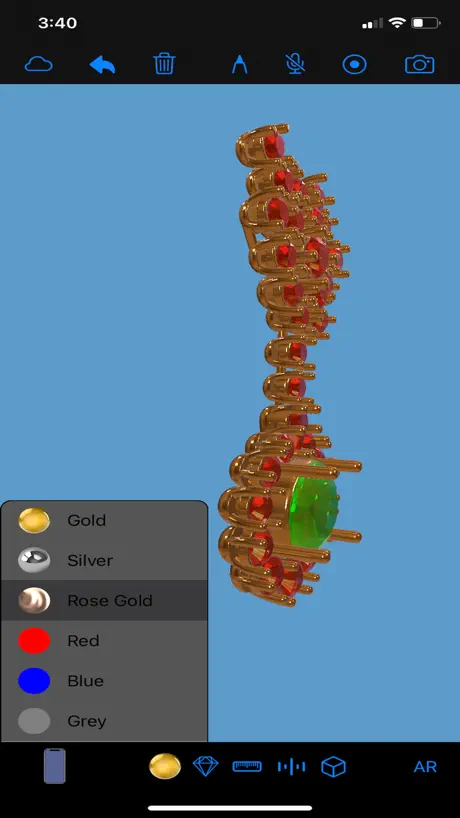
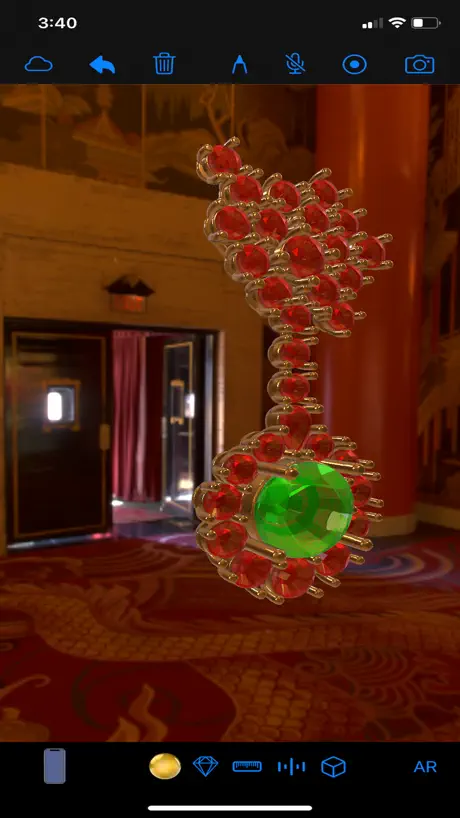
How much does STL Master cost?
Prices are current as of 24 Nov 2026.
STL Master has no in-app products on record in the United States.
10+ alternatives to STL Master
| STL Master |   Tripo AI: 3D Model Generator |   Thingiverse Printables | 3D GO |   Thinger: 3D Printing Models |   Creality Cloud Lite | 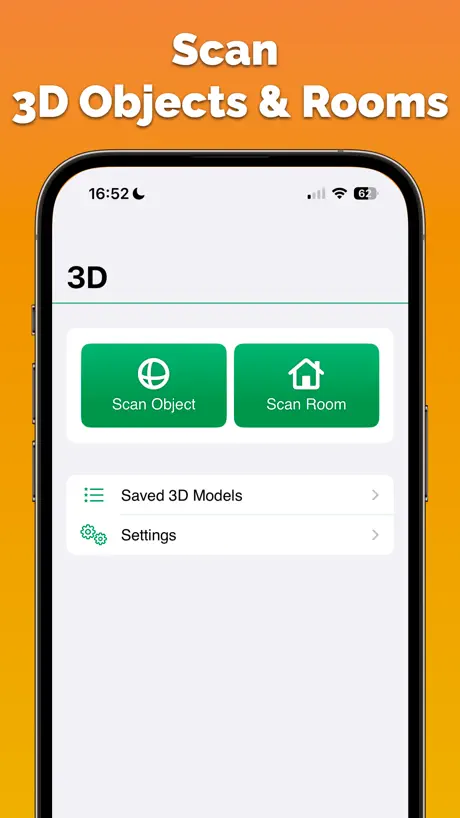  3D Object & Room Scanner |   SVG Converter, SVG to PNG |   QIDI Maker |   3D Printer Cost Calculator |   STL Viewer: 3D Model & Print |   3d Print - STL slicer Klipper | |
|---|---|---|---|---|---|---|---|---|---|---|---|
| Rating / 5 | 4.2 | 4.6 | 4.6 | 4.6 | 2.9 | 4.3 | 3.6 | 1.8 | 4.6 | 4.7 | — |
| Reviews | 101 | 9K | 6.2K | 2K | 315 | 216 | 75 | 67 | 20 | 3 | — |
| Released | 2019 | 2025 | 2023 | 2017 | 2023 | 2024 | 2021 | 2026 | 2022 | 2026 | 2024 |
| Monthly price | — | $19.99 | $2.99 | $3.99 | — | $0.99 | — | — | — | — | — |
| Annual price | — | $155.99 | $29.99 | $5.99 | — | $9.99 | — | — | — | — | — |
| One-time price | — | — | — | $24.99 | — | $19.99 | — | — | — | — | — |
The going rate for each plan in United States, in its own currency, shaded from the cheapest price on the row to the dearest.
STL Master reviews
4.2 out of 5, based on 101 reviews.
What people like
- Completely free with no tracking or spying.
- Gorgeous rendering quality for your designs.
- Works great on both iPad and Mac.
- Useful measurement feature for showing clients.
What they complain about
- Crashes and buttons stop working.
- You cannot zoom out to see the whole model.
- Measurement labels are mirrored and confusing.
- Settings reset every time you restart.
So good
I was looking some app to show measurement view of the pieces I’ve done and now I found it I’m so glad
Doesn’t work
Couldn’t get it to open any STLs unfortunately
Good STL Viewer
I needed a way to view stl files and this does that and runs well on my phone. It has its quirks but I use it often. The dev could add more color options and turning the metal slider down has helped on certain models that look funny at first load. And it’s completely free, small, and no trackers or spying!
Help
I downloaded this app but when i try to use it, none of the buttons work. Wont do anything at all. Incan change color of brush but wont let me do anything with it? What am i doing wrong ?
A little rough but works
First time I opened a file it wasn’t oriented right and I could not see most of it. Second time, it was centered in the viewport. Seems OK, just basic surfacing options. No menu items (like for Open File). Can’t drag and drop a file into the window to open it, or onto the icon. That is BASIC Mac functionality stuff. The “cloud” icon is for open, that doesn’t make sense. View buttons on the bottom don’t close their menus, you have to click in the window to hide them. OK, easy to try options, but clicking the button again doesn’t close them. No way to zoom in/out.
Best
I’ve been using this app at my ipad and mac with no issues so far. I’m so glad to listen my collogues
Terrible
What a useless app. When I finally worked out how to load a file it just couldn’t be moved around without it disappearing out of the field of view. As far as measuring is concerned why does a 3D object only have 2 dimensions? It’s impossible to see what the labels refer to and they are usually mirror images. Uninstalled.
Simple But Effective
I like this, but my suggestion is to give the units the measurements are in. I assume it’s millimeters. Also, it may be worthwhile to give the ability to change units from metric to standard.
Has potential but has many oddities
I like this STL viewer but it needs a button to position (move object) the views. It can be difficult to adjust with fingers. The icons make little sense. The ruler icon shouldn’t be to make finish rough or smooth. Should be to measure things or show dimensions. The dimension screen needs to show measurements in a fix manner. Flipping the object around creates backward views of numbers.
Fantastic
MacOS version is superb!! Thank you
Useless
Cannot open STL files. Not sure what this is exists for
Просьба устранить проблему
При замене цвета модели, камней и все остальные открытые панели не закрываются, может их можно как то закрыть, очень мешают при записи экрана, спасибо разработчикам за такую программу :)
Difficult to Maneuver
Doesn’t load completely every time. It’s hard to maneuver objects when they do load. No reference point for center. Very limited zoom out. And will freeze every time when in the editing mode (pen tip).
Wow!!!
This is really very handy for my all my needs
Shiny. Too shiny
I couldn't figure out how to turn off the glittery metallic colors. I just want a plain simple color. The glittery metallic was distracting and unusable. I found many color options but not all that glitters is gold. Looking for something else.
Looks good but don’t go in the markup mode!
If you go into the markup mode, you can’t get out, you can’t do any markups, and you have to exit the app. There also is no way to save if you combine stl files together. Looks good, but the functionality is poor.
Thanks
New update became so good with OBJ file support
"Master" Dass ich nicht lache
Absolut schlecht gemacht.
"Master" ist zuviel, aber es ist ein Viewer
Wie es die Beschreibung anmuten lässt, können mit der App STL-Dateien geöffnet und angeschaut werden. Etwas störend ist die Tatsache, dass die Einstellungen (Hintergrundfarbe, etc.) bei jedem Neustart auf die Programmiereinstellungen zurückgesetzt werden. Da sollten die selbst gewählten Farben dauerhaft bleiben. Ansonsten ganz nett.
this is my life
I’m using measurement feature a lot to show my clients and get approval. Very useful
Absolutely dreadful
This is a completely useless application, that does not show stl 3d models correctly. The objects are zoomed in and you cannot zoom out to see the whole model. Furthermore, parts of the model are cut out and not shown. Don’t bother!!
Fast
Gorgeous rendering quality. Thank you guys!!
Viewable but not useable
Shows stl 3D files but as solid mass so fine detail is not viewable needs to have a light source to bring out details of files
Entertaining
I thought this was only for jewelry designers and stuff but apparently I can open my large industrial designs as well at no cost, so cool!!
Crashes immediately
Crashes immediately to home screen. Using iOS 10.2.
Love the app
Thumbs up such a nice work
I love this
Hidden treasure rendering app
STL Master FAQ
- Is STL Master free?
- Yes. The app is free, in all 175 countries it sells in, and it sells nothing inside it.
- Does STL Master have a free trial?
- No. None of its offers (US) come with a free trial.
- What are the best alternatives to STL Master?
- Tripo AI: 3D Model Generator (4.6 from 8,997 reviews, premium from $15.99), Thingiverse Printables | 3D GO (4.6 from 6,215 reviews, premium from $2.99) and Thinger: 3D Printing Models (4.6 from 2,014 reviews, premium from $3.99).
STL Master download
Last updated 2 years ago.
STL Master sells in 175 countries. It was released 7 years and 9 months ago, on 5 Feb 2019. It holds a 4.2 rating from 101 reviews.
Supports 1 language: English.
How much does STL Master make?
Third-party estimates for the last 30 days, worldwide — not the store's own figures, which Apple publishes for nobody.