
Angle Meter 360
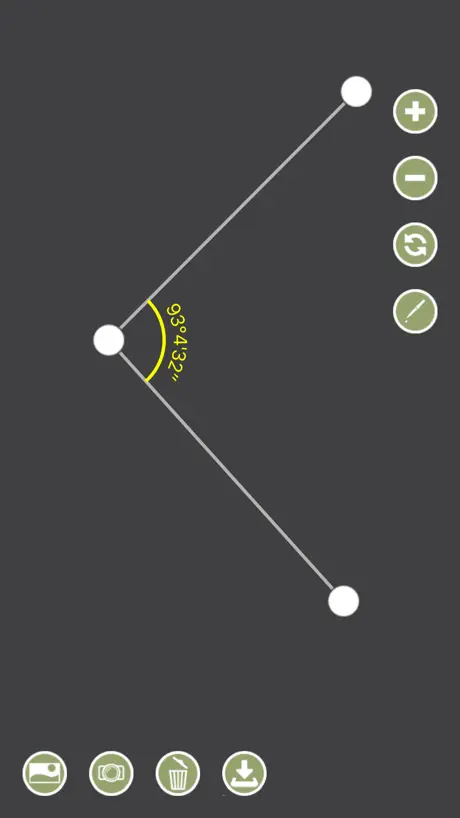
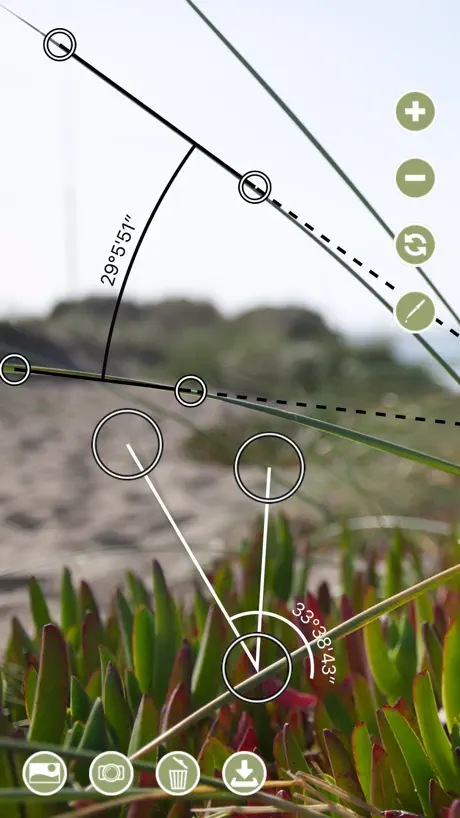
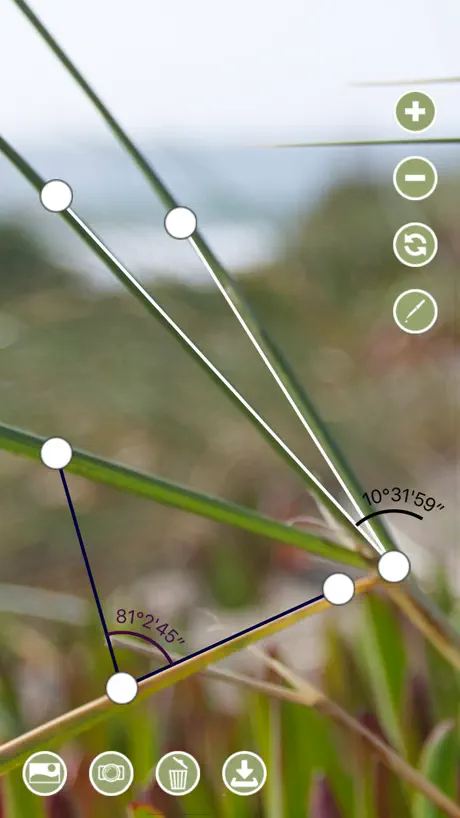
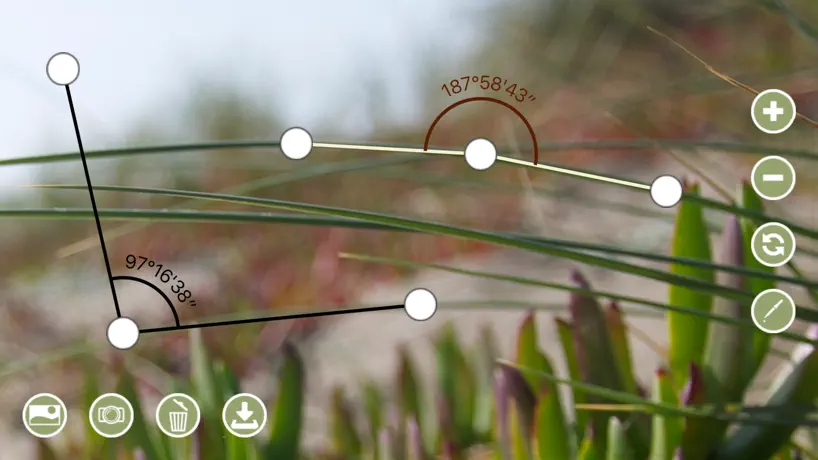
Convenient angle meter, finder
How much does Angle Meter 360 cost?
Prices are current as of 2 Oct 2026.
1 one-time purchase from $4.99
In the United States, Angle Meter 360 has 1 one-time purchase priced $4.99.
| Product | Price |
|---|---|
| Remove Ads | $4.99 |
10+ alternatives to Angle Meter 360
| Angle Meter 360 |   Protractor+ Protractor+ | 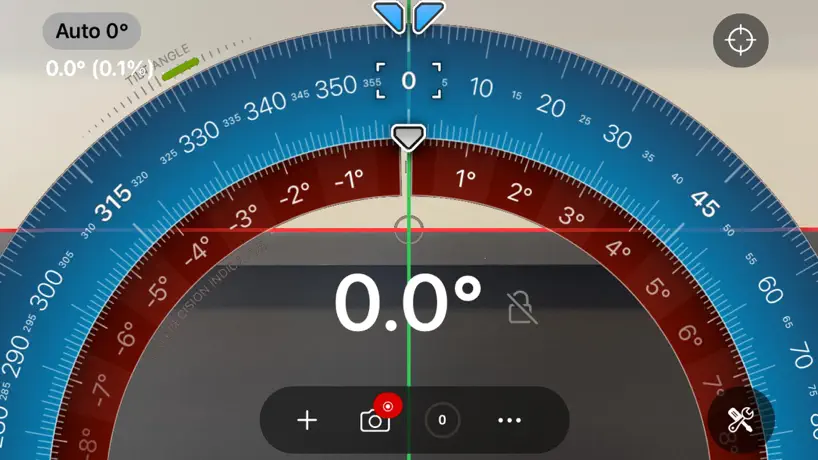  Measure Angles - Bubble Level Measure Angles - Bubble Level | 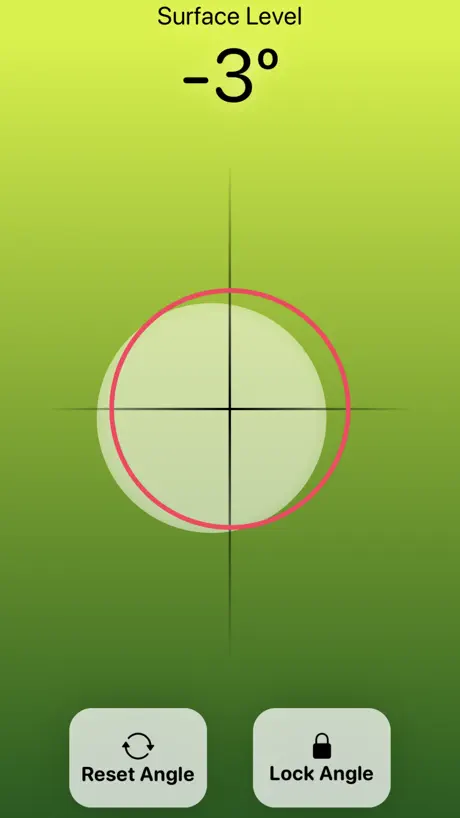  Bubble Level Tool - Digital Bubble Level Tool - Digital |   Protractor for Angle Measuring Protractor for Angle Measuring |   Bubble Level: AR, Angle Finder Bubble Level: AR, Angle Finder |   Protractor Smart Protractor Smart | 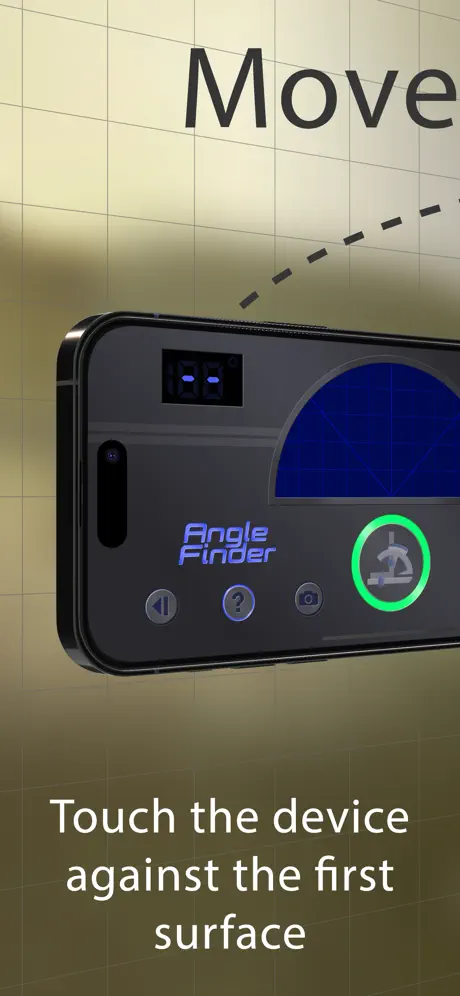  Digital Angle Finder: 3D Meter Digital Angle Finder: 3D Meter | 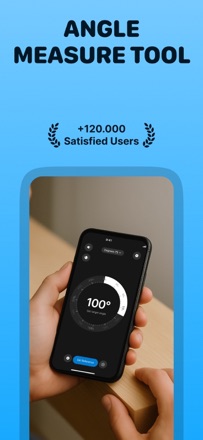  Protractor Angle Measure Tool Protractor Angle Measure Tool |   Protractor Edge - Clinometer Protractor Edge - Clinometer |   Angle Meter Angle Meter | |
|---|---|---|---|---|---|---|---|---|---|---|---|
| Rating / 5 | 4.6 | 4.3 | 4.3 | 4.4 | 4.6 | 4.5 | 4.6 | 4.3 | 4.5 | 4.4 | 3.4 |
| Reviews | 2.7K | 28K | 7.6K | 3.4K | 3K | 2.3K | 1.7K | 1.1K | 874 | 791 | 335 |
| Released | 2018 | 2013 | 2011 | 2023 | 2024 | 2021 | 2016 | 2016 | 2025 | 2017 | 2011 |
| Weekly price | — | — | $2.99 | $3.99 | $1.99 | $2.99 | — | — | — | — | — |
| Annual price | — | — | $29.99 | $24.99 | $3.99 | $14.99 | — | — | — | $1.99 | — |
| One-time price | $4.99 | $1.99 | $2.99 | $17.99 | — | $14.99 | $1.99 | — | — | $0.99 | — |
The going rate for each plan in United States, in its own currency, shaded from the cheapest price on the row to the dearest. Plans fewer than four in ten of the priced apps sell are left out.
Angle Meter 360 reviews
4.6 out of 5, based on 2,665 reviews.
What people like
- Works well for measuring angles in photos
- Simple and fast to get results
- Good precision with the loupe feature
What they complain about
- Ads are too long and hard to close
- No clear instructions on how to use it
- Settings do not save properly between sessions
Very simple and easy to use
Bought the as free in purchase. Worth not having to see the stupid ads
An egregious amount of ads and no premium
I would pay a few dollars for no ads but that isn’t even an options. It’s just loaded with 60+ second ads at almost every turn.
One problem
The button to save a custom setting says “Set settings to default”. That does not make sense. It should say “ Save settings”
使えなくなった
OSアップデートしたら使えなくなった。再インストールしてもダメです。困った。OS26.4.2、アプリは起動はするが、操作が全くできない。iPadだと使えるが、iPhoneだと使えなくなりました
Doesn’t work for me on iPad
The app works on my phone using iOS 26.5. However, on the iPad using iPadOS 26.5, the app does not work. When I tap the button to add a photo the app freezes. Responsive developer!
Like a scalpel, this tool does one thing superbly
Simplicity is the ultimate sophistication. This app shines in functionality, ease of use, and speed of use. After importing a photo, it takes only seconds to measure any angle in the photo and save the results back to the photo library. If you need to measure angles on images frequently, or you have a project which will require many angle measurements, you need this app. Be sure to license the full version immediately after downloading the app! The ad-supported free version is frustrating to use.
Buggy AF
It cannot measure/display small angles — the arc gets rendered totally incorrectly.
Almost
This is almost the app I have been looking for. If you could change the angle from degrees, minutes, second to decimal I would change my review to 4 stars. You can add a results window that gives decimal but for some reason the developer did not put that as an option without the results window. I would change to 5 stars if you could make global default settings. It seems every time you take a new photo you have to change all the settings. The default yellow is hideous and because I need decimal and accurate placement I have to: 1. Take a new photo 2. Open setting 3. Change color for both curve and text 4. Change BG color so that I can see the text regardless of background color 5. Turn on loupe 6. Turn on results window 7. Choose deg 8. Save settings as default. This will only work while the app is open. As soon as I close it and reopen the setting go back to default. Changed to 4 stars because if you purchase you can save your settings. Will change to 5 stars if the developer will add the ability to set degrees decimal without needing to add the results window.
the app is frozen
the app is frozen i cant do anything about it
Decent
Is good but confusing with instructions and has adds every time you save a picture
Other apps are flashy but not useful. This one actually is useful!
Being about to set multiple angles is great. Being able to move the angles to fit the picture is great. It's simple and it works. I have a few suggestions to improve accuracy. Have an option to offset the pointer above where the finger press is on the screen. It's hard to line up a point with some precision when the view is blocked by my finger. The see-through angle points do help though. Have a level indicator for how the device is tilted. If I'm trying to measure the angle of something on a flat and level table, then holding the phone level above the table is important for getting an accurate angle measurement. Then take the style and usefulness of this app and put it into another app for measuring distance. I can't find one that will let me take a picture of something with a distance reference in the shot (like a small ruler out even a quarter), then use that reference to calibrate the measurement scale so I can draw lines to measure one or multiple other things in the photo. PS: I know that the camera FOV distorts the image, but hopefully that can be compensated for. Update: The developer responded and said to use the "Loupe" feature in the settings. I didn't see or know what it was before, but it puts a small magnification window in the corner for precision placement of points and it works well and probably better than my previous suggestion! Thanks!
Have to watch an ad every time you want to make an adjustment to the various settings
Way too many ads
Awesome except
Getting tired of subtracting 180
Improvement
Need improvement in terms of accuracy.
The ads are obnoxious
After toiling with the ads, I finally figured out you can pay to remove ads. I recommend advertising this to the user. I would have done this much sooner if it were more obvious to me.
Perfect, simple, intuitive
Exactly was I was looking for. Would be great if you can add a feature that measure height between two objects in the same image were angle is being measured.
Ads would not stop!
Ads are so long and I don’t even know where to click to get out because it’s in a different language.
Easy to use, but
Easy to use, but I need to start with a vertical line. There’s no way to be sure I’m exactly vertical. So I’m guessing. That part is hard.
No instructions
It would be a good app if it actually told you how to use to to get the correct results.
Melhorias
Poderia conseguir fixar ângulos como 90º, 180º, 270º e 360º por exemplo. Criar uma retas guias/auxiliares para saber quando atingirmos esses ângulos fixos. Só criar um botão de ativar/desativar esses ângulos auxiliares. Ficaria excelente!!!
Gets the job done
I appreciate this app and the developer, thank you!
Terrible ads
I got hit with a spam ad that was like “alert your phone is low on memory please click” this is somewhere between spam and maleware. This was nonway to exit the ad so i deleted the app
Excellent app
Excellent app but first use wine easier with instructions or labels. I use routinely and fine very useful.
Не понятно как пользоваться
Нажать кнопку плюс чтобы появился транспортир, господи, как это не логично
Really great app but documentation could be better
I’m really enjoying this app. I really enjoy the 4 point capability where objects don’t meet. However the video overview plays way too fast. The documentation is a bit lacking so an area for improvement.
No instructions
No instructions on how to use
Dfhd I
F he y has Russ
Annoying adds
It is frustrating so many adds to just edid little bit. Not mention to move the dots is so difficult if you need to me precise. Doesn’t react very well
The only one that actually works!
I tried 5 other protractor apps before this one. It’s like they’re all just copy and pasted. This one doesn’t charge just to use the basic functions of it. You can pay for ad free, but the ads aren’t giant pop ups every five seconds or anything, just slivers at the bottom of the screen. Very useful and would recommend over all the others.
Horrible
Worst app ever, these reviews gotta be fake.
Nice app but the font is too small
Need to allow for the font of the angle to be in a thicker font. I use this against an actual photo that has different gradient color and I can’t read the font of the angle because it is too small and too faint. It would be nice to manipulate font of angle reading
Adequate when you FINALLY figure out how to use it
The app works fine once you figure out how to use it. Upon installing, there is no tutorial and no help feature. Also, you cannot access the “Saved Documents” later on. Why do you even have the option to save as a document of you cannot access it, only the photos?! I have lost everything that I have saved from the roofing job I just did 9 hours away! If this feature was accessible, I’d give it a higher rating, but my rating stands for now.
Simple, solid app
This is an easy to use and reliable app that allows reasonable precision in checking angles on parts and assemblies from stored photos. Well done.
It working for me.
I cannot get this app to work properly for me. I took a picture of a corner wall in my house. One wall should be at a 90 degree angle to the other. I placed the center dot at the corner and the other two dots on opposite walls. The three dots are lined up on a parallel line. Instead of giving me the expected 90 degrees it says it is approximately 200 degrees. I found no source of help within the app so I am writing here. If I am doing something wrong, let me know and I will change the rating.
Can’t save settings
I set to default. And it forgets. Please fix!
Good features terrible ads
The ads are intolerable. They go on for 30 seconds and are designed so that you can’t figure out how to exit them. Not worth the slightly better features this app has.
Great Free App
I use this for measuring spinal curvature in the OR and the app is amazing. Simple to use. Very nice!
How do you use it?
No instructions
Scientific Measurements
My dance studio is using this app to get measurements of our splits “before” and “after” stretching! It’s great!
機能は良いけれど…
うーん 広告が多い感じがするのはまだ良いとしても、広告が閉じれなく、測定できなくなるのは困ります。
Really simple to use
Accurate and useful, it was very simple to use. Really great app.
Pass
Not intuitive, couldn’t get it to much other than play ads
No-Ads
App works well but I’ve paid for NO-ADS multiple times and they are still there...have tried restoring as well to no avail
Angle Meter 360 price by country
A one-time purchase costs $4.69 in Taiwan and $7.95 in Colombia — 1.7× more for the same thing. Below is the going rate for each plan in every country that sells it — the middle price of what the app charges there, in the country's own currency with the dollar equivalent beneath it.
| Country | One-time |
|---|---|
| Afghanistan | $4.99 |
| Albania | $5.99 |
| Algeria | $4.99 |
| Angola | $4.99 |
| Anguilla | $4.99 |
| Antigua And Barbuda | $4.99 |
| Argentina | $4.99 |
| Armenia | $5.99 |
| Australia | A$7.99$5.55 |
| Austria | €5.99$6.75 |
| Azerbaijan | $5.99 |
| Bahamas | $4.99 |
| Bahrain | $4.99 |
| Barbados | $5.99 |
| Belarus | $5.99 |
| Belgium | €5.99$6.75 |
| Belize | $4.99 |
| Benin | $5.99 |
| Bermuda | $4.99 |
| Bhutan | $4.99 |
| Bolivia | $4.99 |
| Bosnia & Herzegovina | €5.99$6.75 |
| Botswana | $4.99 |
| Brazil | R$29.90$5.76 |
| British Virgin Islands | $4.99 |
| Brunei Darussalam | $4.99 |
| Bulgaria | €5.99$6.75 |
| Burkina Faso | $4.99 |
| Cambodia | $4.99 |
| Cameroon | $5.99 |
| Canada | CA$6.99$4.92 |
| Cape Verde | $4.99 |
| Cayman Islands | $4.99 |
| Chad | $4.99 |
| Chile | CLP 5,990$6.15 |
| China | CN¥38.00$5.66 |
| Colombia | COP 24,900$7.95 |
| Congo | $5.99 |
| Congo, Democratic Republic | $4.99 |
| Costa Rica | $4.99 |
| Cote Divoire | $5.99 |
| Croatia | €5.99$6.75 |
| Cyprus | €5.99$6.75 |
| Czech Republic | CZK 129.00$5.94 |
| Denmark | DKK 39.00$5.89 |
| Dominica | $4.99 |
| Dominican Republic | $4.99 |
| Ecuador | $4.99 |
| Egypt | EGP 249.99$4.78 |
| El Salvador | $4.99 |
| Estonia | €5.99$6.75 |
| Fiji | $4.99 |
| Finland | €5.99$6.75 |
| France | €5.99$6.75 |
| Gabon | $4.99 |
| Gambia | $4.99 |
| Georgia | $5.99 |
| Germany | €5.99$6.75 |
| Ghana | $5.99 |
| Greece | €5.99$6.75 |
| Grenada | $4.99 |
| Guatemala | $4.99 |
| Guinea-bissau | $4.99 |
| Guyana | $4.99 |
| Honduras | $4.99 |
| Hong Kong | HK$38.00$4.84 |
| Hungary | HUF 1,990$6.09 |
| Iceland | $5.99 |
| India | ₹499.00$5.18 |
| Indonesia | IDR 99,000$5.51 |
| Iraq | $4.99 |
| Ireland | €5.99$6.75 |
| Israel | ₪14.90$4.84 |
| Italy | €5.99$6.75 |
| Jamaica | $4.99 |
| Japan | ¥800$5.07 |
| Jordan | $4.99 |
| Kazakhstan | KZT 2,990.00$6.75 |
| Kenya | $5.99 |
| Kosovo | €5.99$6.75 |
| Kuwait | $4.99 |
| Kyrgyzstan | $4.99 |
| Lao Peoples Democratic Republic | $4.99 |
| Latvia | €5.99$6.75 |
| Lebanon | $4.99 |
| Liberia | $4.99 |
| Libya | $4.99 |
| Lithuania | €5.99$6.75 |
| Luxembourg | €5.99$6.75 |
| Macao | $4.99 |
| Macedonia | $4.99 |
| Madagascar | $4.99 |
| Malawi | $4.99 |
| Malaysia | MYR 22.90$5.60 |
| Maldives | $4.99 |
| Mali | $4.99 |
| Malta | €5.99$6.75 |
| Mauritania | $4.99 |
| Mauritius | $5.99 |
| Mexico | MX$99.00$5.42 |
| Micronesia | $4.99 |
| Moldova | $5.99 |
| Mongolia | $4.99 |
| Montenegro | €4.99$5.63 |
| Montserrat | $4.99 |
| Morocco | $5.99 |
| Mozambique | $4.99 |
| Myanmar | $4.99 |
| Namibia | $4.99 |
| Nauru | $4.99 |
| Nepal | $5.99 |
| Netherlands | €5.99$6.75 |
| New Zealand | NZ$9.99$5.61 |
| Nicaragua | $4.99 |
| Niger | $4.99 |
| Nigeria | NGN 7,900.00$5.95 |
| Norway | NOK 59.00$6.13 |
| Oman | $4.99 |
| Pakistan | PKR 1,300$4.69 |
| Palau | $4.99 |
| Panama | $4.99 |
| Papua New Guinea | $4.99 |
| Paraguay | $4.99 |
| Peru | PEN 22.90$6.64 |
| Philippines | ₱299.00$4.76 |
| Poland | PLN 24.99$6.42 |
| Portugal | €5.99$6.75 |
| Qatar | QAR 19.99$5.49 |
| Romania | RON 29.99$6.41 |
| Russia | RUB 449.00$5.38 |
| Rwanda | $4.99 |
| Sao Tome & Principe | $4.99 |
| Saudi Arabia | SAR 19.99$5.33 |
| Senegal | $5.99 |
| Serbia | €5.99$6.75 |
| Seychelles | $4.99 |
| Sierra Leone | $4.99 |
| Singapore | SGD 6.98$5.45 |
| Slovakia | €5.99$6.75 |
| Slovenia | €5.99$6.75 |
| Solomon Islands | $4.99 |
| South Africa | ZAR 99.99$6.00 |
| South Korea | ₩7,700$5.66 |
| Spain | €5.99$6.97 |
| Sri Lanka | $4.99 |
| St. Kitts and Nevis | $4.99 |
| St. Lucia | $4.99 |
| St. Vincent & The Grenadines | $4.99 |
| Suriname | $4.99 |
| Swaziland | $4.99 |
| Sweden | SEK 69.00$6.87 |
| Switzerland | CHF 4.00$4.81 |
| Taiwan | NT$150.00$4.69 |
| Tajikistan | $4.99 |
| Tanzania | TZS 14,900.00$5.63 |
| Thailand | THB 199.00$5.91 |
| Tonga | $4.99 |
| Trinidad and Tobago | $4.99 |
| Tunisia | $4.99 |
| Turkey | TRY 249.99$5.09 |
| Turkmenistan | $4.99 |
| Turks and Caicos | $4.99 |
| Uganda | $5.99 |
| Ukraine | $5.99 |
| United Arab Emirates | AED 19.99$5.45 |
| United Kingdom | £4.99$6.75 |
| United States | $4.99 |
| Uruguay | $4.99 |
| Uzbekistan | $4.99 |
| Vanuatu | $4.99 |
| Venezuela | $4.99 |
| Vietnam | ₫149,000$5.74 |
| Yemen | $4.99 |
| Zambia | $5.99 |
| Zimbabwe | $5.99 |
Angle Meter 360 FAQ
- Is Angle Meter 360 free?
- Yes. The app and its basic features are free, in all 175 countries it sells in. Premium features are paid: they start from $4.99 (US), across 1 one-time purchase.
- Does Angle Meter 360 have a free trial?
- No. None of its offers (US) come with a free trial.
- Where is Angle Meter 360 cheapest?
- A one-time purchase costs NT$150.00 (≈$4.69) in Taiwan and COP 24,900 (≈$7.95) in Colombia, its cheapest and dearest countries.
- What are the best alternatives to Angle Meter 360?
- Protractor+ (4.3 from 27,741 reviews, premium from $1.99), Measure Angles - Bubble Level (4.3 from 7,573 reviews, premium from $1.99) and Bubble Level Tool - Digital (4.4 from 3,367 reviews, premium from $3.99).
Angle Meter 360 download
Last updated 1 month ago.
Angle Meter 360 sells in 175 countries. It was released 8 years and 2 months ago, on 10 Jul 2018. It holds a 4.6 rating from 2,665 reviews.
Supports 30 languages: English, Catalan, Croatian, Czech, Danish, Dutch, Finnish, French, German, Greek, Hindi, Hungarian, Indonesian, Italian, Japanese, Korean, Malay, Norwegian Bokmål, Polish, Portuguese, Romanian, Russian, Chinese, Slovak, Spanish, Swedish, Thai, Turkish, Ukrainian, Vietnamese.
How much does Angle Meter 360 make?
Third-party estimates for the last 30 days, worldwide — not the store's own figures, which Apple publishes for nobody.
Revenue by plan
- One-time 100%
Revenue by country
- United States 26%
- Japan 6%
- Brazil 6%
- China 5%