
Machining Advisor Pro
CNC Speeds & Feeds Calculator
How much does Machining Advisor Pro cost?
Prices are current as of 25 Oct 2026.
Machining Advisor Pro has no in-app products on record in the United States.
10+ alternatives to Machining Advisor Pro
| Machining Advisor Pro |   CNC Machinist Calculator Pro |   The Phillips Machinist |   FSWizard |   Walter Machining Calculator |   CNC Machinist Calculator Ultra |   FSWizard PRO |   Walter Feeds & Speeds |   IDC Woodcraft |   Walter Insert Converter |   MoCoNC | |
|---|---|---|---|---|---|---|---|---|---|---|---|
| Rating / 5 | 3.8 | 4.7 | 4.6 | 4.6 | 3.6 | 4.6 | 4.4 | 3.7 | 4.7 | 4.4 | — |
| Reviews | 186 | 773 | 495 | 104 | 85 | 47 | 38 | 37 | 19 | 9 | — |
| Released | 2018 | 2015 | 2015 | 2013 | 2011 | 2024 | 2013 | 2011 | 2023 | 2018 | 2022 |
Machining Advisor Pro reviews
3.8 out of 5, based on 186 reviews.
What people like
- Super handy for quick calculations on the floor
- Helps maximize tool life and cut quality
- Better than old paper charts or guessing
What they complain about
- Requires too much personal info to sign up
- Only works with their specific brand tools
- App crashes and resets when changing orientation
- Gave bad speeds that broke my tool
Great tool.
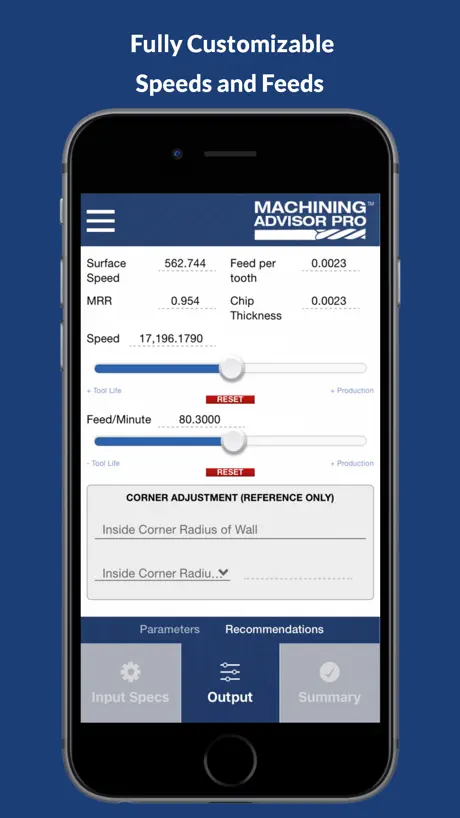
Great feeds and speeds every time. Helps in using helical tools to the fullest. I do wish there was a quick list so I could keep a list of speeds and feed for tools I use daily or that I’ve used before so I could then select different materials.
Unable to input info
Not able to input necessary info beyond tool and material. Tool path type, machine spindle and tool holder are not working.
Great alternative to using the desktop
Just as easy to use as the desktop version, perhaps faster, will report back after some more use
Could be good.
This may work on larger phones, but for some reason when I go from vertical layout to horizontal it completely resets everything. Works like an etch-n-sketch unfortunately. Additionally there are inputs that don’t allow me to fill the field at all. I try touching in all areas of the input spot but it won’t let me select anything. Making the app actually useless.
Website works better
App kind of blows, but the website is fine.
Modern milling data!
Advancements in technology and tools, primarily CAM software, allows me to run parameters just didn't exist 20 years ago. I use this app almost exclusively for high-efficiency milling numbers. The feeds and speeds for modern toolpaths are just so different that you can't guess in the dark the way you could with traditional roughing and finishing. The fact that the app is linked to specific tall part numbers from helical is smart, even though I have had success applying numbers two to tools from competitors. . This App asks for a lot of input parameters which tells me that they're taking many things into account at once.
Buggy
Buggy, same as on website. Won’t even open right now
The speed and feed are way too fast on uncommon materials.
Paid $250 for a tool that would have destroyed 321 stainless steel according to them. On the app it told me I should run it 215ipm which I thought was crazy for that material called in they said that a little face run it at 201ipm I still doubted it called their local application engineer he said ran it at 176ipm . I stared running it at 129ipm and the tool broke not even 1 min into cut . Called in they didn’t know what to say the application engineer came over to analyze it and he goes “seemed like our data was wrong, it should be closer to 100ipm” . They didn’t even replace the end mill $250 gone not even 1 minute of cut . I got a $100 kennametal tool and it ran for 2 days and a half at 100ipm . Long story short they really need to update their data so people can actually use it and they should at least stand behind their word and fix it not leave you hanging. Don’t overpromise and underdeliver .
Good note great.
The desktop version of this app is much better Than the iOS version. It take a little getting use to setting up the parameters. All in all a good starting tool.
The Future of Tooling
Helical and Harvey Tool are showing us what the future will look like with this app. It gives you the ability to quickly calculate speeds and feeds for the specific cut you’re doing with your material and the exact tool you’re using. This goes way beyond a “feeds and speeds” chart you might have taped to your wall. The ability to consult the app for your specific application will certainly improve the quality of your cut as well as maximize tool life - this is the future of tooling folks.
Registration is broken
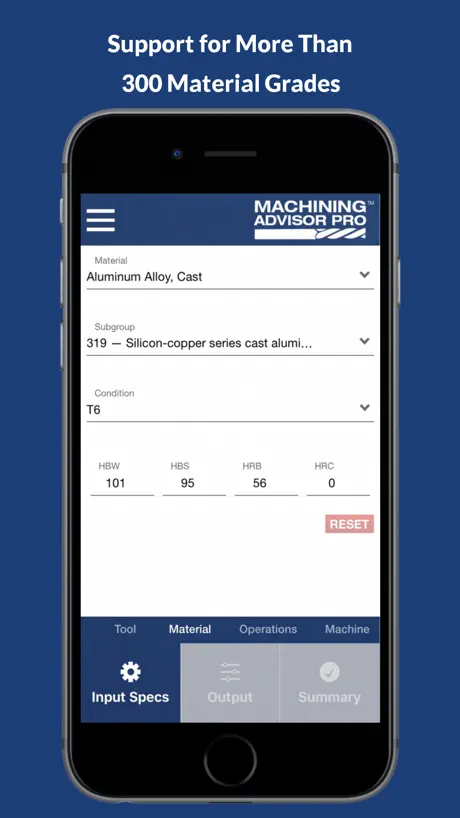
New user on a phone. I type an email and password, and a ton of other details, only to have it tell me I’ve already registered the email address. I had to go to the web to finish registering. The interface CONSTANTLY hides the submit button while the keyboard is open. Neither policy opens a browser to read them, so I “agreed” to something I was never allowed to read. Very clunky. I know this makes me a newbie, but I couldn’t even find Al 6061, an alloy of four metals that were never available in a combination of more than three, let alone by the stock number of any metal supplier I use. Fine, it’s a gimmick to get high end pro’s to buy Harvey Tools. Hobbyists need not apply. Don’t burn your email address on this.
Requires too much info
You lost my support strictly because it requires too much information to use. I shouldn’t have to make an account to use an app like this. And you want my phone number and street address. Then I’ve got to confirm my email. Too much.
Great App, highly recommend
They took a great desktop-based advisor and turned it into a great app. This app is super handy if you’re out on the shop floor, or if you don’t want to keep switching between windows on your PC.
I don’t think so
First thing you want is my email address to login? I think not. I’m deleting this app right after this post.
Great concept, poor execution
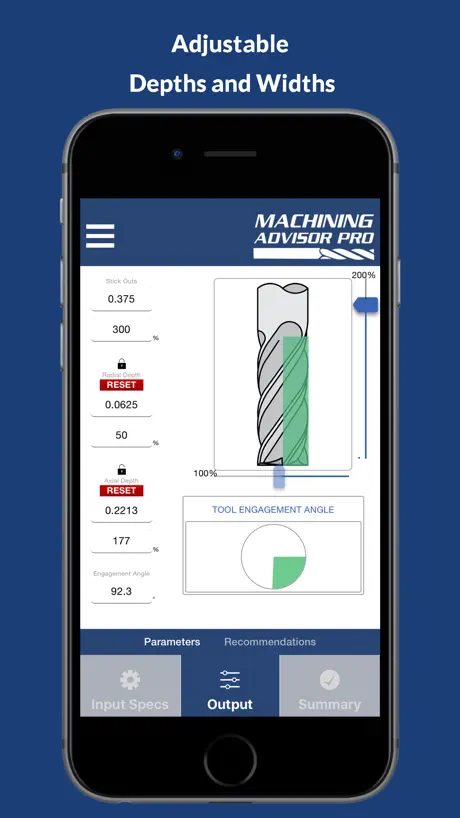
I think there is a lot of potential with this app... but I can tell the people who designed it are phenomenal machinist and not app developers. This app is extremely not user friendly. It is very laggy or stutters a lot when making a new selection. Once you’ve selected something it auto fills the parameters for you and only allows the user to adjust a few settings. Ex. I want to change the radial depth of cut, I can’t. I can only change the axial depth of cut or visa versa. Also with that if I attempt to change the percentage of whatever the setting is. Say from 100% engagement to 50% engagement the app freaks out when I delete the 100 and says 0 is not an acceptable amount. I understand it’s not an acceptable amount, but if you would have let me finish inputting what I wanted to input, and not kicked me out and reset it for me, it wouldn’t be 0. Lot of potential here but first needs a lot of refinement. Hope to see a change soon!
Sign in was never working
Never allowed to sign in. 500 error every time
Nothin special
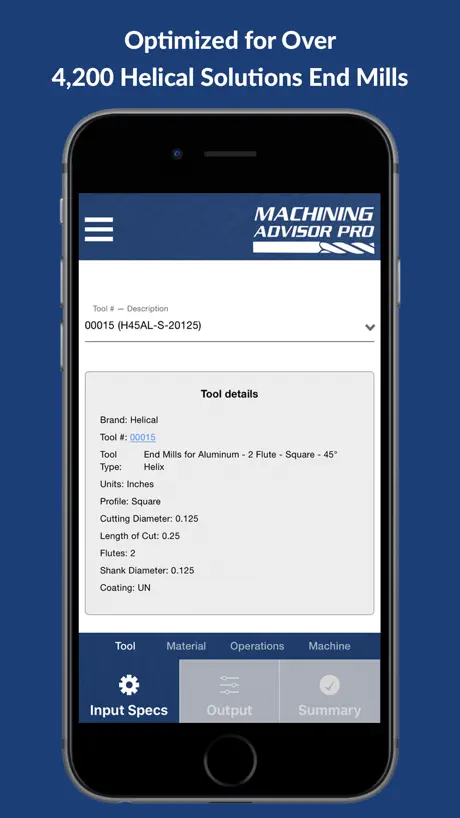
If you’re not using Harvey brand cutters, this app is worthless to you. Tool input must be from the Harvey tool number, and you must look it up using their numbers. There appears to be no way to look for a tool using geometry or other criteria. Interface is on the clunky side, too. Hard to navigate, options limited. Not impressed.
Not good
From the start, the privacy terms link was broken. But I proceeded anyway to include tons of personal information. After a few confusing errors trying to authenticate the app, I reopened it. It looks like a oddly specific tool set because none of my tools are listed. I have a ton of different bits I use regularly. None are listed. I operate a CNC router table. Either this info is strictly for those in the know or they are using proprietary tooling and are trying to push their products and not tell end users that. It is disingenuous not to put this critical detail in the app description. I’m deleting the app and I emailed the support link to have my data removed from their servers. I’m not sure how that will go.
Has potential but it’s more or less a sales plot
The app isn’t very user friendly and they ask for more than needed contact info. Also they don’t let you give numerical values for tools you have to enter their part numbers which means it only works with their tools. I like the idea and it’s got potential but overall it’s not that helpful. Also why isn’t steel listed as a material option?
Needs way too much
Can’t get past sign up terrible app.
Good luck signing in
I need a speeds and feeds calculator not for you to contact my employer and solicit no thanks after 45mins better download the gorilla app u download it and instantly opens to a.......... speeds and feeds calculator didn’t have to put name company title VALAD phone number I’m surprised no social but u prob got that
personal info, email, phone required
No, no no. I should not have to submit my email and personal info to use an app like this. I didnt even try it.
Doesn’t work
Can’t even get past the password screen
Machining Advisor Pro FAQ
- Is Machining Advisor Pro free?
- Yes. The app is free, in all 45 countries it sells in, and it sells nothing inside it.
- Does Machining Advisor Pro have a free trial?
- No. None of its offers (US) come with a free trial.
- What are the best alternatives to Machining Advisor Pro?
- CNC Machinist Calculator Pro (4.7 from 773 reviews), The Phillips Machinist (4.6 from 495 reviews) and FSWizard (4.6 from 104 reviews).
Machining Advisor Pro download
Last updated 7 months ago.
Machining Advisor Pro sells in 45 countries. It was released 8 years and 10 months ago, on 10 Jan 2018. It holds a 3.8 rating from 186 reviews.
Supports 1 language: English.
How much does Machining Advisor Pro make?
Third-party estimates for the last 30 days, worldwide — not the store's own figures, which Apple publishes for nobody.