
Frame Grab
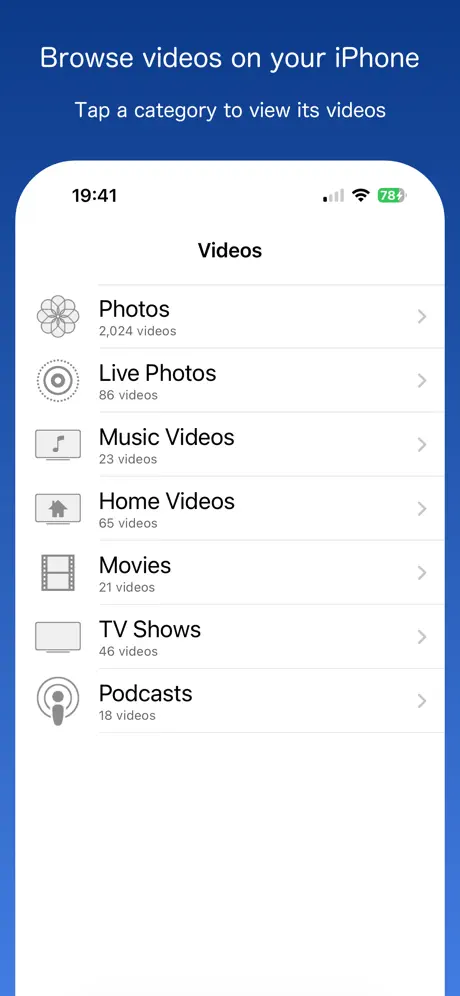
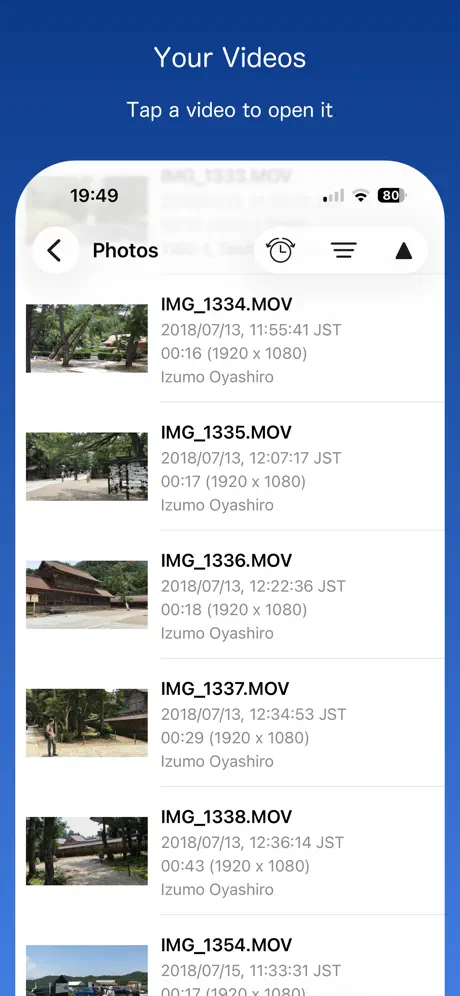
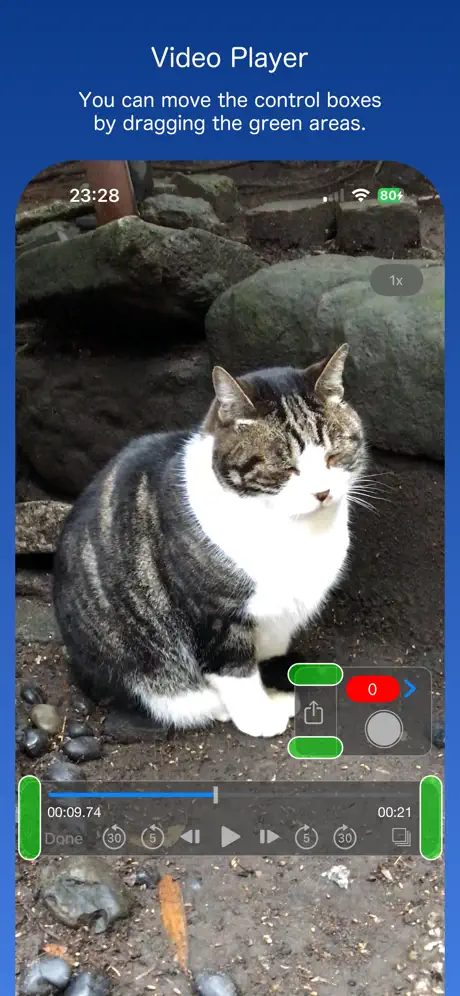
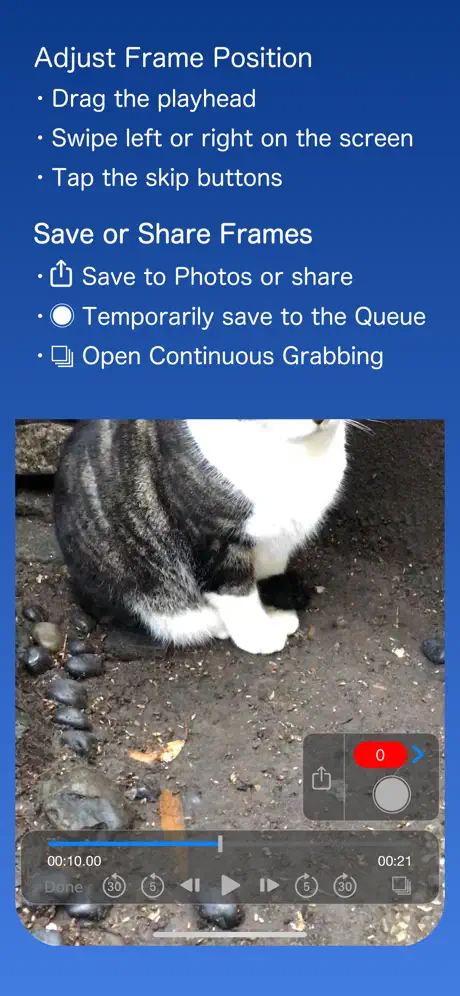
How much does Frame Grab cost?
Prices are current as of 5 Nov 2026.
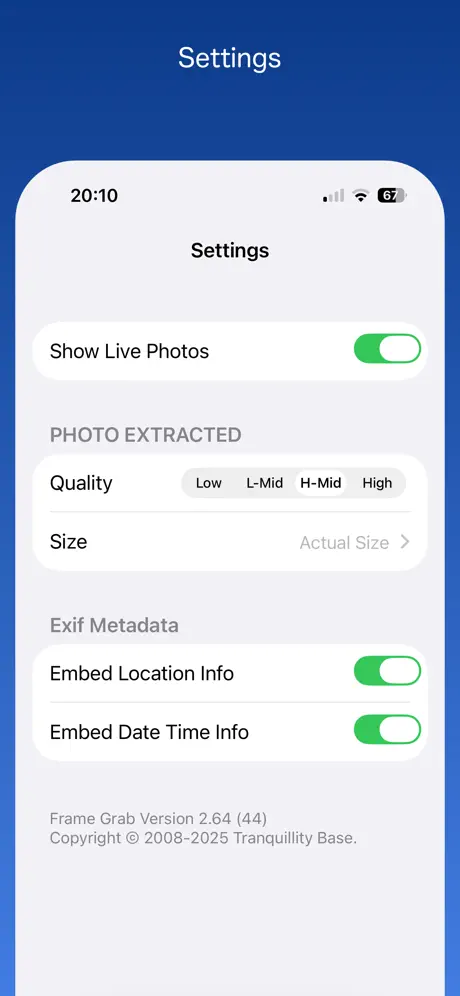
Frame Grab has no in-app products on record in the United States.
10+ alternatives to Frame Grab
| Frame Grab |   Frame Grabber |   MoviPic - Movie to Photo |   Video To Photo / Image |   Video to Pic: Frame Grabber |   Grab Picture - Video converter | 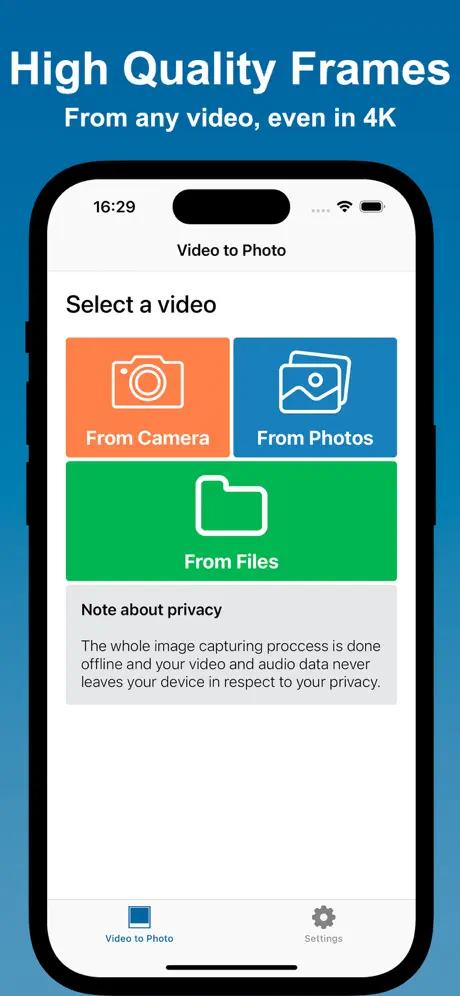  Video to Photo: High Quality | 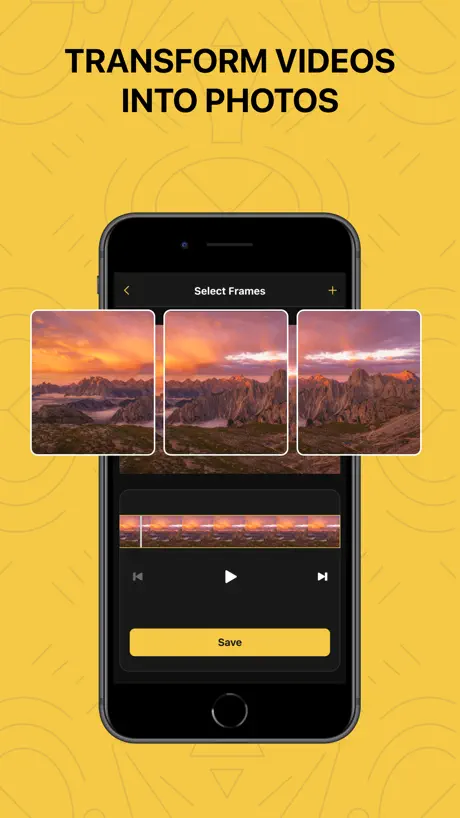  Frame Grabber: Video to Photo | 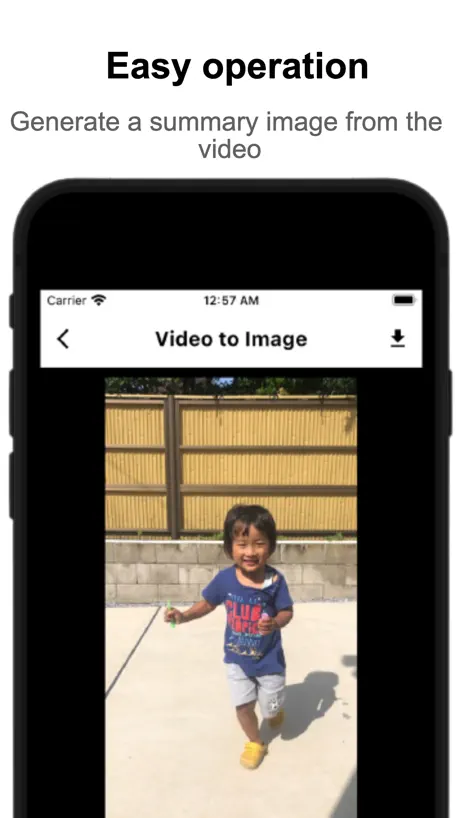  Videos to Photos / Images 2 |   Grabz: Video Frame Grabber | 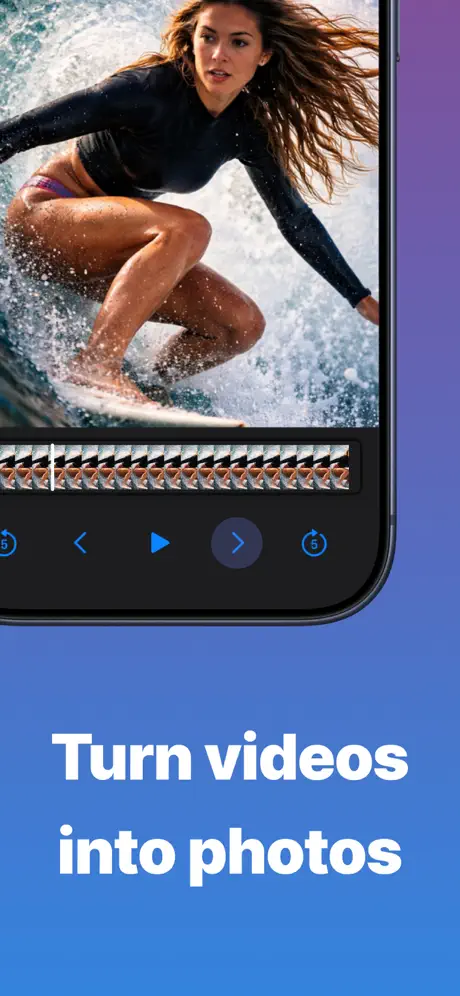  Grab HD Video Frames - VidGrab | |
|---|---|---|---|---|---|---|---|---|---|---|---|
| Rating / 5 | 4.4 | 4.6 | 4.6 | 4.7 | 4.8 | 4.2 | 4.6 | 4.6 | 4.8 | 4.5 | 4.4 |
| Reviews | 370 | 10K | 9.2K | 4.4K | 3.8K | 3.3K | 2.1K | 1.3K | 942 | 277 | 200 |
| Released | 2017 | 2018 | 2013 | 2021 | 2019 | 2018 | 2020 | 2022 | 2022 | 2022 | 2024 |
| Weekly price | — | — | — | — | $1.99 | — | — | — | — | $5.99 | $4.99 |
| Monthly price | — | — | — | — | $3.99 | $3.99 | $1.99 | $6.99 | — | $9.99 | $9.99 |
| Annual price | — | $19.99 | — | — | $14.99 | $19.99 | — | $9.99 | — | $19.99 | $19.99 |
| One-time price | — | $4.69 | — | — | — | — | $3.99 | — | — | — | $9.99 |
The going rate for each plan in United States, in its own currency, shaded from the cheapest price on the row to the dearest. Plans fewer than four in ten of the priced apps sell are left out.
Frame Grab reviews
4.4 out of 5, based on 370 reviews.
What people like
- Super easy to pick exact frame
- Works great for free with few ads
- Clean interface that is simple to use
- Lets you grab multiple frames at once
What they complain about
- Won't load videos or crashes
- Freezes on huge photo libraries
- Picture quality drops after updates
- Sometimes grabs wrong video frame
Fabulous tool
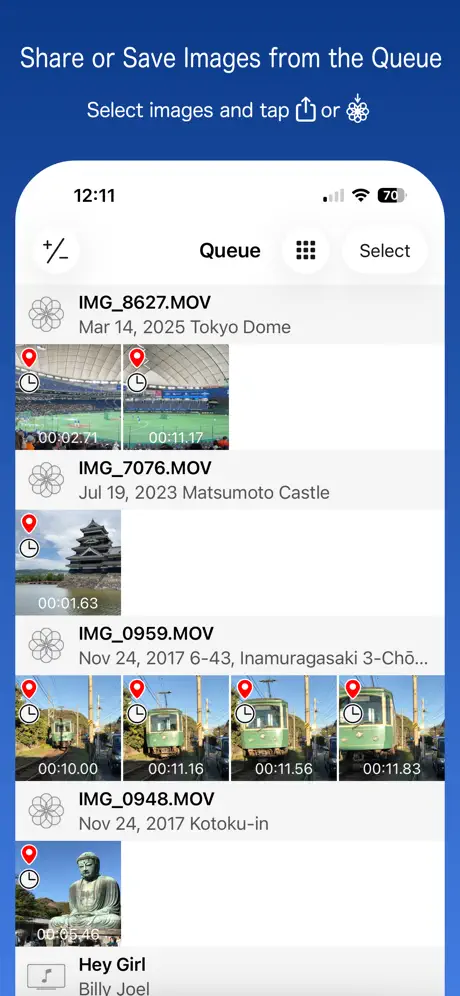
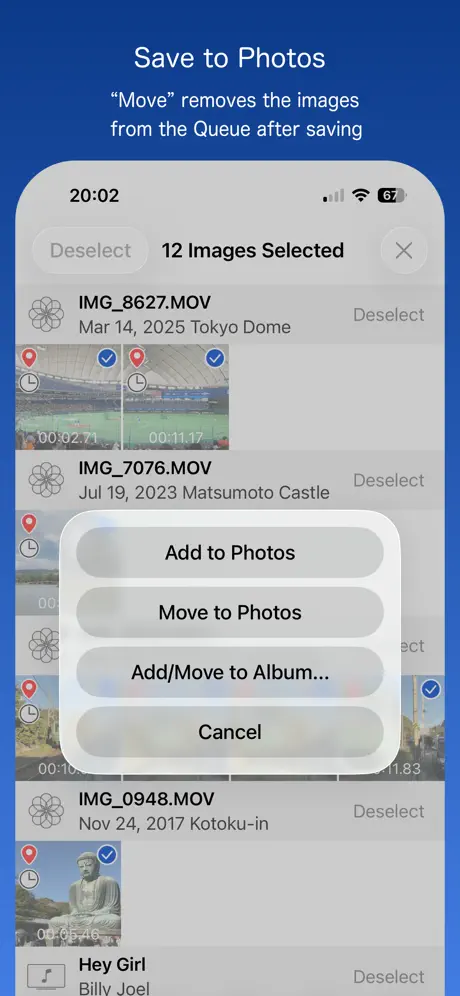
This tool is super simple, but has plenty of useful features. I particularly like being able to queue up multiple grabs, review them, select the ones to trash and the save the acceptable ones. If I could pay a one time purchase, I would. I have no intention of using Apple’s implementation in iOS 27. This app is my go to and will remain so.
Buggy
The screen grab doesn’t always work. I’m waiting on a fixed update To developer : There was a pop-up over a year ago to remove ads and I paid for it, was it not legit?
アプリが落ちてしまいます
いつも便利に使っておりますが、今バージョンからホームビデオで、選ぼうと画面をスクロールさせるとアプリが落ちてしまいます。対応お願いいたします。
Glitchy
Unless I’m blind..there no way to add more existing photos. I opted to choose only a selected few photos/videos on initial install. Didn’t work. And no way I can find to add to selection. The “choose an album/folder” doesn’t load anything either. Uninstalled.
Just one fatal flaw…
The app freezes on launch on phones with huge photo libraries (huge = 100k+ items)
Works well
Does the job! For DSLR video or iPhone. Can’t find out how to pay to remove ads.
can not load any pic
can not load
Take my money!
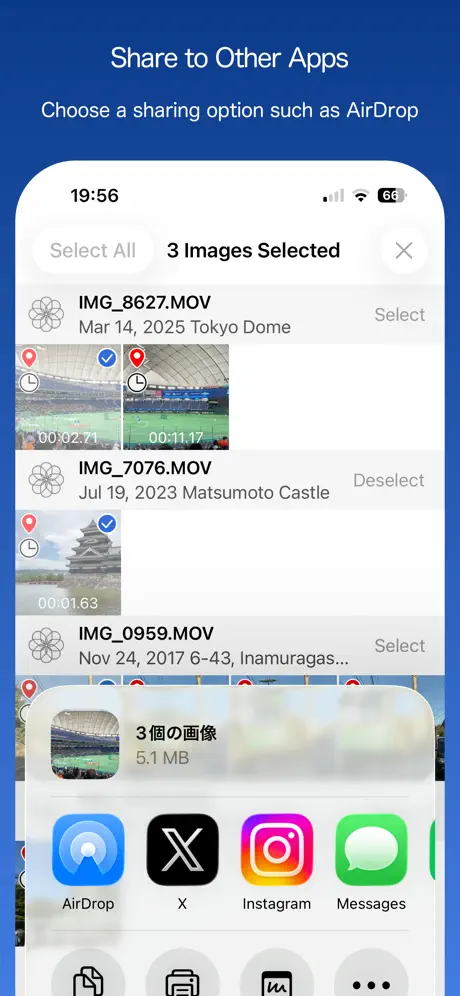
I would pay money for this app if that meant it would show up in the share sheet
画面に表示されるマークが大きい…
コマ送りした時、画面真ん中に黒い枠が表示されて 画像が見えない。小さく隅に表示か、枠はいらない。
???
なぜでしょうか? 昨日は普通に使えたのですが、今日は最初に編集したい動画を選ぶ所がまずできません。 自分のカメラロールから動画を選んで編集だったと思うのですが、、 いったいどこから選べばいいのでしょうか?
Great App!
Does exactly as you expect and well designed interface that is fast to pick up and use. Really appreciate the ability to turn on or off the date time encoding as I can ensure the photo line up with my videos or get posted to the end of the library. Thank you to the developers!
Very bad
This app crashes when I get a certain number of frames and I lose all my images. Please fix this.
Great, but one issue
Works great for what I need, but there is an issue where sometimes the screenshot will grab the frame directly before the one I’m trying to capture. Otherwise, love the app. If that was fixed, I’d rate it 5 stars!
なんだか…
数年前から使用しているのですが 、最近になって切り抜くと明らかに画質が落ちるように… 何故なのでしょうか…素敵なアプリだったのでショックです。 アプリ側のエラーではなく、自分側の操作や設定ミスであれば対処方を教えて頂けると幸いです…
Perfect App
Thank you so much for making this app. It’s clean, simple, easy to use. I love it!
Will not load videos
Does not load any videos error
要望
自動で3秒ごとに、0.5秒間に10枚など動画の最後まで写真化してくれるようにしてほしい。
Error message
The program no longer opens all videos. Error message is “Cannot load this video. PHAsset. PlaybackStyle:video”. This appears to be a developer issue, but until it is fixed, I suggest choosing a different app. James
Does the job!
Thanks for making this app available for free. (We all hate subscriptions) I just want something for occasional use, and this works perfectly! 5 stars!
Update
Has not worked since the update. Can not load videos
動画の追加方法
iPadのホームビデオだと 追加が面倒なので 「ファイル共有」で動画を追加できる ようにしてもらえると助かります Windowsパソコンで使うので TS mkvなどのコーデックも対応していると なお
Bad
Downloaded it a week ago and it worked for 2 videos but know it won’t even load any videos any idea how to fix this “bug” if so please help it’s the only free app I can use I was planning to take a video an export it so I can us procreate to animate it but now I can’t anyway to help?
Best of breed
Elegant interface, can swipe fast or slow, even frame by frame, and the ability to access home movies (not just the photos library) make this a standout app. I wish it had an ad free option. Would be well worth paying for.
Won’t open videos on iPhoneX / iOS13
Slow, buggy. Needs work.
It was good at first
It was really good when I had it a few weeks ago it was working fine until I accidentally deleted it and now I have redownloaded it it will not work it doesn’t crash or anything all I can do is scroll through my videos
flawless
this is probably the first app ever that 100% matched my goal, it is almost like I made this app myself, thank you!
This is terrible
This app does. Not work and deserves to be kicked out of the app store it will not work
高画質
filmicproで撮影した4Kから静止画として保存しています。設定次第で他のアプリより高画質で保存できるので使わせてもらってます。どうしても動画から写真にすると劣化してしまいますが、ノイズが多い場所(暗所など)以外はプリントもL版なら問題ないんじゃないでしょうか?
A free app that works well
Want to extract a still frame from a video? This app does that, very well and pretty easily, and for free. There are a few unobtrusive ads, but do you really care?
it doesn’t work
it wont let me select a video it just does nothing
良い
操作説明がないので色々いじりながら慣れないとダメですが、慣れたら慣れたでとても使いやすいです!
Great tip to get to just the frame you want
It’s extremely easy to get just the frame you want. Load the video you want and start it playing. Pause the video and simply drag your finger left and right across the paused video. Do it either fast or slow. Lift your finger off of the video. It will be paused on that frame. Even hold your finger down not moving it. The video will be frozen on that frame. Move your finger really slow to move from frame to frame either forward or backward. No need to be using the buttons and make a mistake.
Don’t bother...
Doesn’t work... Just hangs on the opening screen. Or opens up, sits there... then crashes...
Works great for free
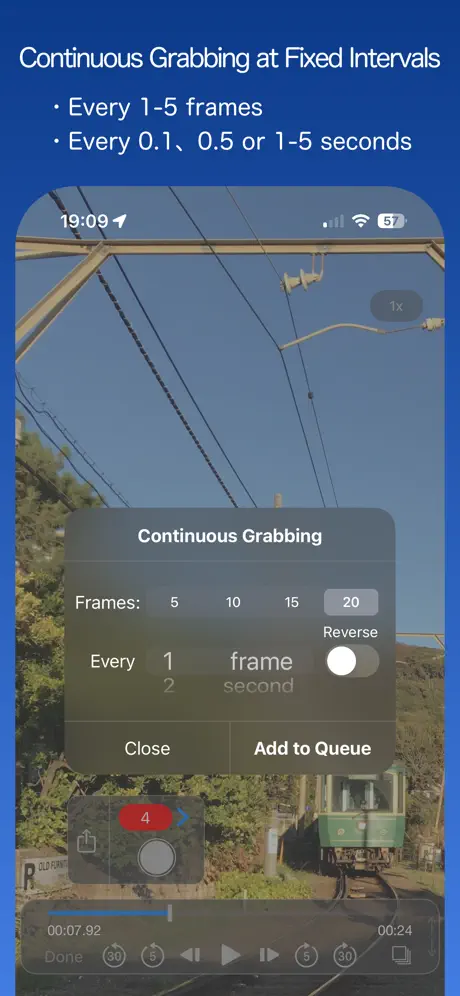
For a free app I think it works better than any other I’ve used. You can set the tool to automatically take frames per second or other intervals to get the best quality pictures from a video. It has a glitch from time to time with Live Photos but I dont really care about those anyway. There are ads but they’re few and far between.
Promising but the App crashes on start.
Would love to use the App but it crashes right away. iPhone 7 iOS 11.2.2
Frame Grab FAQ
- Is Frame Grab free?
- Yes. The app is free, in all 173 countries it sells in, and it sells nothing inside it.
- Does Frame Grab have a free trial?
- No. None of its offers (US) come with a free trial.
- What are the best alternatives to Frame Grab?
- Frame Grabber (4.6 from 10,100 reviews, premium from $1.99), MoviPic - Movie to Photo (4.6 from 9,238 reviews) and Video To Photo / Image (4.7 from 4,361 reviews).
Frame Grab download
Last updated 18 days ago.
Frame Grab sells in 173 countries. It was released 8 years and 11 months ago, on 14 Dec 2017. It holds a 4.4 rating from 370 reviews.
Supports 2 languages: English, Japanese.
How much does Frame Grab make?
Third-party estimates for the last 30 days, worldwide — not the store's own figures, which Apple publishes for nobody.