
Toggl Plan
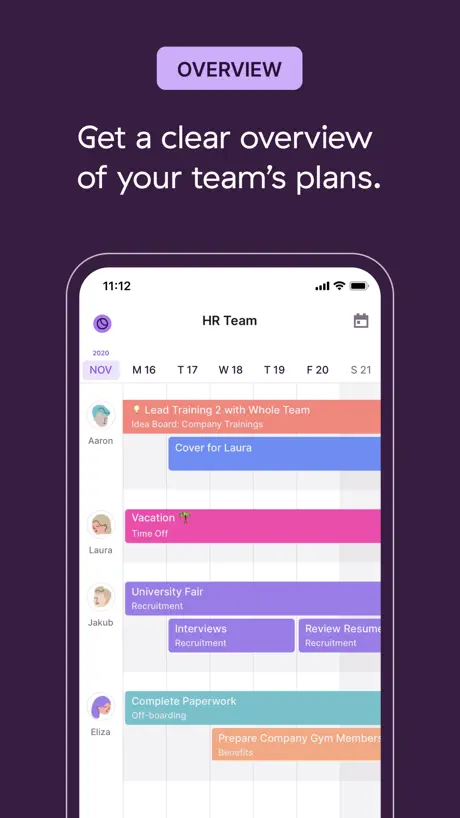
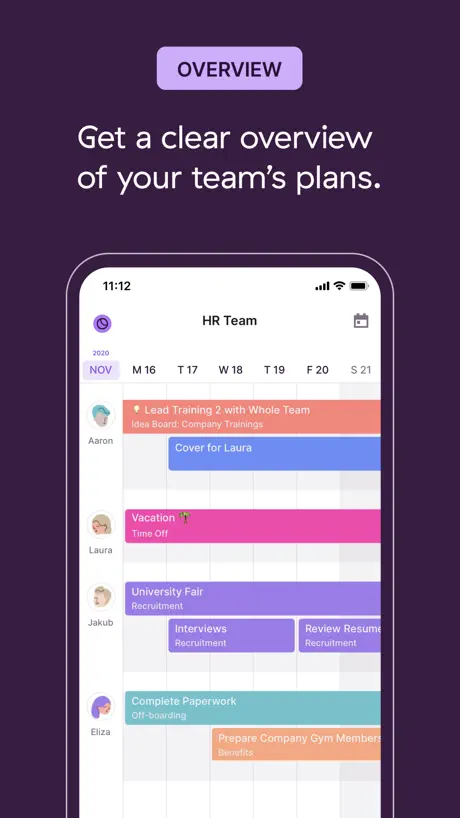
Team Calendar
How much does Toggl Plan cost?
Prices are current as of 14 Nov 2026.
Toggl Plan has no in-app products on record in the United States.
10+ alternatives to Toggl Plan
| Toggl Plan | 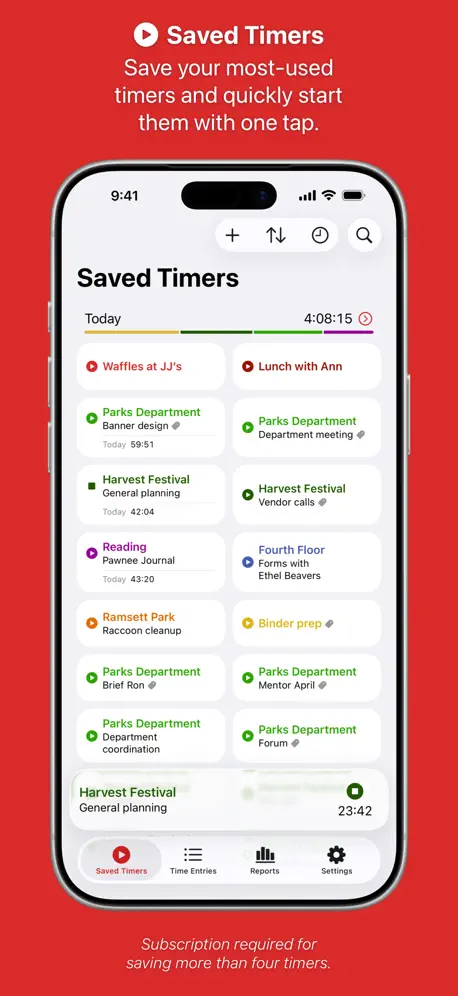  Timery: Time Tracker | 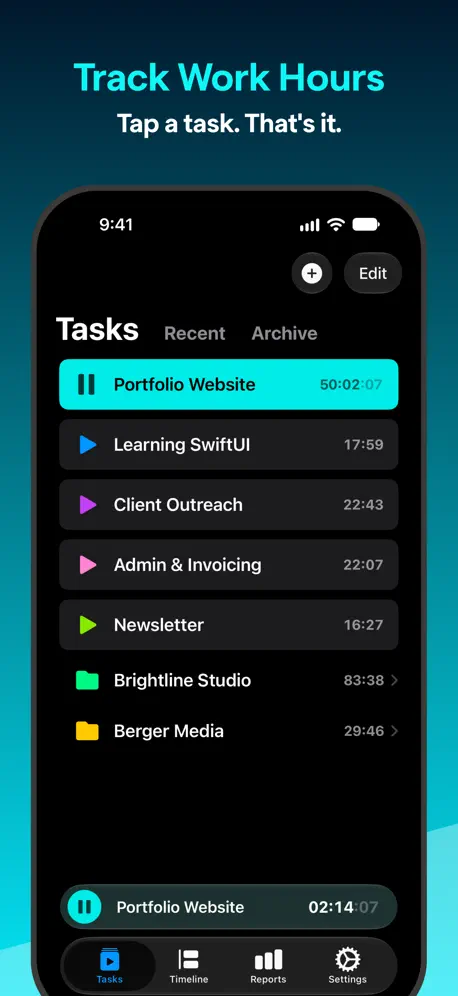  Timemator: Time Tracker | 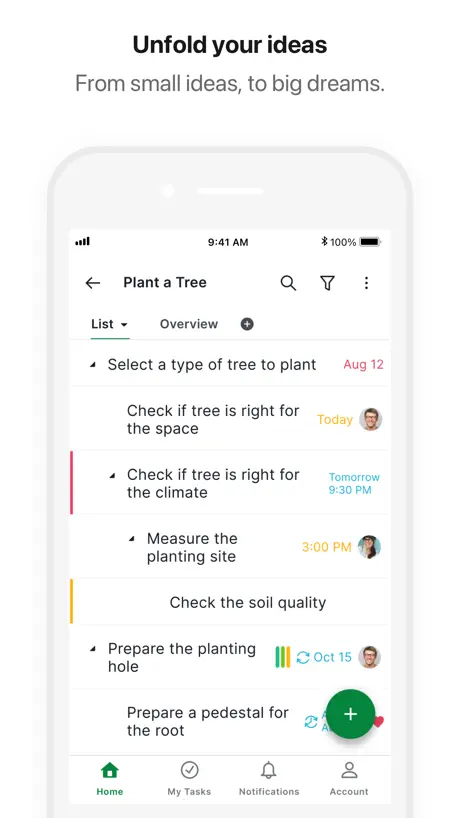  Quire |   Akiflow: AI Planner & Calendar |   EARLY: Time Tracking |   TimeCamp Time Tracker |   Paymo Project Management |   SkedPal |   Routine: Calendars & Tasks |   TeamGantt | |
|---|---|---|---|---|---|---|---|---|---|---|---|
| Rating / 5 | 2.6 | 4.8 | 4.7 | 4.7 | 4.3 | 4.4 | 3.4 | 4.6 | 4.2 | 4.6 | 5.0 |
| Reviews | 145 | 2.6K | 732 | 566 | 535 | 489 | 229 | 226 | 111 | 14 | 2 |
| Released | 2017 | 2019 | 2020 | 2016 | 2024 | 2017 | 2014 | 2019 | 2016 | 2021 | 2017 |
| Monthly price | — | $0.99 | — | — | $33.99 | $14.00 | — | — | — | — | — |
| Annual price | — | $9.99 | — | — | $229.99 | $139.00 | — | — | — | — | — |
The going rate for each plan in United States, in its own currency, shaded from the cheapest price on the row to the dearest. Plans fewer than four in ten of the priced apps sell are left out.
Toggl Plan reviews
2.6 out of 5, based on 145 reviews.
What people like
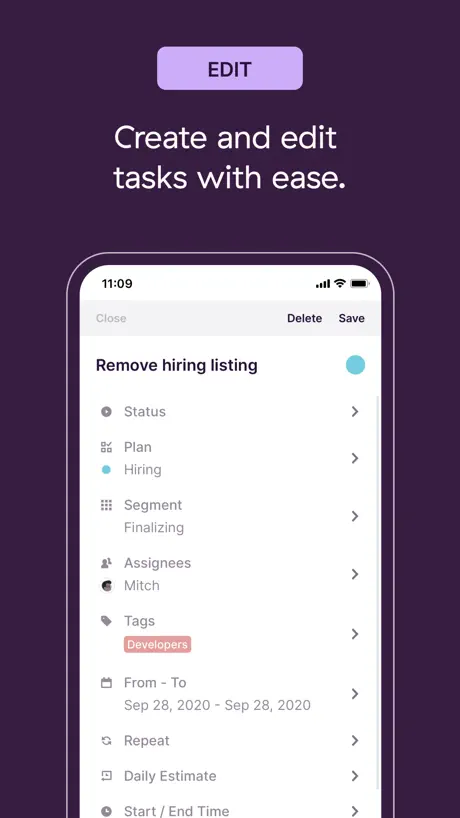
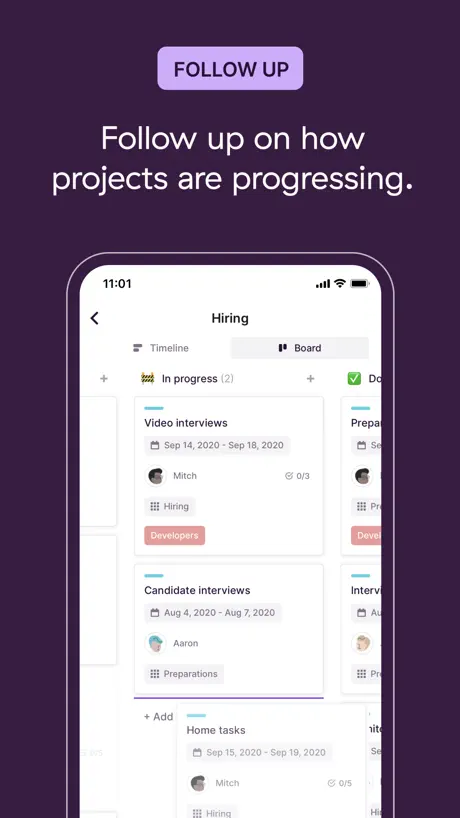
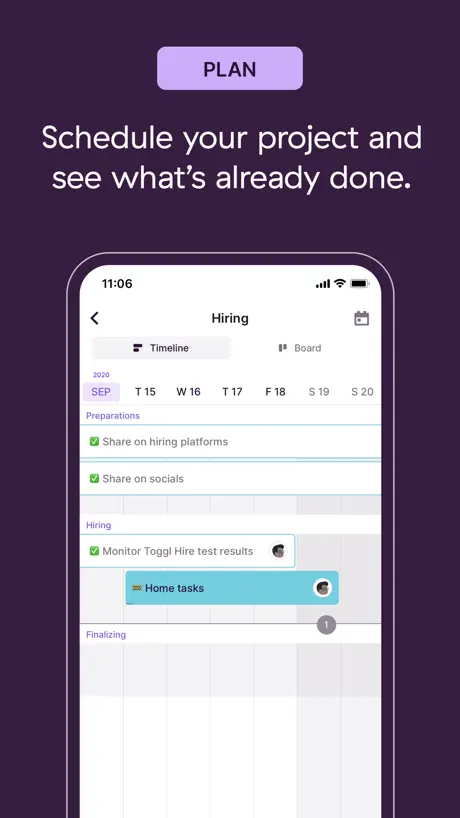
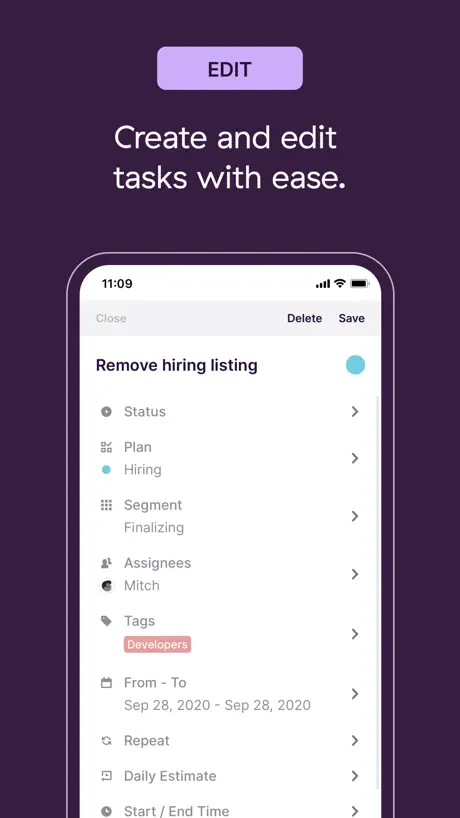
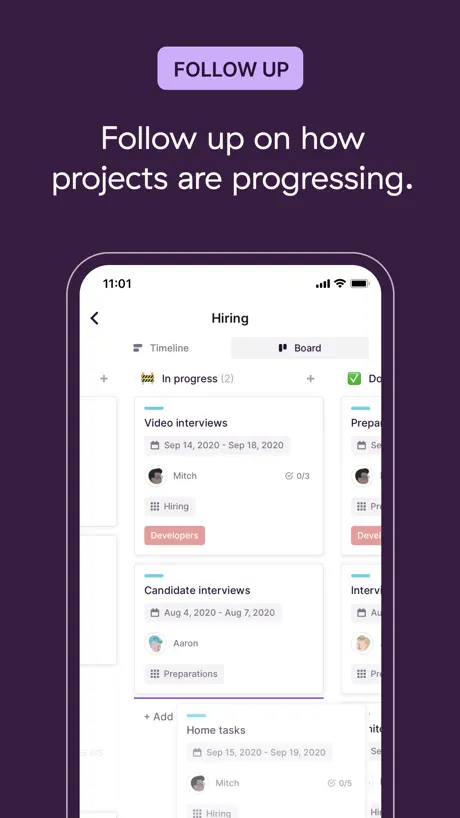
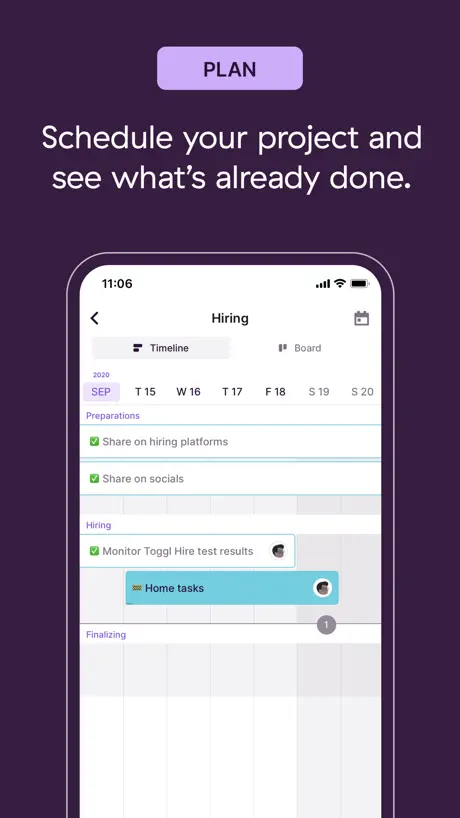
- Clean and simple scheduling interface.
- Great for checking team availability.
- Works well with their time tracker.
What they complain about
- Tasks fail to load or save.
- iPad app lacks landscape view support.
- App crashes when navigating projects.
Promising and beautiful app
I'm using toggl track and very love it. I decided toggl plan a try and it has all I need. I love the simply and focus on task and timeline. I hope the team keep developing it and please don't drop this project. I'm looking forward to see some significant update. Suggest: + Arrange the project order manually + Calendar view + Archive folder + Nice ios widget + Discord support community + etc
Loses your data and no support
Loses your data and no support!
Landscape Mode. Stat.
Hey Toggl! Love Toggl Track. Want to use Toggl Plan for the company I work for. Great intergration, simple to use, awesome! BUT. The iPad app will not rotate to landscape? All that real estate just lost? I know you’ll fix it, just thought I’d remind you. Five stars once it’s fixed!
Still a long way to go
Can’t drag to adjust or resize tasks on timeline views even on an iPad… that’s the main whole function of your product and you can’t do it. What a cop out. Also still no support across the product for custom fields, zapier, or adding other views like a shared notes tab to capture basic project notes. Sadly toggl plan is moving too slow and other apps we’ve tried have already outpaced it so it’s hard to see sticking with this platform much longer.
On version 4.3.1 the app is going great!
One of the reasons i left toggl plan was that Roadmap went nice on organizing the project by plans, but also very limited compared to Toggl. However, after the update the plan line and weekly appeared and i came in again. Now desktop and app seems integrative.
Can’t even input tasks
Tried in both iPhone app with excellent internet and also on web app. Writing and rewriting tasks does not work. Tasks are not in. DONT WASTE YOUR TIME WITH THIS ONE.
Very limited capability app
You can only get the day view and week view on mobile app, and only in Teams view, but not Project View. Would sure be nice to have both mo that view and Project View with segments enabled on the app. Without it, makes team and project management on the move super difficult. Perhaps developer can respond and clarify if there are plans to improve the app? Desktop version works nicely.
Great product but please add iPad orientation support
This is truly a great product the only issue I’ve had so far is that there’s no way to make the iPad version landscape. This makes it unusable on an iPad attached to a magic keyboard.
Much better interface
The new version is a vast improvement on the old one. It is very similar to the PC version.
My Team disappeared
This was the greatest AP ever as I would be able to see who was free and who was not within me team at a glance. Now, however, I only see my own tasks.
Keeps logging me out
Nearly every time I go to use the app it’s logged me out. No option given to use face id, or to have it save the password like I can do on IOS for most other apps I use. Very annoying as I use for work and sometimes want to check my teams availability quickly on my phone.
Need work here
I'm really glad I found your website. You do not have worthy competitors in the free segment. but the mobile app does not work. read the reviews and spend time on it.
Отлично
Справляется со своей задачей без вопросов.
Nearly empty functionless app
Portrait mode only on iPad. Can’t edit teams or plans from the app. How did this even ship? This a complete piece of garbage, even for existing Toggl users. Between this and the forced color changes it’s clear Toggl doesn’t respect its users.
Can’t switch segments
I can sign in on the app fine. I recognize this is a mobile viewer of a web platform so no complaints on sign up process or anything (a lot of people here seem to be really offended they need to use a desktop to sign up, but it’s no big deal). Honestly this app would be good as a mobile viewer where you can modify tasks if there were a way to actually navigate the different segments setup on the web app. The only segment I can see on mobile is the “Default Segment” that is in place initially as a tutorial. There does not appear to be any button or option to look at other segments, which prettymuch breaks the app making it useless unless you make your entire Gantt chart under one segment.
Good tool
Good to keep an eye on schedules but the edit function is too buggy on iphone. When i set up a date it moves it a day later and I have to restart the app for it to work.
Great overall app!
We just started using the web app and love it! I just downloaded the iOS app and so far looks good for a 1.0 release.
Just doesn’t work
The workspace I created on the computer doesn’t show up. The title of it is there but I see no dates or projects. There’s a down arrow but when I click on that the app crashes. I deleted.
Landscape!
I use an ipad with keyboard. This app has no landscape view.
Please add landscape mode !
Good app but needs some tweaks to make it really useful. Landscape view is a must for iPhone or iPad viewing, otherwise the calendar very difficult to view and assess. Other great additions would be to allow project specific milestones and additional detailing of projects (assigning people, deadlines, overall project planning, percentage completion, etc) and adding tasks to projects as sub lists. Otherwise this is a great service and software that provides a clean and simple way to schedule a team and manage resources.
Poorly coded
Very poorly designed. Not useful on the app, use the website
It has potential but too many bugs
As a team manager it has a lot of bugs, it is not reliable at all. When my team needs to access it sometimes in critical times, it’s crashes. Also it doesn’t save changes. The desktop version is better, the app is very basic and full of errors (can’t edit, delete, wrong times etc.) wouldn’t recommend, there are others out there much better.
Not linked with website version?
I was really looking forward to using this app. But unfortunately, when I have created tasks on the laptop via the website and no matter how many times I restart the app and reload the website it is not loading on the app.
Mostly Useless
The web app just doesn’t work on a phone, it’s as if they never thought of it. Rather frustrating actually. When I learned that you cannot add dependencies between tasks, I deleted the app immediately. It’s pretty, but useless.
Shame
This app is useless
Not enough options.
Lack of an iPad app/horizontal view leaves much to be desired.
Don’t use
First, when you get the app, there is no sign up option to get an account. So you have to go online and set up an account and then you can log on to the app. Their website on a phone is atrocious and basically unusable so just setting up an account becomes a whole thing. If you can’t get me signed up to use your app in the app than you have some serious UX issues that can’t be ignored. I deleted my account.
Website is great - app is too basic.
Love the TeamWeek service and use the desktop and mobile web apps, but the phone app is rigid. - no monthly view - no scrolling between weeks - no option to view horizontally (a preference) - no dragging to re-order - no duplicating tasks. In fact the whole app has no options or settings menu at all. It’s like using an Apple Watch app. I remember there being different versions of the app in the past, that even directed us to use the web app instead. so maybe these missing features are what broke the previous apps, in which case the web app should be given a little love instead!
Extremely Disappointing
I love Team Week for my browser, but the app layout in the iPad app is ridiculous. There’s no landscape mode. Why? Plus, you lose the 3 month view. Frankly, it’s not even useable. I’m uninstalling.
Loved the app before....
But now the times don't show up for scheduled events, hardly a good development and makes it worthless as a calendar app. Am I missing something?
Toggl Plan FAQ
- Is Toggl Plan free?
- Yes. The app is free, in all 175 countries it sells in, and it sells nothing inside it.
- Does Toggl Plan have a free trial?
- No. None of its offers (US) come with a free trial.
- What are the best alternatives to Toggl Plan?
- Timery: Time Tracker (4.8 from 2,612 reviews, premium from $0.99), Timemator: Time Tracker (4.7 from 732 reviews, premium from $7.99) and Quire (4.7 from 566 reviews).
Toggl Plan download
Last updated 1 year ago.
Toggl Plan sells in 175 countries. It was released 9 years and 4 months ago, on 29 Jun 2017. It holds a 2.6 rating from 145 reviews.
Supports 1 language: English.
How much does Toggl Plan make?
Third-party estimates for the last 30 days, worldwide — not the store's own figures, which Apple publishes for nobody.