
WifiClock

How much does WifiClock cost?
Prices are current as of 8 Oct 2026.
WifiClock has no in-app products on record in the United States.
10+ alternatives to WifiClock
| WifiClock | 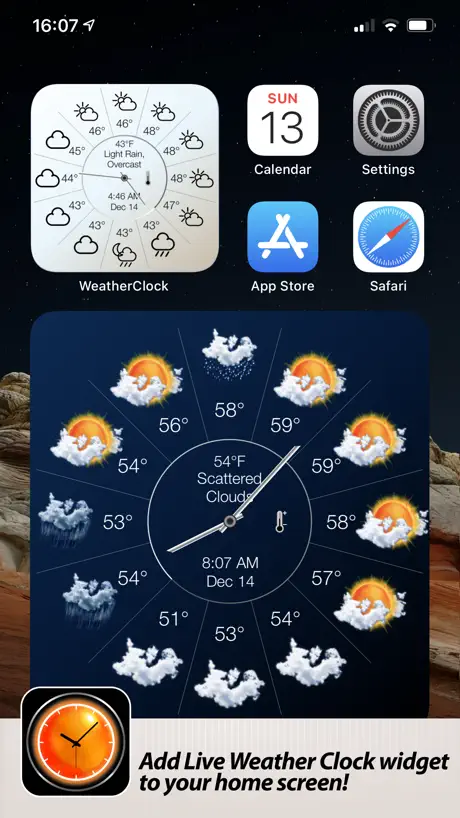  Weather Clock Widget Weather Clock Widget |   Red Clock - Weather & Alarm Red Clock - Weather & Alarm | 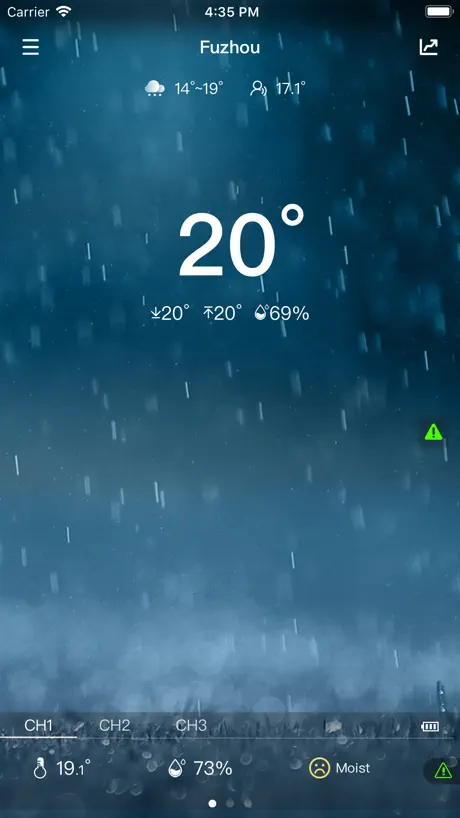  WeatherSense WeatherSense |   Barometer and Altimeter Barometer and Altimeter |   MOBILE-ALERTS MOBILE-ALERTS |   TFA VIEW TFA VIEW |   WhatWeather Weather Station WhatWeather Weather Station |   TideWatch: Tides & Weather TideWatch: Tides & Weather |   Digital Weather Clock-Desk Digital Weather Clock-Desk |   Digital Forecast Clock-Unlimit Digital Forecast Clock-Unlimit | |
|---|---|---|---|---|---|---|---|---|---|---|---|
| Rating / 5 | 2.3 | 4.5 | 4.5 | 2.0 | 4.3 | 3.2 | 3.8 | 4.1 | 4.0 | 5.0 | — |
| Reviews | 117 | 10K | 2.2K | 462 | 326 | 228 | 93 | 21 | 5 | 1 | — |
| Released | 2017 | 2014 | 2012 | 2017 | 2014 | 2014 | 2021 | 2024 | 2019 | 2016 | 2016 |
| One-time price | — | $1.99 | $2.99 | — | — | — | — | — | — | — | — |
The going rate for each plan in United States, in its own currency, shaded from the cheapest price on the row to the dearest.
WifiClock reviews
2.3 out of 5, based on 117 reviews.
What people like
- Easy setup takes only a minute.
- Great value for the price paid.
- Works reliably when instructions are followed.
What they complain about
- Fails to connect to some home Wi-Fi networks.
- Settings reset after every power outage.
- Does not handle daylight saving time automatically.
Kiváló
A 3.6 verzióval kitűnően működik a BVF Adelig okostükör.
Don’t Buy Mirror
Every time the power goes out the programming dies and you’ll spend hours trying to get it to work and 95% of the time doesn’t so it just stays in scan mode permanently and is an annoying piece of useless junk
Idk
Idk if this works uwu
Still works in 2024
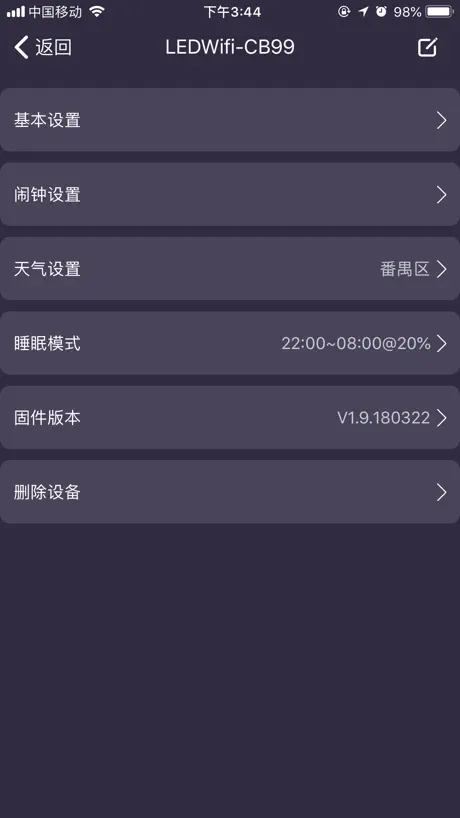
Unlike atomic clocks which doesn’t get signal to change radio signals, this one doesn’t change at all (grr…). But to change from standard to daylight savings: Tap on the clock in the wifi app Tap weather settings Tap server, change data fffgh
Funktioniert problemlos
An der App gibt es nichts auszusetzen. Sie funktioniert problemlos.
Complete garbage
This app won’t recognize a 2.4 WiFi network anymore. Doesn’t work at all.
Wifi
I use this with some wifi smart mirrors, works pretty well as long as your phone is on the wifi. Does not seem to know of or have configuration for daylight saving time, really just need a button that dst is active
Погода
С 31.05.2023 некорректно показывает время и не подтягивает погоду, разберитесь со своими серверами!
Funktioniert
Läuft und macht was es soll. Wenn man sich an die Installationsanleitung hält klappt es auf anhieb.
Not connecting
Won’t connect to my home’s WiFi. The instructions are not straight forward either.
Works okay
Doesn’t work on any WiFi that has an external login (such as hotel WiFi or university WiFi) works well at home
WifiClock
Отстают Часы от реального значения на 2 мин, пожалуйста поправьте ПО
Works for me
Took about 1 minute to set up straight out of the box. Does every thing it says it will. Very simple. Nice present to me from Grand daughter.
Does not display correct weather.
The mirror I bought displays current and forecast weather. However, all the temperatures are incorrect by 10 degrees. Absolutely worthless app!
It works for me.
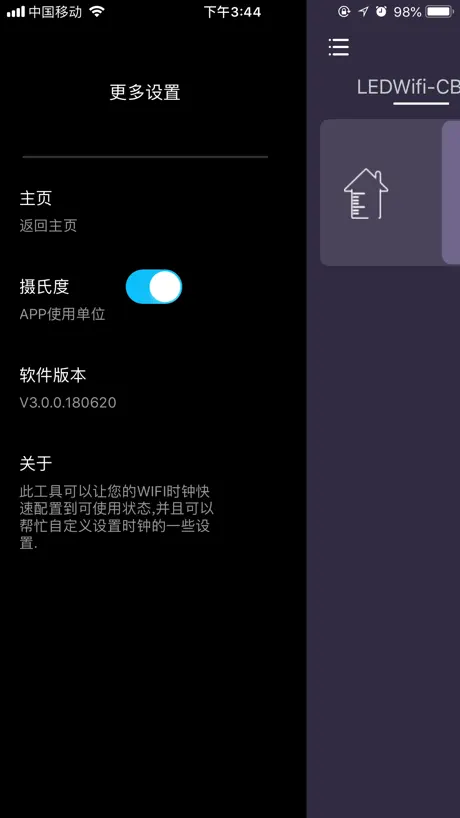
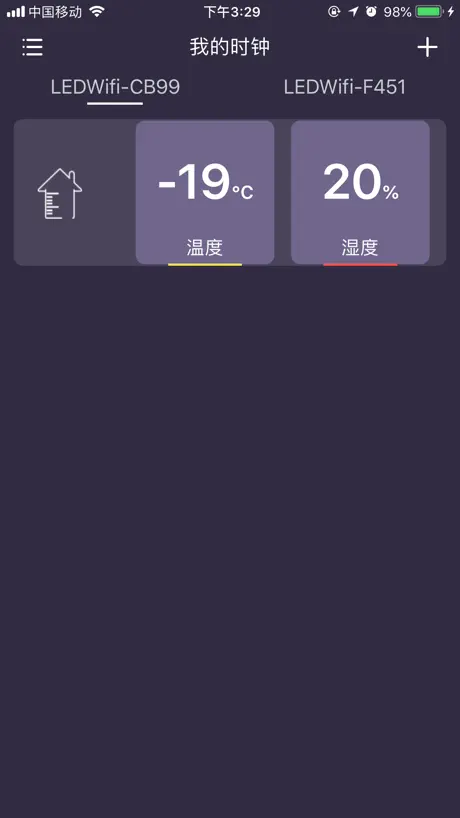
Following the not very English stylised instructions coming from the package I was able to get it connected to my home WiFi and up running within minutes. I also managed updating its firmware up to date albeit I couldn't identify any difference. I only paid for $9.99 than $50 so it becomes a bargain for me. The technology used to this app controlled WIFI clock has some innovation bit not much especially given the bulky dimensions and blinking (on battery) display. Yes it is an old fashion digits led NOT a pixelated screen and it only display pre-defined simple numbers and symbols not anything else. One nice thing worth to note is that the app even offers 2 sites 4 channels of forecast data-set. For which I had a play around with and it does shows different forecast. And why bother not telling on the screen that on the left of screen is forecast and indoor measurements to its right?
Add manual time config
It’s an app… for a clock… Please add a way to set the time manually! This is the only app for these devices and not having a way to set the correct time manually is not only annoying, but poor planning and programming.
Сделайте
И другие сервера погоды.
worst device
That’s the worst smart device I ever use. Anyone who design is really don’t know what is a good device
Wish I could give it zero
The app and product are terrible. The customer service is even worse. Don’t buy this product unless you want an overpriced mirror!
Requires Your WiFi Password
In order for this app to work it requires you to enter your home Wi-Fi password, which is the only app that I’ve ever had that asks this.
Doesnt work
This device shows info on app, only if the phone and device are on the same wifi. If you go out of home and connect to (lets say Starbucks wifi) or any, or use mobile data, your app will show “device offline”.
Does not work!
The app doesn’t recognize that I’m connected to WiFi. Won’t let me select it or enter password.
WifiClock FAQ
- Is WifiClock free?
- Yes. The app is free, in all 175 countries it sells in, and it sells nothing inside it.
- Does WifiClock have a free trial?
- No. None of its offers (US) come with a free trial.
- What are the best alternatives to WifiClock?
- Weather Clock Widget (4.5 from 10,202 reviews, premium from $1.99), Red Clock - Weather & Alarm (4.5 from 2,164 reviews, premium from $2.99) and WeatherSense (2.0 from 462 reviews).
WifiClock download
Last updated 2 years ago.
WifiClock sells in 175 countries. It was released 9 years and 6 months ago, on 7 Apr 2017. It holds a 2.3 rating from 117 reviews.
Supports 2 languages: English, Chinese.