Dark Night Browser
Eye Care Internet Web Browsing
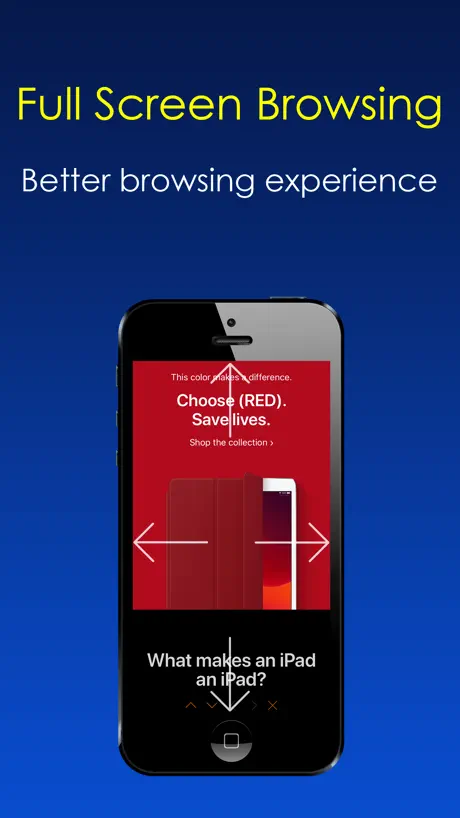
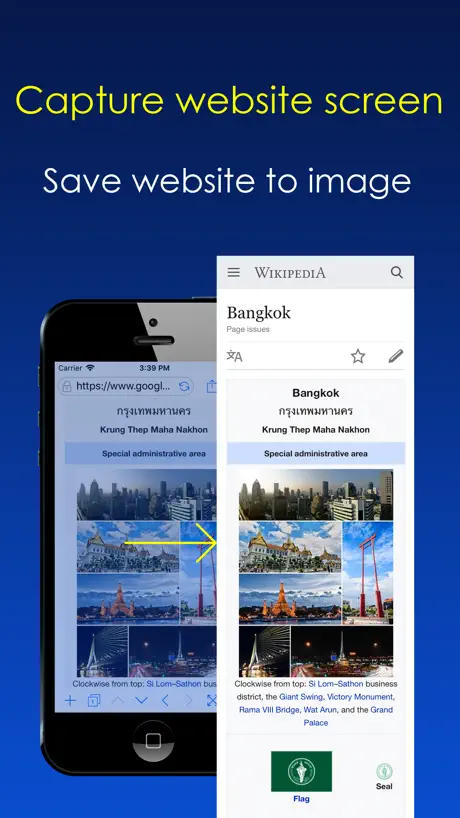
How much does Dark Night Browser cost?
Prices are current as of 29 Sept 2026.
1 one-time purchase from $0.99
In the United States, Dark Night Browser has 1 one-time purchase priced $0.99.
| Product | Price |
|---|---|
| Remove Ads | $0.99 |
10+ alternatives to Dark Night Browser
| Dark Night Browser | 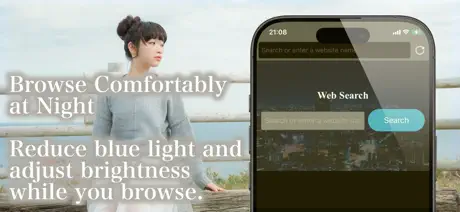  Eye Care Browser: Blue Light Eye Care Browser: Blue Light | 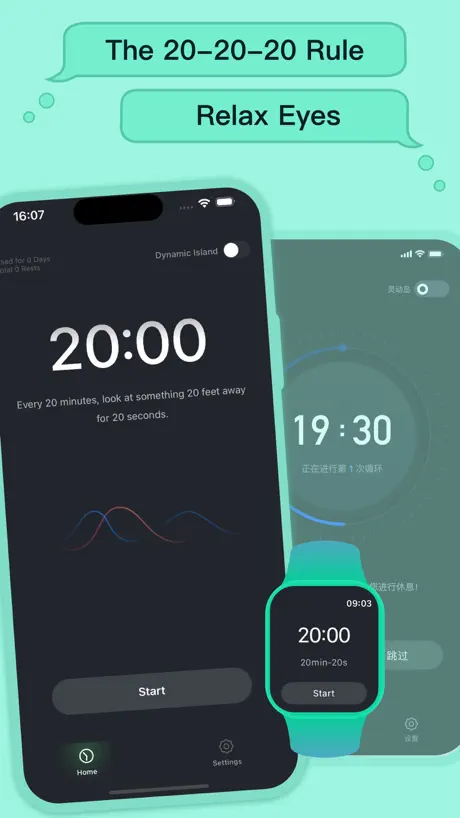  Relax Eyes-Pro Relax Eyes-Pro |   Binaural Beats: Sleep & Heal Binaural Beats: Sleep & Heal | 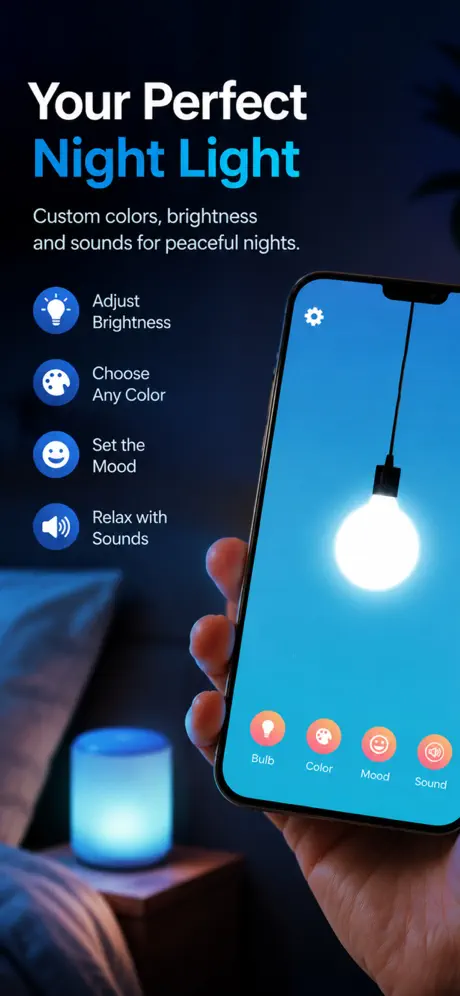  Night Light: Sleep Better Night Light: Sleep Better | 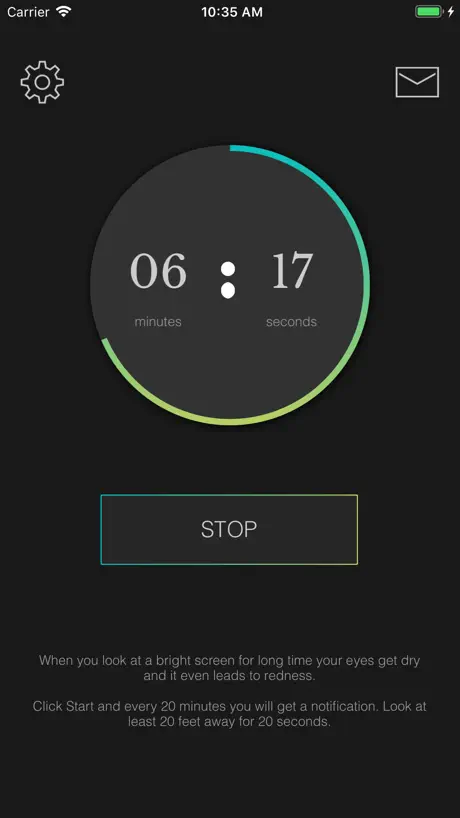  Eye Care 20 20 20 Eye Care 20 20 20 |   Vision test and Eye exercises Vision test and Eye exercises | 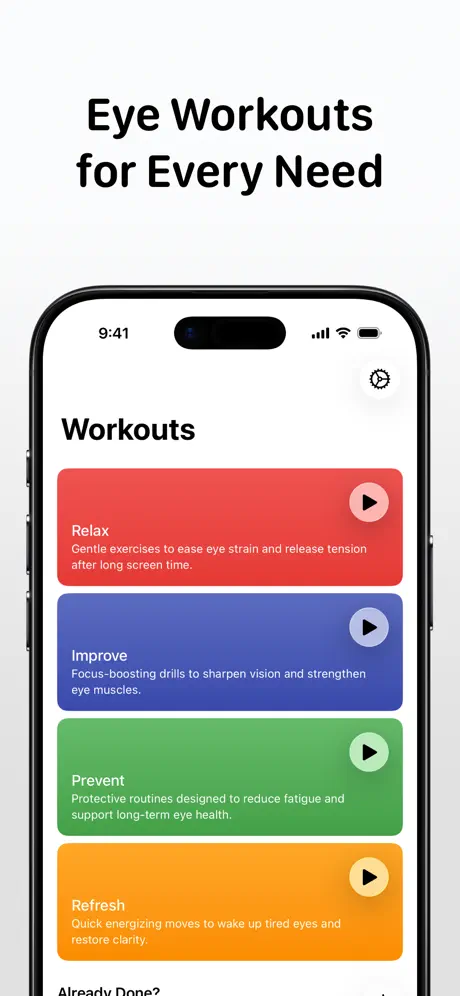  Eye Workout: Recovery Exercise Eye Workout: Recovery Exercise | 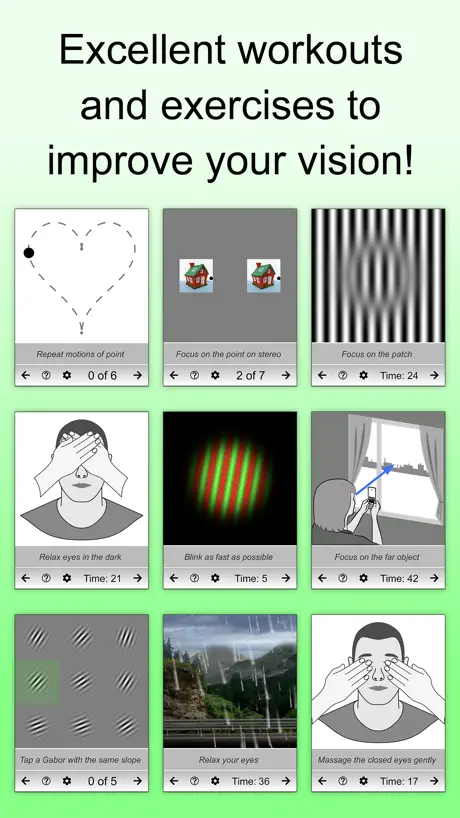  Eyes + Vision: training & care Eyes + Vision: training & care |   Smart Browser: Healthy Vision Smart Browser: Healthy Vision |   Night Shift Therapy Night Shift Therapy | |
|---|---|---|---|---|---|---|---|---|---|---|---|
| Rating / 5 | 3.9 | 4.0 | 4.7 | 4.3 | 4.4 | 4.3 | 4.1 | 4.2 | 4.7 | 4.2 | 2.1 |
| Reviews | 119 | 5.3K | 4.8K | 4.1K | 1.8K | 1.2K | 1.1K | 652 | 543 | 185 | 9 |
| Released | 2016 | 2014 | 2020 | 2014 | 2018 | 2016 | 2019 | 2015 | 2020 | 2019 | 2021 |
| Weekly price | — | — | — | — | — | $2.99 | $0.99 | — | $3.99 | — | — |
| Monthly price | — | — | $0.49 | $9.99 | $5.99 | $6.99 | $8.99 | $4.99 | $7.99 | — | — |
| Annual price | — | — | — | $47.99 | $39.99 | $49.99 | $29.99 | $29.99 | $49.99 | — | — |
| One-time price | $0.99 | — | $3.99 | — | $2.99 | $1.99 | — | $49.99 | — | — | — |
The going rate for each plan in United States, in its own currency, shaded from the cheapest price on the row to the dearest. Plans fewer than four in ten of the priced apps sell are left out.
Dark Night Browser reviews
3.9 out of 5, based on 119 reviews.
What people like
- Great for reducing eye strain at night
- Works well on older iPhones
- Easy to adjust blue light levels
- Hides status bar during movies
What they complain about
- Only works inside the app
- Ads interrupt your viewing experience
- Confusing for people who want a screen dimmer
- Login buttons often fail to work
Really really cool browser, love it!!!
😎👌💫✨💖
Go under disability settings
Y’alll go under your accessibility settings, display , color filters..this feature is built into apple products/devices already.. No need to spend $ for this app.
update
move url tab bar to the bottom
Not for phone
Gotta use their browser, it does dim that browser. I wish I could return it. That being said i cant find anything better.
No floating video like on brave browser and Samsung browser.
No video features and missing black zones on some pages.
Its awesome.
Its just plain awesome.
Started off great…
This worked as said until it started flashing ads for viruses and looping so that you couldn’t break free from it. I tried closing it and restarting but it would pop back up with the same ads and continue with the fake viris warnings. Such a waste of a decent app.
Rafael
This app has saved my life! This app is literally the first app I have dowoaded that works on almost every old iphone and actually makes your screen darker! Although i would prefer it there was an icon I could press on the actual safari app to enable this and turn on dark mode instead of having to open the app every time I want to look up something, it does make my screen darker. This app allwes you to look up anything while being on their app instead of looking somethng up if you are using an old iphone in which dark mode is not available. I would have loved if it was available to use on safari on old iphones like on new ones that have dark mode built in, but it's good none the less. 🥳
Great dynamic dark mode but not that good as a web browser
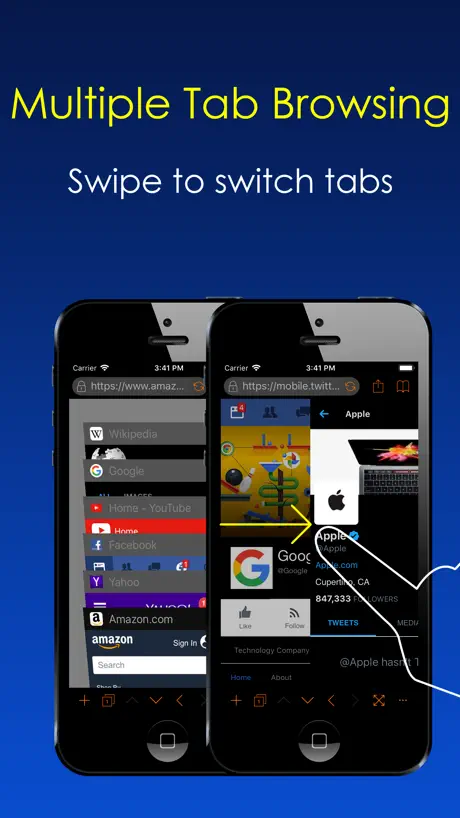
The new dynamic dark mode is probably the best I’ve seen on iOS so far but the web browser itself isn’t very good. The swipes gestures isn’t working well (why they don’t make it like almost every other web browsers?) and the « reCAPTCHA » security check for many websites don’t work on this browser meaning you simply can’t log in on many of your web accounts. So at this current state, its impossible to use this browser as your default one and even as a back up I can’t really recommend it due to these limitations.
Usage
For internet not phone, oh well
The One
The only browser in the entire store not wafted down by its own rhetoric. VERY WELL thought-out and presented, VERY WELL executed, this browser is the ONLY browser that will do what it claims it will do without reverting to some ‘original state’ and losing all the myriad of settings that one painstakingly searches out and sets. Very well made, I bought Dark Night as soon as I realized what I had found, and I’m sure you will, too!
Disappointing
I wanted a better blue light filter for my iPhone bc it is too bright in the dark. Purchased the app, and upon opening there were no instructions on use and it doesn’t provide a general filter for my phone, just a darkened search engine style we site. So disappointed. Waste of $2.00 and didn’t even get to use the app.
Great so far
I am still tweaking the settings on this browser. But so far, it’s great. It appears to load quickly and render web sites properly on my small, older iPhone. Glad to find this app.
Not user friendly
Has to use within app. That makes me use the iphone less. So that is o e good thing. But might as well change my screen to black
Cool app, should make more
I missed that this is not a screen dimmer. It’s still useful, but I REALLY need one for my Books
hello
Please improve and update more quickly. Give a black and white color scheme. Completely free to drop and drag. When scaled, text can be typeset to fit the window newline.
No idea what this app is supposed to do
I downloaded this app to manage blue light after dark. No idea what it actually does. Do not buy.
โอเค
UI ยังไม่ค่อยสวย แต่ใช้งานโอเค หน้าเว็ปจะเป็นสีดำ และมีฟังก์ชันบล็อกโฆษณาตามเว็ปและ Youtube
Limited Capacity:
For anyone else who might be slightly confused about how the app works, it essentially opens a browser within the app and applies darker features. You CANNOT use it outside of the application. You can, however go to the Display accommodations in the General Settings section and experiment with color filters and ‘reduce white point’ to achieve a “screen dimmer that will work across all applications.
Only use neat
Use only internat not all tellpone
Exactly what I was looking for
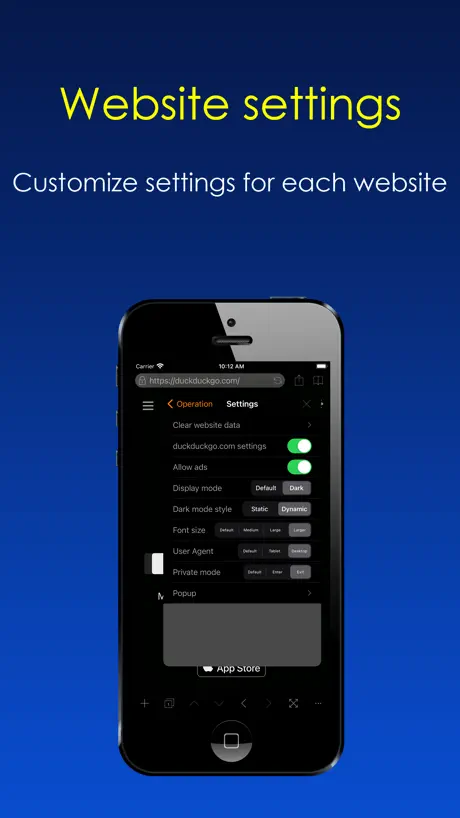
I wanted a browser that would display full screen while watching movies on different web sites on my iPad mini 2 iOS 12.5.1 as in that version the status bar (info along the top of the screen with signal, time, battery%, etc) at the top of the screen will not go away in Safari. This app not only hides that status bar but obviously offers the dark mode as well, another feature I would otherwise not be able to enjoy on my older iPad. Of course it offers many other features along with those I've mentioned. This is the perfect app for a slightly older device. The only problem is eventually ads will interrupt right in the middle of a movie, etc. However with the IAP to remove ads at only .99 I'm definitely going to pay it to get them removed. Thank you devs for this amazing app!
PAINFULLY slow
What more needs to be said. It’s about 10x slower than Safari or Chrome on the same device. Don’t waste your time.
Works OK by me
For the last couple of weeks it’s holding its own rather well. Downloads are easy but bookmarks are still quirky.
Infected app?
The app appears to be hacked. I received a pop up ad alleging that my iPhone is infected. I already have anti malware app on my iPhone. I’m afraid I will have to uninstall the app.
Blue font on title is not clear.
Blue font on title is not clear.
Works great for me
It works as expected. I don’t spend time surfing, mostly just reading articles on one science magazine site. So glad I found this app.
Waste of money
App is not intuitive to use at all. It’s a mess actually. I think the developer also needs to make it much more clear that the light filter is only operational in the app. I would not recommend.
Fav for years, now having issues
I have loved and used this browser for at least a couple years, but since updating my phone to an iPhone 11 and thus IOS 13 I have started having issues. Native drop-downs for navigation and filters now cause the app to freeze on my phone and I’m unable to select any of the options. This is a huge bummer because the websites I use rely heavily on drop-downs. If it doesn’t get fixed then I won’t be able to use the app anymore even though I love it. It is so great at preventing eye stain and decreasing blue light at night!
Only works in app?!
I thought that I finally found an app that would work to dim my screen and run in the background of my apps so I can do other things like go on snapchat and instagram but this app that I payed money for only works in the app to search on a web browser. Don’t make the same mistake I did to anyone considering buying the app. And as for the company please try to add in the fact that this is only usable in the app which is just a search engine.
Dark mode browser
Impressive. Work quite well It would be nice to add/implement an automatic data (history, address, cookies, etc..) clear upon leaving the browser. The current clear data still leaves last visit page on - bad
No point
To this app
Remove Ads?
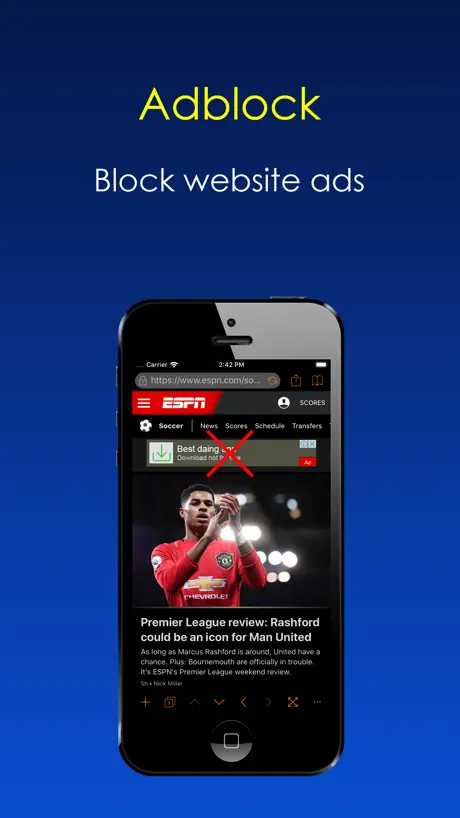
I really like this browser because I use it every day when I read but sometimes I get ads that will come down a little bit when I start to scroll down and it has a down arrow you click to make the ad go back up and kind of out of site but the arrow is still kind of visible. It’s a bit annoying so I was wondering if there is a way you can put an ad block option or something like that.
Quelle utilité ?
Comme il est bien indiqué tout en bas du descriptif, NE FONCTIONNE QUE DANS L'APPLICATION . Visiblement on ne peut pas l'appliquer sur toutes les applications ( comme Netflix par exemple) ......
Can a web page play a movie in full screen?
Can a web page play a movie in full screen?/The playback window is too small.Can I set the adjustment switch?I don't like browsers on mobile systems
Dark night browser.
What a waste of two bucks. Like trying to operate a space ship. WTH? All I want to do is view my phone without blue light. Not learn how to code. So complicated. Video to how to use is outdated and I don’t even get in anyway. Unless you’re a tech genius you won’t know what to do with this app. I wish I could get a refund.
Everything you asked for!!.... But wait!! There's more
Nice app
The Best Dark Mode Browser.
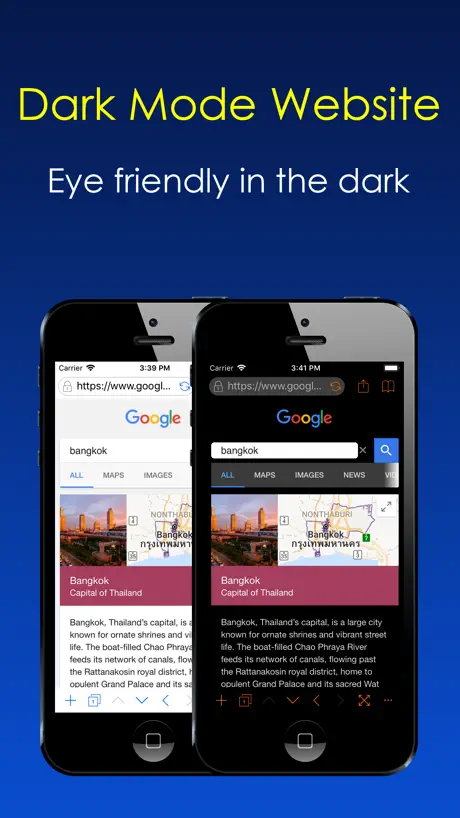
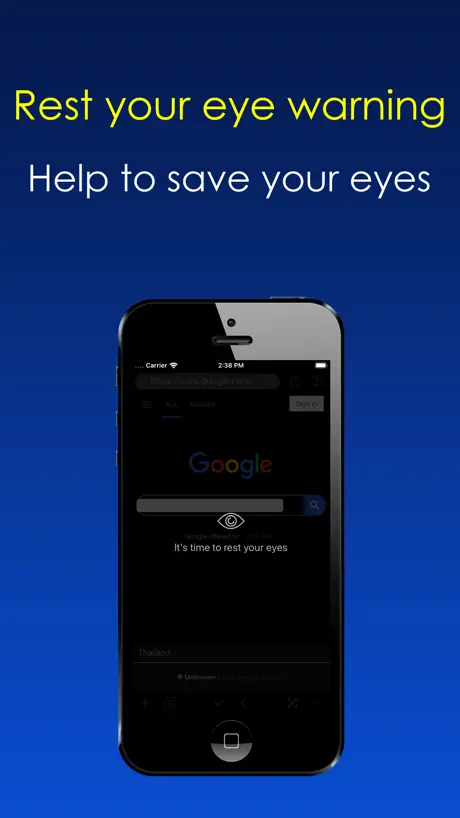
This browser is very good when you want to read something on your bed. The dark mode feature will save your eyes by convert the white background of the website to the dark. The rest your eyes warning feature will notify you to leave your phone to help your eyes relaxing. This is one of my favorite browser for now.
it’s not what you think
you can ONLY use this dark feature on the app itself. i just paid to have an extra internet explorer on my f#ck#ng phone. don’t purchase this unless you’re only planning on using the one app... DONT WASTE YOUR MONEY. i was mislead by the good reviews on here. who the h#ll bought this and thought this was a good idea??? this is an adult app. my eyes still hurt!!!
Pretty good:)
I think I'll actually start using this app. Wanted to check out how these 'blue light' apps work... This app is basically an alternate browser but lets you turn down the brightness as low as you like and adjust how much blue light is shone (by lowering colour to more of an orange) It also lets you save bookmarks and stuff- great for reading!
No more eye strain!
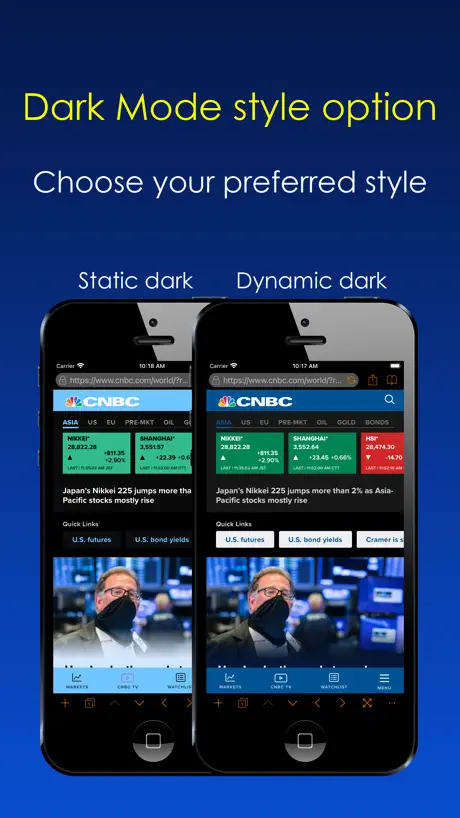
The best dark mode browser with nice features that not available in other browsers especially the dark mode website is very useful for me. Unlucky the iOS 13 dark mode still not work on safari (it just apply dark mode for UI, not apply on website content). So this app still help me. If you looking for some thing that will help you reduce your eyes strain when use the internet website, This is your choice, but please remind this is a web browser and the dark mode will work only in this app.
Waste of money
Can’t use it with out being in the app
Dark Night Browser price by country
A one-time purchase costs $0.72 in Canada and $1.60 in Hungary — 2× more for the same thing. Below is the going rate for each plan in every country that sells it — the middle price of what the app charges there, in the country's own currency with the dollar equivalent beneath it.
| Country | One-time |
|---|---|
| Afghanistan | $0.99 |
| Albania | $0.99 |
| Algeria | $0.99 |
| Angola | $0.99 |
| Anguilla | $0.99 |
| Antigua And Barbuda | $0.99 |
| Argentina | $0.99 |
| Armenia | $0.99 |
| Australia | A$1.99$1.43 |
| Austria | €0.99$1.15 |
| Azerbaijan | $0.99 |
| Bahamas | $0.99 |
| Bahrain | $0.99 |
| Barbados | $0.99 |
| Belarus | $0.99 |
| Belgium | €0.99$1.15 |
| Belize | $0.99 |
| Benin | $0.99 |
| Bermuda | $0.99 |
| Bhutan | $0.99 |
| Bolivia | $0.99 |
| Bosnia & Herzegovina | €0.99$1.15 |
| Botswana | $0.99 |
| Brazil | R$6.90$1.35 |
| British Virgin Islands | $0.99 |
| Brunei Darussalam | $0.99 |
| Bulgaria | €0.99$1.15 |
| Burkina Faso | $0.99 |
| Cambodia | $0.99 |
| Cameroon | $0.99 |
| Canada | CA$0.99$0.72 |
| Cape Verde | $0.99 |
| Cayman Islands | $0.99 |
| Chad | $0.99 |
| Chile | CLP 990$1.06 |
| China | CN¥8.00$1.19 |
| Colombia | COP 4,900$1.56 |
| Congo | $0.99 |
| Congo, Democratic Republic | $0.99 |
| Costa Rica | $0.99 |
| Cote Divoire | $0.99 |
| Croatia | €0.99$1.15 |
| Cyprus | €0.99$1.15 |
| Czech Republic | CZK 29.00$1.39 |
| Denmark | DKK 9.00$1.40 |
| Dominica | $0.99 |
| Dominican Republic | $0.99 |
| Ecuador | $0.99 |
| Egypt | EGP 49.99$0.98 |
| El Salvador | $0.99 |
| Estonia | €0.99$1.15 |
| Fiji | $0.99 |
| Finland | €0.99$1.15 |
| France | €0.99$1.15 |
| Gabon | $0.99 |
| Gambia | $0.99 |
| Georgia | $0.99 |
| Germany | €0.99$1.15 |
| Ghana | $0.99 |
| Greece | €0.99$1.15 |
| Grenada | $0.99 |
| Guatemala | $0.99 |
| Guinea-bissau | $0.99 |
| Guyana | $0.99 |
| Honduras | $0.99 |
| Hong Kong | HK$8.00$1.02 |
| Hungary | HUF 499$1.60 |
| Iceland | $0.99 |
| India | ₹99.00$1.05 |
| Indonesia | IDR 19,000$1.08 |
| Iraq | $0.99 |
| Ireland | €0.99$1.15 |
| Israel | ₪2.90$0.96 |
| Italy | €0.99$1.15 |
| Jamaica | $0.99 |
| Japan | ¥150$0.96 |
| Jordan | $0.99 |
| Kazakhstan | KZT 499.00$1.10 |
| Kenya | $0.99 |
| Kosovo | €0.99$1.15 |
| Kuwait | $0.99 |
| Kyrgyzstan | $0.99 |
| Lao Peoples Democratic Republic | $0.99 |
| Latvia | €0.99$1.15 |
| Lebanon | $0.99 |
| Liberia | $0.99 |
| Libya | $0.99 |
| Lithuania | €0.99$1.15 |
| Luxembourg | €0.99$1.15 |
| Macao | $0.99 |
| Macedonia | $0.99 |
| Madagascar | $0.99 |
| Malawi | $0.99 |
| Malaysia | MYR 4.90$1.21 |
| Maldives | $0.99 |
| Mali | $0.99 |
| Malta | €0.99$1.15 |
| Mauritania | $0.99 |
| Mauritius | $0.99 |
| Mexico | MX$19.00$1.12 |
| Micronesia | $0.99 |
| Moldova | $0.99 |
| Mongolia | $0.99 |
| Montenegro | €0.99$1.15 |
| Montserrat | $0.99 |
| Morocco | $0.99 |
| Mozambique | $0.99 |
| Myanmar | $0.99 |
| Namibia | $0.99 |
| Nauru | $0.99 |
| Nepal | $0.99 |
| Netherlands | €0.99$1.15 |
| New Zealand | NZ$1.99$1.17 |
| Nicaragua | $0.99 |
| Niger | $0.99 |
| Nigeria | NGN 1,500.00$1.13 |
| Norway | NOK 9.00$0.97 |
| Oman | $0.99 |
| Pakistan | PKR 300$1.08 |
| Palau | $0.99 |
| Panama | $0.99 |
| Papua New Guinea | $0.99 |
| Paraguay | $0.99 |
| Peru | PEN 4.90$1.46 |
| Philippines | ₱49.00$0.78 |
| Poland | PLN 4.99$1.35 |
| Portugal | €0.99$1.15 |
| Qatar | QAR 2.99$0.82 |
| Romania | RON 4.99$1.10 |
| Russia | RUB 99.00$1.15 |
| Rwanda | $0.99 |
| Sao Tome & Principe | $0.99 |
| Saudi Arabia | SAR 4.99$1.33 |
| Senegal | $0.99 |
| Serbia | €0.99$1.15 |
| Seychelles | $0.99 |
| Sierra Leone | $0.99 |
| Singapore | SGD 0.98$0.77 |
| Slovakia | €0.99$1.15 |
| Slovenia | €0.99$1.15 |
| Solomon Islands | $0.99 |
| South Africa | ZAR 19.99$1.25 |
| South Korea | ₩1,100$0.82 |
| Spain | €0.99$1.15 |
| Sri Lanka | $0.99 |
| St. Kitts and Nevis | $0.99 |
| St. Lucia | $0.99 |
| St. Vincent & The Grenadines | $0.99 |
| Suriname | $0.99 |
| Swaziland | $0.99 |
| Sweden | SEK 9.00$0.94 |
| Switzerland | CHF 1.00$1.23 |
| Taiwan | NT$30.00$0.95 |
| Tajikistan | $0.99 |
| Tanzania | TZS 2,900.00$1.10 |
| Thailand | THB 29.00$0.88 |
| Tonga | $0.99 |
| Trinidad and Tobago | $0.99 |
| Tunisia | $0.99 |
| Turkey | TRY 49.99$1.03 |
| Turkmenistan | $0.99 |
| Turks and Caicos | $0.99 |
| Uganda | $0.99 |
| Ukraine | $0.99 |
| United Arab Emirates | AED 2.99$0.81 |
| United Kingdom | £0.99$1.34 |
| United States | $0.99 |
| Uruguay | $0.99 |
| Uzbekistan | $0.99 |
| Vanuatu | $0.99 |
| Venezuela | $0.99 |
| Vietnam | ₫29,000$1.12 |
| Yemen | $0.99 |
| Zambia | $0.99 |
| Zimbabwe | $0.99 |
Dark Night Browser FAQ
- Is Dark Night Browser free?
- Yes. The app and its basic features are free, in all 175 countries it sells in. Premium features are paid: they start from $0.99 (US), across 1 one-time purchase.
- Does Dark Night Browser have a free trial?
- No. None of its offers (US) come with a free trial.
- Where is Dark Night Browser cheapest?
- A one-time purchase costs CA$0.99 (≈$0.72) in Canada and HUF 499 (≈$1.60) in Hungary, its cheapest and dearest countries.
- What are the best alternatives to Dark Night Browser?
- Eye Care Browser: Blue Light (4.0 from 5,313 reviews), Relax Eyes-Pro (4.7 from 4,778 reviews, premium from $0.49) and Binaural Beats: Sleep & Heal (4.3 from 4,096 reviews, premium from $7.99).
Dark Night Browser download
Last updated 1 year ago.
Dark Night Browser sells in 175 countries. It was released 9 years and 9 months ago, on 28 Dec 2016. It holds a 3.9 rating from 119 reviews.
Supports 1 language: English.
How much does Dark Night Browser make?
Third-party estimates for the last 30 days, worldwide — not the store's own figures, which Apple publishes for nobody.
Revenue by plan
- One-time 100%
Revenue by country
- United States 55%
- Canada 5%
- Japan 4%
- United Kingdom 4%