PicGizmo - Resize & HEIC 2 JPG

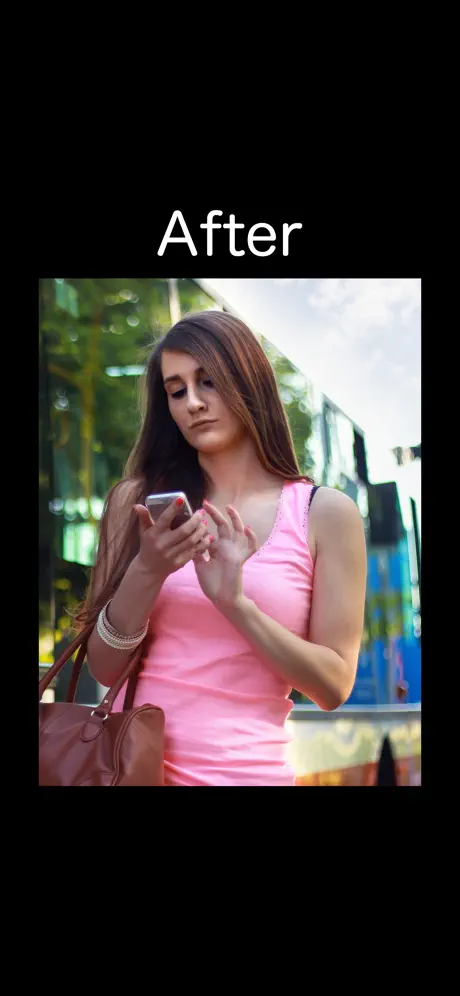
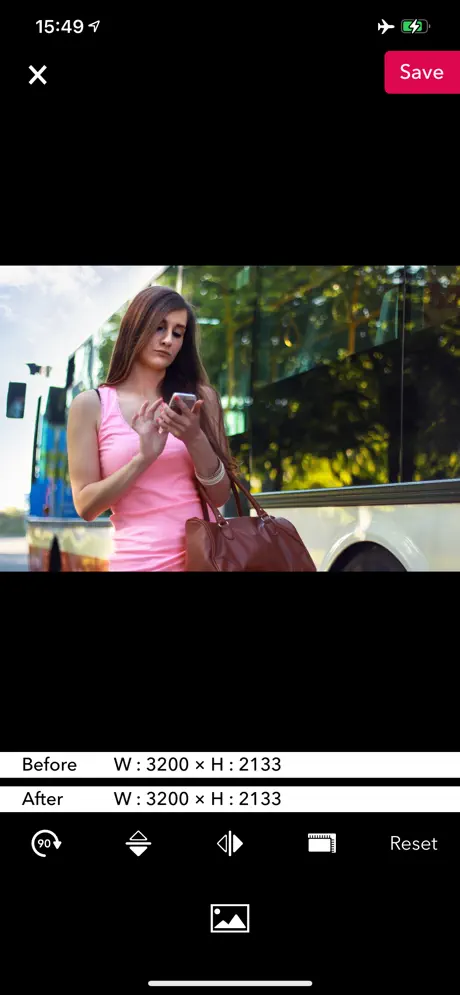
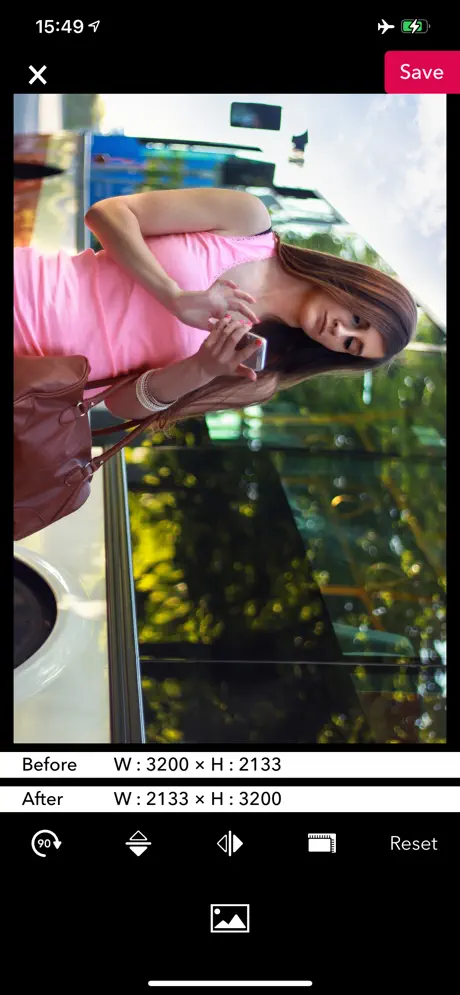
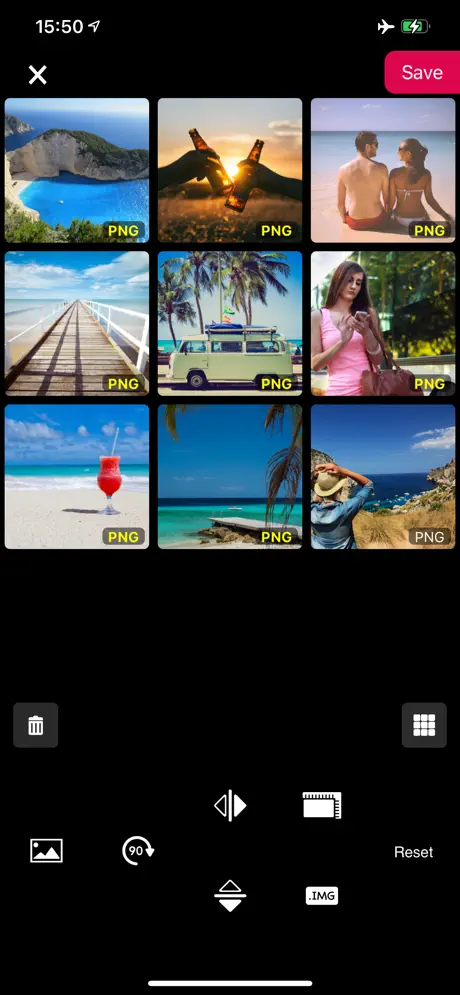
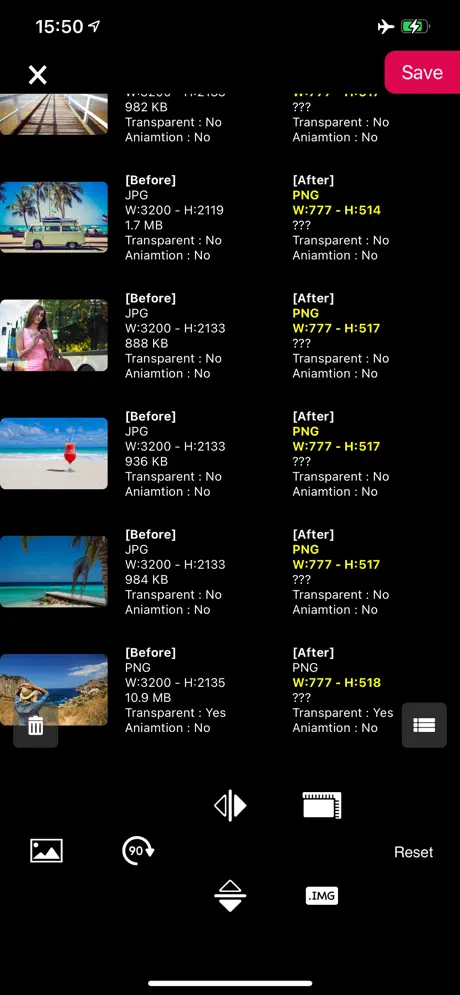
How much does PicGizmo - Resize & HEIC 2 JPG cost?
Prices are current as of 12 Nov 2026.
PicGizmo - Resize & HEIC 2 JPG has no in-app products on record in the United States.
10+ alternatives to PicGizmo - Resize & HEIC 2 JPG
| PicGizmo - Resize & HEIC 2 JPG |   Flipper - Mirror Image Editor |   Photo Flipper - selfie mirror | 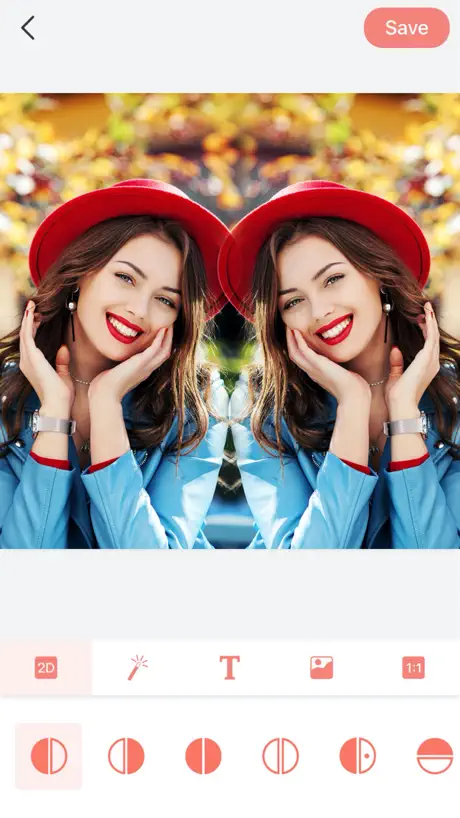  Photo Mirror - Image Editor | 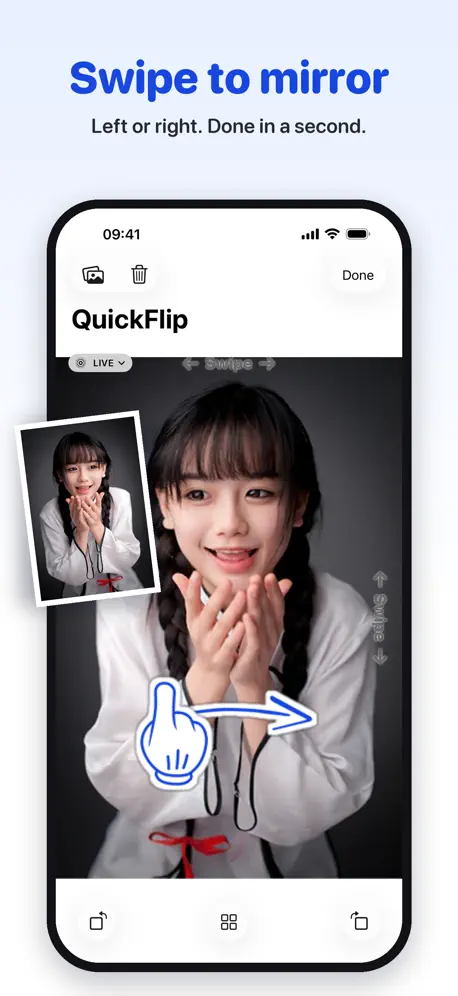  QuickFlip | 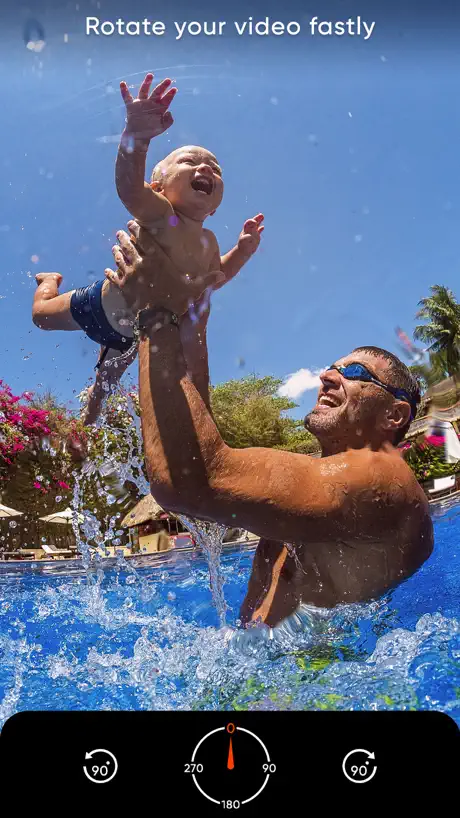  Video Rotate – Flip Video | 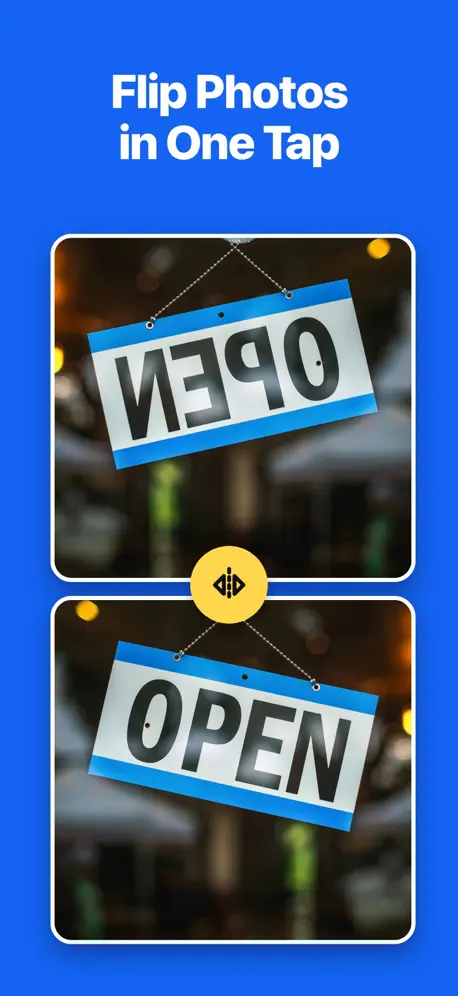  Flip, Mirror & Rotate Photos | 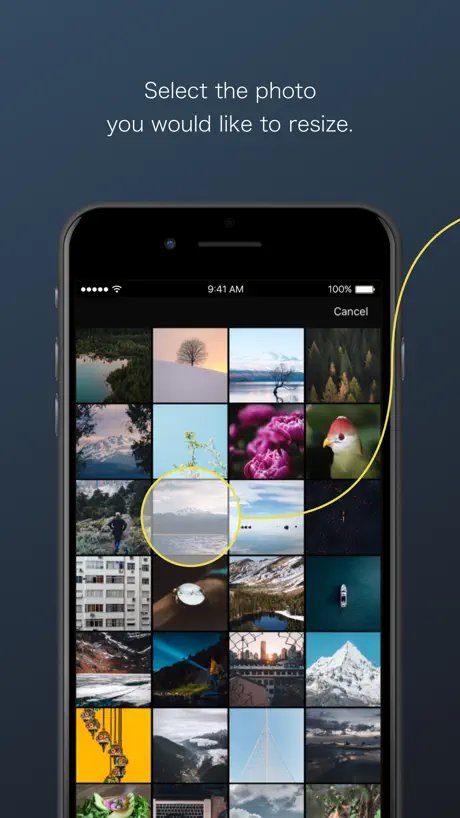  ReSIZER - Simple Photo Resizer | 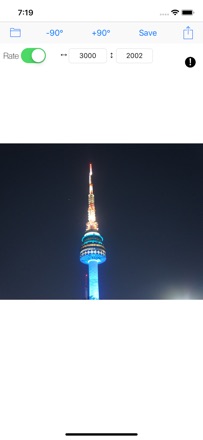  Photo Editor (Resizing) |   Flip Camera |   Rotate + Flip Photo | |
|---|---|---|---|---|---|---|---|---|---|---|---|
| Rating / 5 | 4.4 | 4.6 | 4.7 | 4.7 | 4.7 | 2.7 | 4.5 | 3.2 | 4.7 | 2.9 | 5.0 |
| Reviews | 1.4K | 21K | 5.4K | 1.2K | 1.1K | 770 | 322 | 161 | 79 | 68 | 3 |
| Released | 2015 | 2015 | 2013 | 2020 | 2012 | 2014 | 2024 | 2018 | 2014 | 2016 | 2022 |
| Monthly price | — | — | $2.99 | $2.99 | — | $5.99 | — | — | — | — | — |
| Annual price | — | — | — | $17.99 | — | $29.99 | $17.99 | — | — | — | — |
| One-time price | — | $1.99 | $9.99 | — | $0.99 | — | — | — | — | — | — |
The going rate for each plan in United States, in its own currency, shaded from the cheapest price on the row to the dearest. Plans fewer than four in ten of the priced apps sell are left out.
PicGizmo - Resize & HEIC 2 JPG reviews
4.4 out of 5, based on 1,386 reviews.
What people like
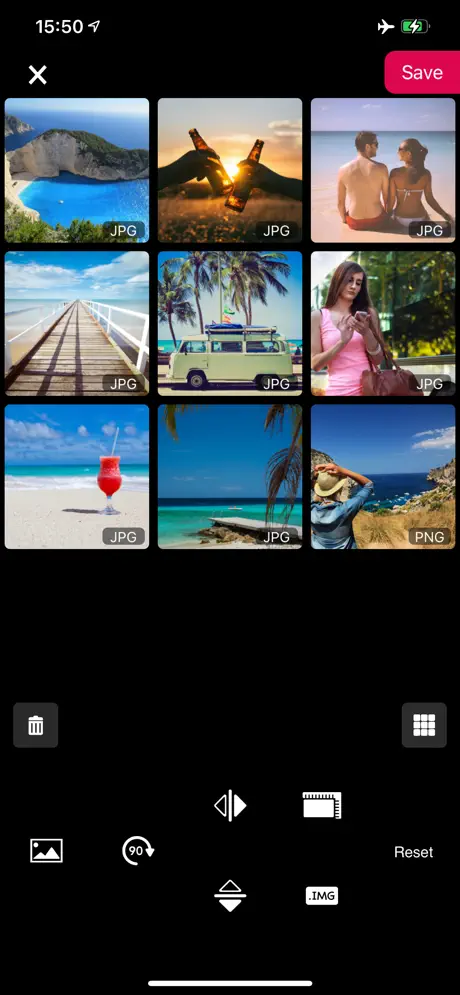
- Enlarges and resizes images without losing clarity.
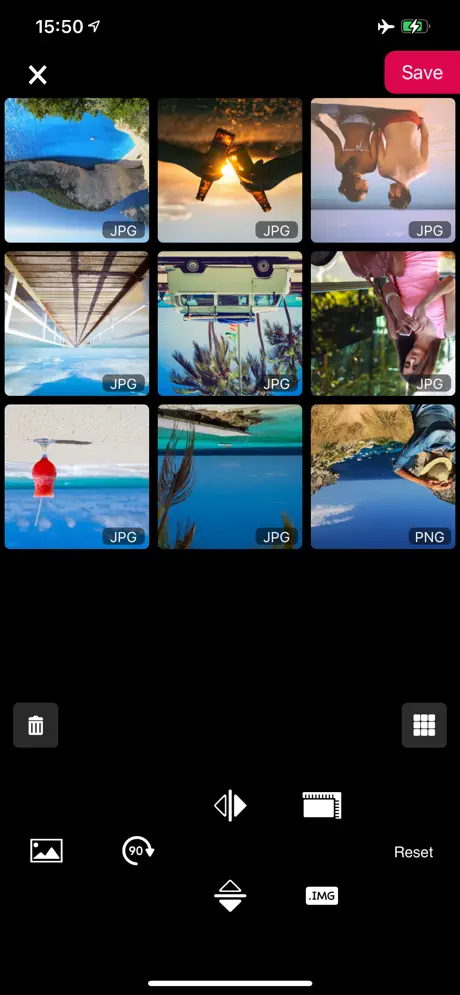
- Perfectly flips selfies to fix mirror issues.
- Does exactly what it promises simply.
What they complain about
- Ads pop up after every single photo.
- Saved photos often look grainy and blurry.
- The user interface layout needs improvement.
Perfect Photo Enlarging App!
PicGizmo is a perfect photo enlargement app. Having to select “Camera Roll” twice is a bit annoying, but the app does work exceptionally well. Oh, and to the reviewer with the tasteless username who got this app just to flip selfies, you can use the Apple “Photos” app that comes pre installed on your iPhone to flip your selfies. You can also edit your selfies in other ways with the Photos app if you wish to do that as well. Just FYI. The iPhone comes with a lot of free full featured apps that people aren’t aware of what they do and how useful they are. Enlarging photos is not a feature built into your iPhone however, so PicGizmo is your best option for that. MORE REVIEW - WHY IS THIS APP SUDDENLY INUNDATING ME WITH ADS? I PAID FOR THIS APP TO GET RID OF THE ADS AND NOW THE ADS ARE BACK WORSE THAN EVER! WHAT IS GOING ON?!?
Can’t rotate by degrees, only 90 deg chunks
Title says it all
Take screenshots of it
If you take screen shots instead of clicking save, you don’t have to watch the ads! I probably shouldn’t say this but yeah
Limited functionality
Like most of the other ‘orientation’ apps, this one does not do ‘micro adjustments’ of a subject image against a vertical grid (to correct for ‘off of axis’ visuals of less than 90 degrees). This essential feature was also recently removed from Apple’s native “photos” editor (why Apple!!?). The basic 90 degree increment fixes are there - but also packaged in most comprehensive editor packages... Suitable for those who are intimidated by a more full featured suite - or got one without this basic function.
Ads
It’s really only sole purpose is to flip photos which is fine but a long ad after each flip is excessive.
It gets the job done
Easy to use, layout could be better.
Can’t access camera roll
Accessed the camera roll for first photo, but afterwards would only show that one photo when accessing camera roll, couldn’t access anymore photos, deleting for another app that works
There’s a trick, but it works.
It works, if you remember to remove your photo app from the application que to see the flipped image. The instructions should mention that.
分かりづらい
iPad Air2(詳しい型番はよくわかってないけどちょい古め)で使用した時リサイズ以外の操作アイコンが消えていてどう操作すればいいのか分からなかった(ストアの画像からアイコンの位置を予想して押したら操作はできた) 操作自体は単純でストアの画像を見る限り直感的に理解しやすそうだけど、端末によって差が生じるのはアプリとして微妙
左右反転があったので嬉しいけど
透過画像に対応していないのが少し残念です
Nice
Works good for flipping reference drawings so I can get the exact angles needed. 👍
Can’t import from photos app
Useless
Bom
Mas deveria ter propagandas com uma frequência menor e não a cada foto que salvamos. Mas fora isso, muito bom. Ajudou muito.
way too many
too many ads oml, you get 1 picture done and then an ad, over and over it’s annoying
👍🏽
Great app!
Transparent background failure
You guys changed something & I can no longer make a mirror image of something on top of a transparent background. I’ve been able to do this ever since I downloaded this app & I even did this process as recent as a week ago. Please fix this🙏🏼
Nothing too bad to say
It flips my selfies.... that’s all I wanted and it does it so this is a great app the layout could be better but it does exactly what I wanted and it’s an ad a picture I think that’s fair
Does what it do but..
If you need an app that reverse your pictures then it would do just that, the only con is you will have to go through some long ads after you get done with one picture. Which get tedious. The UI isn’t all that great, but simple to navigate. Just the adds is annoying. Try to tone it down, it’s not like this app needs to be constantly updated and worked on.
Great app!
This is so useful for things i need. Like having to flip old family pictures, cropping photos in edits. At the end, there are ads, but just exit the app, or if you are gonna flip another pic, just double tap your home button and clear out the tab. Easy and usable. Love it!
Trash but does what it do
I hate how Apple makes me download this ad infested garbage with horrible UI just because they can’t include a basic feature in their photos app.
嬉しいです。
左右反転ができて、やりやすいです。 しかし、1つ反転するとすぐに広告がでるのは少しやりすぎだと思います。何回かに1回でいいと思います。これからに期待します。広告がもうすこし少なければもっといいアプリになると思います。
It works but
The saved image has the worst quality ever. It looks so grainy and bad.
great app
i’m not sure why everyone is saying you have to watch the long ads, once you save it to camera roll just exit out of the app and it’s in your camera roll. then if you want to flip more pictures just go back to the app. you don’t have to watch the long ads. also, it’s super useful so i recommend.
Won’t let you save!
After many tries of saving the photo it only kept bringing up ads! Of course it will let you flip the photo but you can’t save it after you are done you just get tricked with pesky ads! Do not recommend.
Small in size ,Great in work
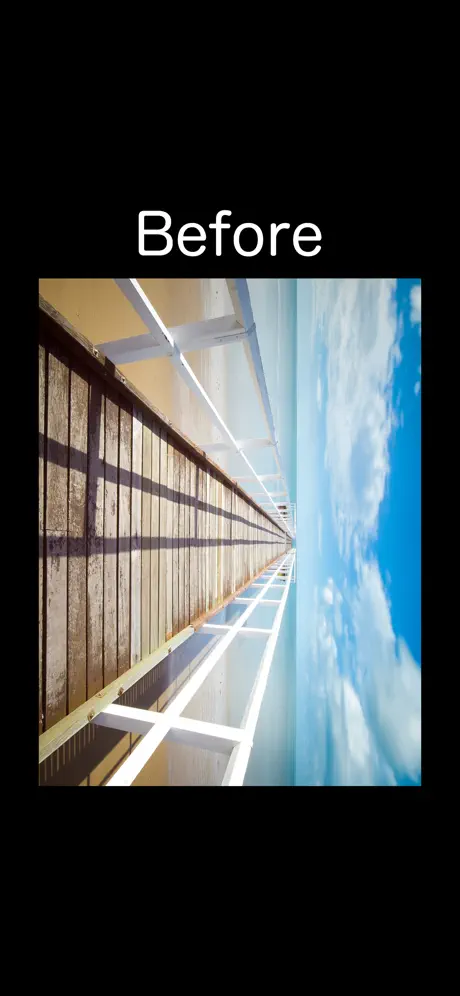
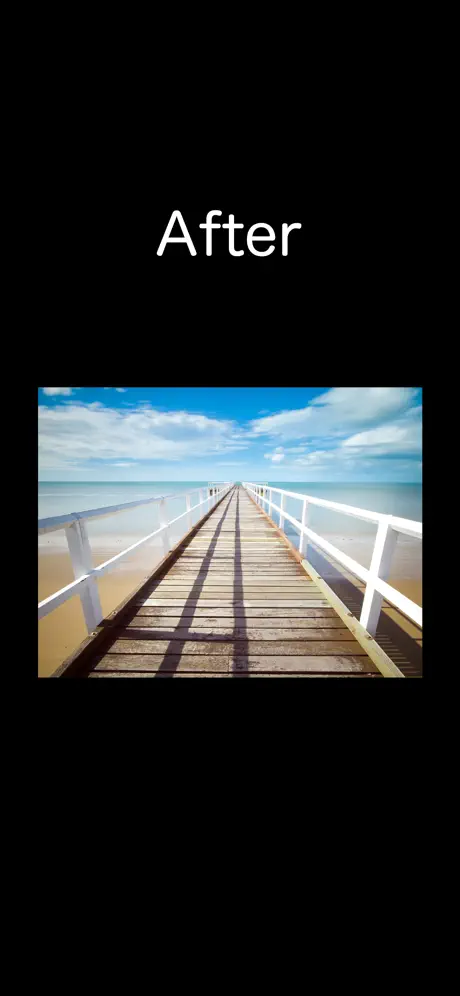
Flips,rotates, resize image perfectly without losing clarity.
Doesn't pick up some pictures
It flips them, but it doesn't let me flip pictures I've just saved, edited or anything. So the new pictures in my camera roll I'm working on just don't show up. It's really frustrating.
Cool!
I like this app a lot! That ads aren't exactly great, but PicGizmo still gets the job done!
quality is 💩
flips it but when you save it, the picture is ten times more blurry than it should be
Does what it says
nothing exceptional, but I had no issue flipping the image, which is what I downloaded it for. The adds can be a bit intrusive but hey, it's free.
保存押した後
画面全体に広告が出てきてうざい。 機能的な物は簡単でいい。
effective
it does exactly what it says it will but if you have zero patience like half the people in the reviews then ig ill warn you that after you save the pic an ad pops up but its not a big deal
Fullscreen ADS!
The second you hit the Save button, it's time to quit/leave this app, because it loads a huge full screen ad that you can't get rid of for many seconds!
Flip phone camera selfies back from 💩 to 🔥
It does what it says it'll do and the ads aren't too intrusive. Decent, no frills fix for the cold shower of unpleasantness when your iPhone camera selfies get automatically flipped.
Good for tattoos
Take a picture of your tattoo that you can actually read and doesn’t look mirrored.
One of the worst
Trying to simply rotate a picture and an ad pops up 4-5x. Can someone take this off the app store?
Flips Photos!
This app is great! It does exactly what I want! I just wish we could remove ads, maybe in a future update!
Huh?
All of these reviews are from last year. This app has come a long way and is my go to for backward pictures.
A waste of time
Basically doesn't do much at all.
PicGizmo - Resize & HEIC 2 JPG FAQ
- Is PicGizmo - Resize & HEIC 2 JPG free?
- Yes. The app is free, in all 175 countries it sells in, and it sells nothing inside it.
- Does PicGizmo - Resize & HEIC 2 JPG have a free trial?
- No. None of its offers (US) come with a free trial.
- What are the best alternatives to PicGizmo - Resize & HEIC 2 JPG?
- Flipper - Mirror Image Editor (4.6 from 21,003 reviews, premium from $1.99), Photo Flipper - selfie mirror (4.7 from 5,400 reviews, premium from $2.99) and Photo Mirror - Image Editor (4.7 from 1,154 reviews, premium from $2.99).
PicGizmo - Resize & HEIC 2 JPG download
Last updated 1 month ago.
PicGizmo - Resize & HEIC 2 JPG sells in 175 countries. It was released 10 years and 11 months ago, on 13 Dec 2015. It holds a 4.4 rating from 1,386 reviews.
Supports 11 languages: English, Arabic, French, German, Hebrew, Hindi, Japanese, Korean, Portuguese, Chinese, Thai.
How much does PicGizmo - Resize & HEIC 2 JPG make?
Third-party estimates for the last 30 days, worldwide — not the store's own figures, which Apple publishes for nobody.