
Video Speed Editor - VBooster
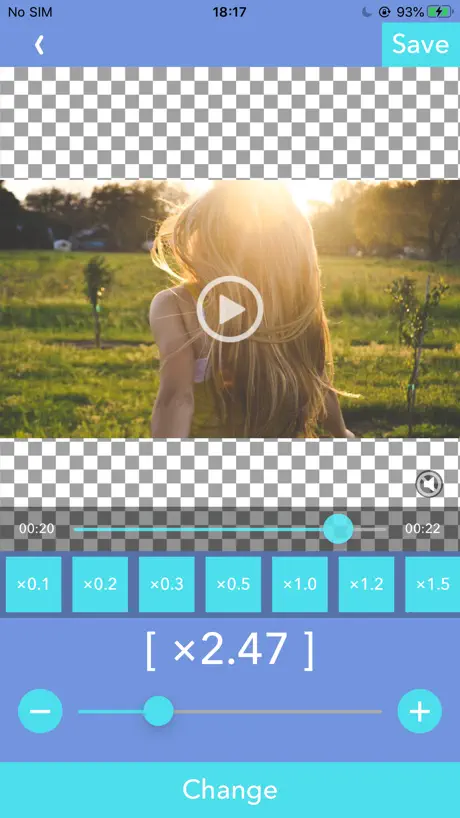
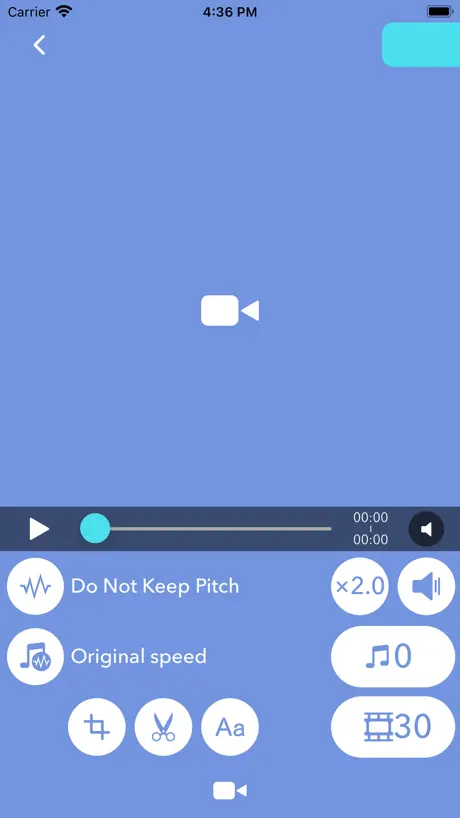
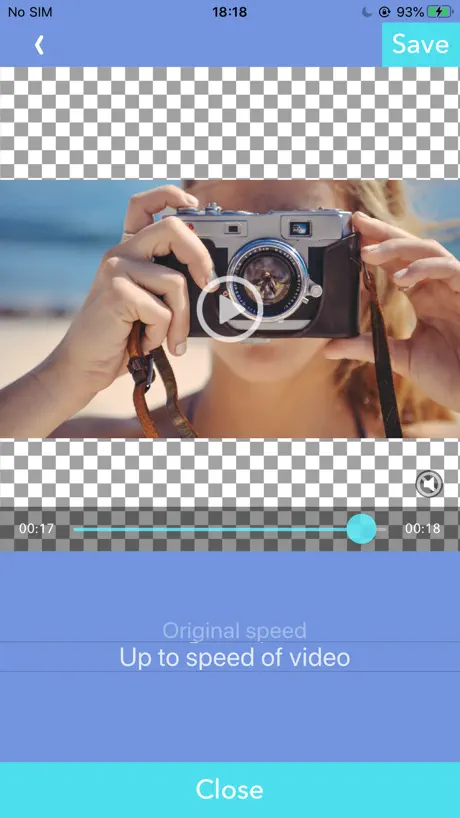
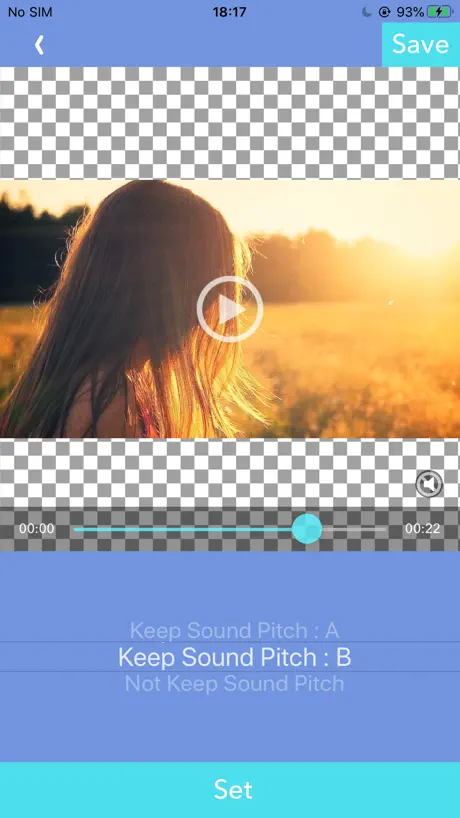
How much does Video Speed Editor - VBooster cost?
Prices are current as of 11 Sept 2026.
Video Speed Editor - VBooster has no in-app products on record in the United States.
10+ alternatives to Video Speed Editor - VBooster
| Video Speed Editor - VBooster | 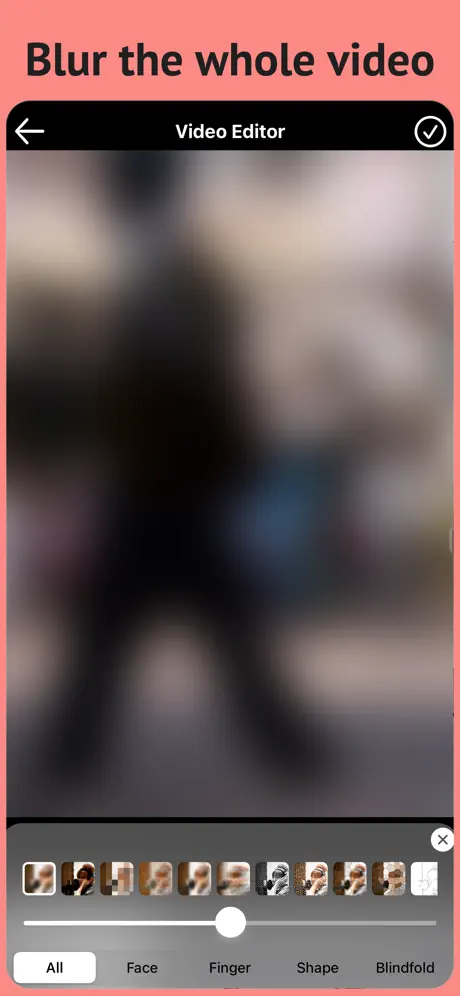  Blur Video & Mosaic Blur Video & Mosaic |   FilmStory-Easy video creation FilmStory-Easy video creation | 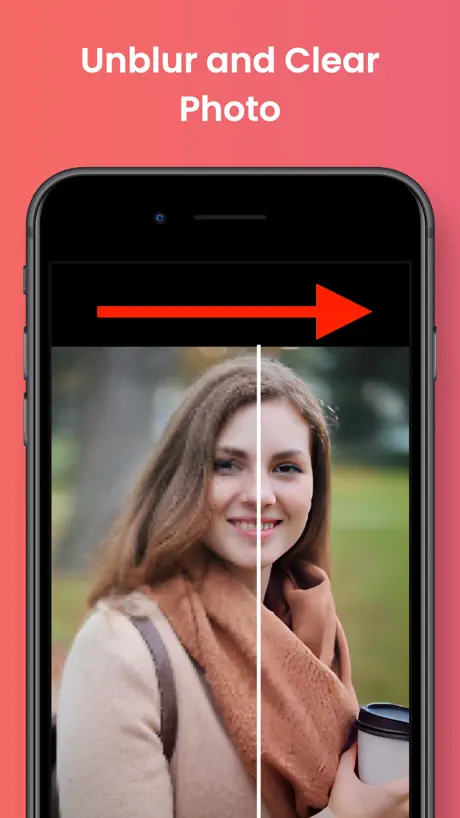  Enhance Photo / Video Easily Enhance Photo / Video Easily | 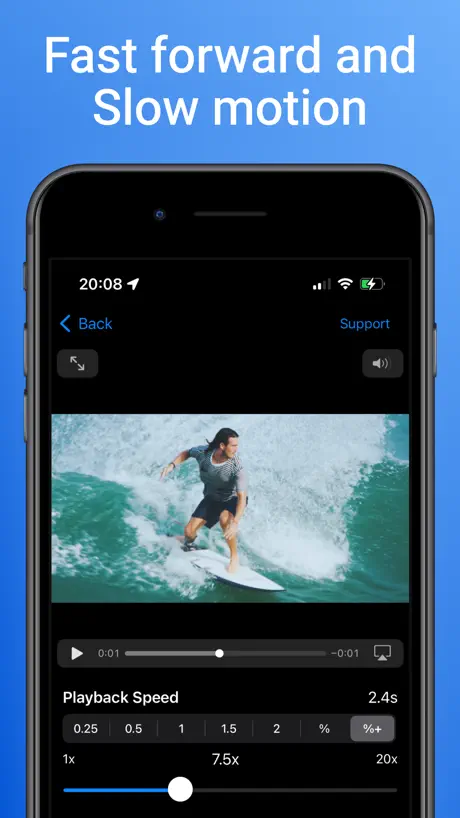  Easy Video Speed Editor Easy Video Speed Editor | 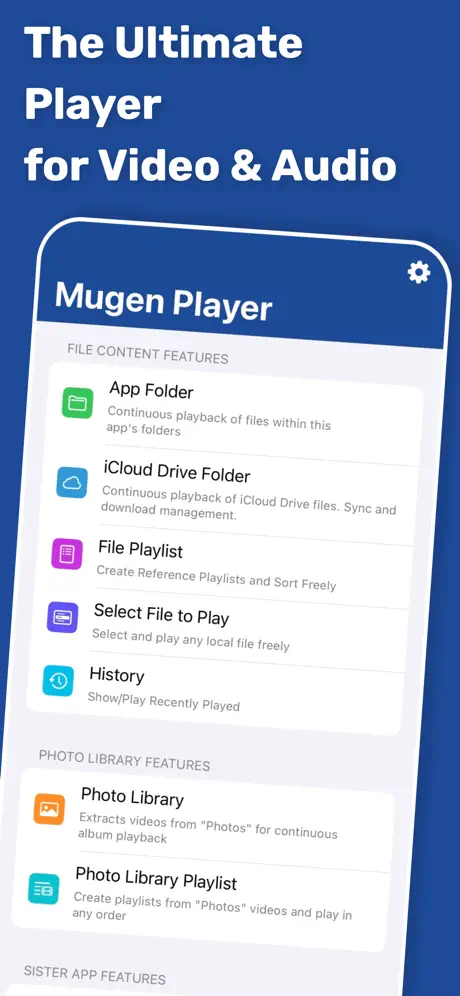  Mugen Player Mugen Player |   SymPlayer - Master Movement - SymPlayer - Master Movement - |   Easy Reverse Video Maker Easy Reverse Video Maker |   Video Speed - Change & Edit Video Speed - Change & Edit | |
|---|---|---|---|---|---|---|---|---|---|
| Rating / 5 | 4.5 | 4.5 | 4.1 | 4.6 | 4.7 | 4.4 | 4.5 | 4.5 | 4.4 |
| Reviews | 6K | 58K | 17K | 15K | 9.5K | 5.4K | 3.9K | 2.2K | 930 |
| Released | 2015 | 2017 | 2013 | 2022 | 2020 | 2017 | 2015 | 2021 | 2021 |
| Monthly price | — | $3.99 | $4.99 | — | $2.99 | — | $0.99 | — | — |
| Annual price | — | $24.99 | $44.99 | — | $9.99 | — | $8.99 | — | — |
| One-time price | — | $3.99 | $2.99 | $2.99 | $3.99 | $5.99 | — | $2.99 | — |
The going rate for each plan in United States, in its own currency, shaded from the cheapest price on the row to the dearest. Plans fewer than four in ten of the priced apps sell are left out.
Video Speed Editor - VBooster reviews
4.5 out of 5, based on 5,966 reviews.
What people like
- Keeps voice pitch natural at speed
- Super easy to use for school
- Does exactly what it promises
What they complain about
- Exporting fails or crashes constantly
- App freezes when loading videos
- File sizes get way too big
As good as revmov
Revmov is their video reverser app and it works this also does exactly what it says it does, good app.
エラーが発生しました。動画を書き出せませんでした。
・シンプルモード ・別で保存した動画 ・1.15倍速 ・音程を維持しない に設定を変更。 iOSは最新で、再インストールもダメでした。 アプリ内であればとても快適なのですが、そもそも書き出せないんじゃあなぁ…… というか、全部デフォルトでも書き出せないんだけど、なにこのアプリひどすぎ
ビデオの容量
音ズレしている動画を直すために使っているのですが、容量が元々24.4MBの動画が185MBになっちゃいます。オリジナル品質で保存できるモード的なものを追加して欲しいです
長年使用していたのですが…
長年使用していたのですが、「音程維持B」でやると速度は設定通り早まり、音声もしっかりと速度に合わせてくれて、音質もキープしてくれるという優れものだったのですが、 最近になってそれを行うと、音声がガラガラとしてしまいとてもじゃないけど使えないです… 「音程維持A」にすると速度は早まるのですが音質が変わってしまい良く聞こえないような状態になってしまいます。 ずっと使用していたので残念です…。 改善して頂けると幸いです。
私の評価はあてにならない
素人なので使い方がわからずスローモーションとファストモーションでしか使っていない感じ
Matt
Radmacher
1/10
I. Do Not Like The Logo
なかなか良き
スローで再生そして動画を気に入った場面で止めて画像保存出来る ただ、拡大して見る事が出来ればパーフェクト💯
たまにバグる
たまに動画を読み込む時100%になってフリーズします
Good app
This is coolest app
動画が書き出せない
今まで問題なく仕えていたのに、ここ数週間、長い動画はもちろん2-3分の短い動画の編集も書き出せなくなってしまいました。運営様、改善よろしくお願いします。
Feature Requests
1. Option: NOT RESET settings after loading new video. 2. Way to load the last video in the camera roll. 3. Keep original video file name (in camera roll or Files), or add “_boost". 4. Paid feature: compress video by bitrate. 5. Boost videos in Files / Photos app directly.
動画書き出しエラーになる
エラーになるので使えません。アップデートお願いします。いつもはとても便利に使わせてもらってます
Sam
Radmacher
。
エラーが出て使えません!
👍
無料でこれほど良いものが使えるなんて素晴らしい😀
素晴らしいの一言
使いやすくて機能も豊富で素晴らしいアプリ!
Sam
Radmacher
わけわからん
保存するとき必ずエラーして理由もわからず保存できん
設定を保存してほしい
毎日使っています。 前回の設定(速度など)をすぐに反映できる機能が欲しいです。
Jonathan
Great app but needs up date to work on cellular data with using wifi
Rachel
Radmacher
なにこれ
動画選んだらアプリ落ちる。 使えねぇ。
一つだけ謎
基本的にはすごくいいんですけど、iPhoneで事前に左右反転をさせた上で読み込むと上下が反転するバグが起きるのでこれを何とかして欲しい。
バグ?
保存後に、動画を確認すると、途中から画面だけフリーズします(音は進んでいく)
Sam
Radmacher
最悪
動画選択したらアプリ落ちるし突然。 最悪。
ほぼ文句なしなのですが
二つ以上の動画をつなげたりできれば★5ですね。
pretty great!
honestly my favorite video speed changing app. super easy to use! love it
読み込み
読み込まれない
音が消えた!:PS
大変便利なアプリのご提供ありがとうございます。お一つ報告致します、立ち上げて動画を選択して任意の倍率にしてプレビューをすると無音になっております、音程で倍率を決める時が大変なので修正お願いします。 こちらiPhoneSEでバージョン10.3.2です。 追記、サイレントモードを解除すると音がなると言う事か‼︎ なんたる失敬、ここに勘違いをお詫び申し上げます。
Best app to change speed and pitch together or separate from each other
This app is so amazing because you can change speed and pitch together or change the speed separately from the pitch. Although this app is great, I do have some ideas that would make this app extra amazing. First, I wish you can change the pitch separately from the speed. Last, I wish you could change the speed and pitch or change the speed and pitch separately from each other in real time while playing the audio clip. I would very much appreciate that. I would be very thankful if you guys brought those two ideas I explained about earlier.
困る、、
編集しようと思って動画選択したら落ちるので早く改善していただきたい、、。
Useless for music learning
Well intentioned and can play or save videos in your photo album at slower or faster speeds. But hey, the technology to preserve the sound pitch while playback speed varies by sampling has been around for years, no sign of it here though.
Perfect for editing speed on videos!!!!
I’ve been looking for an app to speed up videos for school. Not only is it easy to speed up the videos, you can keep the voice pitch the same!!! No chipmunk voice! Definitely recommend !
How does this work?
I got this app hoping to speed up my voice but instead it speeds up the video but not my voice. This is very confusing please tell me how to use this the right way ☹️.
Video Speed Editor - VBooster FAQ
- Is Video Speed Editor - VBooster free?
- Yes. The app is free, in all 175 countries it sells in, and it sells nothing inside it.
- Does Video Speed Editor - VBooster have a free trial?
- No. None of its offers (US) come with a free trial.
- What are the best alternatives to Video Speed Editor - VBooster?
- Blur Video & Mosaic (4.5 from 58,124 reviews, premium from $0.99), FilmStory-Easy video creation (4.1 from 16,509 reviews, premium from $1.99) and Enhance Photo / Video Easily (4.6 from 15,075 reviews, premium from $2.99).
Video Speed Editor - VBooster download
Last updated 1 month ago.
Video Speed Editor - VBooster sells in 175 countries. It was released 10 years and 9 months ago, on 15 Dec 2015. It holds a 4.5 rating from 5,966 reviews.
Supports 11 languages: English, French, German, Hebrew, Hindi, Italian, Japanese, Korean, Portuguese, Chinese, Thai.
How much does Video Speed Editor - VBooster make?
Third-party estimates for the last 30 days, worldwide — not the store's own figures, which Apple publishes for nobody.