Scanner'
PDF Document Scan App
How much does Scanner' cost?
Prices are current as of 7 Nov 2026.
Scanner' has no in-app products on record in the United States.
10+ alternatives to Scanner'
| Scanner' |   SwiftScan AI Document Scanner |   QR Pro - Code Reader & Creator |   PDF Scanner Pro ⊟ |   Scanner Air - Scan Documents |   Scannable - Simply Recognizer | 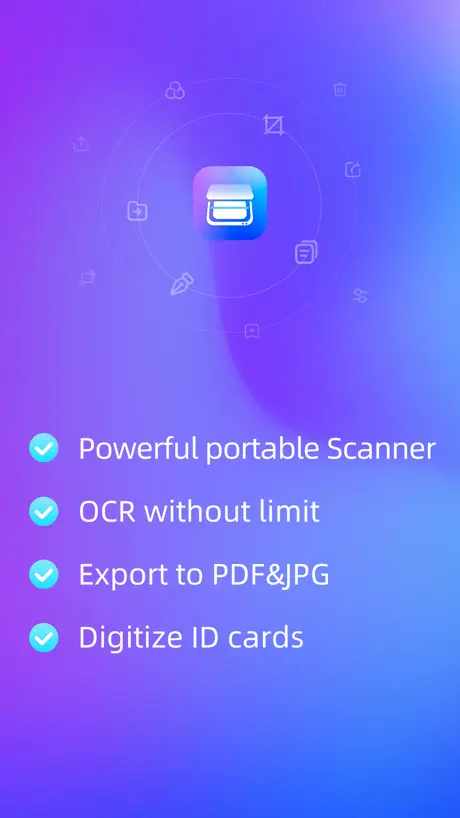  FP Scanner-photo scan |   Air Printer App: Print & Scan |   Scanner: Scan To PDF | |
|---|---|---|---|---|---|---|---|---|---|
| Rating / 5 | 4.1 | 4.7 | 4.5 | 4.7 | 4.8 | 4.0 | 4.2 | 4.2 | 3.3 |
| Reviews | 2.6K | 174K | 108K | 79K | 24K | 1.4K | 1.4K | 92 | 4 |
| Released | 2016 | 2014 | 2019 | 2017 | 2020 | 2020 | 2021 | 2023 | 2023 |
| Weekly price | — | — | — | $4.99 | $9.99 | — | $6.99 | — | — |
| Monthly price | — | $7.99 | — | $5.99 | $19.99 | — | $9.99 | — | — |
| Annual price | — | $59.99 | — | $29.99 | $69.99 | — | — | — | — |
The going rate for each plan in United States, in its own currency, shaded from the cheapest price on the row to the dearest. Plans fewer than four in ten of the priced apps sell are left out.
Scanner' reviews
4.1 out of 5, based on 2,646 reviews.
What people like
- No hidden fees or paywalls
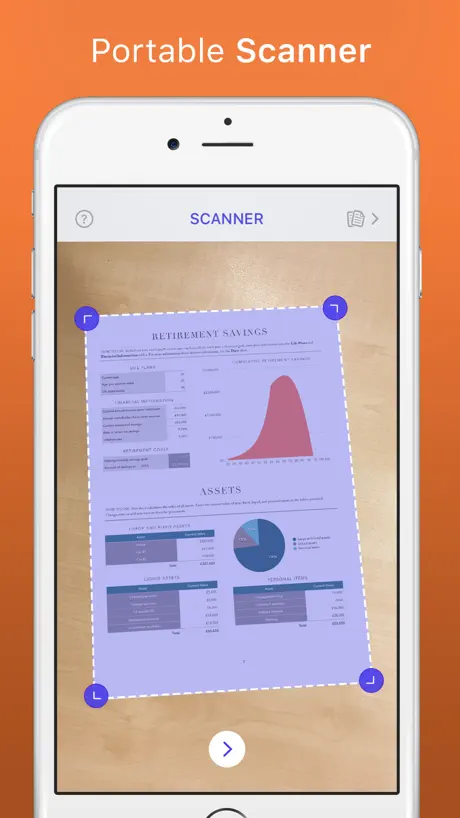
- Auto-detects page edges well
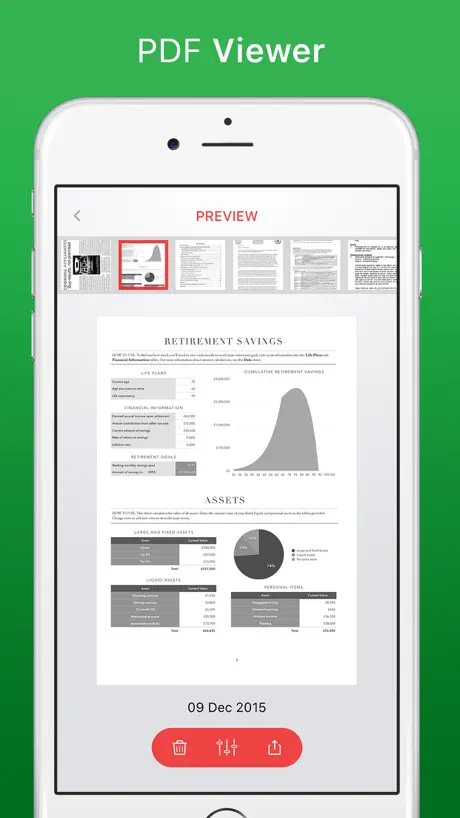
- Creates clean PDF files
What they complain about
- Converts everything to black and white
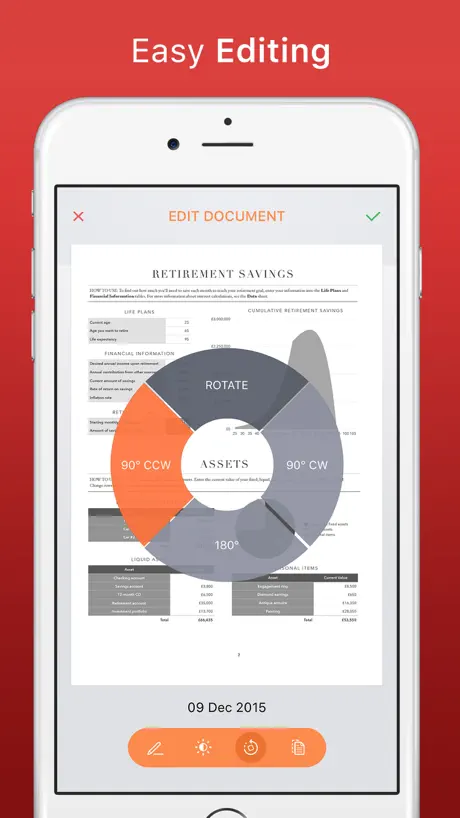
- Ads block the editing tools
- Sends duplicate files instead of unique ones
- Loses scanned data without warning
This is great - simple and free
It scans and auto finds the edge of pages with the option of manual overriding. As long as there is good contrast with the background (I use my black laptop case) it seems 100% correct. Problem with sending the scanned images as one by one works just fine but if you select two or three and then send them it sends the first file multiple times. Daft. I tried it with Save to Files on my iPhone. Resorting to one by one to get it done.
Didn’t work for me
Just nothing happened
สแกนเนอร์ดีครับ
ดีครับ
Disappointed.
I was able to scan but then was unable to use the edit tool as google add was in the way. I couldn’t close the advert down. Not sure how this app is useful.
Unable to scan multi-page documents
I really like this app because it scans nicely, even though it converts everything to B&W. However, a really big issue I have is that I can’t get it to scan documents of multiple pages and save them as 1 document. The last thing I want to do is have multiple attachments for each individual page. Am I missing something here.
Good scanner
Works really well no problems at all.. Just pop up advertising ..but other than that it comes in handy when you need it out in the streets or errands...
Bad
Very bad
For B&W documents
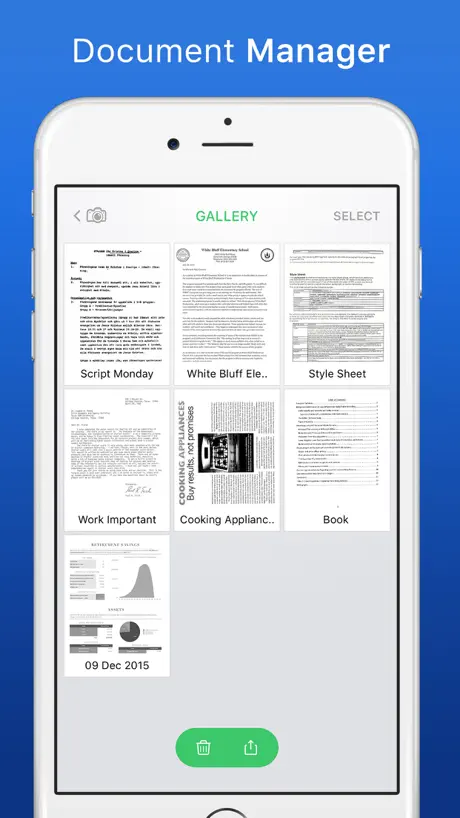
This app works nicely for text docs you wish to copy. You need to start with your document on a clean surface that has contrast to the page you wish to scan in order to have the edges found by the scanner. Once the app picks it up, it will freeze the picture and create a box around your page. You can then adjust the perimeter to match the document more precisely or crop as needed. Once you are happy press the arrow and your PDF will be created and saved in a gallery. From there you can post it, send it, print it etc. depending on the apps you have on your phone or iPad. My reason for three instead of 4 or 5 stars is this app converts all scans to B&W and there are tutorials or help buttons in the app. Fix those two things and this is a useful app.
Geringer Funktionsumfang
Scannt leider nur schwarz weiß und kann keine mehrseitigen Scans erzeugen. Für simple Aufgaben aber nicht schlecht.
Seems good
Have only just started to use this having looked through I don’t know how many Scanner apps on the store. This one seems to work fine, has no trouble getting the outline of the document and produces a good quality pdf which I can then save to wherever I want to on my iPad. Yes, there are adverts but they are not intrusive and I can live with that for a free app.
Garbage app
actually the most frustrating way to try and scan in something. I don’t even mind the struggle of getting the borders, that’s okay you can find a way to make it work. The most aggravating part about this app is that it’s seemingly impossible to get your scanned photos from your phone onto any other device. I tried mass emailing them and got one page eight different times instead of eight different pages. I tried sending them individually and none of them went through. This is such a frustrating experience and it took every fiber of my being to not use every expletive under the sun to describe what it’s like to use this application.
Update
Is now always on black and white
Brilliant
Downloaded 3 other scanners before this one and deleted them within 10 minutes all trying to get you to pay for extras or wired features! This is straight to the point and works perfectly.
Terrible app
It caused me lose my important information because I assumed that I had scanned my files and emailed them to myself. Out of 20 pages the app decided to selectively and randomly email four pages, and when I tried to reopen the scanned files they were no longer available and one error message after another. I should’ve sued it!
สแกนเตอร์
ทดสอบมาหลายแอพ อันนี้ดีสุดครับ
Does it make a PDF? After it scans, can’t get it to create PDF file...?
Can
Great App
Have used a couple of times and it was work really well.
Doesn’t work
Scanning for border and never finds one. Worthless app.
Horrible
Horrible
Scanner is Poor
If you have any lines on the paper it will never photo the whole page.
Unhappy customer
It hardly works properly and even when you do get it to scan it takes you 10 to 20 mins to set up ( fold corners down, make sure there nothing in the back ground, hold the phone at the perfect angle. So after you have your document scanned or documents scanned then come anther fun part, it’s time to send them. So you pick 3 documents you are sending. You check each one and then easy peasy it’s sent. Then the receiver of said documents tells you you sent the same one 3x. So I’m deleting this app and probably going to purchase one.
Scanner
I’m not able to use the scanner
Scanner' FAQ
- Is Scanner' free?
- Yes. The app is free, in all 175 countries it sells in, and it sells nothing inside it.
- Does Scanner' have a free trial?
- No. None of its offers (US) come with a free trial.
- What are the best alternatives to Scanner'?
- SwiftScan AI Document Scanner (4.7 from 174,319 reviews, premium from $1.99), QR Pro - Code Reader & Creator (4.5 from 107,554 reviews) and PDF Scanner Pro ⊟ (4.7 from 78,762 reviews, premium from $4.99).
Scanner' download
Last updated 4 years ago.
Scanner' sells in 175 countries. It was released 10 years and 10 months ago, on 5 Jan 2016. It holds a 4.1 rating from 2,646 reviews.
Supports 1 language: English.
How much does Scanner' make?
Third-party estimates for the last 30 days, worldwide — not the store's own figures, which Apple publishes for nobody.