
intoLive - Live Wallpapers
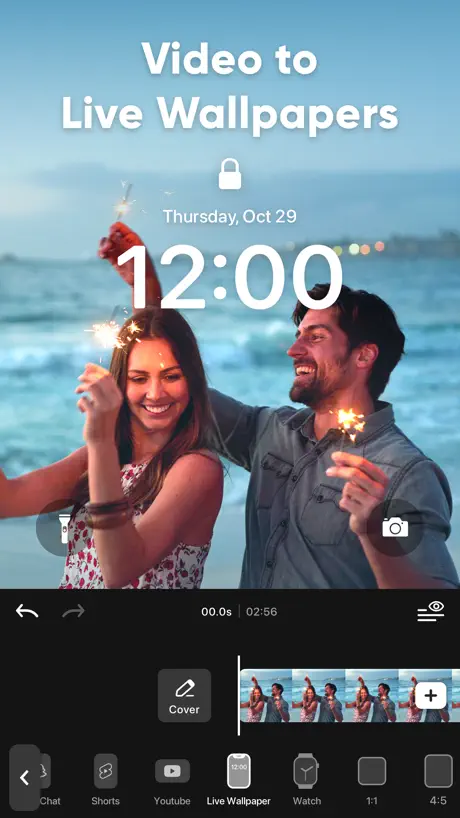
Video to live wallpaper maker

How much does intoLive - Live Wallpapers cost?
Prices are current as of 29 Sept 2026.
3 subscriptions from $3.99
In the United States, intoLive - Live Wallpapers has 3 subscriptions priced $3.99 – 29.99. It comes with a 3 days free trial.
| Subscription | Period | Price |
|---|---|---|
| Weekly intoLive Pro | Weekly | $3.99 |
| Monthly intoLive Pro | MonthlyTrial: 3 days | $9.99 |
| Annual intoLive Pro | Annual | $29.99 |
1 one-time purchase from $69.99
In the United States, intoLive - Live Wallpapers has 1 one-time purchase priced $69.99.
| Product | Price |
|---|---|
| Lifetime intoLive Pro | $69.99 |
See what intoLive - Live Wallpapers costs in all 175 countries →
10+ alternatives to intoLive - Live Wallpapers
| intoLive - Live Wallpapers | 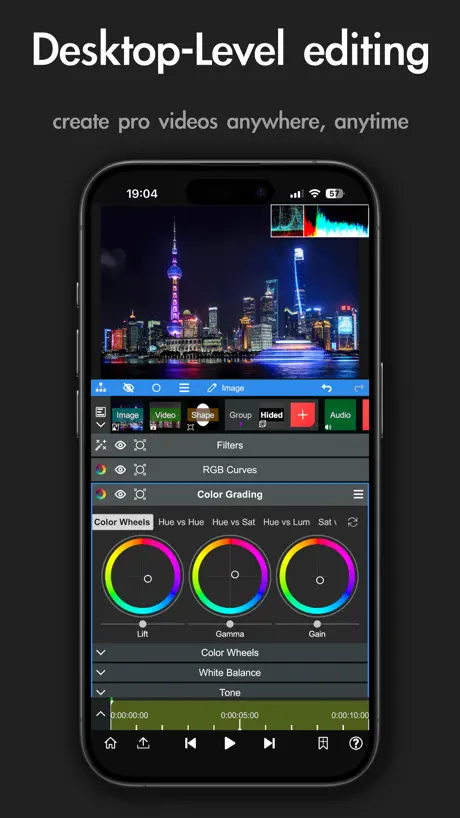  Node Video Node Video |   Live Wallpaper Maker: 4K Theme Live Wallpaper Maker: 4K Theme |   Blurrr-Music video editor Blurrr-Music video editor | 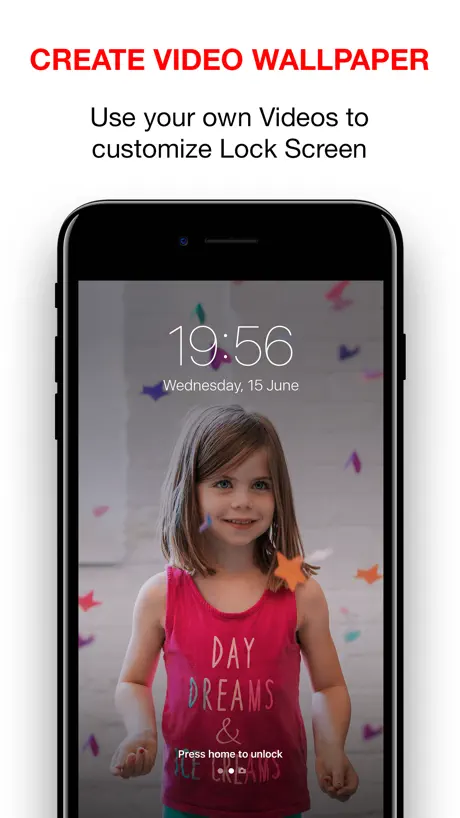  Video to Live Wallpapers Maker Video to Live Wallpapers Maker | 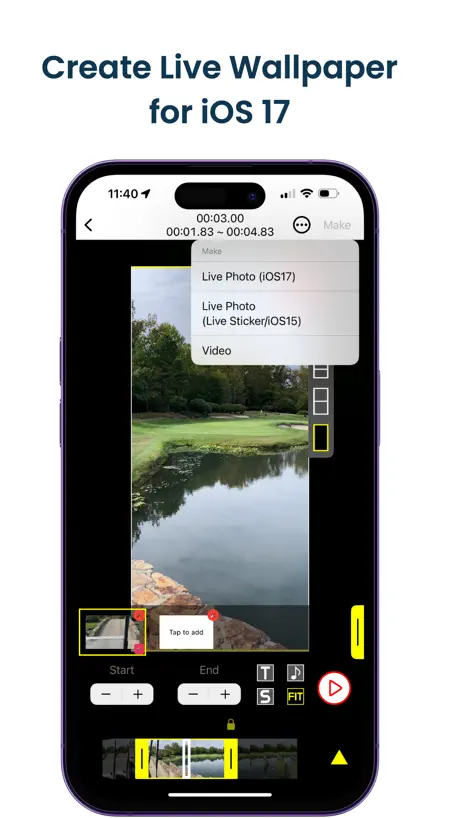  VideoToLive - Live Wallpapers VideoToLive - Live Wallpapers |   Live - LivePhoto maker Live - LivePhoto maker | 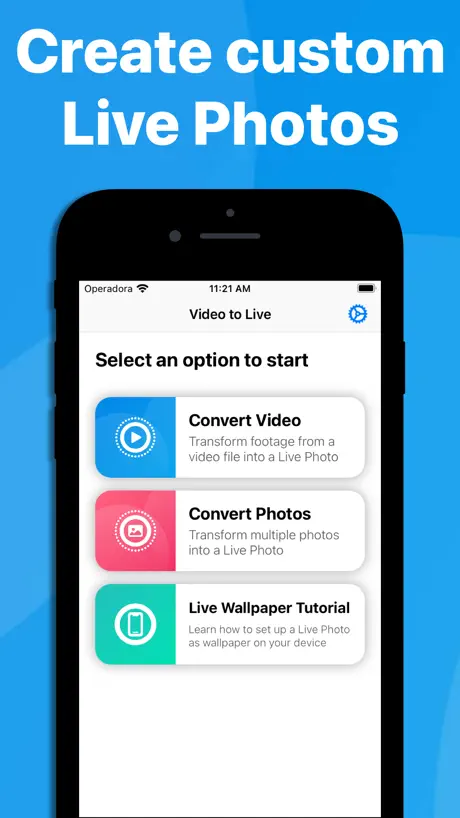  Video to Live Wallpaper Video to Live Wallpaper |   Video Wallpaper · Lock Screen Video Wallpaper · Lock Screen |   xZoom Cam - PRO Camera xZoom Cam - PRO Camera |   imgLive - Live Photo Maker imgLive - Live Photo Maker | |
|---|---|---|---|---|---|---|---|---|---|---|---|
| Rating / 5 | 4.7 | 4.7 | 4.4 | 4.6 | 4.2 | 4.0 | 4.7 | 4.4 | 4.3 | 4.4 | 4.8 |
| Reviews | 632K | 78K | 55K | 31K | 21K | 13K | 11K | 10K | 9.7K | 3.6K | 3.6K |
| Released | 2015 | 2020 | 2019 | 2021 | 2018 | 2018 | 2021 | 2021 | 2020 | 2022 | 2017 |
| Monthly price | $9.99 | $3.49 | $9.99 | $6.99 | $9.99 | — | — | $1.99 | — | $2.99 | $2.99 |
| Annual price | $29.99 | $19.99 | $39.99 | $24.99 | $19.99 | — | — | — | $9.99 | $17.99 | $19.99 |
| One-time price | $69.99 | $59.99 | — | $2.99 | $4.99 | $12.99 | — | $2.99 | $9.99 | $49.99 | $9.99 |
The going rate for each plan in United States, in its own currency, shaded from the cheapest price on the row to the dearest. Plans fewer than four in ten of the priced apps sell are left out.
intoLive - Live Wallpapers reviews
4.7 out of 5, based on 631,515 reviews.
What people like
- Works perfectly once you know the trick.
- Very easy to make live wallpapers.
- Creates smooth, high-quality moving images.
What they complain about
- Exports often fail with no reason.
- Videos get stuck at two seconds.
- Watermark is annoying for free users.
- Hidden costs and paywalls appear suddenly.
Long loading
Doesent load slow it lies it’s instant i does everything i needed no moneys🥶🥶🥶🐿️👁️👄👁️👁️👁️👁️👁️👁️👁️🤔🤯🌬️🤔🌬️🤔🫃🗑️💵🗑️💵😈🫎
Waste of money
👎
英文看不懂
希望可以加一个能换语言的
Doesn’t work anymore
Says “cannot open” when trying to save video as Live Photo. I’ve allowed full access to my camera roll and I’ve tried limiting access. Same error with both.
Why can’t I do videos
I just got this app for the wallpaper and I’ve edited vids so they can be over 2 sec and they said over 2 sec
👍🏽👍🏽👍🏽
Always been great
amount of time??
the amount of waiting that i need to do as my video exports is insane. the bar wasn’t even moving at all and my video was a 2 second clip, ive tried everything to make it load faster but nothing worked. i know for sure im never downloading this app again this is crazy.
I was just thinking about what you said about the other day and I was like oh my gosh I just want to
this is very good
2秒しか設定出来ない
無課金だとiPhoneのライブ壁紙として設定出来るのは2秒だけ?
一般
一般
Vox is on my iPad
Thank you I needed to animate Vox on my iPad:3
Export time
I waited a whole hour and still haven’t been able to export the live wallpaper
Nice app but need 4K
…
动态壁纸
好
MEH
Okay it would be a five… but 4 some reason I can only have 2 seconds instead of the whole video. Even tho I pressed live wallpaper it makes me have to trim it to 2 seconds :(
The best app in my entire life
This worked like a charm. It’s so smooth. You can do almost anything you want with it if you wanna turn a video into your wallpaper, choose this app.
shame
直接跳转订购移动业务,可以给负颗星
Watermark
It’s a small water mark so I gave it a 4
清晰度低,有背景
清晰度低,而且做的壁纸一直有背景,
Rujinu
i don't if it works yet
GOOD
I love moving wallpaper
Garbage
Every time I try to export I get an error message telling me “Cannot Open”. No explanation or hint of why. Just that.
夸赞
这个很好用
短い
秒数が2秒しかなく動画が入り切りませんでした
3sao ok
Củng ổn th mà tính tiền 😒
Goods
SO GOOD U WILL LOVE IT
Туфта
Туфта, без подписки ничего нормального не выйдет
Tiecoura
Camara
Giá cao
Mới chọn dùng thử nó trừ tiền rồi
为啥一秒视频不能转成 live
明明相册里显示是两秒,网络上资源找到的都是这种视频
i like
i really like the moving thing
always w the money
cmon bro i don't wanna pay just to remove a watermark
好
希望可以加入ai优化
出来ない
まずダウンロードすると、PRO用の有料しか出ないが、無視して進むと無料で出来る。 ただ動画からLiveフォトをこのアプリで作成出来るのだが、2秒で固定されてるので、よくあるキャラが動く壁紙みたいなのは合わない。(下記にあるように、動く壁紙として設定出来てないのでどちらにせよダメだが). さらにこのアプリで作られたものは、iPhoneではLiveフォトと認識されない(そのカテゴリーに分類されない)。そして、だからなのか壁紙に設定しても動かない。 説明にあるようにLiveフォトとして設定してるし、低電源モードもしてないのに使えないので、無料だからなのか、使えなかった。
Listen to me
Why we got to pay this would have gone viral if we did not need to pay
Amazing
Always have a like this with a potential for everybody to use cause that’s how you guys are winning
Watch faces
App doesn’t work
Did not work
It never worked at all
壁紙設定出来ない
iOSの問題かもしれませんがモーションエフェクトは使用できませんとなり壁紙設定ができても動きません…
ムズい
画面を大きくしたり小さくしたりするのがムズい
IntoLive is the best live wallpaper app
It’s so easy to make live wallpapers and do all of the stuff that you would want to do if you want a live wallpaper
doesn’t work
i paid to remove the watermark & the live photo they gave me wasn’t in the format that can be used as a wallpaper so i got the live photo but no wallpaper😭👎
Không ổn
Mình tạo được livephoto nhưng lại không thể cài đặt được làm hình nền trên iPhone 8plus ( ios trên 16 rồi nha) hướng dẫn chi tiết giúp mình với ạ
0.2秒
保存すると0.2秒にしかならない
動く壁紙は作れた
60フレーム 2秒の動画をライブ壁紙でLive Photoにすると1秒に圧縮されるように見えます。通常通りの方法(新しいプロジェクトから制作)だと2秒のままです。なぜライブ壁紙の方法だと1秒に短くなるんですか?
It works
It didn’t work at first but with a bit of tinkering it worked perfectly. Easy 10 out of 10. I have an apple and apparently its sensitive when it comes to Live Photos. So to save you time: Make a new project, trim your video to 4 seconds or less (be sure to have the part you want to be live in it). Then got to the Live Photo and put that edited video and trim it again. And boom it works. If you dont make a new project and just do Live Photo for some reason it will turn it into a live photo but you cant use it as your wallpaper. My phone wouldn’t recognize it. But do my method and it works like a charm. Good app!
Horrible, not good enough to pay for it!
It works how it wants to. It will make Live Photos but crop out parts of it. I’m sure there are better apps
..
Nó không chuyển động
Pk
Live
マジで使い方わからぬので開発者さんおしえて:[
これは確かにすごいけど使い方があまりわからなくて使いにくいです、
intoLive - Live Wallpapers price by country
A weekly subscription costs $1.19 in China and $5.97 in Colombia — 5× more for the same thing. Below is the going rate for each plan in every country that sells it — the middle price of what the app charges there, in the country's own currency with the dollar equivalent beneath it.
| Country | Weekly | Monthly | Annual | One-time |
|---|---|---|---|---|
| Afghanistan | $3.99 | $9.99 | $29.99 | $69.99 |
| Albania | $4.99 | $11.99 | $34.99 | $79.99 |
| Algeria | $3.99 | $9.99 | $29.99 | $69.99 |
| Angola | $3.99 | $9.99 | $29.99 | $69.99 |
| Anguilla | $3.99 | $9.99 | $29.99 | $69.99 |
| Antigua And Barbuda | $3.99 | $9.99 | $29.99 | $69.99 |
| Argentina | $3.99 | $9.99 | $29.99 | $69.99 |
| Armenia | $4.99 | $11.99 | $34.99 | $79.99 |
| Australia | A$5.99$4.19 | A$14.99$10.48 | A$49.99$34.96 | A$99.99$69.92 |
| Austria | €3.99$4.54 | €9.99$11.38 | €34.99$39.85 | €79.99$91.10 |
| Azerbaijan | $3.99 | $9.99 | $29.99 | $79.99 |
| Bahamas | $3.99 | $9.99 | $29.99 | $79.99 |
| Bahrain | $3.99 | $9.99 | $29.99 | $79.99 |
| Barbados | $4.99 | $11.99 | $34.99 | $79.99 |
| Belarus | $4.99 | $11.99 | $34.99 | $79.99 |
| Belgium | €3.99$4.54 | €9.99$11.38 | €34.99$39.85 | €79.99$91.10 |
| Belize | $3.99 | $9.99 | $29.99 | $69.99 |
| Benin | $4.99 | $11.99 | $34.99 | $79.99 |
| Bermuda | $3.99 | $9.99 | $29.99 | $69.99 |
| Bhutan | $3.99 | $9.99 | $29.99 | $69.99 |
| Bolivia | $3.99 | $9.99 | $29.99 | $69.99 |
| Bosnia & Herzegovina | €3.99$4.63 | €9.99$11.60 | €34.99$40.64 | €79.99$92.90 |
| Botswana | $3.99 | $9.99 | $29.99 | $69.99 |
| Brazil | R$19.90$3.83 | R$49.90$9.61 | R$149.90$28.88 | R$499.90$96.32 |
| British Virgin Islands | $3.99 | $9.99 | $29.99 | $69.99 |
| Brunei Darussalam | $3.99 | $9.99 | $29.99 | $69.99 |
| Bulgaria | €4.49$5.11 | €9.99$11.38 | €34.99$39.85 | €79.99$91.10 |
| Burkina Faso | $3.99 | $9.99 | $29.99 | $69.99 |
| Cambodia | $3.99 | $9.99 | $29.99 | $79.99 |
| Cameroon | $4.99 | $11.99 | $34.99 | $79.99 |
| Canada | CA$4.99$3.54 | CA$12.99$9.21 | CA$39.99$28.36 | CA$99.99$70.91 |
| Cape Verde | $3.99 | $9.99 | $29.99 | $69.99 |
| Cayman Islands | $3.99 | $9.99 | $29.99 | $69.99 |
| Chad | $3.99 | $9.99 | $29.99 | $69.99 |
| Chile | CLP 3,990$4.15 | CLP 9,990$10.38 | CLP 29,990$31.17 | CLP 79,990$83.13 |
| China | CN¥8.00$1.19 | CN¥22.00$3.27 | CN¥68.00$10.12 | CN¥498.00$74.11 |
| Colombia | COP 19,900$5.97 | COP 49,900$14.97 | COP 129,900$38.96 | COP 299,900$89.94 |
| Congo | $3.99 | $9.99 | $29.99 | $79.99 |
| Congo, Democratic Republic | $3.99 | $9.99 | $29.99 | $69.99 |
| Costa Rica | $3.99 | $9.99 | $29.99 | $69.99 |
| Cote Divoire | $3.99 | $9.99 | $29.99 | $79.99 |
| Croatia | €3.99$4.54 | €9.99$11.38 | €34.99$39.85 | €79.99$91.10 |
| Cyprus | €3.99$4.54 | €9.99$11.38 | €34.99$39.85 | €79.99$91.10 |
| Czech Republic | CZK 99.00$4.63 | CZK 249.00$11.64 | CZK 799.00$37.34 | CZK 1,990.00$92.99 |
| Denmark | DKK 39.00$5.95 | DKK 89.00$13.57 | DKK 249.00$37.96 | DKK 599.00$91.31 |
| Dominica | $3.99 | $9.99 | $29.99 | $69.99 |
| Dominican Republic | $3.99 | $9.99 | $29.99 | $69.99 |
| Ecuador | $3.99 | $9.99 | $29.99 | $69.99 |
| Egypt | EGP 149.99$2.90 | EGP 349.99$6.76 | EGP 999.99$19.33 | EGP 3,999.99$77.31 |
| El Salvador | $3.99 | $9.99 | $29.99 | $69.99 |
| Estonia | €3.99$4.54 | €9.99$11.38 | €34.99$39.85 | €79.99$91.10 |
| Fiji | $3.99 | $9.99 | $29.99 | $69.99 |
| Finland | €3.99$4.54 | €9.99$11.38 | €34.99$39.85 | €79.99$91.10 |
| France | €3.99$4.54 | €9.99$11.38 | €34.99$39.85 | €79.99$91.10 |
| Gabon | $3.99 | $9.99 | $29.99 | $69.99 |
| Gambia | $3.99 | $9.99 | $29.99 | $69.99 |
| Georgia | $4.99 | $11.99 | $34.99 | $79.99 |
| Germany | €3.99$4.54 | €9.99$11.38 | €34.99$39.85 | €79.99$91.10 |
| Ghana | $4.99 | $11.99 | $34.99 | $79.99 |
| Greece | €3.99$4.54 | €9.99$11.38 | €34.99$39.85 | €79.99$91.10 |
| Grenada | $3.99 | $9.99 | $29.99 | $69.99 |
| Guatemala | $3.99 | $9.99 | $29.99 | $69.99 |
| Guinea-bissau | $3.99 | $9.99 | $29.99 | $69.99 |
| Guyana | $3.99 | $9.99 | $29.99 | $69.99 |
| Honduras | $3.99 | $9.99 | $29.99 | $69.99 |
| Hong Kong | HK$32.00$4.08 | HK$88.00$11.22 | HK$228.00$29.08 | HK$588.00$75.00 |
| Hungary | HUF 1,790$5.58 | HUF 4,490$13.99 | HUF 12,990$40.48 | HUF 29,990$93.45 |
| Iceland | $4.99 | $11.99 | $34.99 | $79.99 |
| India | ₹399.00$4.16 | ₹999.00$10.41 | ₹2,999.00$31.26 | ₹6,900.00$71.93 |
| Indonesia | IDR 69,000$3.85 | IDR 169,000$9.43 | IDR 499,000$27.84 | IDR 1,299,000$72.48 |
| Iraq | $3.99 | $9.99 | $29.99 | $69.99 |
| Ireland | €3.99$4.54 | €9.99$11.38 | €34.99$39.85 | €79.99$91.10 |
| Israel | ₪14.90$4.89 | ₪34.90$11.44 | ₪99.90$32.75 | ₪199.90$65.54 |
| Italy | €3.99$4.54 | €9.99$11.38 | €34.99$39.85 | €79.99$91.10 |
| Jamaica | $3.99 | $9.99 | $29.99 | $69.99 |
| Japan | ¥600$3.81 | ¥1,500$9.52 | ¥4,500$28.57 | ¥11,000$69.85 |
| Jordan | $3.99 | $9.99 | $29.99 | $69.99 |
| Kazakhstan | KZT 1,990.00$4.50 | KZT 4,990.00$11.27 | KZT 14,990.00$33.86 | KZT 39,990.00$90.34 |
| Kenya | $4.99 | $11.99 | $34.99 | $79.99 |
| Kosovo | €3.99$4.54 | €9.99$11.38 | €34.99$39.85 | €79.99$91.10 |
| Kuwait | $3.99 | $9.99 | $29.99 | $69.99 |
| Kyrgyzstan | $3.99 | $9.99 | $29.99 | $79.99 |
| Lao Peoples Democratic Republic | $3.99 | $9.99 | $29.99 | $79.99 |
| Latvia | €3.99$4.63 | €9.99$11.60 | €34.99$40.64 | €79.99$92.90 |
| Lebanon | $3.99 | $9.99 | $29.99 | $69.99 |
| Liberia | $3.99 | $9.99 | $29.99 | $69.99 |
| Libya | $3.99 | $9.99 | $29.99 | $69.99 |
| Lithuania | €3.99$4.63 | €9.99$11.60 | €34.99$40.64 | €79.99$92.90 |
| Luxembourg | €3.99$4.54 | €9.99$11.38 | €34.99$39.85 | €79.99$91.10 |
| Macao | $3.99 | $9.99 | $29.99 | $69.99 |
| Macedonia | $3.99 | $9.99 | $29.99 | $69.99 |
| Madagascar | $3.99 | $9.99 | $29.99 | $69.99 |
| Malawi | $3.99 | $9.99 | $29.99 | $69.99 |
| Malaysia | MYR 19.90$4.89 | MYR 49.90$12.26 | MYR 129.90$31.92 | MYR 299.90$73.69 |
| Maldives | $3.99 | $9.99 | $29.99 | $69.99 |
| Mali | $3.99 | $9.99 | $29.99 | $69.99 |
| Malta | €3.99$4.63 | €9.99$11.60 | €34.99$40.64 | €79.99$92.90 |
| Mauritania | $3.99 | $9.99 | $29.99 | $69.99 |
| Mauritius | $3.99 | $9.99 | $29.99 | $79.99 |
| Mexico | MX$89.00$5.02 | MX$199.00$11.22 | MX$599.00$33.77 | MX$1,499.00$84.50 |
| Micronesia | $3.99 | $9.99 | $29.99 | $69.99 |
| Moldova | $4.99 | $11.99 | $34.99 | $79.99 |
| Mongolia | $3.99 | $9.99 | $29.99 | $69.99 |
| Montenegro | €3.99$4.54 | €9.99$11.38 | €29.99$34.16 | €69.99$79.72 |
| Montserrat | $3.99 | $9.99 | $29.99 | $69.99 |
| Morocco | $3.99 | $9.99 | $29.99 | $79.99 |
| Mozambique | $3.99 | $9.99 | $29.99 | $69.99 |
| Myanmar | $3.99 | $9.99 | $29.99 | $69.99 |
| Namibia | $3.99 | $9.99 | $29.99 | $69.99 |
| Nauru | $3.99 | $9.99 | $29.99 | $69.99 |
| Nepal | $3.99 | $9.99 | $29.99 | $79.99 |
| Netherlands | €3.99$4.54 | €9.99$11.38 | €34.99$39.85 | €79.99$91.10 |
| New Zealand | NZ$6.99$3.95 | NZ$19.99$11.29 | NZ$49.99$28.24 | NZ$129.99$73.44 |
| Nicaragua | $3.99 | $9.99 | $29.99 | $69.99 |
| Niger | $3.99 | $9.99 | $29.99 | $69.99 |
| Nigeria | NGN 3,200.00$2.41 | NGN 7,900.00$5.95 | NGN 24,900.00$18.76 | NGN 99,900.00$75.27 |
| Norway | NOK 49.00$5.15 | NOK 129.00$13.56 | NOK 399.00$41.96 | NOK 899.00$94.53 |
| Oman | $3.99 | $9.99 | $29.99 | $69.99 |
| Pakistan | PKR 1,100$3.97 | PKR 2,900$10.47 | PKR 7,900$28.53 | PKR 19,900$71.86 |
| Palau | $3.99 | $9.99 | $29.99 | $69.99 |
| Panama | $3.99 | $9.99 | $29.99 | $69.99 |
| Papua New Guinea | $3.99 | $9.99 | $29.99 | $69.99 |
| Paraguay | $3.99 | $9.99 | $29.99 | $69.99 |
| Peru | PEN 14.90$4.40 | PEN 39.90$11.77 | PEN 119.90$35.37 | PEN 299.90$88.47 |
| Philippines | ₱199.00$3.19 | ₱499.00$7.99 | ₱1,790.00$28.66 | ₱4,490.00$71.90 |
| Poland | PLN 19.99$5.21 | PLN 49.99$13.02 | PLN 149.99$39.06 | PLN 299.99$78.12 |
| Portugal | €3.99$4.54 | €9.99$11.38 | €34.99$39.85 | €79.99$91.10 |
| Qatar | QAR 14.99$4.12 | QAR 39.99$10.99 | QAR 99.99$27.47 | QAR 249.99$68.68 |
| Romania | RON 19.99$4.32 | RON 49.99$10.80 | RON 149.99$32.40 | RON 399.99$86.39 |
| Russia | RUB 349.00$4.15 | RUB 899.00$10.68 | RUB 2,490.00$29.58 | RUB 5,990.00$71.15 |
| Rwanda | $3.99 | $9.99 | $29.99 | $69.99 |
| Sao Tome & Principe | $3.99 | $9.99 | $29.99 | $69.99 |
| Saudi Arabia | SAR 17.99$4.80 | SAR 39.99$10.66 | SAR 129.99$34.66 | SAR 299.99$80.00 |
| Senegal | $3.99 | $9.99 | $29.99 | $79.99 |
| Serbia | €3.99$4.54 | €9.99$11.38 | €34.99$39.85 | €79.99$91.10 |
| Seychelles | $3.99 | $9.99 | $29.99 | $69.99 |
| Sierra Leone | $3.99 | $9.99 | $29.99 | $69.99 |
| Singapore | SGD 5.98$4.67 | SGD 14.98$11.70 | SGD 39.98$31.23 | SGD 99.98$78.11 |
| Slovakia | €3.99$4.54 | €9.99$11.38 | €34.99$39.85 | €79.99$91.10 |
| Slovenia | €3.99$4.54 | €9.99$11.38 | €34.99$39.85 | €79.99$91.10 |
| Solomon Islands | $3.99 | $9.99 | $29.99 | $69.99 |
| South Africa | ZAR 79.99$4.90 | ZAR 199.99$12.25 | ZAR 599.99$36.76 | ZAR 1,499.99$91.91 |
| South Korea | ₩5,500$4.06 | ₩14,000$10.32 | ₩44,000$32.45 | ₩110,000$81.12 |
| Spain | €3.99$4.54 | €9.99$11.38 | €34.99$39.85 | €79.99$91.10 |
| Sri Lanka | $3.99 | $9.99 | $29.99 | $69.99 |
| St. Kitts and Nevis | $3.99 | $9.99 | $29.99 | $69.99 |
| St. Lucia | $3.99 | $9.99 | $29.99 | $69.99 |
| St. Vincent & The Grenadines | $3.99 | $9.99 | $29.99 | $69.99 |
| Suriname | $3.99 | $9.99 | $29.99 | $79.99 |
| Swaziland | $3.99 | $9.99 | $29.99 | $69.99 |
| Sweden | SEK 49.00$4.94 | SEK 129.00$13.00 | SEK 399.00$40.22 | SEK 999.00$100.71 |
| Switzerland | CHF 4.00$4.83 | CHF 10.00$12.06 | CHF 30.00$36.19 | CHF 60.00$72.38 |
| Taiwan | NT$120.00$3.78 | NT$320.00$10.07 | NT$990.00$31.16 | NT$2,290.00$72.08 |
| Tajikistan | $3.99 | $9.99 | $29.99 | $79.99 |
| Tanzania | TZS 11,900.00$4.48 | TZS 29,900.00$11.25 | TZS 89,900.00$33.83 | TZS 199,900.00$75.23 |
| Thailand | THB 149.00$4.46 | THB 399.00$11.94 | THB 999.00$29.89 | THB 2,490.00$74.51 |
| Tonga | $3.99 | $9.99 | $29.99 | $69.99 |
| Trinidad and Tobago | $3.99 | $9.99 | $29.99 | $69.99 |
| Tunisia | $3.99 | $9.99 | $29.99 | $69.99 |
| Turkey | TRY 149.99$3.06 | TRY 399.99$8.17 | TRY 999.99$20.43 | TRY 3,999.99$81.72 |
| Turkmenistan | $3.99 | $9.99 | $29.99 | $69.99 |
| Turks and Caicos | $3.99 | $9.99 | $29.99 | $69.99 |
| Uganda | $4.99 | $11.99 | $34.99 | $79.99 |
| Ukraine | $4.99 | $11.99 | $34.99 | $79.99 |
| United Arab Emirates | AED 14.99$4.08 | AED 39.99$10.90 | AED 119.99$32.69 | AED 249.99$68.12 |
| United Kingdom | £3.99$5.28 | £9.99$13.21 | £29.99$39.67 | £69.99$92.58 |
| United States | $3.99 | $9.99 | $29.99 | $69.99 |
| Uruguay | $3.99 | $9.99 | $29.99 | $69.99 |
| Uzbekistan | $3.99 | $9.99 | $29.99 | $79.99 |
| Vanuatu | $3.99 | $9.99 | $29.99 | $69.99 |
| Venezuela | $3.99 | $9.99 | $29.99 | $69.99 |
| Vietnam | ₫99,000$3.82 | ₫249,000$9.60 | ₫799,000$30.81 | ₫1,999,000$77.07 |
| Yemen | $3.99 | $9.99 | $29.99 | $69.99 |
| Zambia | $3.99 | $9.99 | $29.99 | $79.99 |
| Zimbabwe | $4.99 | $11.99 | $34.99 | $79.99 |
intoLive - Live Wallpapers FAQ
- Is intoLive - Live Wallpapers free?
- Yes. The app and its basic features are free, in all 175 countries it sells in. Premium features are paid: they start from $3.99 (US), across 3 subscriptions and 1 one-time purchase.
- How much does intoLive - Live Wallpapers cost per month?
- Monthly intoLive Pro is $9.99 (US). The annual plan works out cheaper per month: $29.99 a year.
- Does intoLive - Live Wallpapers have a free trial?
- Yes — a 3 days free trial (US).
- Where is intoLive - Live Wallpapers cheapest?
- A weekly subscription costs CN¥8.00 (≈$1.19) in China and COP 19,900 (≈$5.97) in Colombia, its cheapest and dearest countries.
- What are the best alternatives to intoLive - Live Wallpapers?
- Node Video (4.7 from 78,015 reviews, premium from $3.49), Live Wallpaper Maker: 4K Theme (4.4 from 54,876 reviews, premium from $5.99) and Blurrr-Music video editor (4.6 from 30,940 reviews, premium from $0.99).
intoLive - Live Wallpapers download
Last updated 1 month ago.
intoLive - Live Wallpapers sells in 175 countries. It was released 10 years and 10 months ago, on 4 Dec 2015. It holds a 4.7 rating from 631,515 reviews.
Supports 12 languages: English, French, German, Italian, Japanese, Korean, Portuguese, Russian, Chinese, Spanish, Thai, Vietnamese.
How much does intoLive - Live Wallpapers make?
Third-party estimates for the last 30 days, worldwide — not the store's own figures, which Apple publishes for nobody.
Revenue by plan
- Monthly 32%
- One-time 32%
- Weekly 24%
- Annual 13%
Revenue by country
- United States 36%
- China 22%
- Japan 7%
- Saudi Arabia 4%