
ASUS Device Discovery
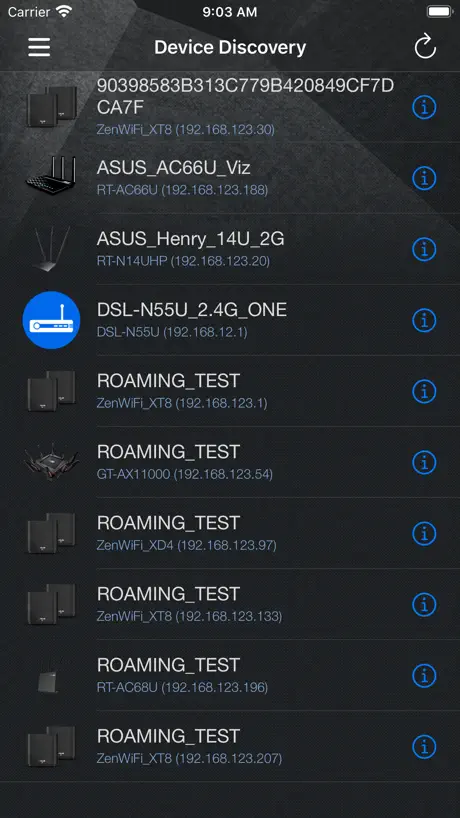
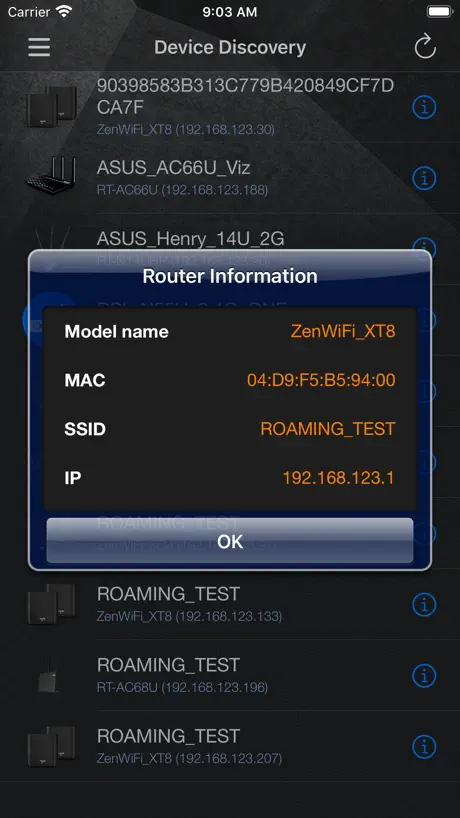
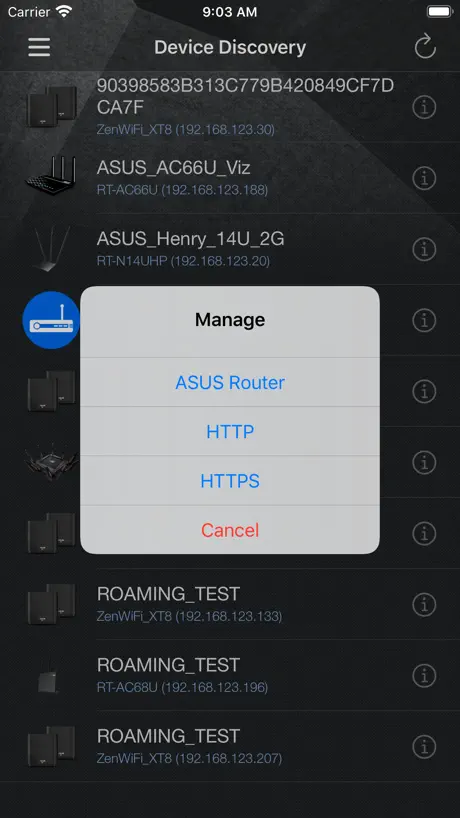
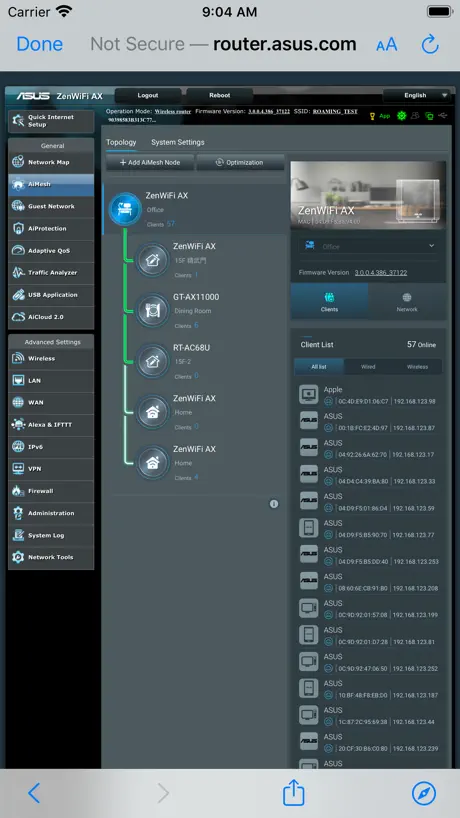
How much does ASUS Device Discovery cost?
Prices are current as of 11 Nov 2026.
ASUS Device Discovery has no in-app products on record in the United States.
10+ alternatives to ASUS Device Discovery
| ASUS Device Discovery | 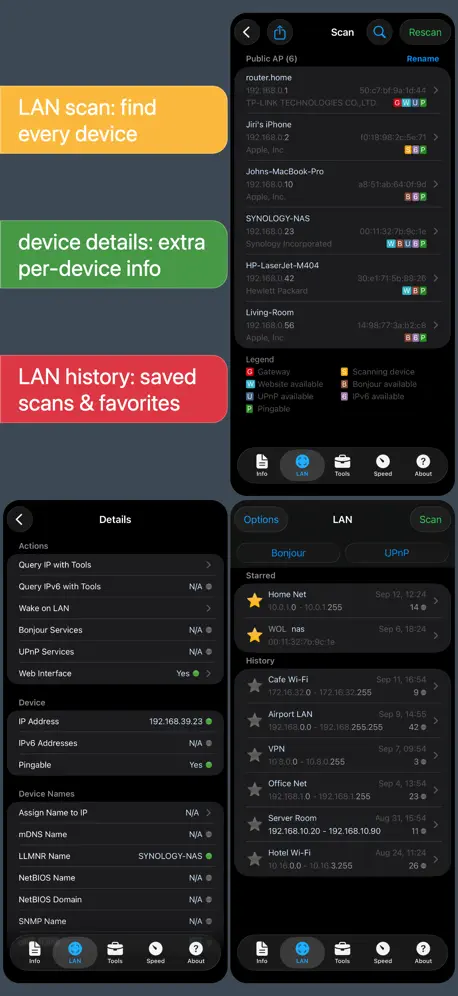  Network Analyzer Pro: IP Tools | 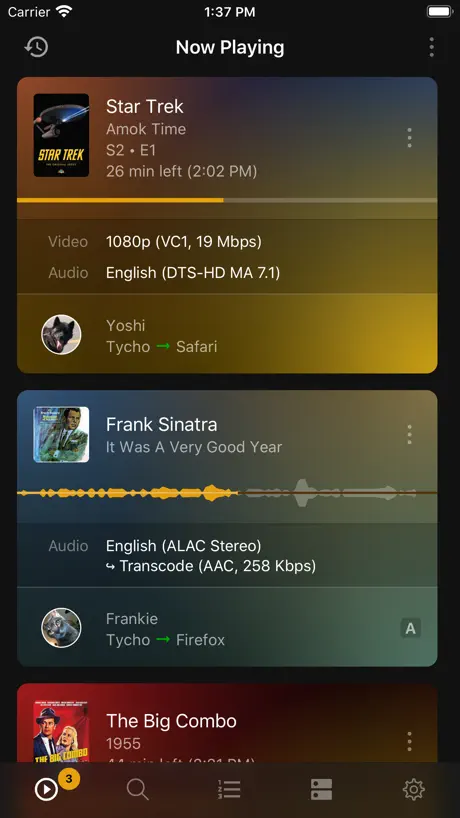  Plex Dash | 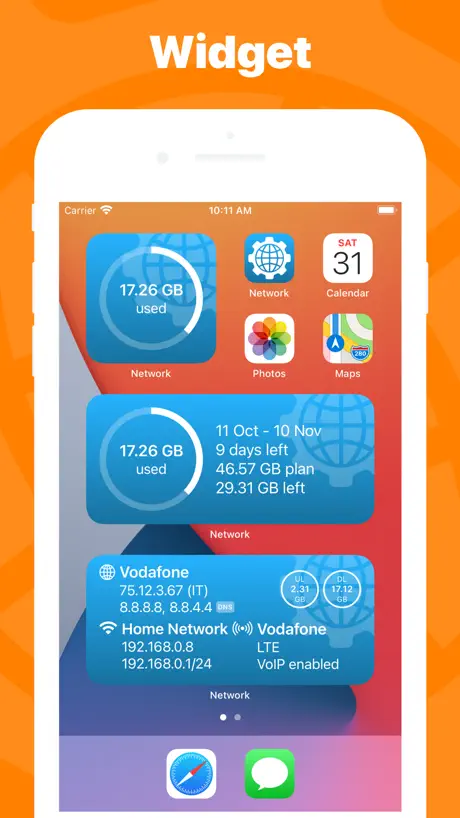  Network Utility | 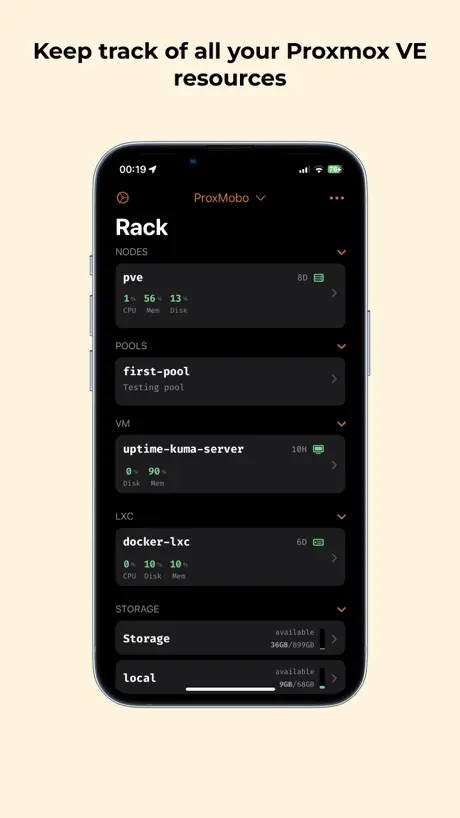  ProxMobo – Proxmox VE & PBS | 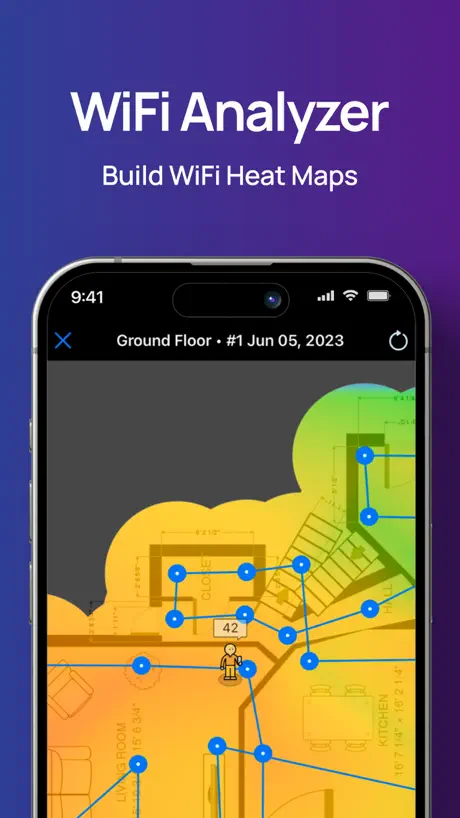  NetSpot WiFi Analyzer | 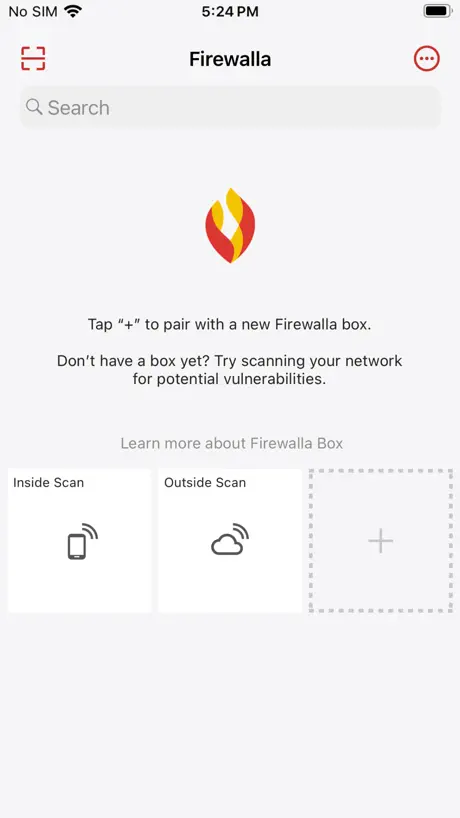  Firewalla | 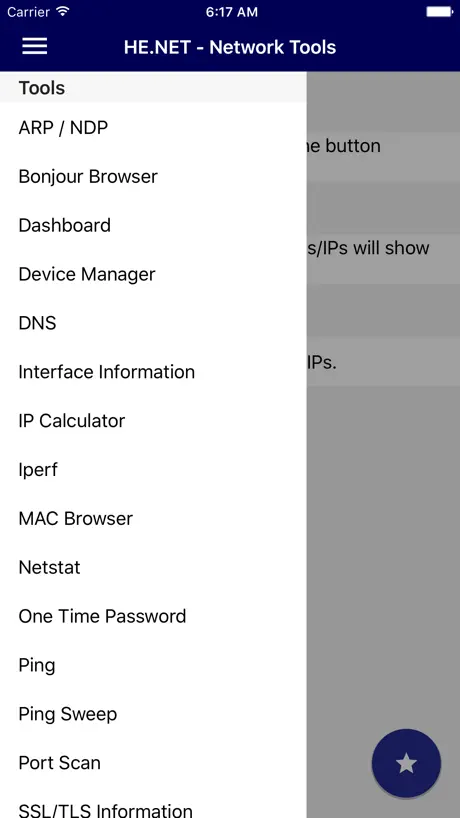  HE.NET Network Tools | 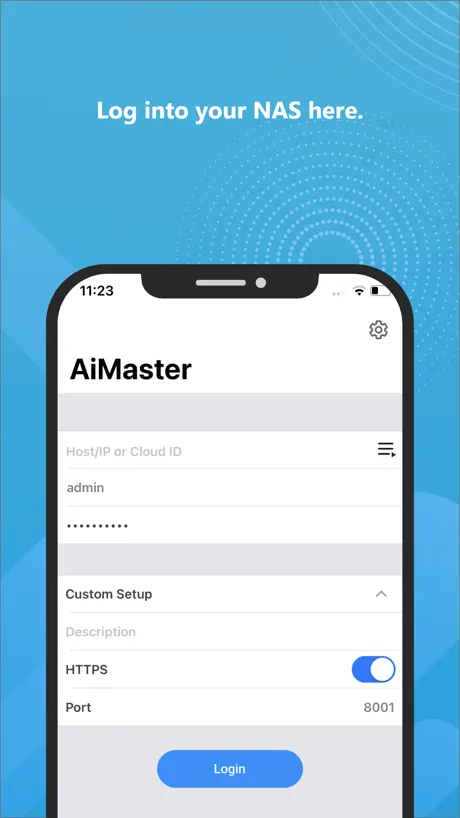  AiMaster |   HINT Control |   Internet Quality | |
|---|---|---|---|---|---|---|---|---|---|---|---|
| Rating / 5 | 3.0 | 4.8 | 4.6 | 4.6 | 4.8 | 3.8 | 4.5 | 4.5 | 2.6 | 4.3 | 4.2 |
| Reviews | 146 | 23K | 4.9K | 2K | 1.6K | 1.2K | 1.1K | 295 | 174 | 115 | 22 |
| Released | 2016 | 2012 | 2020 | 2012 | 2023 | 2020 | 2016 | 2014 | 2013 | 2023 | 2019 |
| One-time price | — | — | — | $2.99 | $6.99 | $6.99 | — | — | — | — | — |
The going rate for each plan in United States, in its own currency, shaded from the cheapest price on the row to the dearest. Plans fewer than four in ten of the priced apps sell are left out.
ASUS Device Discovery reviews
3.0 out of 5, based on 146 reviews.
What people like
- Lets you name devices on your network.
- Shows the router's IP address easily.
- Gives full access to router settings.
What they complain about
- Fails to find your router often.
- Broken by recent firmware or app updates.
- Touch controls and drag features don't work.
APモードの為に
ルータではなくAPにすると詳細設定ブラウザで見れないのですがこちら使えばアプリで詳細設定見れます ただAPモードだと機能が非常に限られます
Fails to find router
RT AC1200 doesn’t show up, or maybe it sometimes does. Have yet to figure that one out… In tandem with Asus Router app, we have never successfully managed this little router. Not much else to say, but wow, how can you mess that on up?
Good
比asus router好,但是找不到RT-N10E
iPad and iPhone app not connecting
iPad and iPhone apps not connecting after latest firmware upgrade to AC88U
INESTABLE
La verdad es que funcionaba bien tienes control total del Router pero desde la ultima actualización del router no consigue entrar no sirve para nada por favor revísenla por que es muy útil y este tipo de servicios hace que la gente se decida por un router u otro de otra marca,gracias
IPアドレスを調べたくて
アクセスポイント(AP)モードに変換したらIPアドレスがわからなくなってしまったんだ。このままでは管理画面にたどりつけない。このアプリを使ってIPアドレスを調べてくれ!
IPAD Pro 12.9 in LANDSCAPE mode, it’s a real thing.
Dear Software Developer, 1. Purchase iPad Pro 12.9” Pro (or 11”) 2. Purchase Logi Slim Folio Pro (or perhaps a Brydge Keyboard) 3. Attach iPad to keyboard 4. Go to App Store, Install your App 5. Launch Your App 6. Take note that Your App doesn’t work so well in LANDSCAPE Mode 7. Modify your app to work in LANDSCAPE only Mode 8. Watch user change your rating from one stars to more than one stars Regards, ANNOYED iPad Pro 12.9” user with an attached keyboard in LANDSCAPE MODE
Problem solved
The app don’t find the router. I have an RT-AC86U. 2020-07-16 After enabling smartconnect, the app start to find the router.
更新后连不上
如题
未能适应IOS10
当使用https 443端口 登陆后台时经常无反应
Great for finding router to login
Great for finding the router you are connected to so you can login to the control panel and change settings
Worthless
Says nothing found and no connection- ASUS tech support recommend I not try to use! What a load of bs
Excellent
I like the way I can name clients so that I can see what is currently active on the network.
Can't find any ASUS router most times
This App is a little finicky. It works sometimes and then suddenly can't find any of the 3 ASUS routers on my LAN. I just can't seem to figure out why!
Drag & Drop Not Working
App is fairly useful except that drag & drop does not work. For instance, in the Adaptive QOS display screen , you should be able to drag one of the Priority Tags and place on top of one of your devices. This seems to be impossible to do. Instead, all you get is the normal Copy/Define/Share pop-up as if you were just dragging your finger over a bunch of text. Otherwise, this app is fairly helpful, except some screen views are so small you have to pinch to expand the text.
Отлично
То, что я и искал. 👍
Can’t find my Asus router
The only purpose of this app is to locate your Asus router so you can log in and adjust settings. But it can’t locate the very Asus router that I used to download the app. Give me a break!
Stopes working
At first the app was working great and then it work it feels like working. It need to be updated. Also dos not let you change the status of ho is on the network. You cannot block or unblock anyone.
Control panel exactly like the desktop!
Very handy, displays exactly as accessing the 192.168.1.1 site. Everything you can do there, you can do with this app, same look and feel. Although you can do the same using the iOS browser, this app nicely works. Also install the "ASUS Router" app and you have full control.
USELESS!
Poorly coded! Please have someone with knowledge of Routers and Systems (And English!) write your software. Unable to set this waste of drive space up. You're better off setting up extenders the old fashioned way.
Хрень
Бесполезное приложение
good app
keep going
Not working
Latest update fails to find routers.
Doesn’t work on iPad
The latest version doesn’t find either of my two router on iOS 12 on my iPad (5th generation). The previous version was able to find them on iOS 12.
Update broken
Latest update on 10/4/18 broke the app. Won’t find anything any more. I shouldn’t be surprised, Asus can’t seem to do anything right anymore.
Terrible
I have nothing but ASUS equipment and it can’t find a single one of them
Rubbish app
This app is rubbish. Won't connect to rubbish router that has been worthless since last firmware update. Customer service is worthless and are unable to communicate at even the most basic levels. So irritated with Asus and I have a lot of their gear.
ASUS Device Discovery FAQ
- Is ASUS Device Discovery free?
- Yes. The app is free, in all 175 countries it sells in, and it sells nothing inside it.
- Does ASUS Device Discovery have a free trial?
- No. None of its offers (US) come with a free trial.
- What are the best alternatives to ASUS Device Discovery?
- Network Analyzer Pro: IP Tools (4.8 from 22,873 reviews), Plex Dash (4.6 from 4,910 reviews) and Network Utility (4.6 from 1,995 reviews, premium from $2.99).
ASUS Device Discovery download
Last updated 3 years ago.
ASUS Device Discovery sells in 175 countries. It was released 10 years and 10 months ago, on 18 Jan 2016. It holds a 3.0 rating from 146 reviews.
Supports 24 languages: English, Czech, Danish, Dutch, Finnish, French, German, Hungarian, Italian, Japanese, Korean, Norwegian Bokmål, Polish, Portuguese, Romanian, Russian, Chinese, Slovenian, Spanish, Swedish, Thai, Turkish, Ukrainian, Vietnamese.