Lutron RadioRA 2 + HWQS App
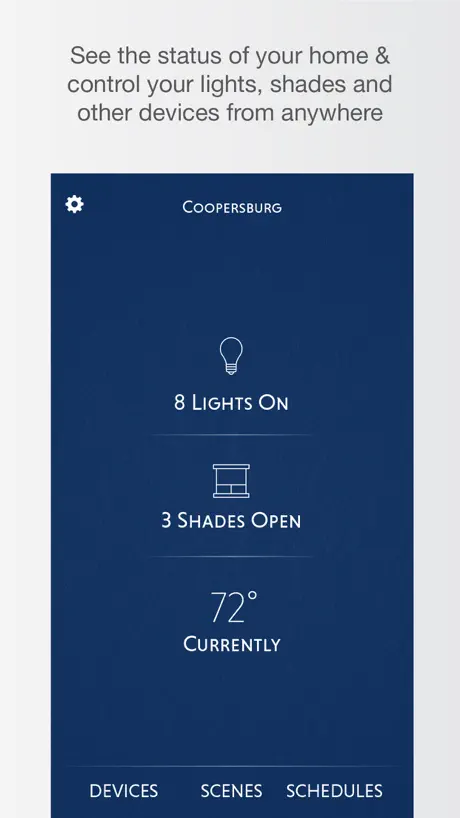
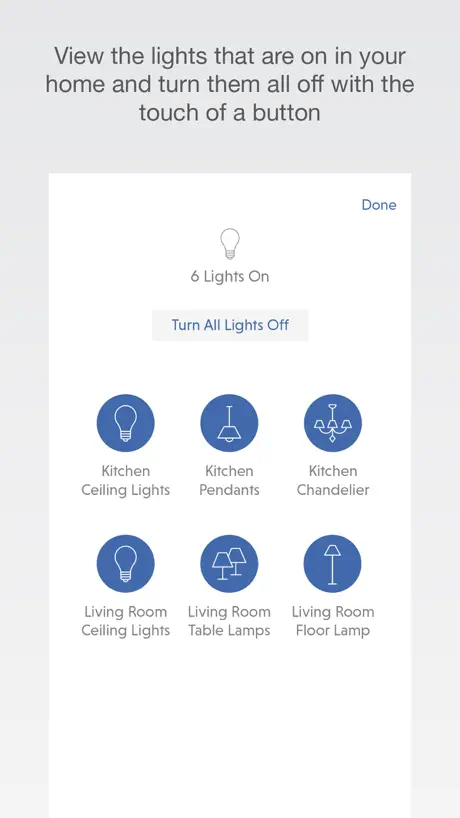
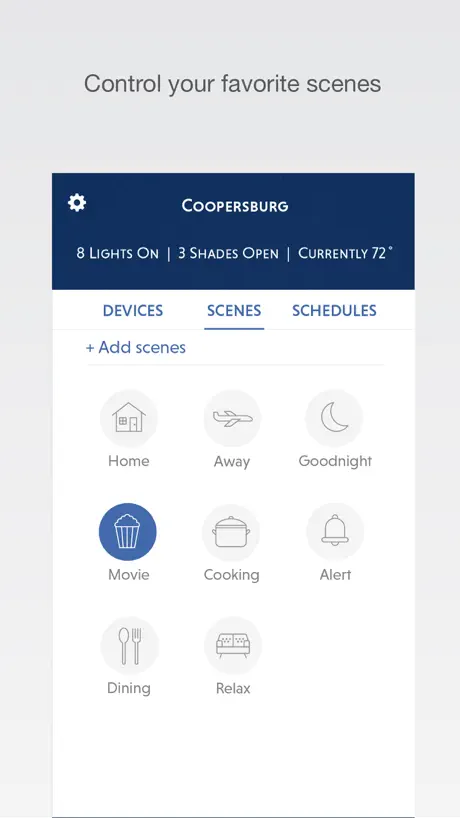
How much does Lutron RadioRA 2 + HWQS App cost?
Prices are current as of 12 Nov 2026.
Lutron RadioRA 2 + HWQS App has no in-app products on record in the United States.
10+ alternatives to Lutron RadioRA 2 + HWQS App
| Lutron RadioRA 2 + HWQS App |   DoorBird |   Savant | 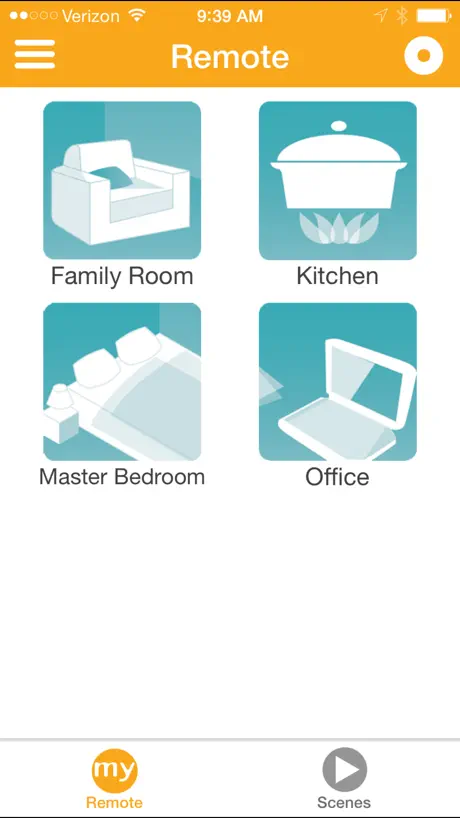  Somfy myLink |   Nice Mobile Viewer |   Crestron Go |   Crestron Home |   RTiPanel |   Josh - Home Intelligence |   Control4 |   Luma View | |
|---|---|---|---|---|---|---|---|---|---|---|---|
| Rating / 5 | 2.7 | 4.4 | 4.5 | 4.3 | 2.6 | 2.6 | 3.9 | 3.0 | 4.8 | 3.5 | 2.5 |
| Reviews | 238 | 71K | 12K | 11K | 503 | 248 | 217 | 176 | 123 | 118 | 11 |
| Released | 2016 | 2015 | 2016 | 2014 | 2014 | 2020 | 2019 | 2011 | 2016 | 2025 | 2022 |
| One-time price | — | — | — | — | — | $99.99 | — | — | — | — | — |
The going rate for each plan in United States, in its own currency, shaded from the cheapest price on the row to the dearest.
Lutron RadioRA 2 + HWQS App reviews
2.7 out of 5, based on 238 reviews.
What people like
- Great control over many devices
- Works well with Apple ecosystem
- Convenient for basic lighting control
What they complain about
- App is too slow and clunky
- Keeps crashing or freezing randomly
- Hard to use without a dealer
Excelente
La evolución de control lumínico en nuestras manos, simplemente fantástico. 🤩
Brutally Bad UI
Nothing is intuitive and it takes tons of clicks to do the simplest task. Really shocking give how obvious the problems are and how long devs have been hearing about it. Lutron obviously doesn’t care about this app and how folks feel about it.
App crashing on open
Rather slow, but does work. Needs documentation on how to use with Siri
2 stars is pretty accurate
Such an expensive system and the app is garbage. I’ve reset the app along with my phone on numerous issues with it not letting me click anything. Horrible. Do not buy.
Great app, but slow/incorrect state of fixtures
The app is great, but for some reason even with fast internet connectivity, the status of fixtures is often incorrect or very slow to have status updated. That doesn’t seem to be an issue with other cloud-based smart home devices that I use.
Fixed
Customer service was very helpful, problem solved.
lighting failure
very poor system. every time the software fails, electrician needs to be called. they will not fix it with tech support.
Nice App needs update
Nice app. Do the job. Convenient to use Lutron with Alexa. Needs a feature update because can use store commands with app but not compatible with Alexa. (Somfy Stores activated by Lutron module)
Please update app
Please modernize the app
App not opening
Not able to load app after your update this week. 4/22/2021. Is this happening to everyone?
Excellent upgrade
This is without a doubt the best app to come out of Lutron to date. I have over two hundred devices and this app has improved the management and integration with the Apple ecosystem for the best possible user experience. I would like to publicly acknowledge the great design by the software engineering department or group. Well done!!!!
Last update killed the app
It really did work just fine until the last update. Now I can’t connect at all. It’s awful. Stay away from it.
App not working correctly with iPad Pro 12.
Only one icon loads per room, all other icons for the room do not display in the rooms. “iPad Pro 12” running OS 16.2 (20C6F). It used to work fine until recently. I also use a iPad 11 Pro running OS 16.2, it works fine. Using RA2 system with 120 devices. Lutron technology generally works very well, thanks!
Outdated
After spending $$$$$ installing and programming this app needs a lot of work. Haven’t had a update or new look for a modern time
App has potential, but not quite there.
After investing almost $50-60k in full powered motorized shades, and a full radio ra2 system throughout my home, while I love what I can do with physical switches, it seems somewhat limiting that I cannot manage the button icons, room layouts, load names, and button types “toggles” vs “presses”, or manage any of the advanced setup without going through my dealer every time. I wish there was a version of the software that was also available on PC for homeowners, and that the mobile app allowed for more customization for end users. Regarding the UI, it would be much nicer if you could more easily raise and lower load levels in a room or area without having to first open the room, then open the load, and then finally control the load. If I’m looking to raise and lower individual levels in a room relative to one another on the fly, it’s just a lot of extra clicks. Additionally, while a dealer can add virtual keypads to rooms, it would be nice if I could define scenes specifically for use in the mobile app for certain rooms or areas. Just seems like lutron needs to spend some time with a UI/UX designer and really think about use cases.
The best control App
We are using for a few months and we are very happy with the result!!
Awful experience
App is so unintuitive, options missing that their own documentation says should be there. Clearly zero investment in quality developers. So disappointing!
UI could be more friendly
On the Schedules tab it is very frustrating that you have to click on a schedule to see if it is on or off, and to change that. Why not simply have the on/off slider by each schedule on the summary page?
Can’t add HomeKit
When trying to add my RadioRa home setup the app gets to the screen to enter the setup code from the bottom of the connect bridge but when I tap the link to enter the code the screen flashes and I get an unhelpful error that the accessory can’t be added. Please provide better direction on the issue.
App not working with iPad
Same problem. App works with iPhone not iPad
路创homeworks系统稳定
这个APP很实用,家里用的是路创的系统,有时忘记关灯,直接用手机就好了,很方便。
App is full of bugs, barely maintained
This app has not really improved or changed in the years since I have had the misfortune of having to use it. But the bugs keep piling on, what were mild annoyances are getting worse. Is not just that the bugs are annoying, they prevent you from using the app at all (like schedules, you get a tiny two-line to operate). Clearly this is a vastly underfunded effort - I would be surprised if more than one engineer was left working on this. It is that abysmal.
Room View From “Lights On/Off” View
It’s really cool how the app lets you see what lights are on by clicking the current lights on section, it would be awesome if you guys could add what rooms are on from that view
I was told this app would be great
Why can’t I save a bunch of different layouts? I just want to hit one button and set the mood for dinner, or for sitting by the fire, or for cooking. I don’t want to tweak every light every time. Barely an app. If I spend this much on your system i expect way more functionality.
App not working...
Can sign in but app not responding... seems like last update is a potential problem. Had no issues prior to this? Works on iPhone but not on iPad. Update... interesting response from Lutron...” we can investigate the issue you are seeing by going to Settings -> Help -> Send Feedback.”... more than happy to do so... however, there is no send feedback in the settings/help menu of the app I’m using... I’ve resorted to deleting the app and reloading... works for a bit, then it’s locked up again... I’ve done that four times now! Works, then 20 minutes later, it’s locked up???
Atrocious
Lutron should be ashamed for dropping support for RadioRA2 customers not allowing them to purchase parts of anything!!
Lost thermostats on watch
Last Lutron app update seems to have removed access to Lutron thermostats on the Apple watch. Anyone else experiencing that?
Deserves it's low rating
It's just not easy to use. Homekit integration doesn't work Customizing it is hard. Menu experience is poor and hard to remember. For a high end hardware product they just don't get the job done on the app side
More HomeKit support, please!
I love the capabilities of my RadioRA2 system, but I really need my fans and curtains to support HomeKit! Please!!
RING INTEGRATION
I can not find Add device under setting to integrate with Ring door bell. App need update.
Needs instructions.
New to Lutron and this app, I have tried very hard to find instructions for it. All I’ve found are community forums, all asking the same sorts of questions. Specifically, the Modes—there are four of them. How do they work and how do they relate to Schedules?
Unable to edit button 24 on HWI keypads
Unable to edit button 24 (On button) on an HWI keypad using the Lutron Connect application. Editing button 24 (On button) always edits button 23 (Off button). Editing button 23 works correctly. The integration report shows buttons 23 and 24 correctly. This occurs in the most recent version as of 2/13/21.
Lutron doesn’t care
As long as the money rolls in from their preferred contractors, they don’t care about product quality. Ridiculous that this app is such garbage and hasn’t been consolidated into the main Lutron app.
It works but so portly designed
Considering the cost of lutron homework’s the app is like a step back in time to using an old dos computer. It’s almost impossible to set up a schedule. I mostly use my Alexa to set up any type of schedule or routine because the lutron app is so clunky. Now I see why my installer recommended using a system like Savaent or control 4. I wish the developer would look at how those programs work and make a more user friendly interface.
So Pathetic
For a system that cost $100,000+ to install (including Ketra lights), this app is an absolute embarrassment. The constant, never ending “connecting” message that prevents control of any light along with buttons that can’t be reached and a terrible UI in general, this app is simply pathetic. The only solution is to add a Savant system on top of this horrible app. Get it together, Lutron.
App Takes Forever to Open
The system is great but the app takes forever, upwards of 5 minutes, to open. At that point I could just go adjust every light in my house manually. I don’t have this problem with any other smart home app. Is there a bug fix in the works?
Stopped working
Stopped working from last update, bring me to a screen to download the same app but never worked like before. If you see this review meaning it’s still not fixed.
Works great, but...
I have an iPhone X and am using this app on a fairly extensive Lutron system, including lights and shades. Works great when loaded, but only works for 2-3 weeks, then won’t load (rebooting phone does not fix it). Only way I can get the app working again is to delete it from my phone and reinstall. The Siri commands are saved (thankfully) but all the “Favorite” settings have to be redone. Of course the time of failure always seems to happen at most inconvenient times. This is a poor reflection on an otherwise decent company.
Lutron RadioRA 2 + HWQS App FAQ
- Is Lutron RadioRA 2 + HWQS App free?
- Yes. The app is free, in all 155 countries it sells in, and it sells nothing inside it.
- Does Lutron RadioRA 2 + HWQS App have a free trial?
- No. None of its offers (US) come with a free trial.
- What are the best alternatives to Lutron RadioRA 2 + HWQS App?
- DoorBird (4.4 from 71,164 reviews), Savant (4.5 from 12,116 reviews) and Somfy myLink (4.3 from 10,696 reviews).
Lutron RadioRA 2 + HWQS App download
Last updated 5 months ago.
Lutron RadioRA 2 + HWQS App sells in 155 countries. It was released 10 years and 6 months ago, on 25 Apr 2016. It holds a 2.7 rating from 238 reviews.
Supports 4 languages: English, French, Chinese, Spanish.
How much does Lutron RadioRA 2 + HWQS App make?
Third-party estimates for the last 30 days, worldwide — not the store's own figures, which Apple publishes for nobody.