
WiFi Guard - Scan devices and protect your Wi-Fi from intruders
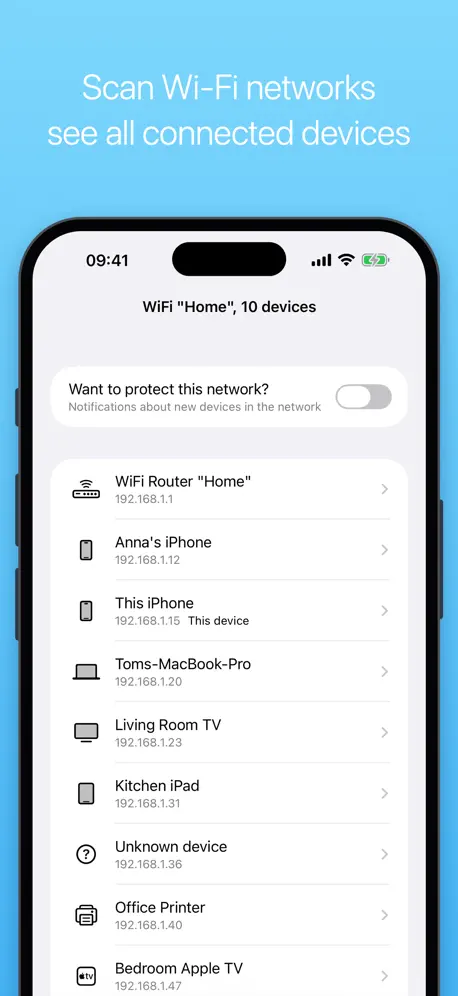
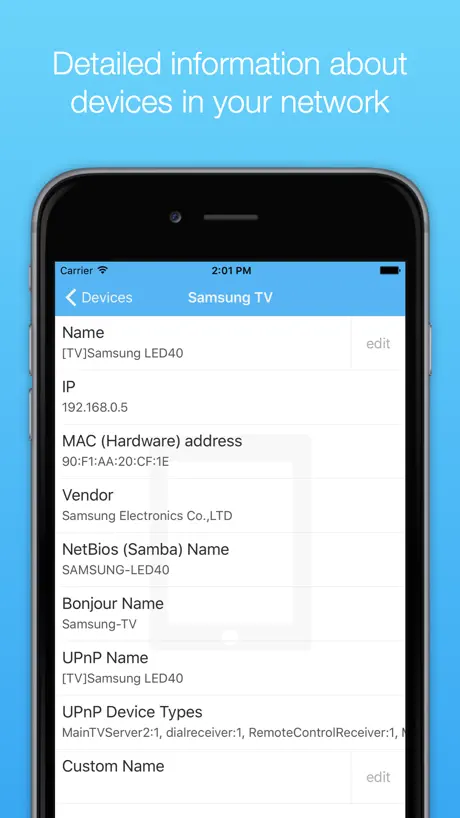
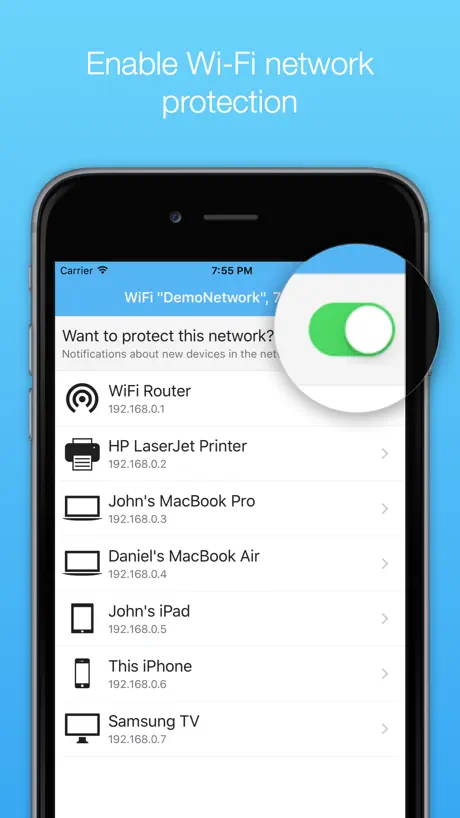
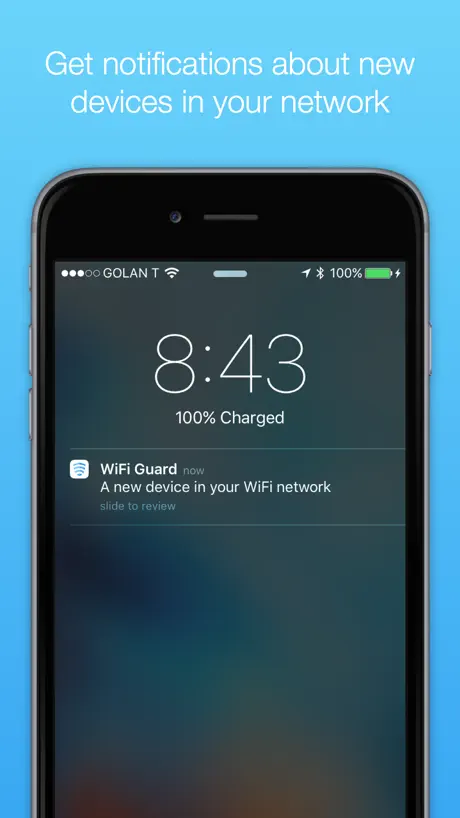
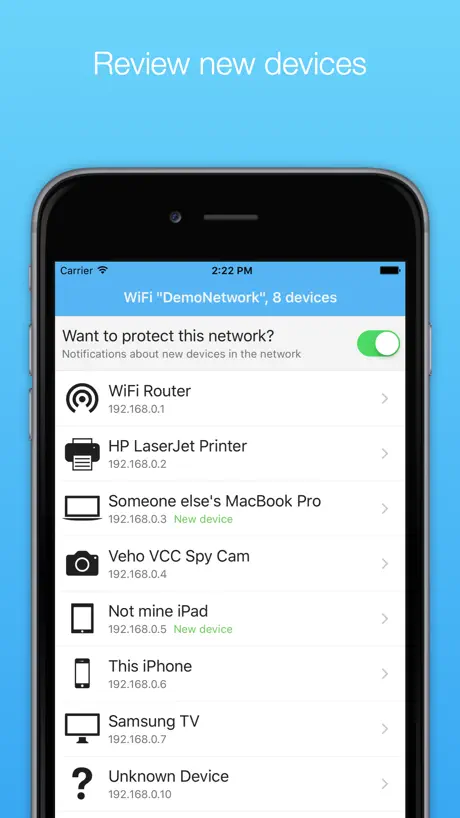
How much does WiFi Guard - Scan devices and protect your Wi-Fi from intruders cost?
Prices are current as of 25 Oct 2026.
WiFi Guard - Scan devices and protect your Wi-Fi from intruders has no in-app products on record in the United States.
10+ alternatives to WiFi Guard - Scan devices and protect your Wi-Fi from intruders
| WiFi Guard - Scan devices and protect your Wi-Fi from intruders | 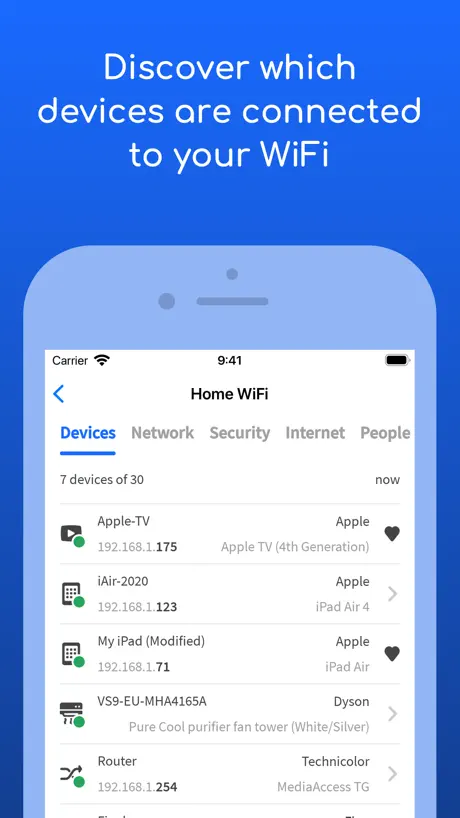  Fing - Network Scanner | 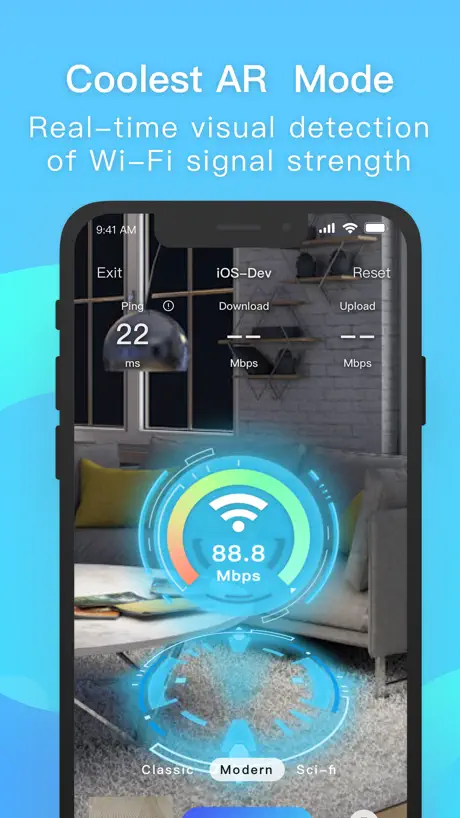  iWifi - AR speed & signal test | 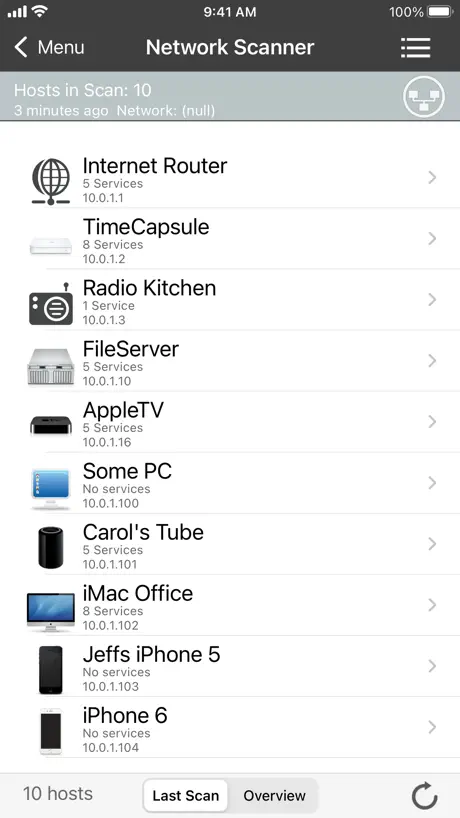  iNet - Network Scanner | 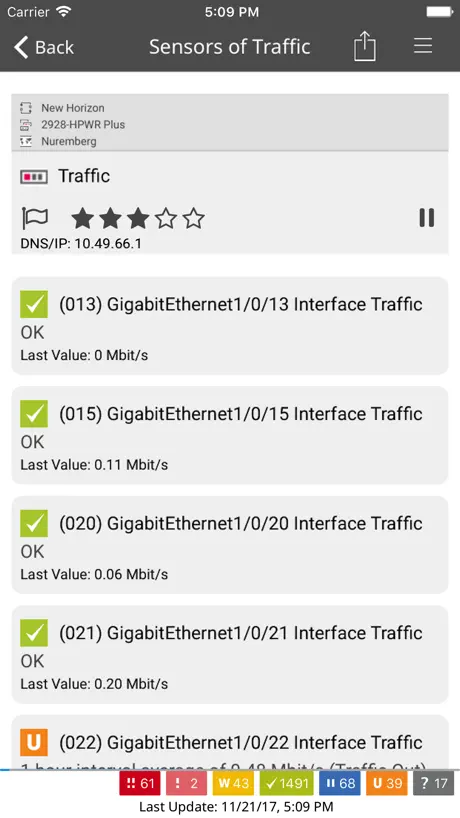  PRTG - Monitoring | 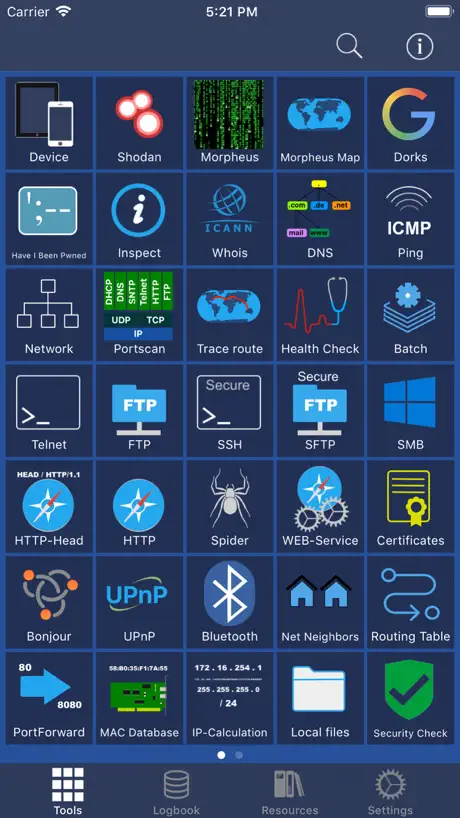  Network Toolbox Net security | 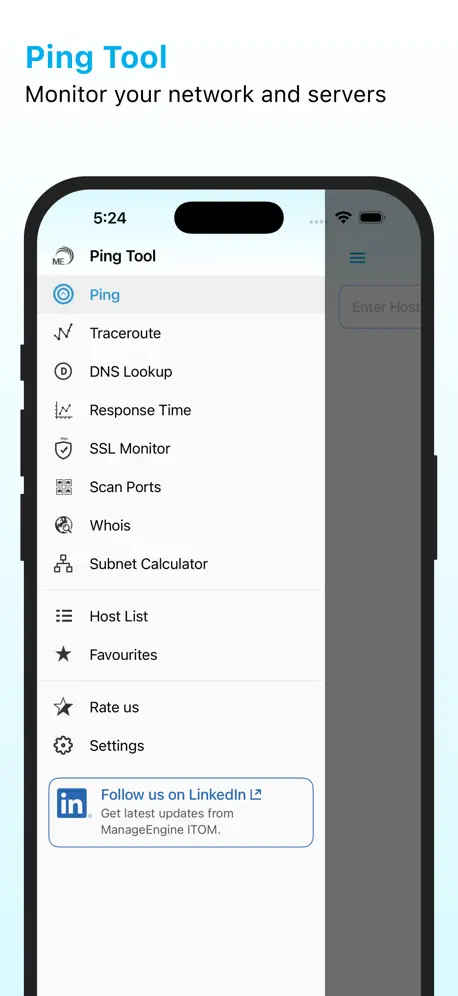  ManageEngine Ping Tool | 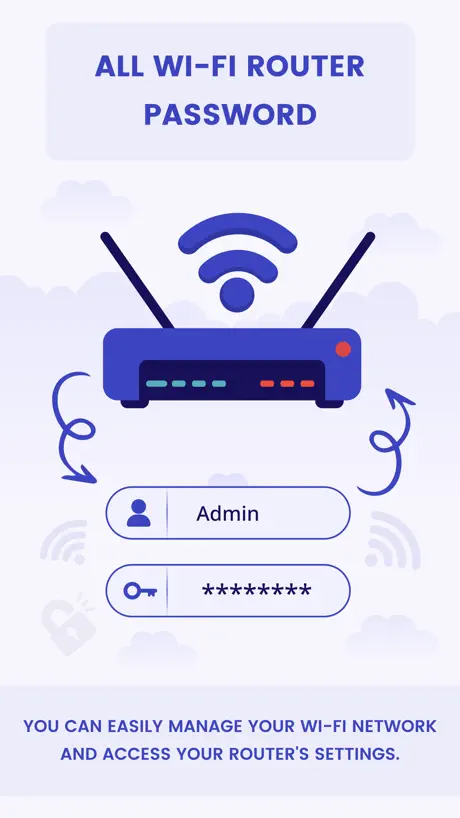  All Router Password Manager | 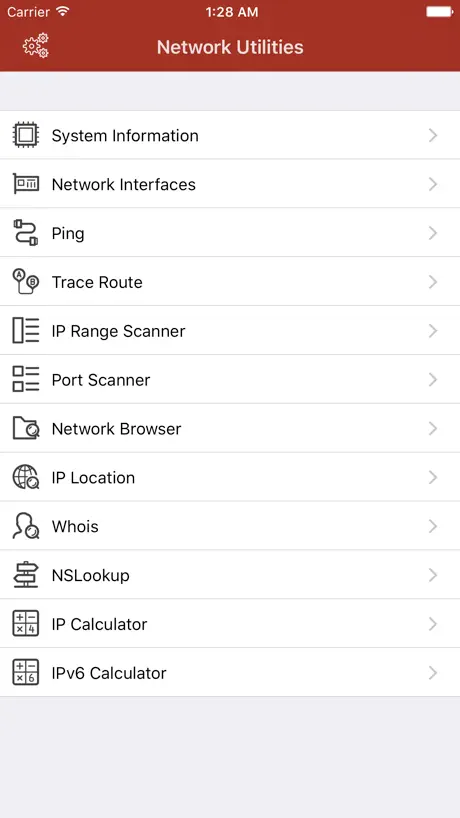  Network Utilities & Analyzer | 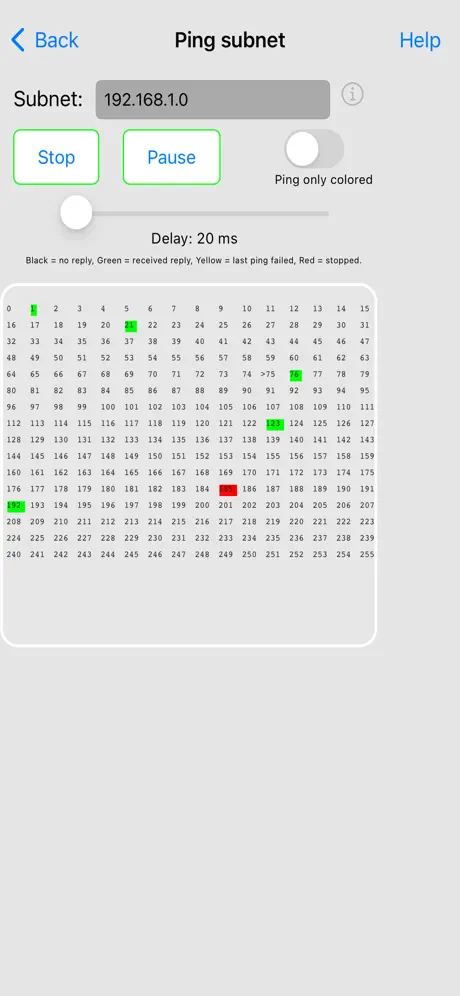  Network Ping Lite | 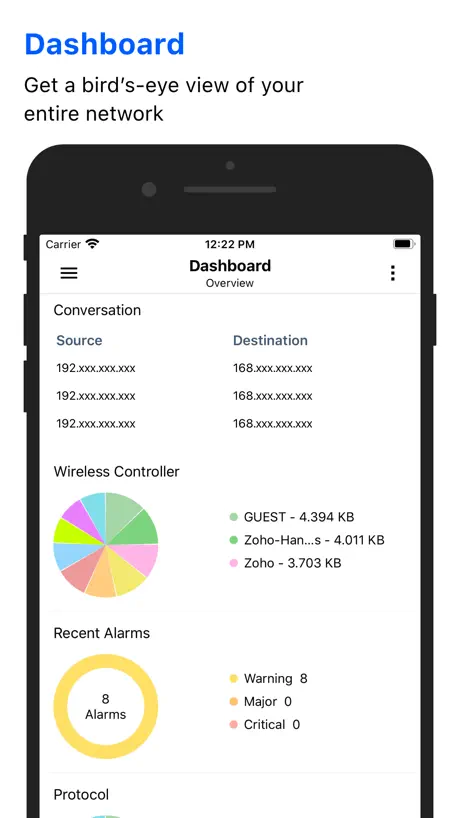  NetFlow Analyzer | |
|---|---|---|---|---|---|---|---|---|---|---|---|
| Rating / 5 | 4.2 | 4.6 | 4.6 | 4.5 | 4.7 | 4.6 | 4.8 | 4.2 | 4.5 | 3.6 | 4.3 |
| Reviews | 6K | 553K | 35K | 11K | 11K | 6.6K | 2.9K | 1.9K | 877 | 381 | 112 |
| Released | 2016 | 2011 | 2019 | 2010 | 2009 | 2013 | 2011 | 2023 | 2017 | 2019 | 2014 |
| Weekly price | — | — | $3.99 | — | — | $2.99 | — | $3.99 | — | — | — |
| Monthly price | — | $3.99 | $3.99 | — | — | $9.99 | — | $12.99 | $0.99 | — | — |
| Annual price | — | $39.99 | $9.99 | — | — | $29.99 | — | $39.99 | $9.99 | — | — |
| One-time price | — | — | $7.99 | $9.99 | — | — | — | $49.99 | $2.99 | — | — |
The going rate for each plan in United States, in its own currency, shaded from the cheapest price on the row to the dearest. Plans fewer than four in ten of the priced apps sell are left out.
WiFi Guard - Scan devices and protect your Wi-Fi from intruders reviews
4.2 out of 5, based on 5,977 reviews.
What people like
- Easily shows who is on your Wi-Fi
- Very simple and easy to use
- Good for users with visual impairments
What they complain about
- Renaming one device renames them all
- Cannot block intruders directly from the app
- Shows too many unknown devices
- App glitches and crashes often
WiFi guard
The app is great so far it really doing it job I like it because it don’t need a lot of work
Tu
Yuy
Me on my iPhone 15 PRO MAX
Sometimes it just glitches every time when I scan the network
Crashed on IOS
Cant get it working, crashed on first touch.
Renames devices at random
I like the app to see who’s on my wifi, but I have taken the time a couple of times to name devices based on their IP addresses and every time they all randomly change to the same name… like MyiPad. I say randomly because I have no idea what triggers this. Please address this issue!
Great App
Good protection
Doesn’t do what it says
I got this app so I could scan and protect my home WiFi Network. It provides details about devices connected and asked if I want to know how to block the devices. I click on it and it says to change my password or contact my Internet Service Provider. Why doesn’t it give me the option to block devices like other reviews say? The only thing this app does is list devices. That is it! Why? How does that protect my Internet from intruders? Very disappointed!
Hmmm? 🤔😳🤨
I got this to see who was on the house WiFi. Lots of ‘Unknown Devices’ many of which are devices in the house anyway. New review here, surprisingly this was a prob years back Guys? I have a snippet of the information I really needed! But hey, I find it quite ironic that you have found a very old nickname? Is this FB spreading out, just as it SHOULDN’T!? Me thinks yes! I’m asking nicely, not to let me down regarding this WiFi Guard. I need it to PROTECT ME, not give others a ‘window in’! So hmmmmm for now… 🤔🤨🙏
Incorrect names
I changed one name on one device and the app renamed everything on my network the same name. Changed a different one to the right name and, you guessed it, changed everything to that name. Very frustrating
Can’t tell how many devices are connected
Love this app—I have had massive invasion of my privacy by husband in divorce and finally realized it has to be through WIFI, for one thing. I found this app in an obscure article. It showed seven devices and I did what was recommended. It now shows three but I can’t tell what the third is and when I turn on a computer it still shows three so it is not accurate. I hope they perfect this app. It could be a lifesaver for women.
Easy to use
I am totally blind here, and I always enjoy a tool that’s easy to use and doesn’t try to dazzle me with eye candy that I can’t see. So far, it’s simple, easy, and tells me what I need to know without adding extraneous information. However, one small item: you guys might want to consider making sure that it’s completely compatible with the Apple’s accessibility API. Just a thought.
Chuncfh
I can’t block outHacker
There’s still room for improvement. 4/5
It does what it says it will but there’s a bit room for improvement.
Not good
Won’t let me block devices and there too many unknown devices that pop up
Device Title
I keep editing the four different devices on my WiFi such as iphone, printer, WiFi and tv streaming device. Later all read the same title such as printer. Why aren’t they staying with their edited titles?
Great
Gteat
President
I have support saying at the White House the administration president George the peso bush is getting hung
Checking for unapproved devices
to the guy that says he sees several devices on the badge but they disappear when he tries to view them from the all, you aren’t alone. Grab your tin hat, but in my case, the cause is my devices (plural) are all hacked from my perspective, however really they are just setup under a rogue entity’s Mobile Device Management which varies from company to company although usually involves Amazon web services (their cloud virtual services). The entity in my case is illegally monitoring my and several others devices for the sheer reason because they can and do get away with it. All they need to do is label a person as having undesirable habits, and absolutely no one will intervene, regardless whether or not there’s any truth in the matter. If you turn off your mobile data, then look thru your router logs, I would bet you will see AWS being ticked several times an hour even though you have no legitimate reason for visiting a virtual amazon web service. The reason you see many #s on the badge but not in the app is your device (mine at least) can be completely manipulated by this rouge vigilante religious group, the app itself has been modified to show only the devices you’d expect, but sometimes other areas are missed and I can often find details elsewhere that show me there’s definitely changes and unwelcome activity on my devices behind the scenes. This app is by no means the first for me, I have several Android devices that i loaded with logging and security apps and I get similar results. The actual app screen usually loses many options and features that i can clearly see exists from the apps tutorial or searching youtube for a walkthru of the app. Sometimes my apps will have many robust features when first installed, only to have them disappear a few days later along with the screenshots I had taken that show my device is compromised and has improper settings/certificates/etc. Would love to get this out to the mainstream where the attention will invoke some action because as it stands, I am stuck using devices that lose pictures, data, don’t allow me to access MANY places on the web, won’t allow privacy, it always hangs or slows to a crawl and i can’t even reach out to several people on social media. and the phone stuff is just the beginning, there’s so much more than I could list here. If anyone has any advice, I am avail at a common gmail location when you put sarc oi se before, then the at, followed by the G domain.
Devices
Changes the device name to all the same device! I spent a lot of time coming up with names “custom “ for each one and now they’re all gone!
Good
Good work But why can not recognising type of mobiles ??
Good app
it does exactly what it says it does and the longest part was downloading the app it’s very easy to use.
All same name
After renaming 30+ devices to their correct names, the app decided they all were my laptop. Completely useless. Deleting app
Very Good
Works well but would fe great if it picked up the names from devices
Wi-Fi guard
When I edit my devices on the app the info doesn’t lock in and my devices alll end up with same edit, and I can’t distinguish which is which
Imma girl
Not sure how this work currently experiencing illegal audio possibly video use in my apt downloaded this app to see if it will somehow bring me close to how this surveillance is connected. App shows unknown at time which created a problem. Using hidden camera finder I detected cctv and mouse not sure if that is associate with my WiFi app or not. I like this app just really unsure of purpose as it pertains to my situation
Wi-Fi Guard Best of the Best
AAA+++
Not updated in years
Inactive cruft
Good start
Lots of porential. Not there just yet, but promissing indeed. Keep up the good work.
App won't uninstall!
After using the app for a while, i decided to uninstall it the normal way on my iPad Pro (by pressing "X" while on jiggle mode on my desktop screen). The app disappears and then later a "ghost" icon of the app (white square) appears on my desktop. I delete it again the normal way. It disappears. Then when I go to the appstore to reinstall it, I can't because it only says "Open", which means the appstore still recognizes it is still installed. I have tried hard rebooting my iPad but it still there. I tried signing out of the appstore and signing in again, it is still there. Why on earth can't this app be uninstalled? Please respond. I'm on iPadOS 13.4.1 with 2020 iPad Pro 12.9.
Good but device naming issue
Basically ok but change a device name and that gets propagated to every other device.
A great app
My wifi is sometimes slow when I use it at home. Wifi gurd helps secure my connection.
Nope
This WiFi Guard does not even work because my Wi-Fi still gets hacked. This app is a scam Do not download it. It shows me which devices are connected to my network, but it’s not allowing me to block it. it shows me who is connected to my Wi-Fi. Someone who has an android cell phone, but it’s not allowing me to block that device it says in order to block the device you need to change your Wi-Fi name and Wi-Fi password or call your Internet provider. I change my Wi-Fi name and password and tried to block the android device that does not belong to me but it’s not letting me so I guess I have to call my Internet provider to let them know about this issue. I got my notifications turned on, but it’s not sending me any notifications but when I click on this app, it shows me that an android device is connected to my network. Why can’t I block it? It’s not showing me any notifications and I got my notifications turned on.
WiFi guard app
This is a great app to check and see who’s on my Wi Fi. It gives me a list of what’s online
What??
I have tried repeatedly to use this app but do not find it helpful. Each time I edit the name of each device so I know what each one is, it renamed ALL of the devices with one of the names. Confusing. Frustrating. Not helpful in the end.
Renaming issue
Can’t rename a device, as it renames all the devices in the network to the same name. Would be great if this issue could be fixed.
Good Network Security And Tools
Just starting using this App I’m very pleased with what I have been seeing like the layout. Thank You
Horrible
I downloaded the app and it is telling me I have 20 devices connected to my router and 18 of them have? Next to them it does not identify what is connected. It only gives you the IP address. The other two is the router and then my iPhone so I can identify what’s mine and what is not minewhat belongs on my network and what should not be on my network I thought this app was supposed to identify each item by name
Great.
It Works 😊
Meh.
All it does is identify all connected devices and computers as ‘iPhone’, I have just one iPhone but I have a dozen other devices. It recognizes all those devices connected by ip but only labels them as iPhones. Doesn’t matter if I personalize each device through the app, it still just recognizes them as iPhones👎
Help
My I phone ap is showing as a Mac on the feedback even though my phone is called Sian J is this a glitch in the app or is their another explanation?
Works exactly as intended
Everything about this app is great and it does alert you about new devices. Accurately pulling the MAC address of detected devices would be great for blocking the offending devices out of your network. Great app!
Game apps on iPad
This app does not disable google adds SO what good is it?
Wifi guard
Good app wish it did a little more though
Utter garbage
Opened the app to find everything on the network was labelled as “laser printer” even the device I was using.
Wifi
Ok!
💐
good jop
Non-Functional
Keeps listing 22 Master Apple TVs, some with different icons, question marks, different ip addresses for same named device etc etc. There isn’t a delete option for individual named devices, which all have the same name. The same device keeps multiplying, re number listed and to cap it off, it only lists that one device on the network. There are 12-14 different devices on the network. I’m giving up and deleting app.
Great system check connection app.
This a really good app that does what it says it will.It does glitch in that it won't save Device names after they're identified by IP address.
Good but !
All device name end up the same needs an update to stop this
My
It's ok,let's you know who's using your internet,but it could do with having a simple free block ,to stop the same intruders keep using your internet.
WiFi Guard - Scan devices and protect your Wi-Fi from intruders FAQ
- Is WiFi Guard - Scan devices and protect your Wi-Fi from intruders free?
- Yes. The app is free, in all 175 countries it sells in, and it sells nothing inside it.
- Does WiFi Guard - Scan devices and protect your Wi-Fi from intruders have a free trial?
- No. None of its offers (US) come with a free trial.
- What are the best alternatives to WiFi Guard - Scan devices and protect your Wi-Fi from intruders?
- Fing - Network Scanner (4.6 from 553,030 reviews, premium from $0.99), iWifi - AR speed & signal test (4.6 from 35,146 reviews, premium from $3.99) and iNet - Network Scanner (4.5 from 10,685 reviews, premium from $9.99).
WiFi Guard - Scan devices and protect your Wi-Fi from intruders download
Last updated 10 years ago.
WiFi Guard - Scan devices and protect your Wi-Fi from intruders sells in 175 countries. It was released 10 years and 10 months ago, on 15 Jan 2016. It holds a 4.2 rating from 5,977 reviews.
Supports 1 language: English.
How much does WiFi Guard - Scan devices and protect your Wi-Fi from intruders make?
Third-party estimates for the last 30 days, worldwide — not the store's own figures, which Apple publishes for nobody.