
Game of Life Cellular Automata
See your patterns come alive!
How much does Game of Life Cellular Automata cost?
Prices are current as of 7 Nov 2026.
Game of Life Cellular Automata has no in-app products on record in the United States.
10+ alternatives to Game of Life Cellular Automata
| Game of Life Cellular Automata | 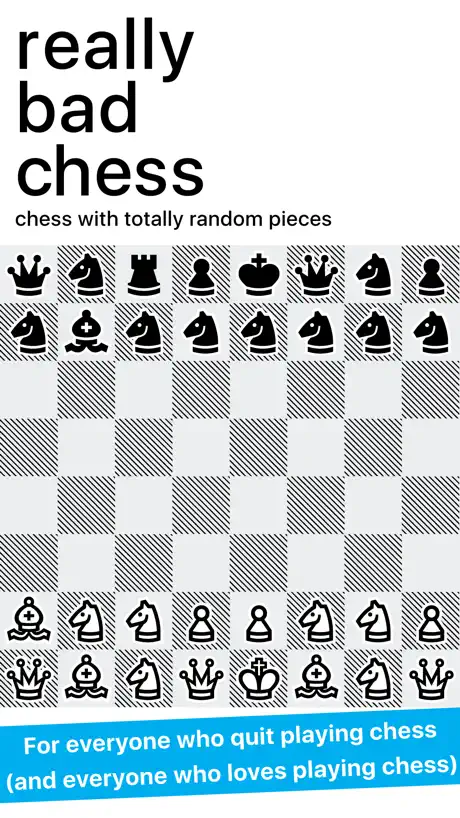  Really Bad Chess | 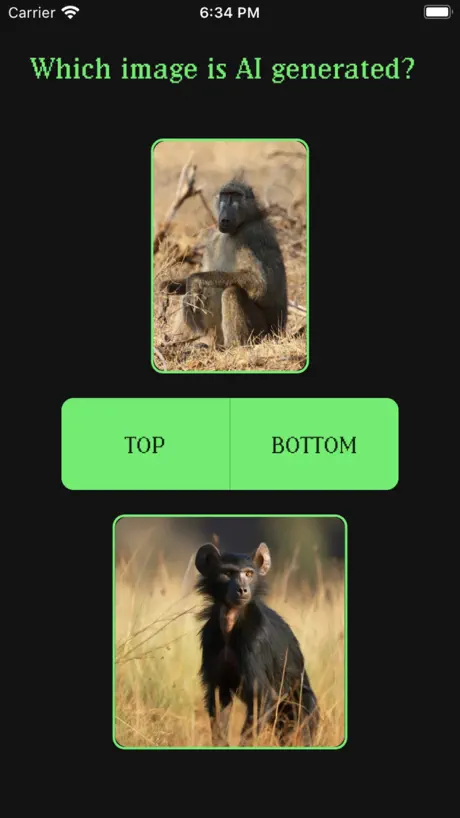  Human or AI |   Oceans Board Game |   Bold Attack |   Little Go |   Warlands |   Kriegspiel |   Marble Run : Race builder |   The Ouroboros King |   Pong-RT | |
|---|---|---|---|---|---|---|---|---|---|---|---|
| Rating / 5 | 4.5 | 3.8 | 4.1 | 4.5 | 4.5 | 3.8 | 4.2 | 4.6 | 3.3 | 4.0 | 4.1 |
| Reviews | 228 | 3.4K | 2.7K | 1.1K | 752 | 371 | 295 | 223 | 209 | 164 | 27 |
| Released | 2015 | 2016 | 2023 | 2020 | 2024 | 2011 | 2012 | 2022 | 2021 | 2023 | 2023 |
| One-time price | — | $0.99 | $0.99 | $0.99 | $4.99 | — | $0.99 | — | — | $7.99 | — |
The going rate for each plan in United States, in its own currency, shaded from the cheapest price on the row to the dearest. Plans fewer than four in ten of the priced apps sell are left out.
Game of Life Cellular Automata reviews
4.5 out of 5, based on 228 reviews.
What people like
- There are no annoying ads interrupting gameplay
- It runs smoothly without technical glitches
- A rewind feature helps you check past moves
- The developer actively supports and maintains the app
What they complain about
- The board is too small for big creations
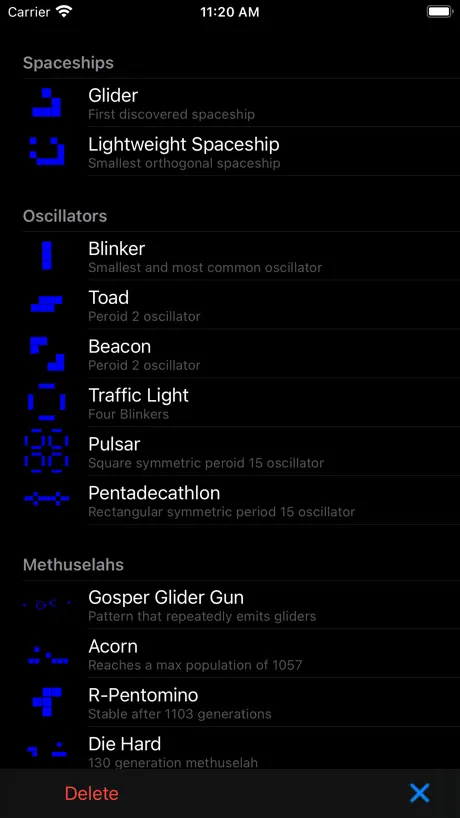
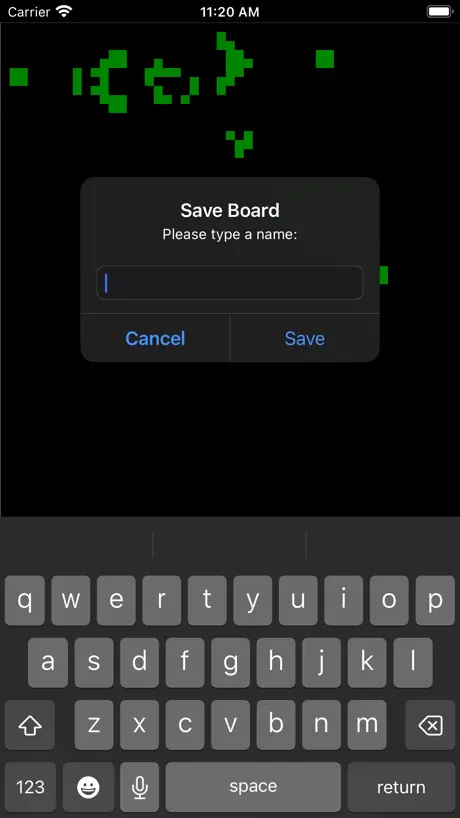
- You cannot save your own custom patterns
- It lacks an undo button to fix mistakes
- You cannot copy or paste designs easily
Just needs one more thing
Please, PLEASE ADD AN OPTION TO CHANGE THE RULES OF CONWAYS GAME OF LIFE SO THAT WE CAN DO SIMILAR THINGS LIKE HIGHLIFE
Good but i want to be able to add descriptions to my patterns, edit them and show pictures of them
This game is good but there are three things that need to be added in the next update. 1. There is a problem where pictures of my patterns do not show up when i save them. i need there to be a settings option to let pictures of them show up. 2. I hate that you can’t add descriptions to your patterns. I need there to be a settings option for that too. 3. It is annoying that I can’t edit my patterns. I need there to be a settings option for that as well. Other than the three things that need to be added in the next update, it is a great game!
Add a randomizer!!
Okay, so this app is actually pretty good with a handfull of basic structures for you to mess around with. However, the most important part of Conway’s Life is, in my opinion, the randomizer. It’s always fun to watch random patterns emerge and disappear. Also, sometimes, I see rule modifiers, so you can set birth and survival conditions to however many neighbors you want. Just a thought :)
Issues
The screen is very small
Settings
I like this game, but give us more settings! Like more colors, shapes, or probably an option between limited board and infinite board, maybe like putting saves into the board without clearing the board, button should be indicated with “IMPORT”. Also, developer, please respond. Although you don’t have to do this list but I like REALLY REALLY REALLY want the infinite board so my netmacer is infinite.
Good but a couple of small nitpicks
Nearly everything about this game is perfect. The board is not too big, and not too small. The amount of things you can customise is quite a lot. But there are two things that I feel you could fix, or add an option in the settings menu for. Firstly, while the board is the perfect size, it is not infinite. This means that your machines can get broken if they hit the map border. I feel that the way to fix this would be to add a settings option for either a wraparound function, like in Pac Man, or simply have an infinite board. Secondly, I don’t like the fact that if there are no changes in the next generation, time just stops. I feel you should also add a settings option for this, as it has really been nagging me for quite some time. Other than that, it’s an amazing game! I really like how you interpreted Conway’s game of life on to a digital format, and bye! I really hope you design more brilliantly crafted games like this!
Nvm I have no idea how to do anything
Sooooooooo boring
Hi Nathan
I like your version of „Game of life“. But I need a save function, too. Could you program a randomized area filling, too ? Please !!! 5-Star-Rating is waiting for you ;-)
Thank you for making this free
This app was perfect for demonstrating the Game of Life to my homeschool math circle. It has just enough functionality to be useful and engaging. It lacks advanced features like selecting, copying, pasting, color by generation, different rule sets, and larger machines, but for the price the current functionality is fantastic. And thank you for not filling it with adware. Very classy.
Bigger map
My creature is too big for the table . . Could I get a bigger table?
Re-add the Large board size.
Being stuck with the Medium board size really limits what can be done on here. I’m aware this isn’t meant for large contraptions like clocks; but some small things don’t have enough space to function anymore. Please bring back the Large board.
Just a couple things need to be added…
Soooo close. But ultimately frustrating to play with for lack of two things: 1) A reset button. Right before you hit the play button, the app needs to capture a snapshot of the board, and then provide a button that allows you to go back to that snapshot, instead of having to single-step all the way back. 2) Save function. This is so frustrating. When you find a cool pattern, you want to save it. The app features a “save folder”, but the only thing in it is a handful of pre-loaded patterns. You can’t add to it. These simple additions shouldn’t be hard, and would double the enjoyment of this app.
Game of Life
This is a wonderful game that shows the very interesting properties of John Conway's game of life. I believe that this is the best game of life application on the App Store. I would appreciate a setting to turn on the HighLife variant, where cells are also born with 6 neighbors along with 3. I have been using this app for many years and i appreciate the developer's prolonged support. Thank you.
Needs more pre builded creations
I love a good math game especially game of life, and it’s good, but it needs more pre builded creations and please add a thing where you can click your whole creation and move it.
No save or easy lacing method
I put a 3 because you can’t save what you constructed and also because it’s complicated to place rapidly or effectively.
Chill
The game is pretty fire. Its kinda hard to get a working colony, but it would be cool if you could assign specific colors to different squares to make separate colonies. Also, it would be helpful to maybe have a optional tutorial to show the different “machines” you could build.
Where is the settings button
The screenshots show that it is supposed to be where the delete button is, but its not there. Where is it? Other then that its pretty good and I like making different things like mediem and big sized space ships, and other stuff.
I don’t get it
I don’t understand this game
I love this game
This game it was exactly how I imagined it and at the end of this open instruction to help me how to make an easy bomb 💣. first make a three by three square. then from the top center build two sells up and put one to the left.
The basics
Or maybe not really even the basics. I could not find a way to restart or back up a sequence. It ran, it was over. Made it difficult to do repeat experiments. The demonstrations are interesting. Good that it’s free (somebody’s early project?), but I’d be willing to pay a couple of three dollars for a version of this with some experimental controls, if you know what I mean.🤔😉😊
It’s ok, I guess.
I’d prefer the playing space to be infinite, and the largest setting has no grid. It could also need a “undo” button to go back a generation.
I need a larger GRID!
it would be perfect if the grid can be infinitely large(or arbitrarily large), anyway, 80 80 is too SMALL!
amazing
i've been using it for a bit and noticed a few problems you could fix, 1 you should be able to drag your finger to make the little dots/cells or whatever the squares are called, 2 there should be a infinite board, 3 there might already be a way to do this but go back to generation zero without having to press back arrow tons of times other then that good game
Very basic
Very simplistic and bare bones. Hasn’t had significant content update in over a year
good game
its very good just wish there was no borders for bigger creations that dont fit on the current map
Nice
It works, no bells or whistles just pure Conway for the most part. It has a nice rewind function and everything works perfectly. Plus no ads getting crammed in your face that I noticed.
Great
Great app. The only thing is that at certain magnification, when the board is zoomed out, the grid disappears and it is not obvious where the border of the board is. It confused me at first as I did not know why the gliders would expire in what seemed to be a middle of the page - they just reached the border. Maybe a simple outline of the board is needed which is visible in the zoomed out view.
Almost there!
Drawing, undo, and rules would make this perfect! But otherwise it’s awesome
Perfect.
I just want bigger grid sizes.
I remember this game on one of the early macs.
I would like to see - a rewind button - a way to copy and past - the ability to draw with dots - the ability to speed up time
Game of Life Cellular Automata FAQ
- Is Game of Life Cellular Automata free?
- Yes. The app is free, in all 175 countries it sells in, and it sells nothing inside it.
- Does Game of Life Cellular Automata have a free trial?
- No. None of its offers (US) come with a free trial.
- What are the best alternatives to Game of Life Cellular Automata?
- Really Bad Chess (3.8 from 3,447 reviews, premium from $0.99), Human or AI (4.1 from 2,724 reviews, premium from $0.99) and Oceans Board Game (4.5 from 1,076 reviews, premium from $0.99).
Game of Life Cellular Automata download
Last updated 2 months ago.
Game of Life Cellular Automata sells in 175 countries. It was released 11 years and 3 months ago, on 17 Aug 2015. It holds a 4.5 rating from 228 reviews.
Supports 1 language: English.