Ruler - CM, MM, Inches
How much does Ruler - CM, MM, Inches cost?
Prices are current as of 7 Nov 2026.
Ruler - CM, MM, Inches has no in-app products on record in the United States.
10+ alternatives to Ruler - CM, MM, Inches
| Ruler - CM, MM, Inches | 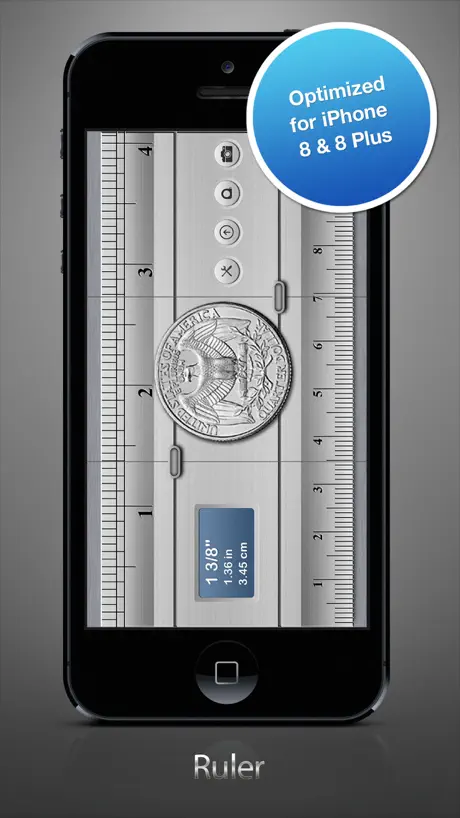  Ruler® |   Ruler AR - Measuring Tape Cam | 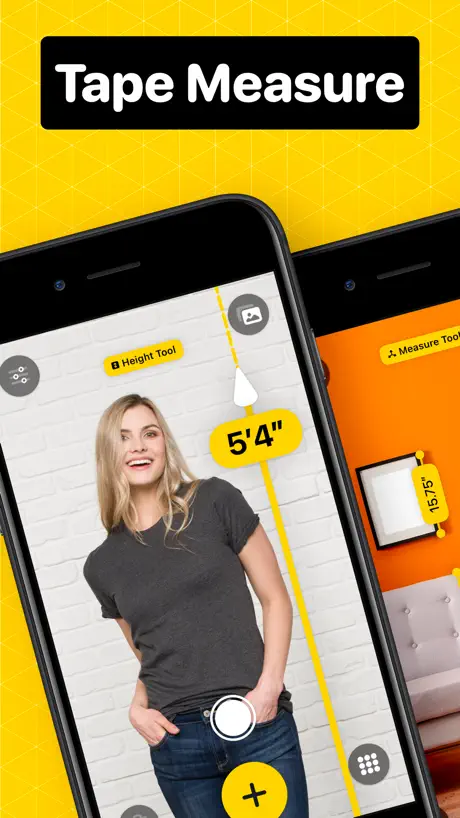  Measuring Tape +ㅤ | 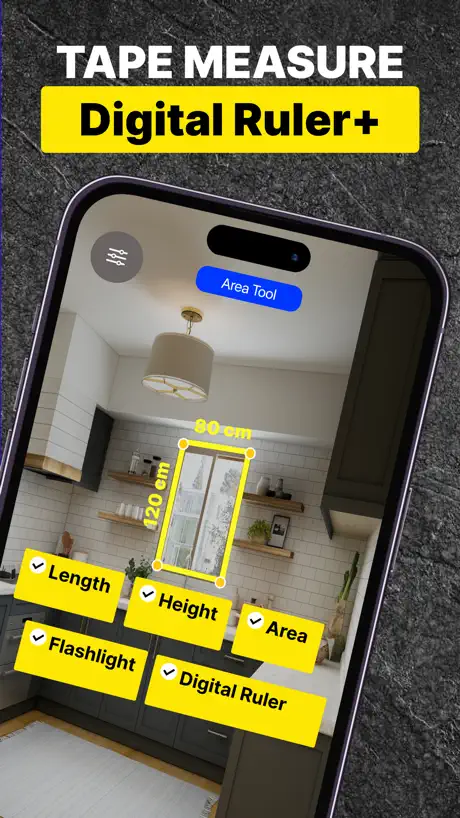  Measuring Tape+ Measure AR app |   测量工具-尺子、距离测量专家 |   Ruler, Measuring Tape - AR App |   Ruler • |   Ruler / Measuring Tape |   Ruler+ Utility | 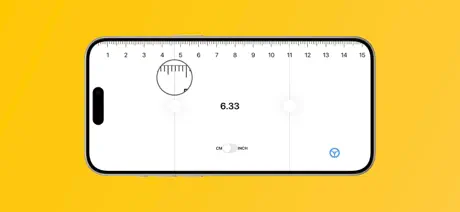  Screen Ruler: Measure Length | |
|---|---|---|---|---|---|---|---|---|---|---|---|
| Rating / 5 | 3.6 | 4.4 | 4.4 | 4.7 | 4.5 | 4.3 | 4.2 | 4.3 | 4.4 | 2.9 | 4.1 |
| Reviews | 507 | 59K | 21K | 19K | 11K | 10K | 4.3K | 2.4K | 1.9K | 341 | 235 |
| Released | 2015 | 2013 | 2017 | 2022 | 2022 | 2016 | 2019 | 2021 | 2017 | 2015 | 2016 |
| Weekly price | — | $1.99 | $5.99 | $2.99 | $9.99 | — | $2.99 | — | — | — | — |
| Monthly price | — | — | $1.99 | $4.99 | $11.99 | — | — | — | — | — | — |
| Annual price | — | — | — | $39.99 | $24.99 | — | $29.99 | — | — | — | — |
| One-time price | — | $1.99 | $0.99 | — | — | — | $1.99 | — | — | $1.99 | $1.99 |
The going rate for each plan in United States, in its own currency, shaded from the cheapest price on the row to the dearest.
Ruler - CM, MM, Inches reviews
3.6 out of 5, based on 507 reviews.
What people like
- Simple interface with no confusing extra features
- Developers fix bugs quickly when contacted
- Great for measuring small objects precisely
What they complain about
- Ads cover the screen and ruin usage
- Inch marks use decimals instead of fractions
- Measurements are often inaccurate on newer phones
- Your finger hides the numbers you need
Simply Perfect
A thought experiment led me to search for this app. And sure enough, some genius had already developed it. In my opinion, every iPhone and iPad needs this. Mostly because I value quantification.
Ads block the ruler lol
They literally put ads over the measurements, like, it’s a ruler app that hides the ruler to advertise to you. Hilariously bad.
Simple and easy
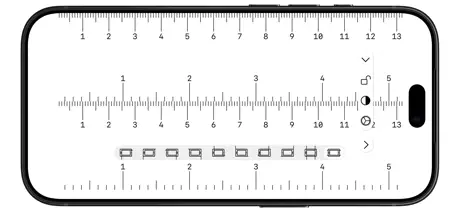
This is a very simple, flexible, and easy to use ruler app. No frills, just ruler. I like that you can have just cm or just inches or you can have both. Only thing I’d change is that when they have both it doesn’t line up at zero. Otherwise it would be 5 stars. Under the settings there’s a way to remove the ads in kid mode.
Too much ads
This app is pretty basic — nothing special or groundbreaking — but it’s completely ruined by the excessive ads. You get bombarded with them from start. It feels way too greedy for what it offers.
iPhone12 尺子刻度不准确有误差
iPhone12 尺子刻度不准确有误差
No frills meauring
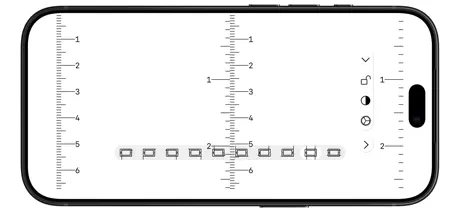
An excellent little app. Just the job for visualizing the size of objects within dimensions of screen or, in scrolling mode, much larger objects. Just what I needed!!
Can’t see measurements under finger
You can’t see the measurements under your finger as you adjust them. They should be slightly offset or fixed somewhere else
Ay man it’s pretty cool
Cool ruler, I had to measure something that we all know what it is.
Еще одно приложение в помойку.
После обновлений появилась навязчивая реклама.
please fix hash marks
People who use inches, use fractional inches that is 1/2, 1/4, 3/8, etc. Your increments are in tenths which actually make using inches very difficult
You Need To Download This App
This is one of the best rulers on the App Store. Simple to use, great interface, fluid, and the developer(s) listen to your feedback and are on the ball. On one update the app did not work on my iPad. I wrote them and within 48 hours a new update was available and fixed the issue. I have contacted other developers on different apps and nothing. This was amazing. So you have a great app and great people standing behind it. Not a brainer.
inaccurate
inaccurate by a lot. 1 1/4 pvc is measuring 1 3/4” in the app
希望回归一些功能
很棒的app 不过在更新之前曾经可以以手机顶点为刻度0而不是现在的刻度0显示在屏幕里 这一直是我喜欢这个app胜于其他app的地方 真正的变成一把尺子
Реклама
РЕКЛАМА НА ПОЛ ЭКРАНА!!!
Calibration wrong on iPhone 13 mini
I really like this app — it’s simple and clean-looking, and the ability to measure to the edge of the device is great. But there’s one big gotcha: on my iPhone 13 mini it over-estimates by about 13%. I’m sure it’s a screen resolution thing, but it would be great if we could calibrate this ourselves. I agree with another reviewer that it would be nice to be able to scroll the crosshairs without them always being under your finger.
Developer please read
The app is great. The only trouble I find is that if you are measuring something, your finger gets in the way when adjusting the grid. You should be able to click and drag from other parts of the screen to prevent this.
Soporte
Pantalla negra
Make your ads disppear
For anyone who is suffering from the ads, simply don’t give the app internet access (or change it later in settings), or take a screenshot and use it later in your photos. :)
No line from the start
No line from the start
Nearly great.
Firstly, as a ‘free’ app, it’s still very useful. Thanks for that. I’d be happy to purchase, but two aspects keep me from doing so: - My main issue is ‘inches scaling’ options. Would it be possible to have imperial scaling (8ths and 16ths) on the ruler as an alternative? I live/work in the UK, and although I’m metric for 99% of my work, imperial does have its place/need from time to time. So many tools/parts are a mix of metric and imperial that this is lacking on this app. - Secondary issue is that I’d like the XY position lines to be able to be used ‘offset’ from your finger, so that you can actually see the numbers clearly as you move them around (I hope that makes sense) as currently your finger partially conceals the numbers..annoying if you want to be more accurate. Thanks again!
Absolutely a great app
So i was curious about what size my pocket watch movement was and i was able to use this app to measure it and figure out what size it was. This app is great for very small objects. I highly recommend if you are into scale model stuff or anything that has to do with small things
No paid version anymore?
I had paid for the version without ads several months ago. I just checked today and ads are showing on my app. On top of that, I don’t see an option to remove them. What’s going on?
似乎没有适配新版iPhone SE
如题,软件还不错,但是似乎没有适配新版iPhone SE的尺寸,可以下载使用但是上面的刻度是不准的,这种情况下也是用不了啊,屏幕显示的1cm实际长度为1.16cm左右
12,5 см… больше нельзя!
Почему я не могу померить что-то предположим 20 сантиметровое? Я не понял как прокрутить линейку? Или это программное ограничение?
不知道为什么,这也能搞出误差
在12上面整个屏幕误差了1毫米,开发的时候怕是用的山寨尺子来校对的
It is a perfect ruler app
I never write reviews, literally this is my first review ever and this app nails the task at hand so well I had to compliment it. Super simple and has every feature you need but not too many, simple layout. Brilliant
Totally Useless for U.S. Inches!
Inaccurately portrays inch subdivision ticks between 1/2" marks: It's either THREE ticks: 1/8, 1/4, 3/8... or SEVEN: 1/16, 1/8, 3/16, 1/4, 5/16, 3/8, 7/16. This ruler has FOUR between 1/2" marks...WHAT?
No-Ad Option
This is a fairly simplistic ruler app that suits the needs I have, however, the ads are kind of annoying. This is an app I would pay a reasonable price around (maybe) $0.99 to make the ads go away forever. Otherwise, great app!
English units are not traditional
The inches ruler is decimal; it should at least have an option to show 1/8’s or 1/16’s
Inaccurate
I used real ruler against it on my iPhone XR and it was inaccurate after only 5cm. Needs calibration.
So amazing
I couldn’t find a ruler around the house and was thinking of getting another ruler from the local target and then found this app. Made my own ruler from this app. Recommended for sure!!!
Measurements are inaccurate
Measurements are inaccurate. The distance between one inch and two inches is bigger than a paper ruler. Also, when I clicked non App support there was a warning to not open the page as it was flagged as place that will try to steal personal information.
我花钱去广告的为啥还有广告,还把其他功能下架了
我花钱去广告的为啥还有广告,还把其他功能下架了
Inches are for architects, nobody else!
Please add an option to display inches using standard 1/16th, 1/8, 1/4. I will raise my rating to ⭐️⭐️⭐️⭐️⭐️
App good but can’t get rid of google ads
I bought this app and paid AU$1.49 but it keeps displaying Google ads at the top. I like the ruler app but hate ads distracting me so the user experience is diminished. Would be good of the ads can be removed. I’d give it 5 stars then.
Works.
Helped me measure my toes.
very shady
tried to download for homework, another app that id never seen started downloading with it (a game). i can’t trust it.
很贴心实用的小东西,但在我的苹果6上水平仪和指南针功能不好用啊……为什么?
再接再厉,完善完美。
小重量承重功能
以前可以按压下去感受重量的 现在不行了。不喜欢了 准备卸载..
The program needs a addition .
Like your program, but it needs a lot more. Please add a click on every 1/10 of a inch.. In the setup.
Amazing functionality
Not the prettiest interface but great tools.
Why would a ruler use tenths to measure inches?!
Seriously! How can you tell what 1/16 looks like when an inch is marked out in tenths. I'm guessing this was designed by someone who lives with metric.
Need update
Have too many ad. Crowded screen.Make an option to hide unwanted like calculator from screen add plumb bob seismometer tesla meter altimeter and barometer and metronome better spirit level and surface level
Ruler is in centimeters, not inches
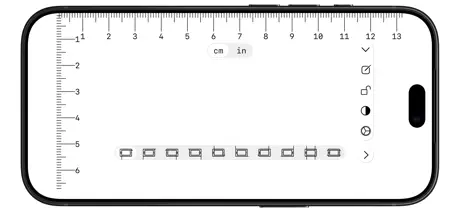
The app asks you for your screen size (there are 3 choices), then it shows you a ruler on two sides of your screen. Tapping on the screen gives you a crosshair sort of thing that you can move around. Unfortunately, the rulers aren't in inches (even though the 3 screen size choices are), and landscape orientation isn't supported. I also wish it would automatically figure out my screen size. Still, I like the crosshair so I'll keep the app (unless I find something better).
Nice app
Has a Simple ruler plus a protractor, level or leveler (to measure if a surface is flat), compass and a random light thing that flashes like a torch.
Worthless for Inches
If you’re looking to measure 1/4” or 1/8”, look somewhere else. If you need to measure 1/10”, then it’s perfect, except no one does this. Clearly someone who doesn’t understand American measurements.
Decent free app with clean interface
It's great having a simple ruler app. The interface is clean. The only thing I don't like is that the inches mode has subdivisions of 1/10th inch instead of the more standard 1/8th or 16th.
Only centimeters
Nice tool, but couldn't figure out a way to show inches. That makes it not very useful in the USA!
Ruler - CM, MM, Inches FAQ
- Is Ruler - CM, MM, Inches free?
- Yes. The app is free, in all 175 countries it sells in, and it sells nothing inside it.
- Does Ruler - CM, MM, Inches have a free trial?
- No. None of its offers (US) come with a free trial.
- What are the best alternatives to Ruler - CM, MM, Inches?
- Ruler® (4.4 from 59,385 reviews, premium from $1.99), Ruler AR - Measuring Tape Cam (4.4 from 20,711 reviews, premium from $0.99) and Measuring Tape +ㅤ (4.7 from 19,271 reviews, premium from $2.99).
Ruler - CM, MM, Inches download
Last updated 1 month ago.
Ruler - CM, MM, Inches sells in 175 countries. It was released 11 years and 3 months ago, on 12 Aug 2015. It holds a 3.6 rating from 507 reviews.
Supports 2 languages: English, Chinese.