Cvent LeadCapture
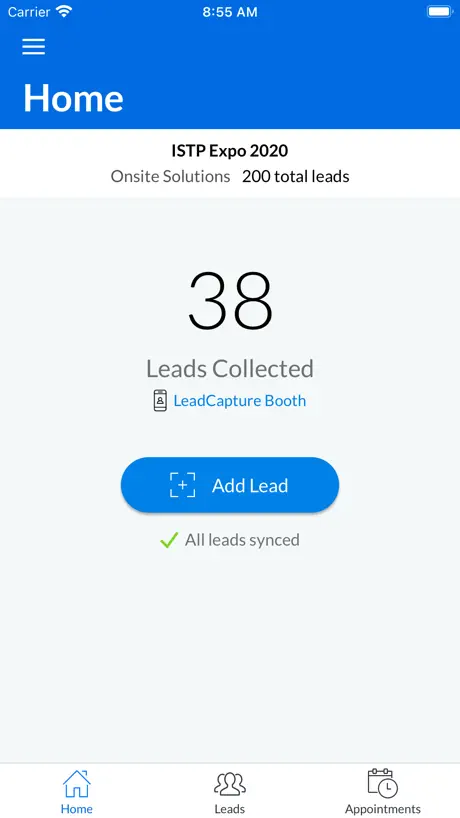
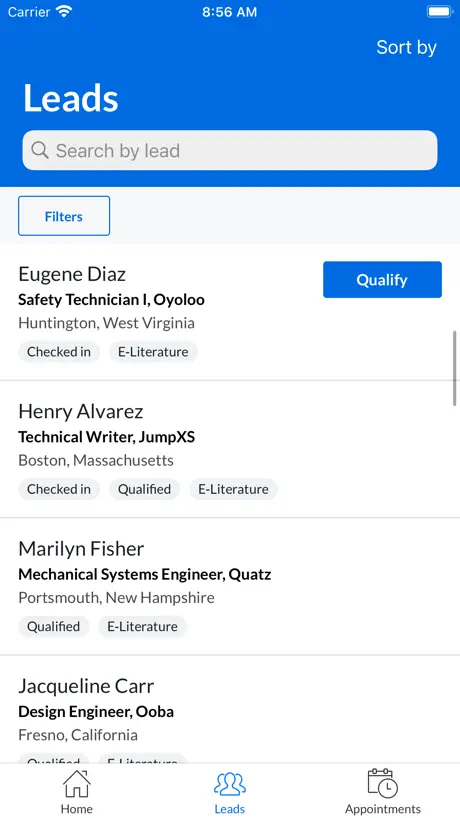
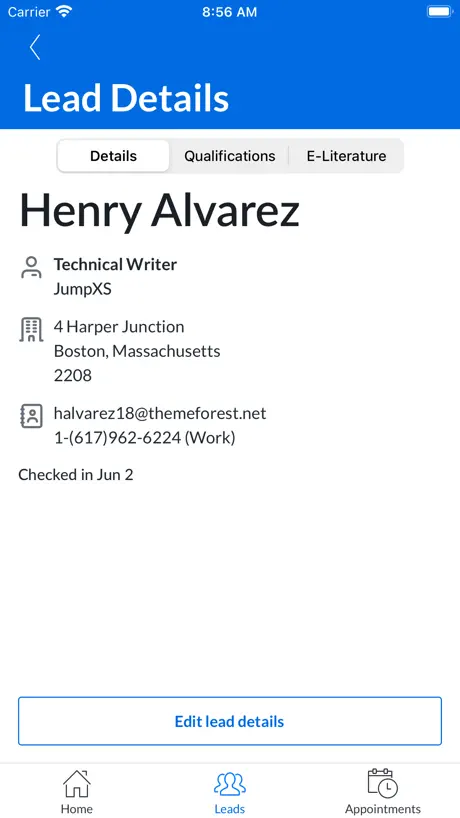
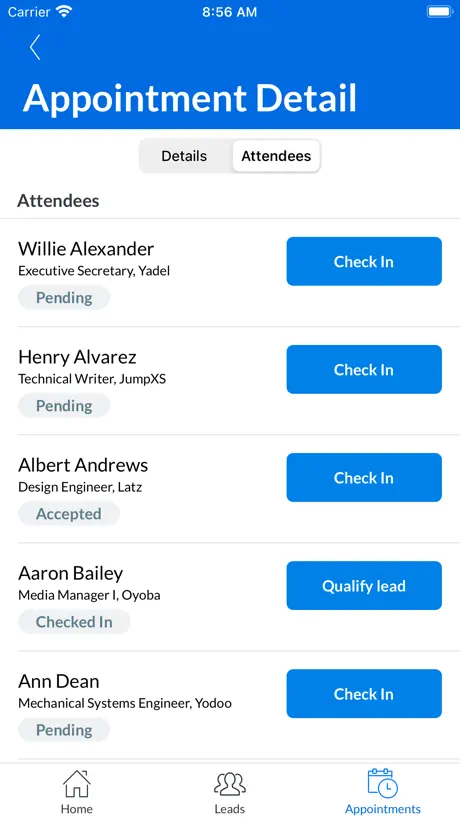
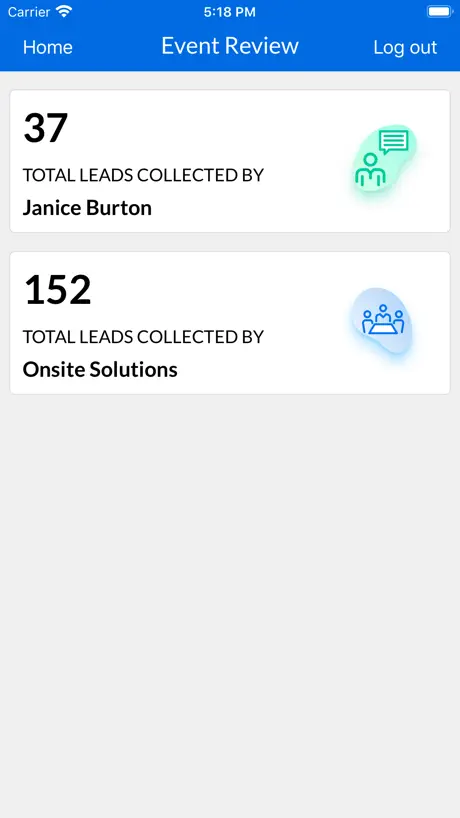
How much does Cvent LeadCapture cost?
Prices are current as of 14 Nov 2026.
Cvent LeadCapture has no in-app products on record in the United States.
10+ alternatives to Cvent LeadCapture
| Cvent LeadCapture |   Captello |   Gong.io |   SWAP by Maritz |   LeadsPlus |   XPress Leads |   AHA Meetings & Events |   eConnect by eShow |   Reuters Events |   LeadsPlus II |   CompuLEAD | |
|---|---|---|---|---|---|---|---|---|---|---|---|
| Rating / 5 | 4.5 | 4.6 | 4.0 | 3.0 | 3.8 | 4.6 | 2.6 | 5.0 | 2.0 | 5.0 | — |
| Reviews | 483 | 598 | 174 | 39 | 13 | 5 | 5 | 2 | 2 | 2 | — |
| Released | 2015 | 2019 | 2017 | 2010 | 2015 | 2024 | 2023 | 2019 | 2023 | 2025 | 2010 |
Cvent LeadCapture reviews
4.5 out of 5, based on 483 reviews.
What people like
- Scanning badges is incredibly fast and easy
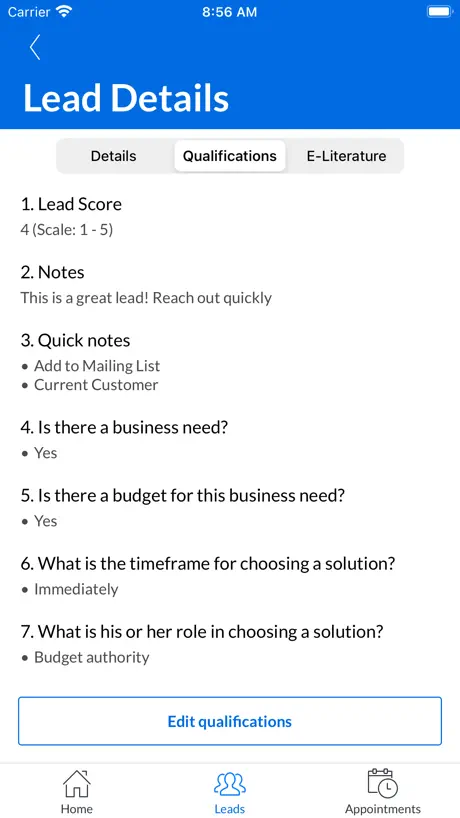
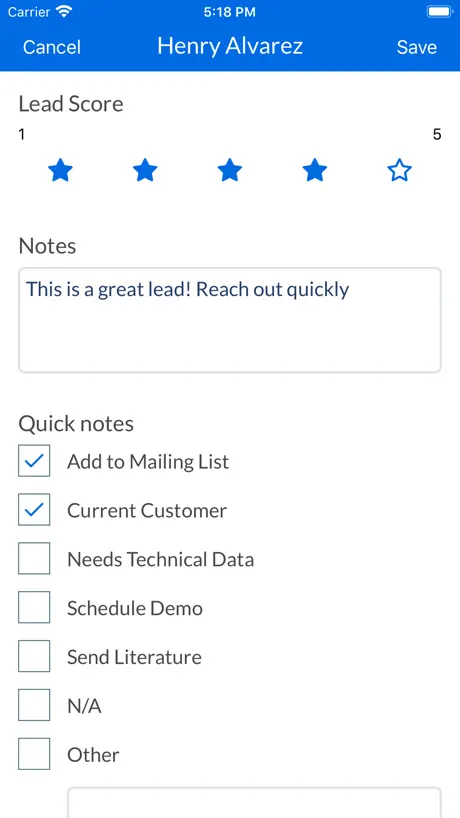
- Great for adding quick qualification notes
- Interface is simple and responsive to use
What they complain about
- Scans don't always save contact info
- You must tap done after every scan
- No option to manually add a lead
- App feels slow and clunky on phones
VP of Sales
Easy to use !
Keeps crashing
Won’t load
Very useful but sluggish
I am an exhibitor at professional convention, and I have tried using this application to capture leads. It is very quick in grabbing the barcode on the participants badge, but then it requires that you fill out a form or cancel it, and then getting back to scanning another badge takes three more presses on the screen, each one takes a couple of seconds so it’s a little cumbersome to grab more than one lead at a time. Otherwise, it seems to work well and is much easier than having participants write down their contact information.
Slow
Slow to open. This app is literally designed to be used in the moment and it’s pretty sluggish on an iPhone 15 pro. Dumb.
Works ok
Slow to take information
Quick
Efficient
Not working on android
Not working for android for big event
Great app limited info
Information uploads but is limited so every potential lead still has to manually enter information
Too many qualifiers
Just need to scan and put in notes.
Needs improvements
Not a great UI. Does not seem field tested.
Love it!
I love how easy it is to use! Well done!
No Manual Entry
Works just fine for scanning a badge, but does not allow for manual entry. This seems like a basic thing that should be included. Would have liked to have one place to capture all of our leads rather than in multiple places (scanned & unscanned)
Good fast Lead capture App
Good easy and fast. Should include draft saving for enabling of getting several leads in shorter time.
Have used better
Contact information was not captured for leads. No way to export leads to excel.
Need faster way to scan
Please take away manual clicks
Best lead capture tool I’ve ever used
Seamless. Fast. Effective. Great for quick notes and for qualifying prospects.
Clunky
Having to hit DONE after the capture stops the momentum and makes the user experience a negative.
Review
Cannot choose is what kind of categories an
Lead waiting room is missing
I would really like it if this app would allow you to scan multiple badges at a time and save them for later to include your qualifying questions. rather than having to do it in front of the customer
VP
Very responsive
Channel account executive
The codes scan sometimes and not others I can’t add in a lead without the barcode scanner anywhere that I can find and none of the scans come up with all of the information, including phone number
Ok
I expected more
Sales executive
Easy to use. Scans QR codes super quickly. Great note taking/qualification notes.
Only half the leads scan
For the amount of money we spend on the show and the LeadCapture app, you’d think it would work consistently. CVENT technology has always been problematic but this time I am losing HALF of my leads. I would be better off using a crayon and cocktail napkin.
Easy to use
Easy to use
Ram. Booth 1230
Not giving us email information. I could have taken pictures of badges. Can you fix this? Thanks so much
Easy capture
Like it
THE WORST! Pick a different App!
BUYER BE AWARE! This app did not work during the trade show. Not sure if it was security set too high by C vent or the meeting planner however, it failed to work and I was able to scan zero attendees coming into my booth. What a complete utter waste of time and loss of opportunity. Quite frankly, I’m not surprised since I have so much trouble with C vent RFP tool. Seems par for the course.
Easy to use!
Very snappy and responsive
Not saving email addresses
When I scan the persons code it’s not saving email
Awesome response time
Very quick with scanning badges.
Needs streamlining
For every scan, there should be an option. “save and scan new,“ to not have to save several times before scanning the next person who’s lined up. Needs several streamlining capabilities.
Cvent LeadCapture FAQ
- Is Cvent LeadCapture free?
- Yes. The app is free, in all 175 countries it sells in, and it sells nothing inside it.
- Does Cvent LeadCapture have a free trial?
- No. None of its offers (US) come with a free trial.
- What are the best alternatives to Cvent LeadCapture?
- Captello (4.6 from 598 reviews), Gong.io (4.0 from 174 reviews) and SWAP by Maritz (3.0 from 39 reviews).
Cvent LeadCapture download
Last updated 3 months ago.
Cvent LeadCapture sells in 175 countries. It was released 11 years and 2 months ago, on 11 Sept 2015. It holds a 4.5 rating from 483 reviews.
Supports 29 languages: English, Bulgarian, Croatian, Czech, Danish, Dutch, Finnish, French, German, Greek, Hungarian, Italian, Japanese, Korean, Norwegian Bokmål, Polish, Portuguese, Romanian, Russian, Serbian, Chinese, Slovak, Slovenian, Spanish, Swedish, Thai, Turkish, Ukrainian, Vietnamese.